Video

Veo 3.1
by GoogleMakes the sound with the picture, so dialogue and background audio come out in the same clip. Suits product scenes and short spots with a voice.
See Google Veo 3.1Pick the model that suits the shot. Every one runs from the same Predis.ai workspace, on the same credit balance.
Each clip below was made with that model. Choose one per video, or try the same prompt on two and keep the one you like.
Makes the sound with the picture, so dialogue and background audio come out in the same clip. Suits product scenes and short spots with a voice.
See Google Veo 3.1
Cuts between up to 6 shots in one clip while the subject stays the same. Suits short sequences in 1080p.
See Kling 3.0 Pro
Makes up to 30 seconds in one pass, cutting between shots on its own, with stereo sound and dialogue. Suits a whole short ad in one clip.
See Kling 4.0
Makes several shots in one clip and keeps the same subject across the cuts. Suits short sequences rather than a single shot.
See Seedance 2.5Makes up to 20 seconds in one take, with dialogue and sound made alongside the picture. Suits explainers and spots that need a voice.
See FLUX 3 VideoBrings a still image to life with sound, keeping the picture you started with intact. Suits posters, product shots and artwork you already have.
See Grok Imagine Video 1.5Writes its own music and sound with the picture, so the action can follow the beat. Suits music-led clips at 1080p.
See LTX 2.5 ProEdits footage you already have from one sentence, keeping the motion and your original audio. Suits changing a setting, color or outfit without a reshoot.
See Runway Aleph 2.0
Changes a video you already have from one sentence: the weather, the cast, the product or the whole style. Suits a reshoot you would rather not film.
See Kling 4.0 Edit
Fills the moment between a first and a last frame you choose. Suits reveals where the opening and the final shot both need to be exactly right.
See Wan 2.7
Comes in four versions, from Lite for quick drafts to H3 in 2K, all with sound. Suits testing an idea several times before you pick.
See MiniMax H3These eleven are a start. Sign in to see the full list and try any of them on the same credits.
Open Predis.aiEach image below was made with that model. Some are strongest at text in the image, some at editing a photo you already have.
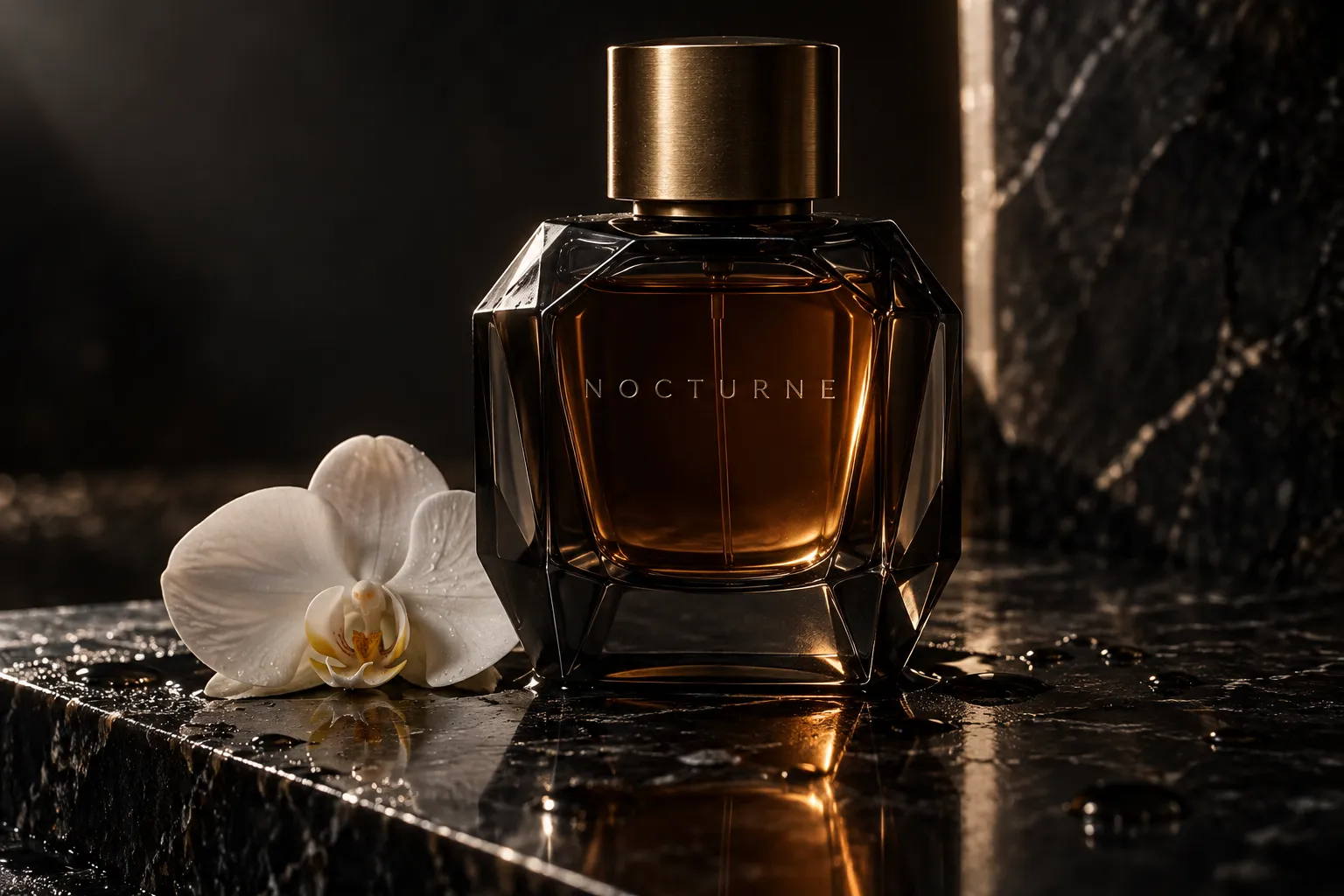 Image

Two versions: Flare for fast everyday images, Sunburst for edits where every detail has to hold.
See GPT Image 2.5 Image and GIF
Makes animated GIFs as well as stills, with up to 16 frames at the speed you set. Suits banners, stickers and product loops.
See GPT Image 2.6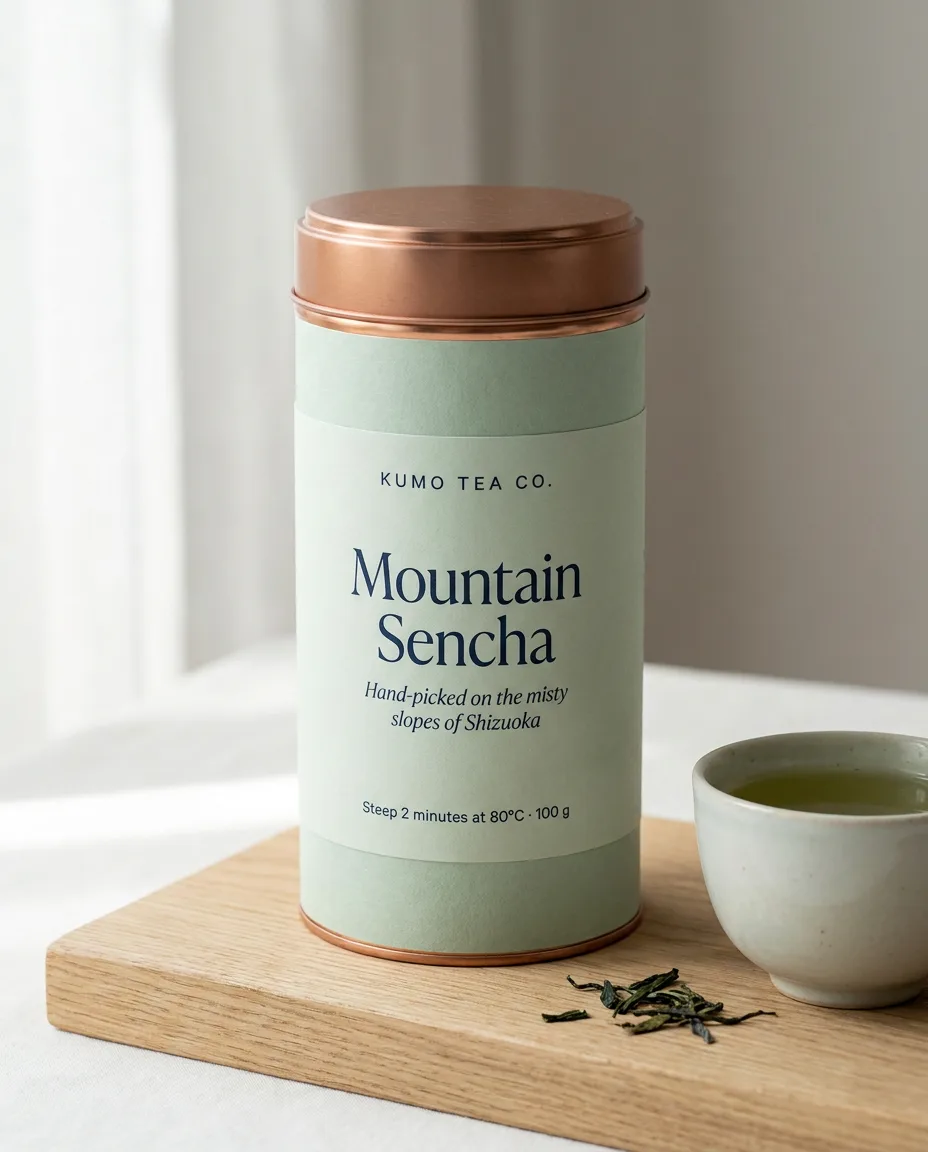 Image

Clear text in many languages, translated labels, and one scene built from up to 14 references.
See Nano Banana Pro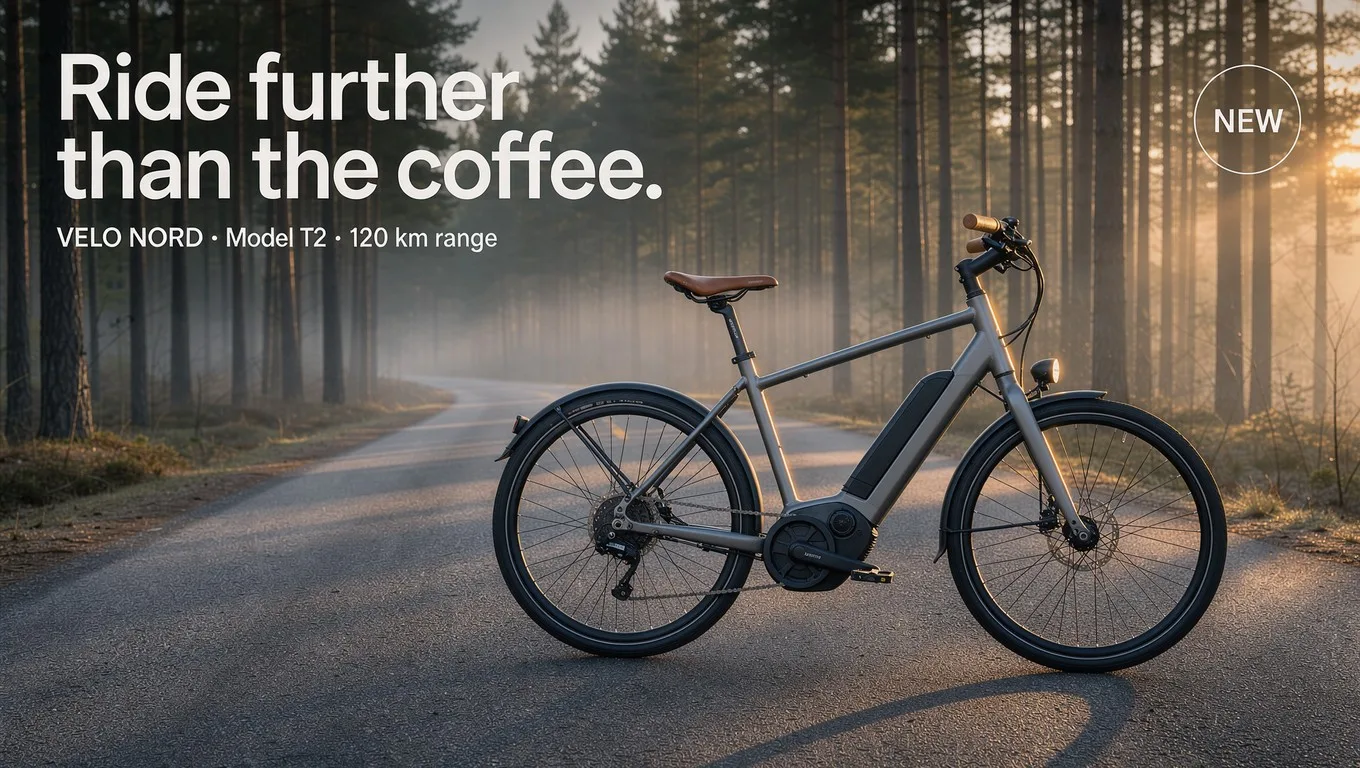 Image
Place each element of an ad with a box in the prompt, then change one thing and keep the rest.
See FLUX 3 Image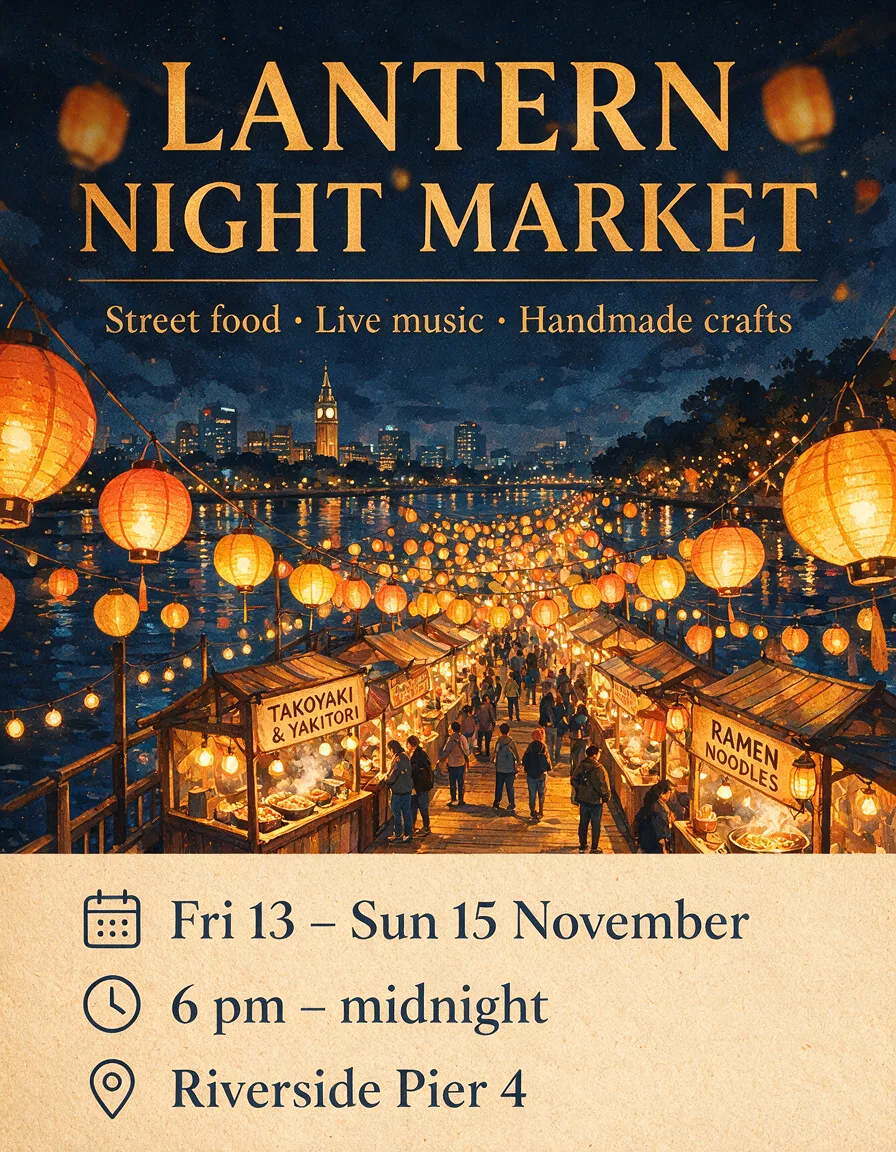 Image
Dense infographics, posters and app screens, with text in Chinese, English and more.
See Seedream 5 Pro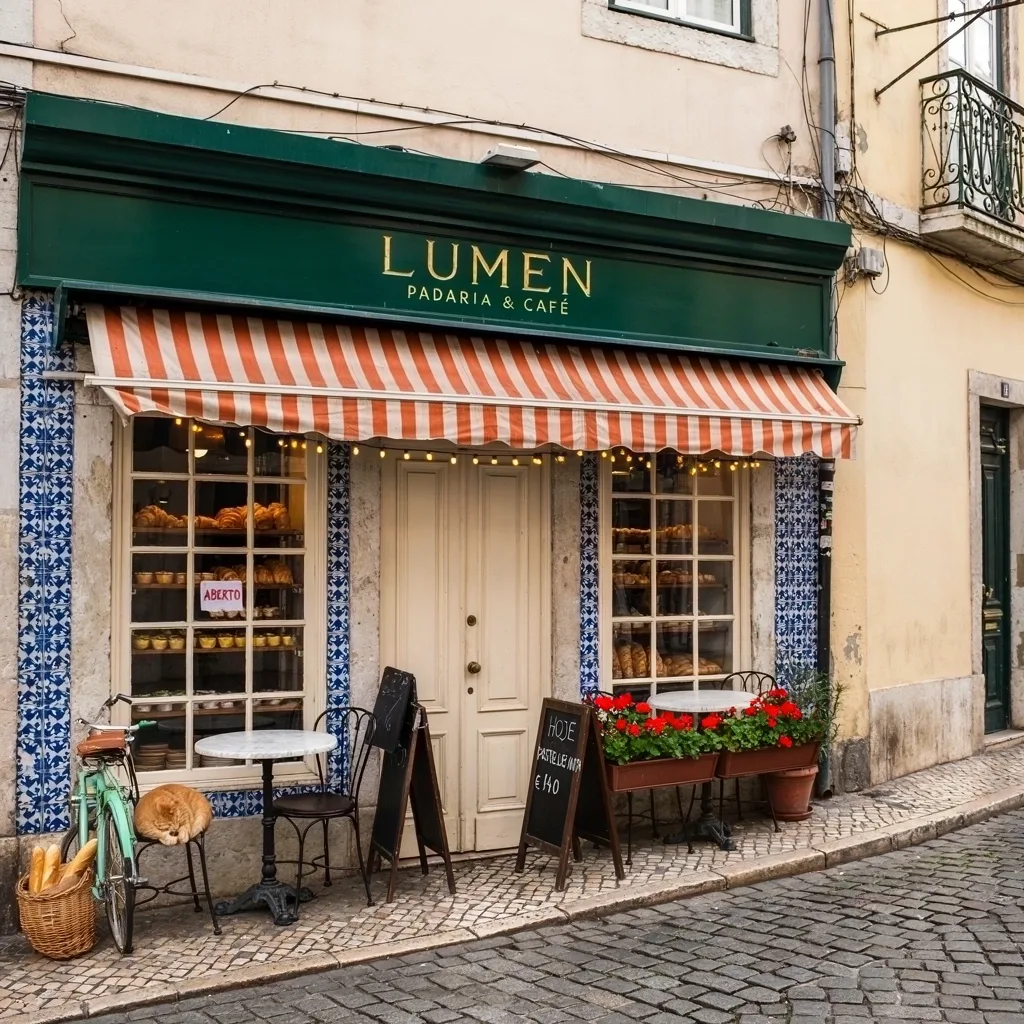 Image
Edit the same image again and again, and the parts you didn't mention stay put.
See Ideogram 4.5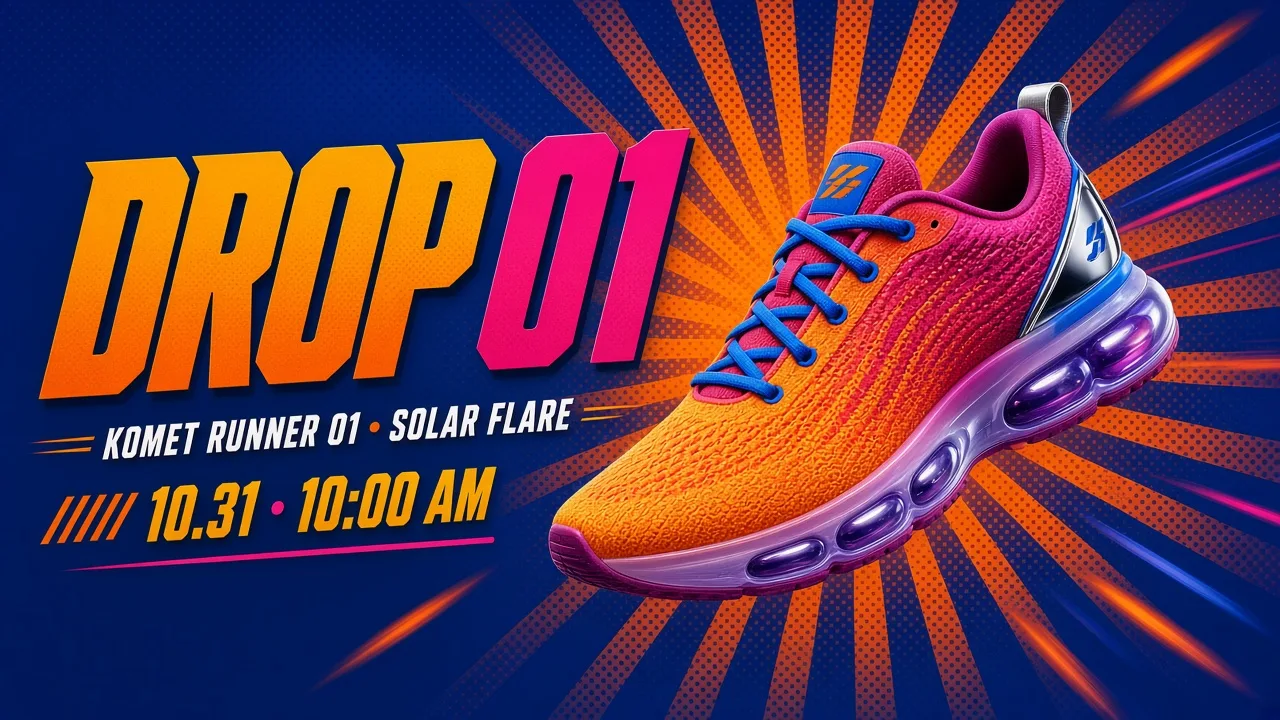 Image
One design laid out fresh for every shape, from a square post to a 20:9 banner.
See Grok Imagine Image 2.0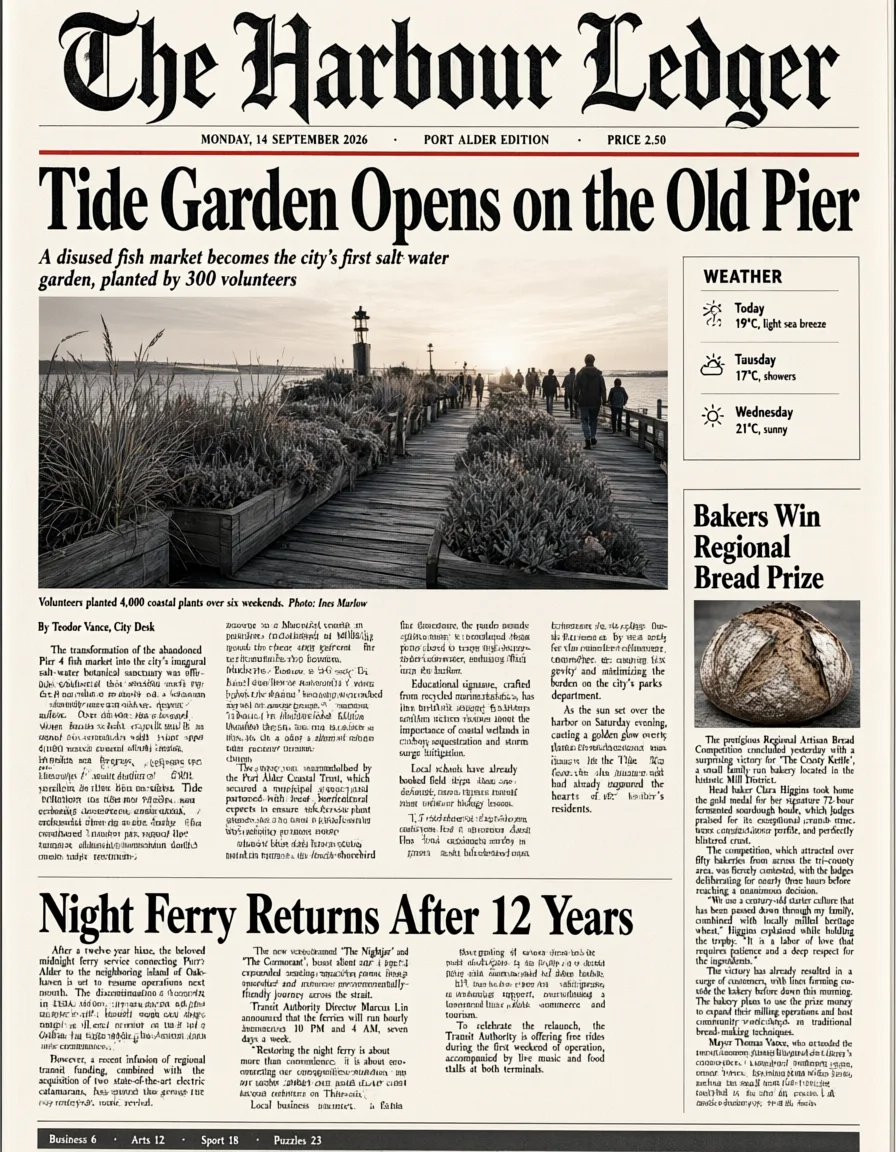 Image
One long prompt, a whole page back: front pages, menus and grids of infographics.
See Qwen Image 3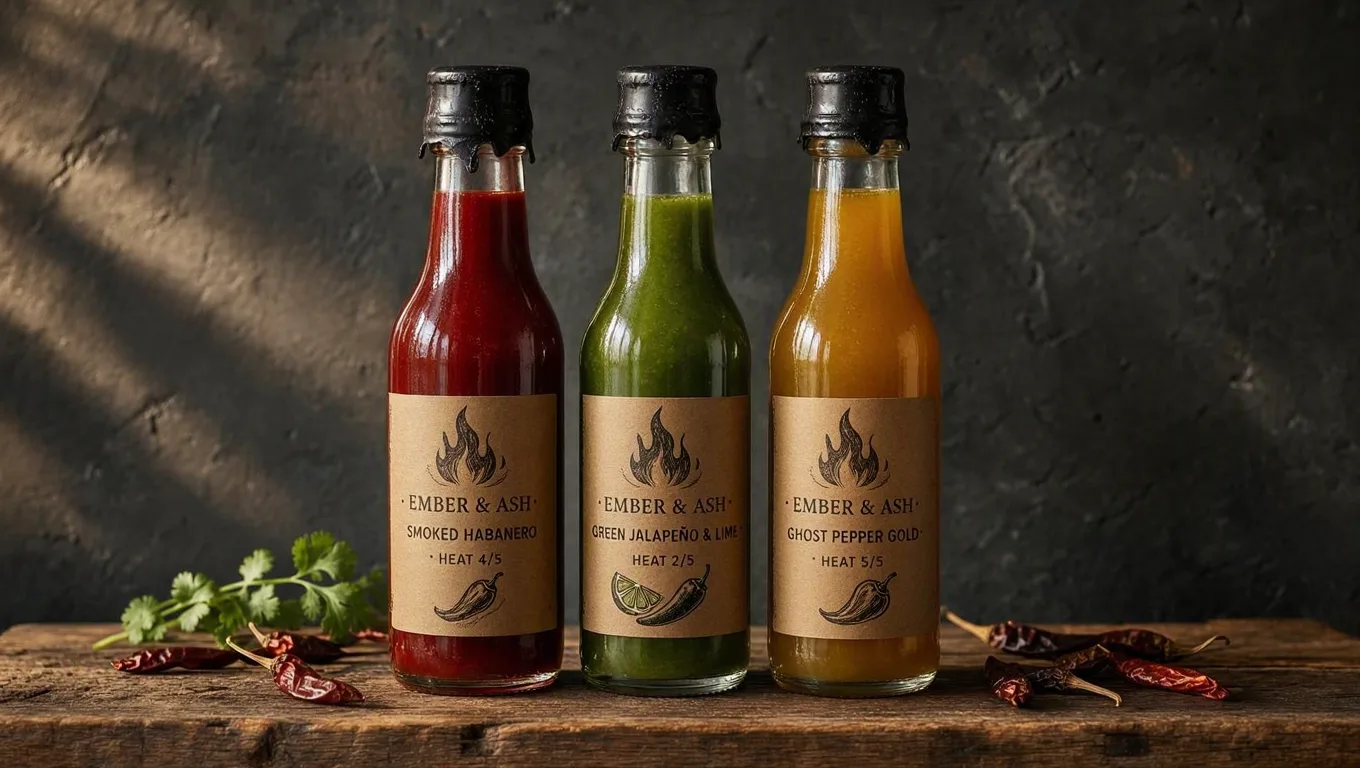 Image
Labels, packaging and signs, spelled the way you wrote them.
See MAI-Image-2.5These nine are a start. Sign in to see the full list and try any of them on the same credits.
Open Predis.aiSwitch models from one ad to the next without another subscription. Then edit, schedule and post from the same place.