


Free AI YouTube Shorts Maker

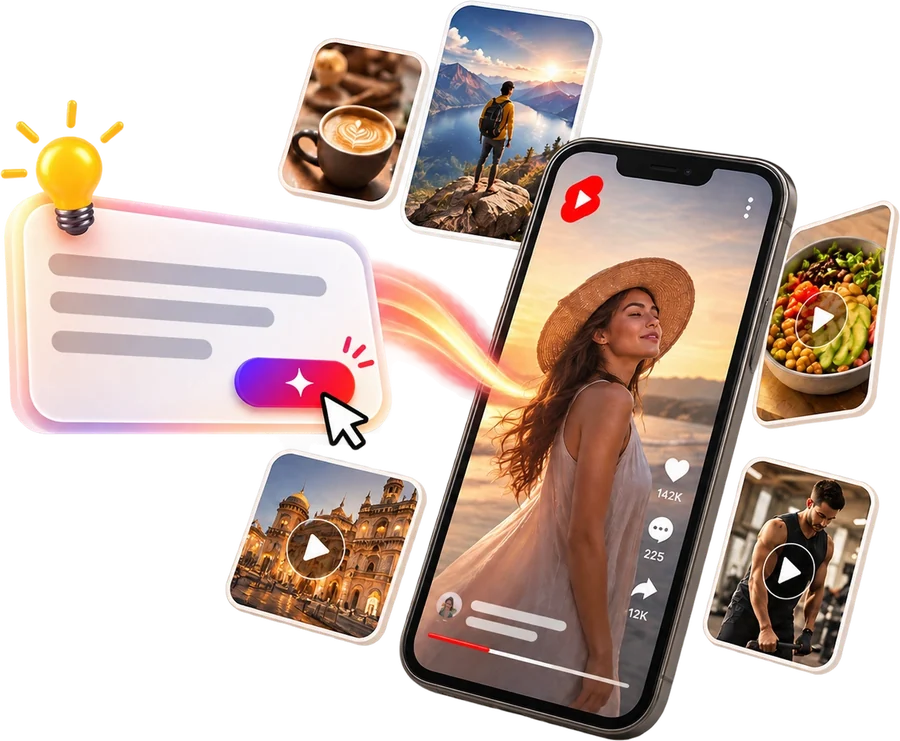
Drop in one long video, or just type what you want. The YouTube Shorts maker turns it into several vertical Shorts. It writes the script, finds the clips, and adds a voiceover, captions, and music. Your Shorts come back ready to post.

Make YouTube Shorts with AI

Watermark-free 1080p export · 9:16 vertical video · Auto-captions in 30+ languages

Long-to-short video conversion with smart auto-reframe, in seconds.

YouTube Shorts Templates for Every Niche

finance YouTube shorts template
fitness YouTube shorts template
pet product YouTube shorts template
UGC avatar YouTube shorts template
finance consultation template
food diet YouTube shorts template
fitness YouTube shorts template
adventure video template
travel YouTube shorts template
online clothing store template

How to Use the YouTube Shorts Maker in 3 Steps

Paste a long video for long-to-short video conversion, or type one line to build a Short from scratch. The AI clip generator handles the rest. It's built for content creators who want to repurpose one recording into dozens of clips, save hours of editing, and drive fresh traffic back to their long-form videos.

1

Drop in a link or type one line

Paste a YouTube, podcast, or webinar link, or just type one line of text. We grab the video straight from the link, so you never have to download or upload big files. Got a long recording? The tool cuts anything over 30 minutes into smaller pieces and turns the audio into text in more than 30 languages.

2

Let the AI find the best moments and build your Short

Viral moment detection scans the video and pulls the best moments. AI curation cuts the filler and dead air. The YouTube shorts maker writes the script, adds a voiceover, captions, and B-roll, and gives you a 9:16 video with an AI virality score. In one click, one hour of video gives you 10 or more clips.

3

Edit, then schedule or publish

Fine-tune any clip in the drag-and-drop editor, swap B-roll, or turn on auto-subtitles in 30+ languages, while smart auto-reframe keeps every speaker centered. Export watermark-free in 1080p, then publish to YouTube or queue clips in the content scheduling calendar.

Viral shorts icon

Turn Any Video Into Viral-Worthy Shorts

The YouTube shorts maker turns long videos into short clips. It picks the best moments and keeps them tight enough to hold attention. You can start from:

  • Podcasts and interviews
  • Webinars and Zoom calls
  • Twitch streams and gameplay
  • Existing long-form YouTube videos

Viral moment detection finds your most quotable segments. It cuts the filler words and dead air automatically. Then an AI virality score flags which clips are strongest, so you know what to post before you post it.

Create Shorts
Turn any video into viral YouTube shorts
Smart auto-reframe icon

Smart Auto-Reframe: Perfect 9:16 Every Time

When a 16:9 recording becomes a 9:16 Short, people tend to fall out of frame. Smart auto-reframe tracks whoever is talking and keeps them centered through the crop, so faces stay in shot and nothing important gets cut off. It runs on every clip automatically, with no keyframing, turning a wide podcast or webinar into a clean vertical video.

Reframe My Videos
Generate YouTube shorts with AI
Text to video icon

Instant Video Generation From Text

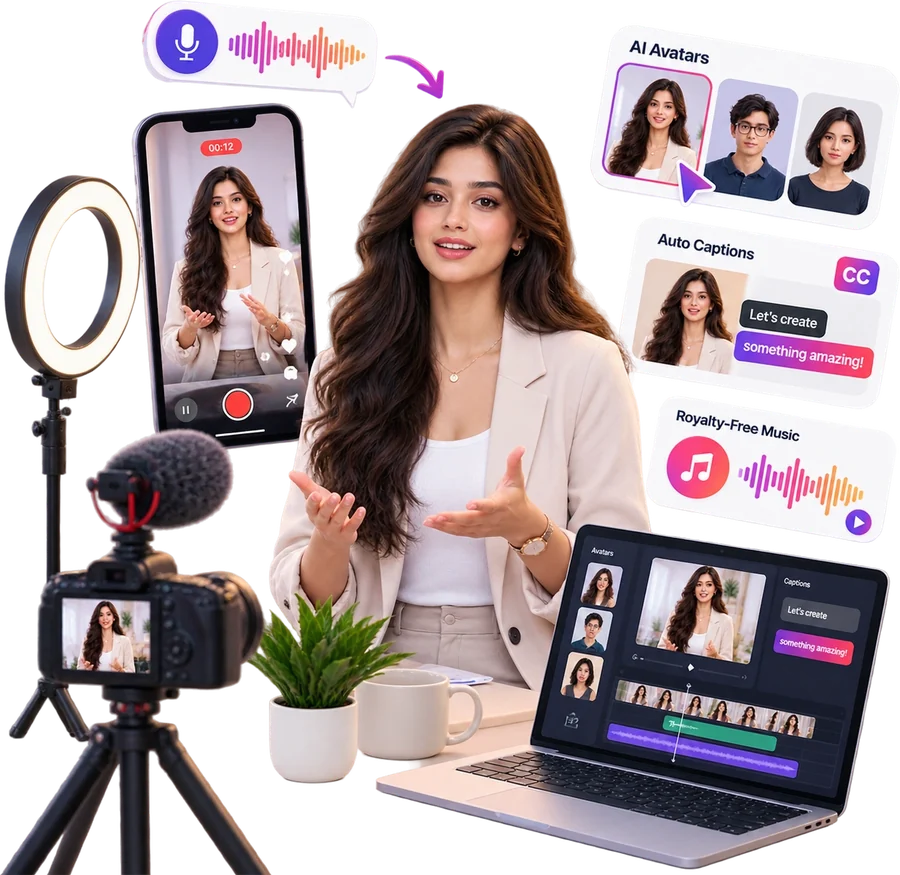
Type a prompt and the short video maker writes the script, picks stock media, and exports a vertical Short in seconds. Already have a long video? Prompt-based clip extraction works the same way: type the topic you want, and the AI finds and pulls the exact matching clip. As it builds each Short, stock video, images, and royalty-free music drop in on cue. Prefer to stay off camera? Faceless video creation builds the whole Short from the same prompt, with voiceover and captions included.

Generate Shorts with AI
Edit and translate shorts icon

Edit and Translate Your Shorts

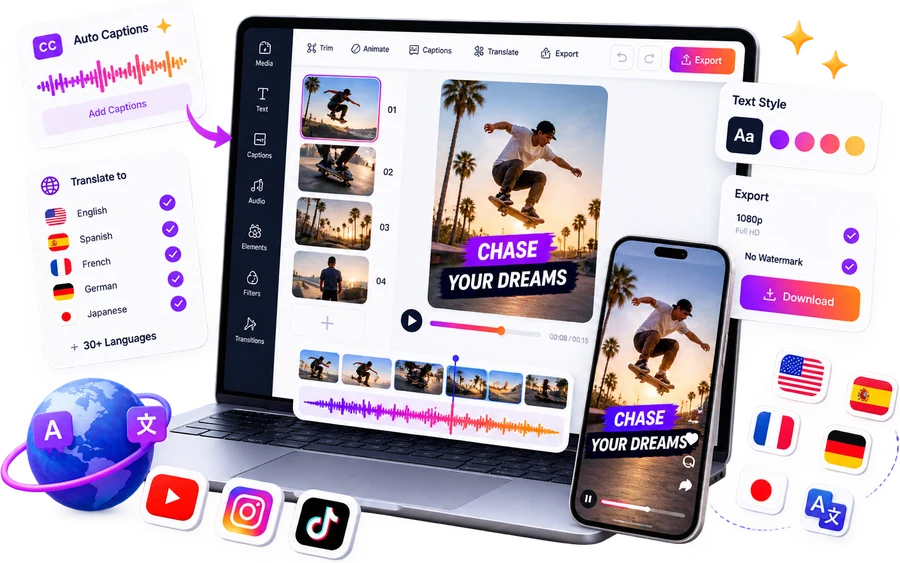
Trim any clip frame by frame in the AI video editor, rearrange scenes, and swap B-roll. Every edit stays reversible. The tool turns your audio into animated captions with dynamic fonts and emojis that hold attention on a silent scroll, when most people watch without sound.

Video translation then dubs the audio and swaps the on-screen text in 30+ languages at once, so a single clip can serve multiple regions. Titles, descriptions, and hashtags are generated to fit the YouTube algorithm, not picked at random, and everything exports watermark-free in 1080p.

Try AI YouTube Shorts Generator
Edit and translate YouTube shorts with AI captions
schedule YouTube shorts
Schedule shorts icon

Schedule YouTube Shorts Seamlessly

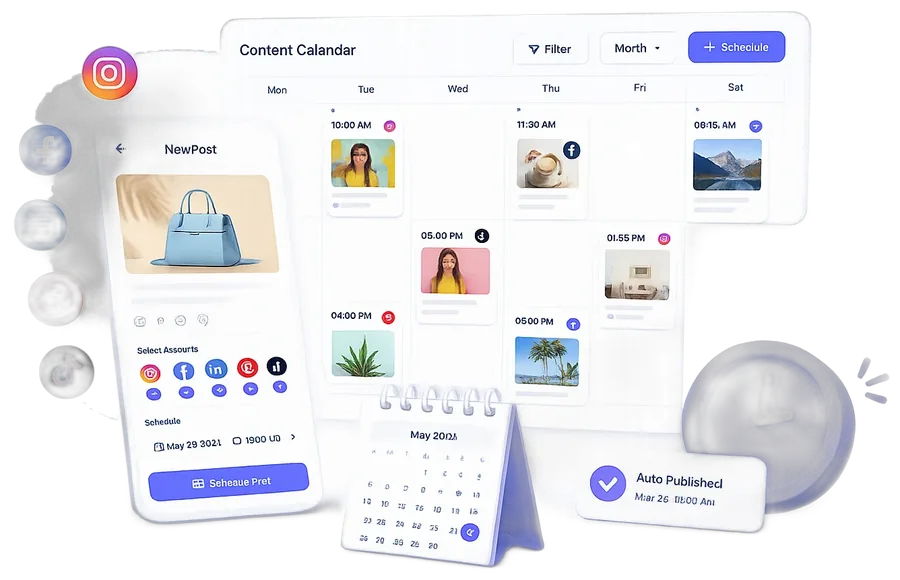
Plan, generate, and queue a month of Shorts in your content scheduling calendar in one sitting. Bulk short clip generation lets you produce a whole batch at once. Set the publish times, and autopilot publishing keeps the schedule running on its own. You plan once, and the YouTube shorts maker handles the rest.

Try YouTube Shorts Generator
Voiceover and dubbing icon

AI Voiceovers and Dubbing for Shorts

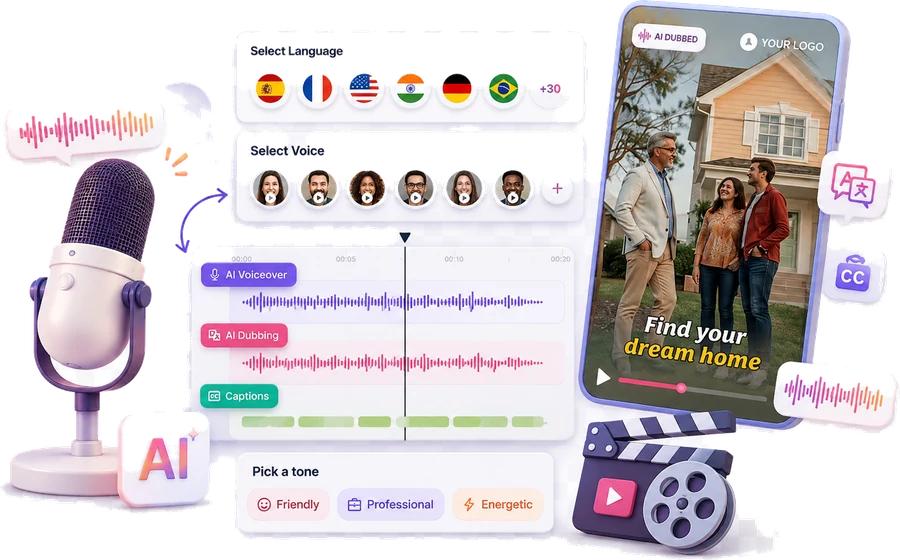
Add a lifelike voiceover without hiring a voice artist. Use your own script or let the AI write one, then pick from hundreds of voices and dialects across 30+ languages. AI dubbing translates the audio for new markets, and every voiceover lines up with the animated captions automatically, so one Short can reach viewers in every region you publish to.

Create Shorts with Voiceover
YouTube shorts voiceover

Frequently Asked Questions

How to make YouTube shorts with AI?

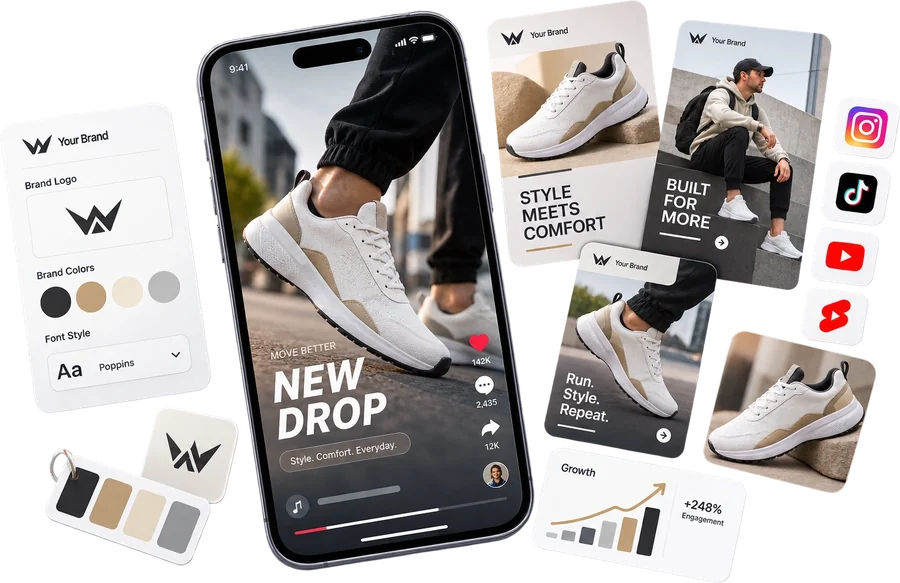
Give a simple text input to our AI, and it generates the script, adds logo, colors, text, voiceover, images, and background music, delivering a ready-to-post video. You can create engaging Shorts quickly without manual editing.

Can I schedule YouTube shorts?

Yes, link your YouTube account and schedule or publish your videos directly from our app using our AI YouTube Shorts maker.

What are YouTube Shorts?

YouTube Shorts are vertical videos 60 seconds or less, built for quick, engaging viewing on YouTube. They work like TikTok videos, and our YouTube Shorts maker creates them in minutes.

How many Shorts can I create from one video?

You can create multiple Shorts from one video by selecting different segments with our AI YouTube Shorts maker, maximizing the content from a single upload into several engaging clips.

How do I convert long videos to Shorts?

Paste a YouTube, Zoom, or podcast link into the YouTube shorts maker, and the AI transcribes the video, finds the most engaging moments, and uses AI auto-reframe to crop each one to 9:16 vertical. For long recordings, long-video chunking splits anything over 30 minutes into overlapping parts, so you get several ready-to-post Shorts from one long video in one click.

stars-icons

What creators say about the YouTube Shorts maker


4.8/5 from 1523 Reviews

lisa testimonial

Lisa Gomez

Founder, Skincare Brand

"Before Predis.ai, I'd skip posting for days just trying to catch up on orders. Now, all my product drops, reviews, and offers go out like clockwork. It's like having a full-time social media manager at a fraction of the cost."

tyler social media manager testimonial

Tyler Reed

Social Media Strategist

"Managing 8 client accounts was chaos until I found Predis.ai. I now schedule a week of TikToks for each client in under 2 hours."

ava influencer testimonial

Ava Brooks

Wellness Influencer & YouTuber

"I used to spend my Sundays batch-creating and scheduling everything. Now Predis.ai does it for me. My content stays consistent even when I'm off filming or traveling."