Built for the teams behind growing businesses
Type a topic or paste a link, and Predis.ai writes the slides, picks a layout and adds your brand. Change anything you like, then post the carousel to LinkedIn or schedule it for later.
Rated 4.7/5 on G2Built for the teams behind growing businesses
Your next LinkedIn carousel starts with one topic
Tell Predis.ai what you want to share. You'll get a full carousel back, written and designed, that you can post as is or edit first.
Create LinkedIn carouselsType what you want to post about, or paste a PDF, a YouTube link or a product page. Predis.ai picks out the points that deserve their own slide.
Predis.ai writes the copy, picks a template and lays out each slide. It adds your logo, colors, caption and hashtags too.
Change the text, fonts or template, and drag shapes and stickers where you want them.
Post it to LinkedIn now, pick a date on the calendar or download every slide at once.

Paste a PDF or a YouTube link, and Predis.ai pulls the key points into slides you can edit. It's a LinkedIn carousel creator that turns work you've already done into your next post.
Try for Free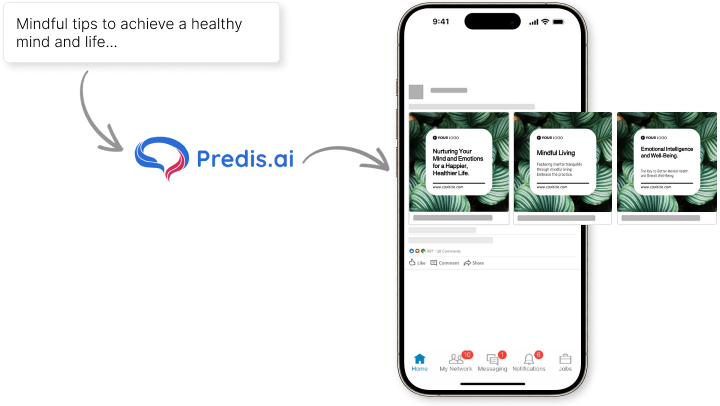
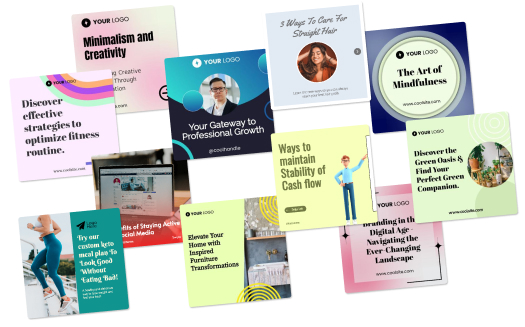

Share a milestone, teach something you know or promote an offer. There's a template for each kind of post, and every one picks up your brand colors and logo.
Try Now
Save your logo, colors, username and hashtags in a brand kit once. Predis.ai adds them to every carousel it makes, so each post looks like it came from you.
Make LinkedIn carousels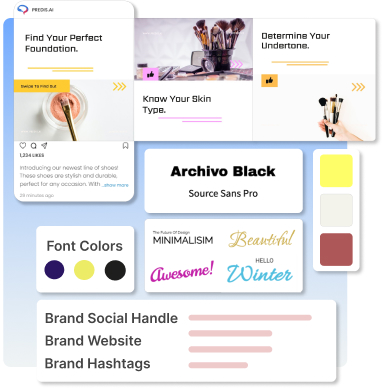
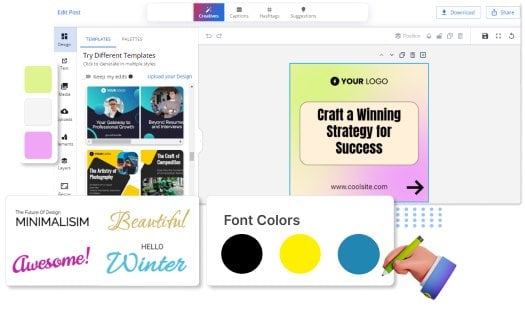

Rewrite a line, change the font or try a new template on any slide, then drag images and shapes where you want them. You don't need design skills to use this LinkedIn carousel editor.
Design LinkedIn Carousel
Pick images and videos from our copyright-free library. There are visuals for every niche, and you won't have to worry about licenses.
Try for Free
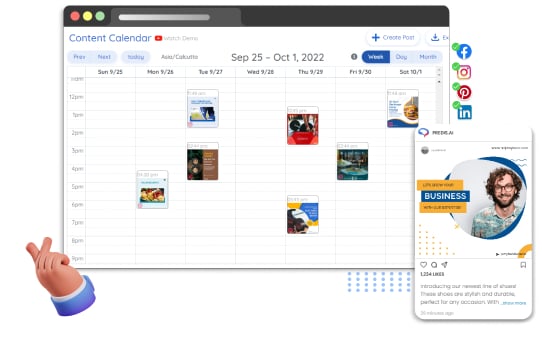
Publish a carousel right away or pick a date and time for it. You can plan a full month of LinkedIn posts ahead and see them all on one calendar.
Design LinkedIn Carousel
Write your topic in one language and get the carousel back in another. That way, each post reaches people in the language they read.
Try for Free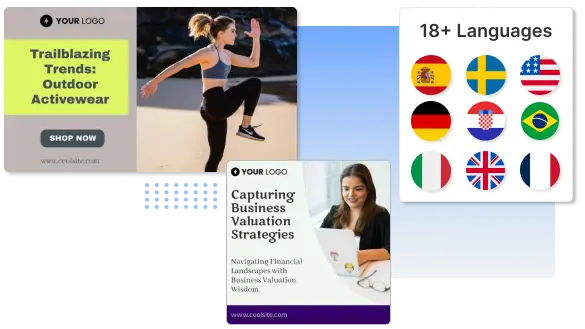
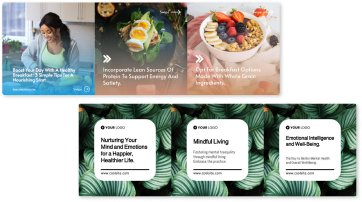
A carousel breaks one idea into short slides your network can swipe through. It works well for tips, lessons, case studies and step-by-step guides worth saving.
Make CarouselsReviews and stories from businesses creating their social content with Predis.ai.
Social media used to take too much time and energy. [Predis.ai] has helped me stay visible in the marketplace and keep my marketing activities moving.

"Social media was something we knew we had to do, but it never really got done properly. Predis made content creation faster, simpler, and way more consistent for us."

"The images and the videos it has generated have been very beautiful and very successful in helping me sell my product. I would highly recommend them."

"Everything actually looks put together without me spending hours on it. I don't sit there staring at a screen wondering what to post anymore."

"There is no store that sells time, and that is exactly what Predis does. Once you've tried it, you won't let go."

"Social media was something we knew we had to do, but it never really got done properly. Predis made content creation faster, simpler, and way more consistent for us."
"The images and the videos it has generated have been very beautiful and very successful in helping me sell my product. I would highly recommend them."
"Everything actually looks put together without me spending hours on it. I don't sit there staring at a screen wondering what to post anymore."
"There is no store that sells time, and that is exactly what Predis does. Once you've tried it, you won't let go."
It's an AI tool that writes and designs LinkedIn carousels for you. Type a topic or paste a link, and you get branded slides ready to post.
Yes. You can post a carousel to LinkedIn right away or schedule it on the content calendar. Auto posting starts on the Rise plan.