Video model by Black Forest Labs

FLUX 3 Video

FLUX 3 Video makes 5 to 20-second clips with sound, and it doesn't pull everything toward one glossy look: the same model does raw phone footage, nostalgia, comedy and the plain strange. The documentary above came from a single sentence, since FLUX 3 fills in the rest from what it knows.

Make a video with FLUX 3
Made with FLUX 3 Video

The prompt

A 20-second nature-style documentary, with a calm British narrator, about how the James Webb Space Telescope unfolded its golden mirror after launch.

Settings

  • 20 seconds
  • 720p
  • 16:9
  • Sound on

Made with FLUX 3 Video on October 26, 2026. Trimmed only, nothing else touched.
Try this prompt

A 20-second documentary about the James Webb Space Telescope unfolding its gold mirror in deep space, with a narrator, made with FLUX 3 Video from a one-sentence prompt.

Range

One model, six looks

Black Forest Labs says FLUX 3 Video isn't tied to a cinematic style, so here it is doing everything else as well. Filter by look, then open any clip for its prompt.

Spec sheet

  • Made byBlack Forest Labs
  • ReleasedAugust 4, 2026
  • Clip length5 to 20 seconds
  • Resolution720p, or 1080p upscaled
  • Aspect ratios21:9, 16:9, 4:3, 1:1, 3:4, 9:16
  • SoundDialogue, effects and ambience
  • LanguagesMore than 13, including English, Spanish, Hindi and Japanese
  • InputsText, or images as the first and last frame
  • Open weightsNot yet; FLUX 3 Dev is planned
  • Takes per runUp to 2 from the same prompt
Last checked on October 26, 2026.
Keyframes

Two frames you choose, ten seconds it fills

Pin an image to the start and another to the end, and FLUX 3 Video works out everything in between. Here a pencil sketch turns into a plain prototype and then the finished lamp, the way a product actually gets made.

Hover a keyframe to see where it shows up.Tap a keyframe to see where it shows up.

Keep the camera angle the same in both images, so the clip changes the object, not the viewpoint.

What FLUX 3 made between them

A pencil sketch of a desk lamp, drawn beside its measured views, turns into a matte white prototype and then the finished brushed-steel ARC lamp, made from a first and a last frame.

The prompt between the keyframes

16:9, 10 seconds, sound on. Keyframes: Image 1 as the first frame, Image 2 as the last frame. One continuous shot; the camera does not move. Look: a calm, premium product-design film. The lamp stands on the left, with its side, top and shade drawings on the right. The pencil lines of the sketch fill in until the lamp stands as a matte white prototype against a soft gray studio wall. Then the arm, shade and base turn to brushed steel with "ARC" engraved on the base, the drawings on the right fill in to match, and the shade switches on, warm light spreading across the desk. Sound: quiet studio ambience, and the click of the lamp switching on.

Settings

  • 10 seconds
  • 720p
  • 16:9
  • Sound on

Made with FLUX 3 Video on October 26, 2026. Trimmed only, nothing else touched.
Try this prompt
Workflow

How to make a video with FLUX 3

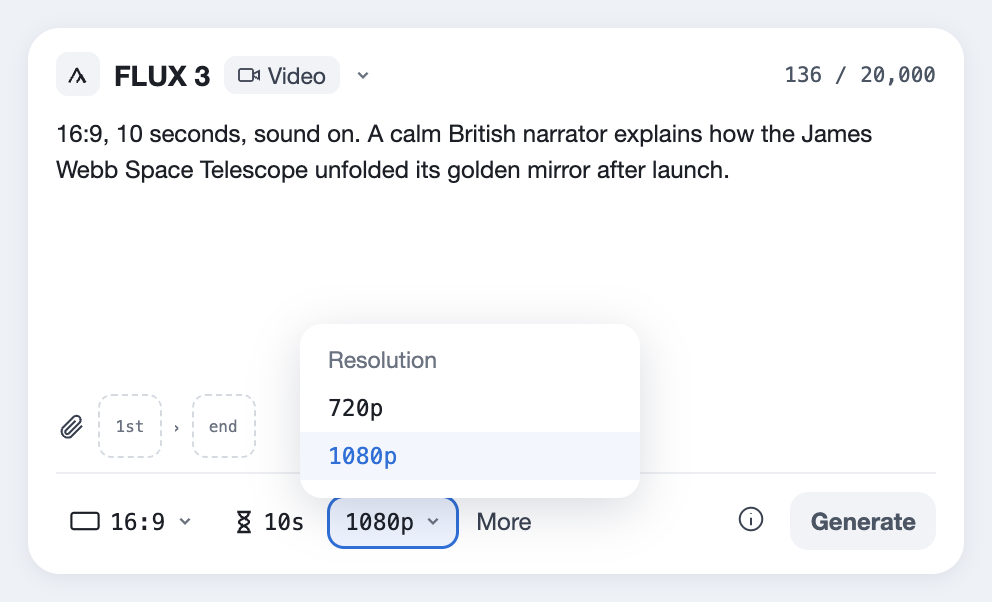
  1. The FLUX 3 prompt box in the Predis.ai Model Studio, with the aspect ratio and length highlighted
    01

    Choose FLUX 3 and a length

    Open the Model Studio and choose FLUX 3 with Video. In the bar under the prompt, pick the aspect ratio and a length from 5 to 20 seconds.

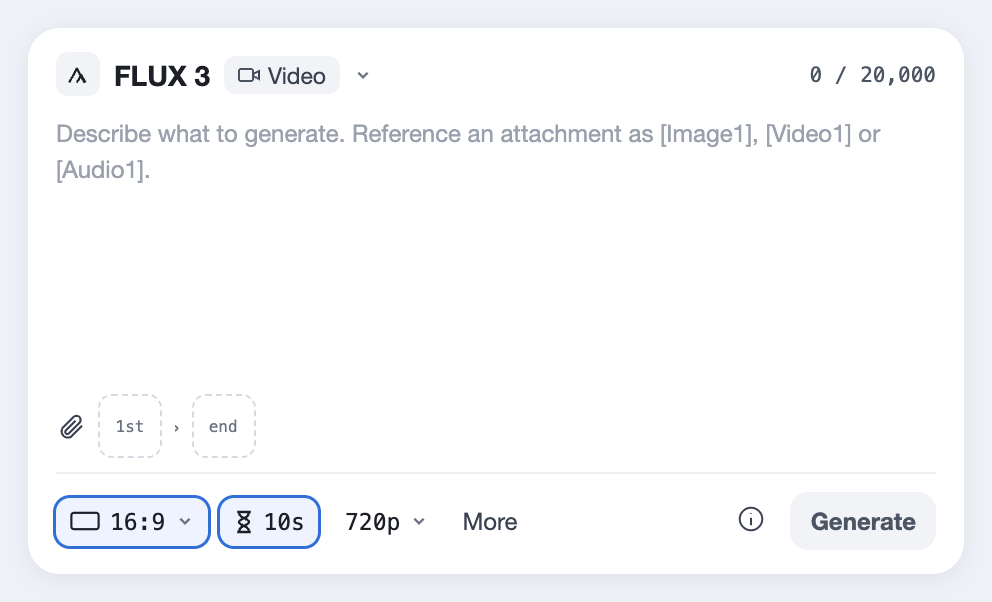
  2. The Resolution menu with 720p selected
    02

    Try the idea at 720p

    Test the prompt at 720p first, and judge it on framing, motion and sound rather than fine detail.

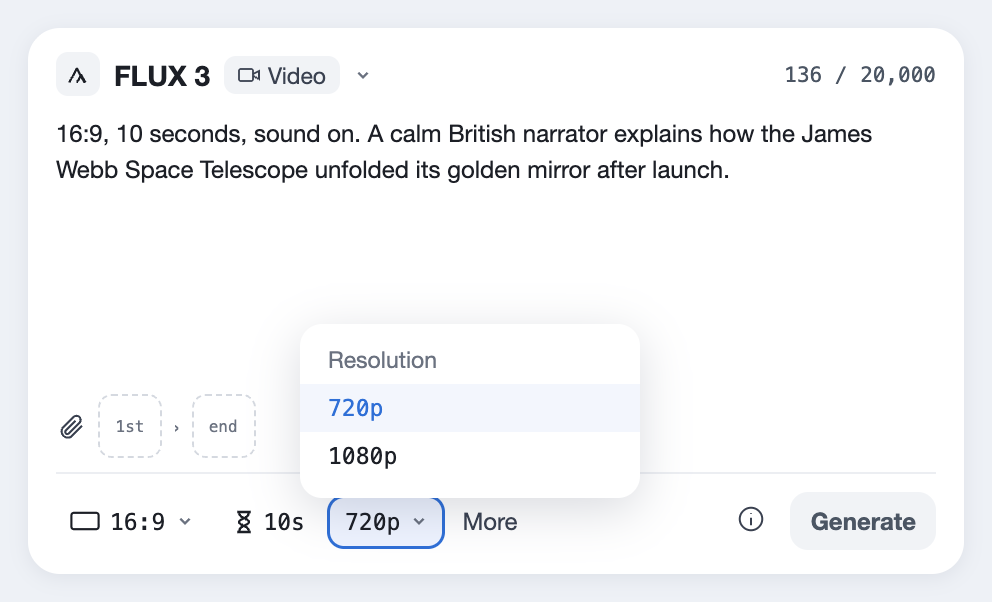
  3. The Resolution menu with 1080p selected
    03

    Make the final at 1080p

    Once the prompt works, run it at 1080p. Every run is a new take, so keep the 720p version if it's the one you like.

Short prompts work well for documentaries and explainers, because FLUX 3 fills in from what it knows. For ads, spell out exactly what should be on screen.

[Aspect ratio], [5 to 20] seconds, sound on.
[One line on the look: raw phone footage, 1990s camcorder, glossy commercial, hand-drawn...]
[What happens, in order. Write HARD CUT: between shots if you want more than one.]
On screen: "[the exact words]"
[Who speaks, in which language and accent]: "[the line]"
Sound: [effects and ambience].
Caveats

What to know before you rely on it

FLUX 3 Video is new, and Black Forest Labs still calls it a preview. Here's where that shows, with a way around each.

720p at heart

It generates at 720p, and 1080p comes from upscaling rather than a native render.

FixMake the take you like at 720p first, then run 1080p only for the one you post.

Still a preview

Black Forest Labs labels FLUX 3 a preview model, so results and settings can change.

FixSave the exact prompt of any clip you like; the same prompt may not come out the same later.

No references yet

You can't lock a face or a product with reference images, video or audio yet. BFL says it's coming.

FixUse a keyframe instead: set the same image of your character or product as the first frame.

Every run is a new take

Running the same prompt again can give a different take, even at the same settings.

FixKeep every version you like, and switch to 1080p only once a 720p run looks right.

Images can drift

Early testers found that starting images sometimes didn't hold in image-to-video.

FixCheck the first second against your image, and run it again if it drifts.

Long sequences need a check

Reviewers note that long multi-shot clips don't always arrive ready to publish.

FixTry long sequences at 720p first and keep each shot simple.

No download yet

There are no open weights; FLUX 3 Dev is planned but not released.

FixUse it through Predis.ai for now.

Asked about FLUX 3 Video

What is FLUX 3 Video?

It's Black Forest Labs' first video model, part of the FLUX 3 family. It makes 5 to 20-second clips with sound from text, or from images you set as the first and last frame.

FLUX 3 is a family that covers video, images, audio and robot actions. This page covers FLUX 3 Video.

Black Forest Labs announced FLUX 3 on July 23, 2026 and opened FLUX 3 Video to everyone on August 4, 2026.

From 5 to 20 seconds per clip. For longer pieces, make several clips and join them, or use Seedance 2.5 for 30 seconds in one take.

720p, or 1080p through upscaling.

More than 13, including English in several accents, Chinese, Spanish, French, German, Japanese, Portuguese, Russian, Italian, Indonesian, Turkish, Hindi and Punjabi, all lip-synced.

Not yet. Black Forest Labs plans an open-weight version, FLUX 3 Dev, but it hasn't been released, so there's nothing to run in ComfyUI yet.

On Predis.ai it's a paid model you can try during the 3-day trial, which needs a card and moves to a paid plan unless you cancel.

It's a paid model on Predis.ai, and the Generate button shows the cost of each clip before you make it.

Yes, through the Black Forest Labs API and selected partners. On Predis.ai you don't need one, since it's built into the Model Studio.

Pick a look and make it

Start from any prompt on this page, and try it at 720p before you make the final at 1080p.

Make a video with FLUX 3

FLUX is a trademark of Black Forest Labs. Predis.ai is not affiliated with or endorsed by Black Forest Labs.