



Make Ads in Claude and ChatGPT with the Predis.ai MCP
Connect Predis.ai once, then brief your assistant the way you'd brief a designer. Video ads, UGC, static ads and carousels come back in the same chat, made in your brand kit and ready to test.
Ask for ads in a sentence. Get them back finished.
Pick an example to see what you'd type and the ads that came back. Predis.ai writes the scripts, sets up the shots and makes the ads, so there's nothing to assemble yourself.
You get: 3 UGC video ads
Back in the same chat
Rep Count
Social media scheduler

Billbird
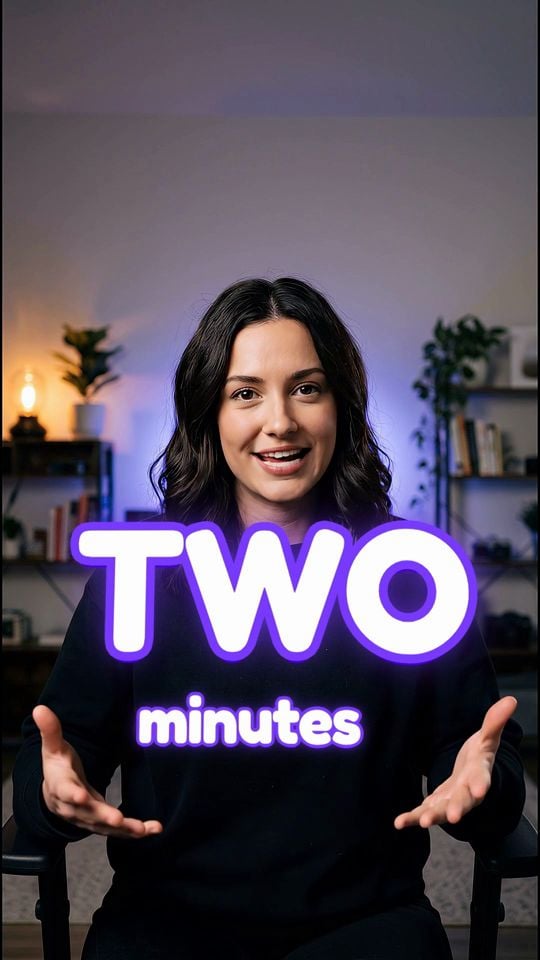
Predis.ai wrote a script and cast an AI creator for each app. Next, ask for 15s cuts or different creators in the same chat.
You get: 3 product videos
Back in the same chat
Solara perfume
Aeronic headphones
USB studio mic
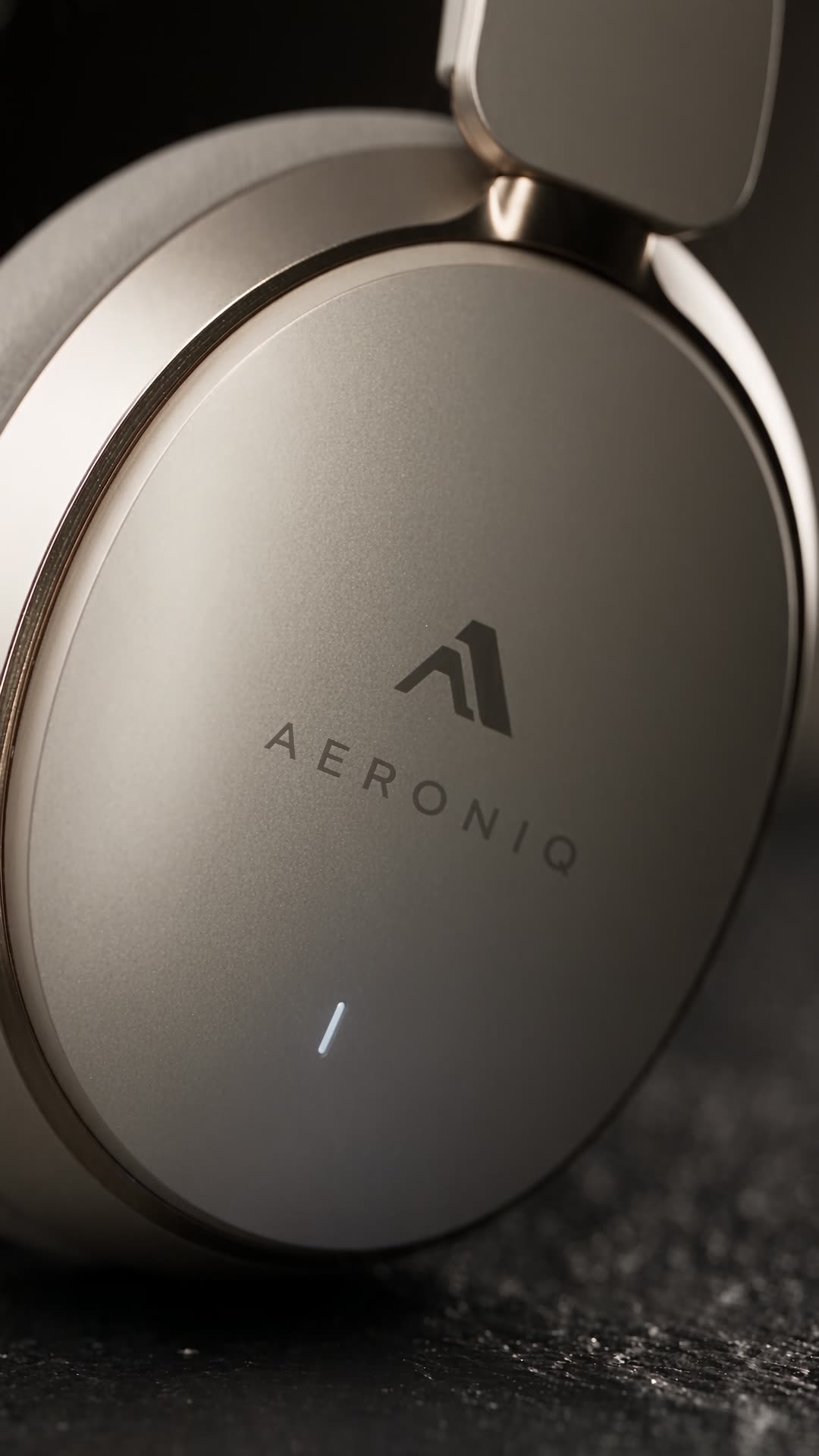
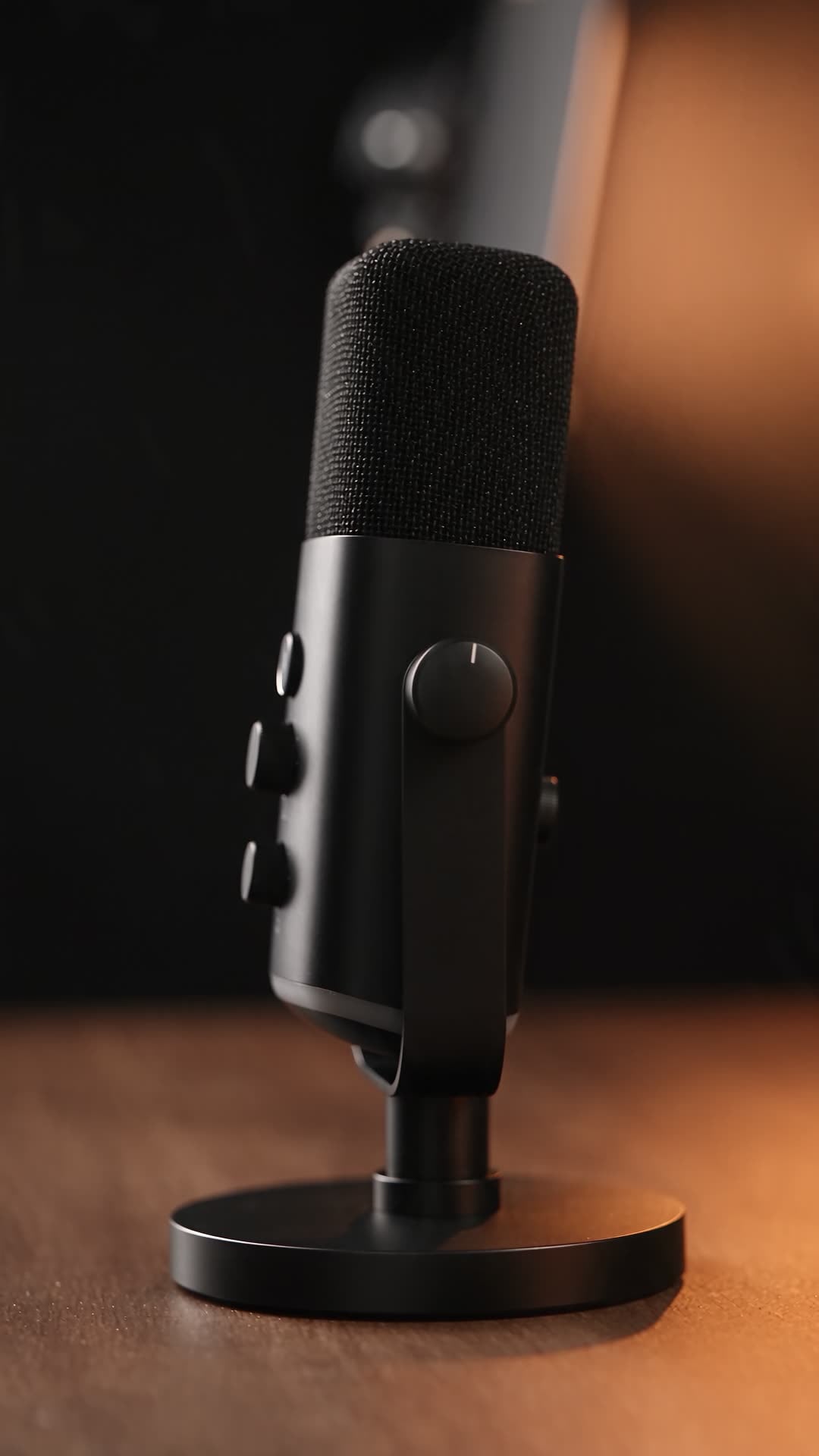
Predis.ai planned the shots and set the studio lighting for each product. Next, ask for a price end card or square 1:1 versions.
You get: 2 static ads
Back in the same chat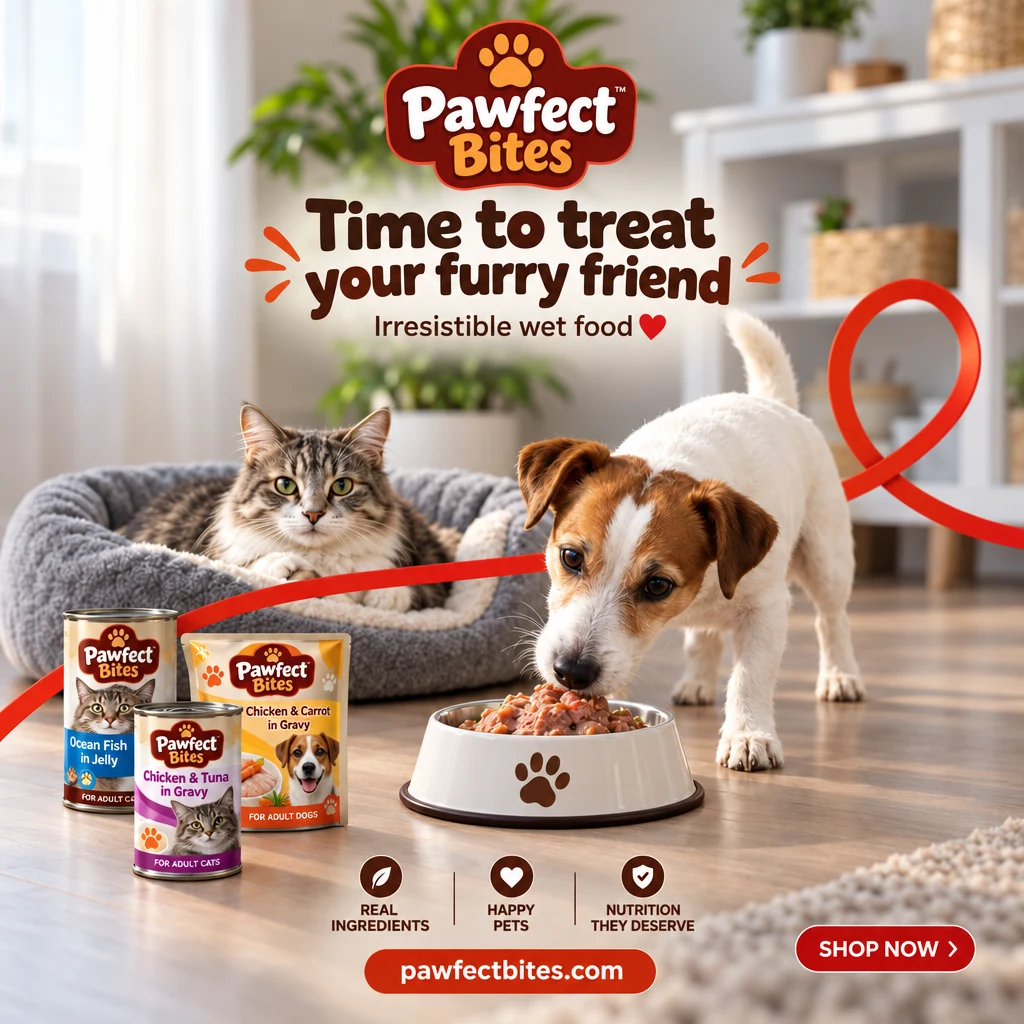
Pawfect Bites wet food
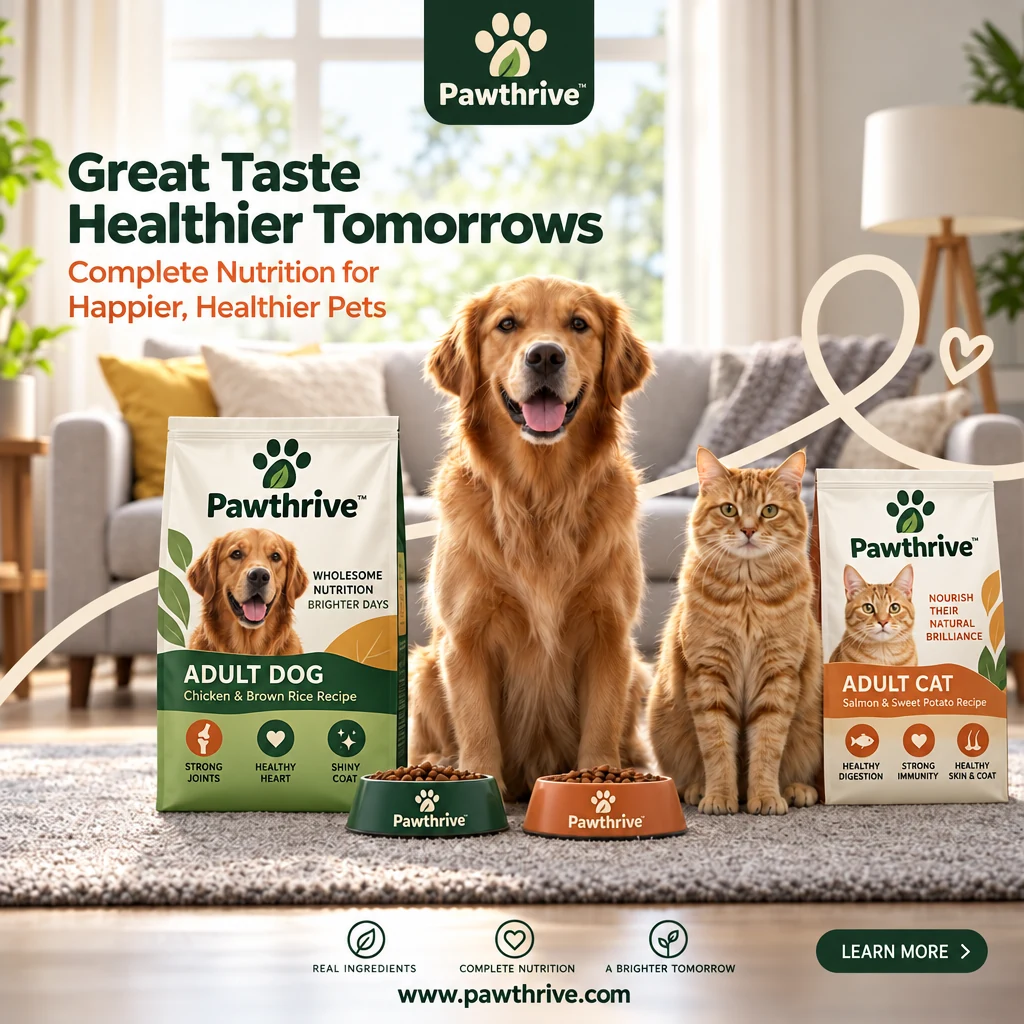
Pawthrive dry food
Predis.ai wrote a brief and the ad copy for each one. Next, ask for Stories sizes, a carousel, or a video made from either ad.
Real ads, now one message away
Each ad here started as a product link, a reference ad or a rough idea. With the MCP, you ask for the same thing from Claude, ChatGPT or Claude Code.
Add Predis.ai to Claude in under 2 minutes
Sign in with your Predis.ai account. There's no API key to copy, and your brand kit and saved products come with you.
No Predis.ai account yet? Make one first, then connect your assistant.
Try Predis.ai-
Open Connectors
In Claude on the web or Claude Desktop, go to Settings, then Connectors.
-
Add a custom connector
Name it Predis.ai and paste the MCP server URL below.
-
Sign in and ask
Click Connect, sign in with your Predis.ai account and start a new chat.
Then try: “Use Predis.ai to make 3 UGC video ads for [your product link].”
Add the Predis.ai plugin
Open the Predis.ai plugin in ChatGPT, select Install and sign in with your Predis.ai account. Then type @Predis.ai in a new chat.
Or add it as a custom MCP server
-
Add a custom MCP server
In ChatGPT on your desktop browser, open Settings, then Apps (or Plugins, depending on your account). Select +, then Add custom MCP server.
-
Connect it to Predis.ai
Name it Predis.ai, paste the MCP server URL below under Connection, and sign in with your Predis.ai account.
-
Create the plugin and ask
Review the security warning, select Create as a plugin, then install it. Start a new chat and type @Predis.ai.
Then try: “Use Predis.ai to make 3 UGC video ads for [your product link].”
-
Add the server
Run the command below in your terminal.
-
Sign in
Type /mcp in Claude Code and sign in with your Predis.ai account.
-
Make ads in bulk
Point it at a product feed or a CSV, and it makes ads for every row.
Then try: “Use Predis.ai to make 3 UGC video ads for [your product link].”
Brief it, get the batch, scale the ones that sell
The loop a good creative team runs, held in one chat.
Start with a link, a reference ad or one line
Predis.ai reads your product page, pulls in your brand kit and suggests angles before it makes anything, so you approve the direction first.
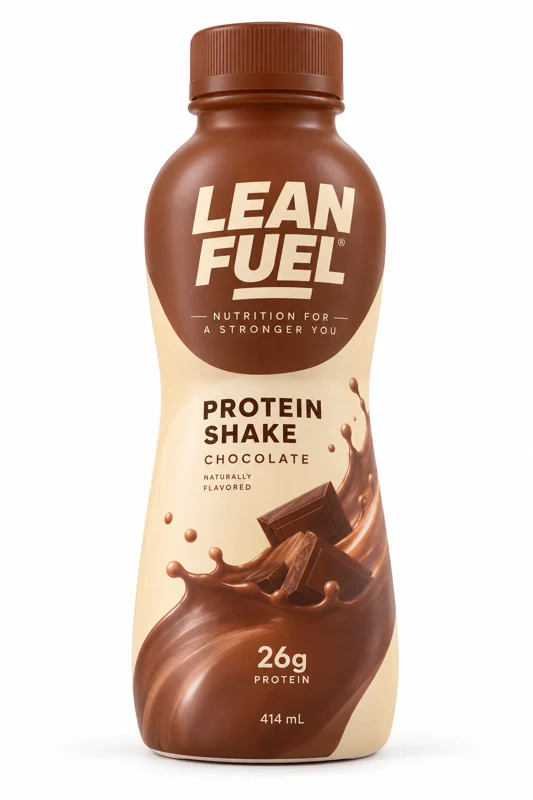
Try: “Here's our Lean Fuel protein shake. Give me 3 angles for January gym season.”
 yourstore.com/product
-
Product link
Paste a product page and Predis.ai pulls the name, images and details for you.
-
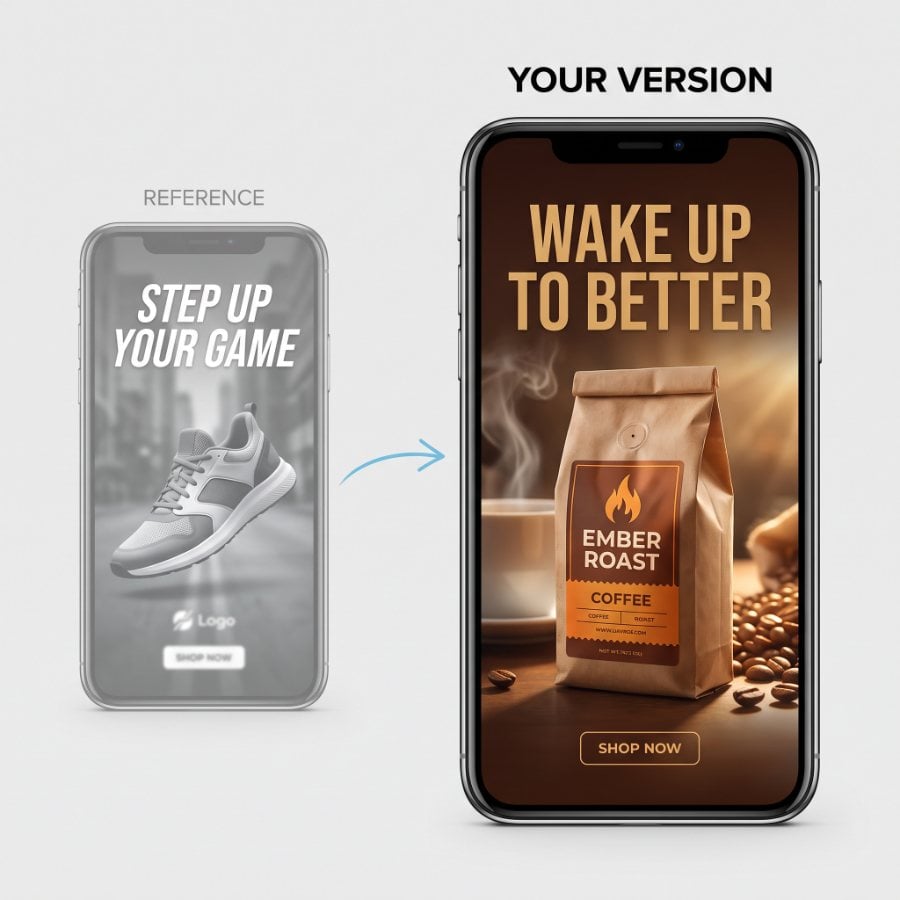
Reference ad
Share an ad you like and get the same structure, rebuilt around your product.
-
Brand kit
Your logo, colors, fonts and voice are in place before the first frame is made.
-
Angles first
Pick from options like “26g protein, no prep” or “The post-gym fix” before anything renders.
Every format from one request
Ask once and get video ads, UGC, statics and carousels back together, instead of one asset at a time. Try: “Make 6 statics, 2 product videos and a UGC review for the launch.”
-
Video ads and UGC
Product videos lit like a studio shoot, and creator-style ads with the hook up front.
-
Statics and carousels
Feed and Stories sizes, with the headline and CTA written for you.
-
One kit per brand
Each brand you work with keeps its own colors, fonts, logo and voice, so one brand's look never lands in another's ad.
Turn your winner into the next round of tests
Keep what's earning and change one thing at a time, so every variant is clean enough to split test. Try: “Same video, 5 new opening hooks. Keep everything else.”
Connect Predis.ai MCP

-
New hooks
Swap the first 3 seconds 5 ways, from “I kept forgetting my vitamins” to “Stop swallowing horse pills.”
-
New headlines
Same visual, 6 headlines, so the headline is the only variable.
-
New creator
Recast the person on screen and keep the script that's earning.
-
Fix one frame
Change a single shot without remaking the rest of the video.
Start from a preset
Prompts for the ads you already make. Copy one into Claude and add your product.
Link to ads
Paste a product page and get 4 static ads in your brand style.

UGC video ad
A creator-style video from your product brief, with the hook up front.
Product video
A studio-style video of one product, in any format you need.
Remake a reference ad
Share an ad you like and get the same structure for your product.
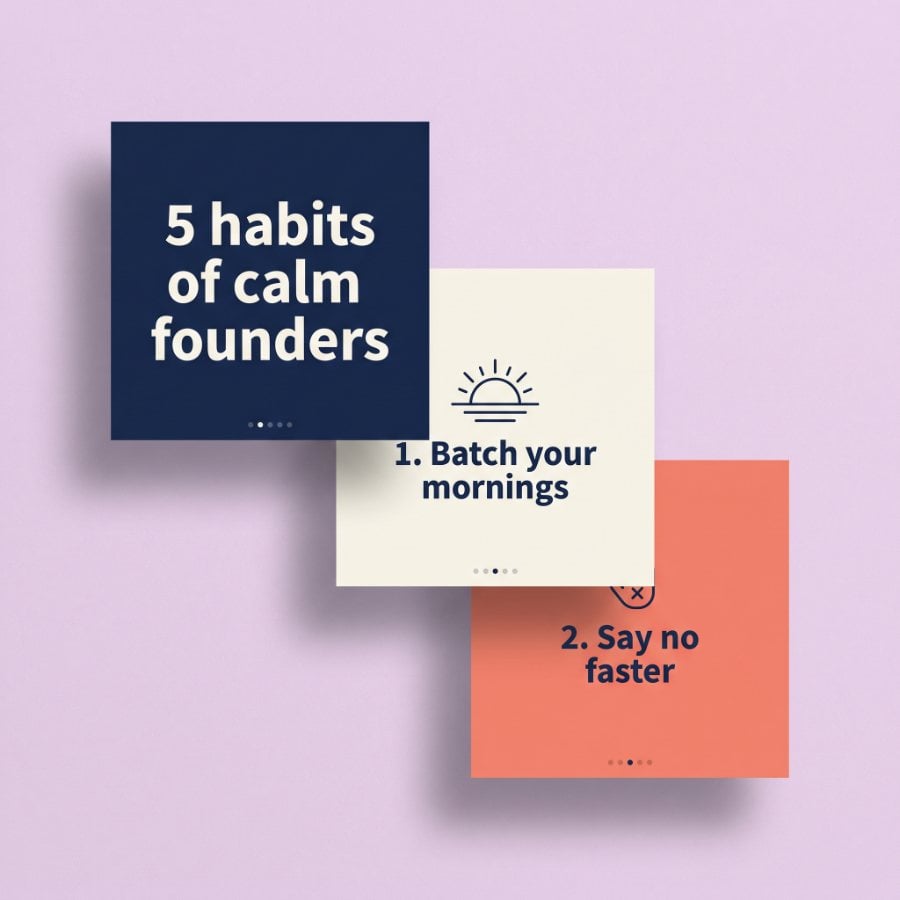
Carousel from a post
Turn a blog post or an idea into a swipeable carousel in your brand kit.
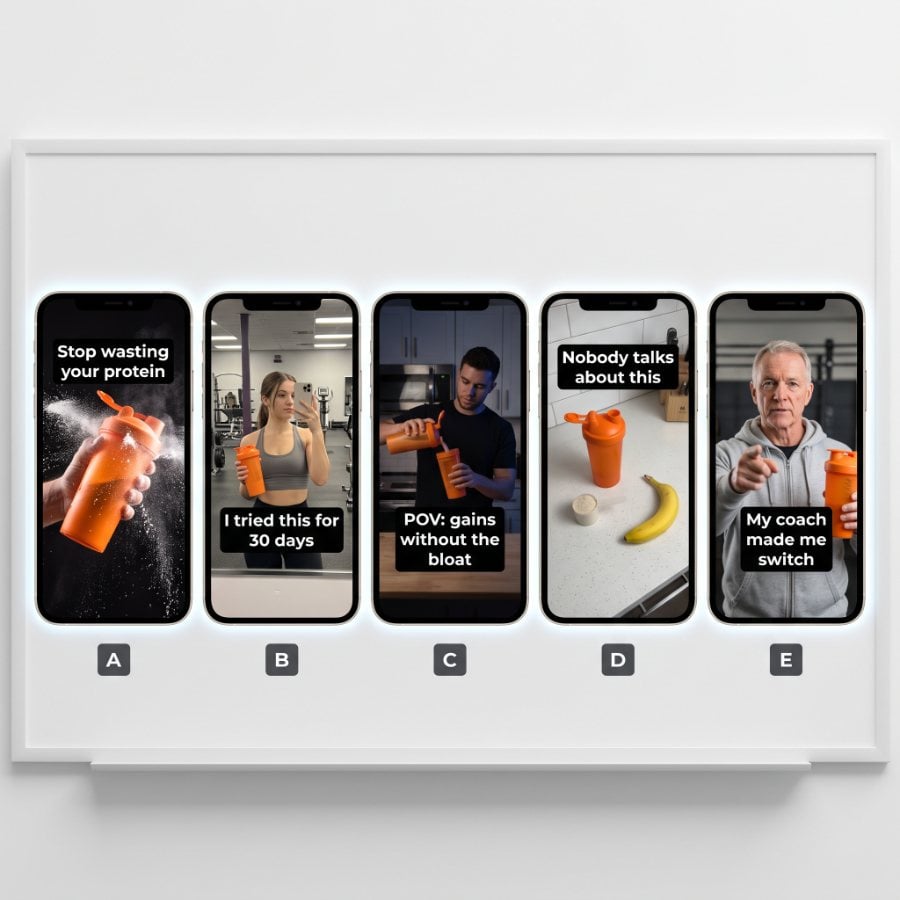
Hook variants
Keep the video and swap the first 3 seconds, 5 different ways.
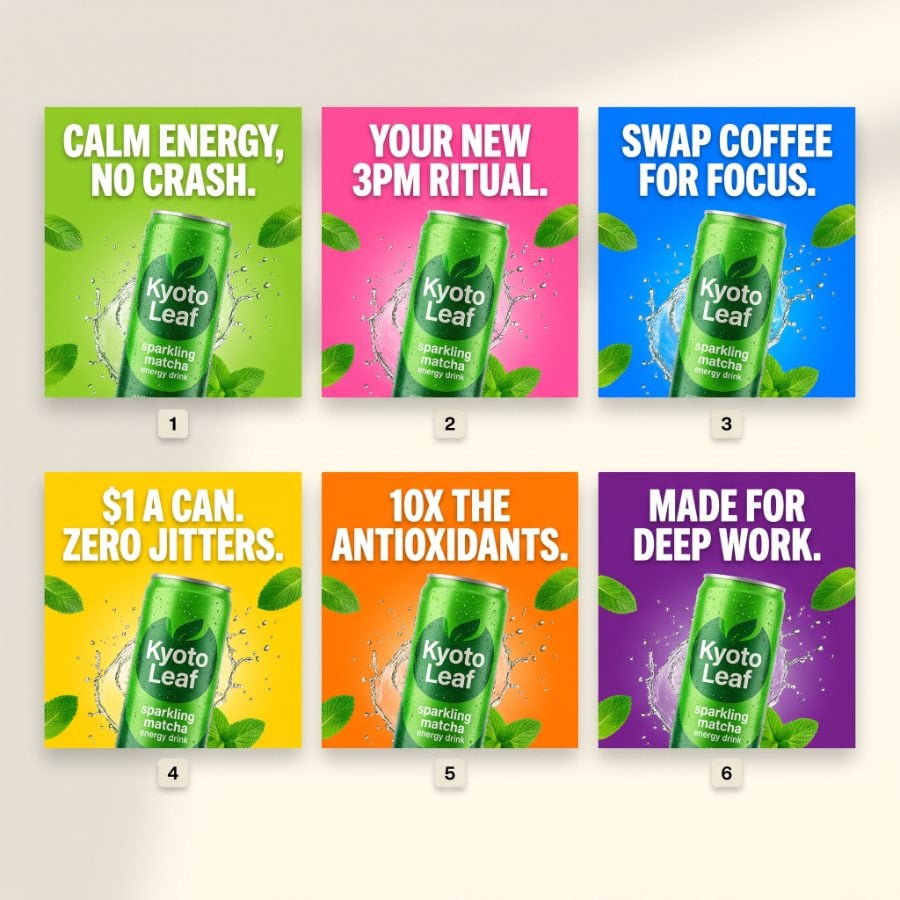
Headline variants
Same visual, 6 headlines, so the headline is the only variable.
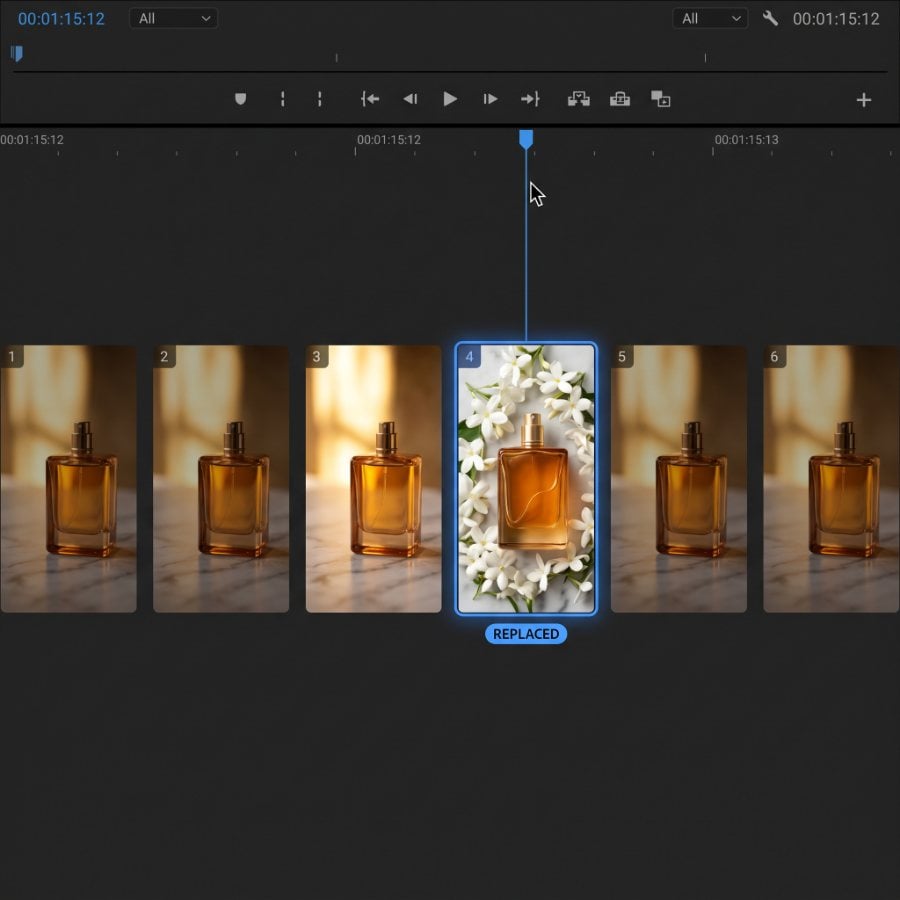
Fix one frame
Change a single shot in a video ad without remaking the rest.
Set your brand up once. Every chat remembers it.
Your brand kit and saved products live in your Predis.ai account, so every assistant you connect starts from the same place.
Brand kit
Your logo, colors, fonts and tone of voice go into every ad automatically, so you never re-explain your brand to your assistant.
- Logo
- Colors
- Fonts
- Voice
Products from a link
Paste a product page once and Predis.ai saves the images and details. Next time, “make ads for the perfume” is enough.
- Solara eau de parfum
- Aeronic headphones
More from Predis.ai
The same ads, outside the chat.
Make ads in the Predis.ai app
Prefer clicking to chatting? The Predis.ai app makes the same video, UGC and static ads from one product link, in your brand kit.
See the AI ad generator →Keep reading
Research, the API and the rest of the platform.
AI image generation MCP →AI video MCP →
MCP for ecommerce →
Ad intelligence →
Predis.ai API docs →
All features →
Pricing →
Use a specific model
Ask for a model by name in your prompt, or let your assistant pick one for the job.
Frequently Asked Questions
What is the Predis.ai MCP server?
It's a remote MCP server that connects Predis.ai to AI assistants like Claude and ChatGPT. You ask in plain language, and video ads, UGC, static ads and carousels come back in the same chat, made in your brand kit.
What is MCP?
MCP, the Model Context Protocol, is an open standard that lets an AI assistant use outside tools. The Predis.ai MCP server is one of those tools: it gives your assistant Predis.ai's ad making capabilities, your brand kit and your saved products.
Which assistants does it work with?
Claude on the web and desktop, ChatGPT and Claude Code. Other clients that support remote MCP servers should work too.
How do I add the Predis.ai MCP server to Claude Code?
Run claude mcp add --transport http Predis.ai https://mcp.predis.ai/mcp in your terminal. Then type /mcp inside Claude Code and sign in with your Predis.ai account.
How do I connect Predis.ai to ChatGPT?
Open the Predis.ai plugin in ChatGPT, select Install and sign in with your Predis.ai account, then type @Predis.ai in a new chat. You can also add it as a custom MCP server: in Settings, open Apps or Plugins, select +, then Add custom MCP server and enter https://mcp.predis.ai/mcp under Connection.
Do I need a Predis.ai account?
Yes. You sign in with Predis.ai when you connect, and each ad uses credits from your plan.
Will I know what an ad costs before it's made?
Yes. Before a video or a batch, your assistant checks the price with Predis.ai and tells you the credit cost and your balance. Nothing is charged until you say go, so you can change the brief first.
Will the ads use my brand kit?
Yes. Your saved logo, colors, fonts and voice go into every ad automatically.
Can I use my own images or a reference ad?
Yes. Paste a public link to an image or video, attach a file in the chat, pick something you've already uploaded to Predis.ai, or build on one of your earlier results. Each one becomes a reference for the next ad.
Can my assistant launch the ads for me?
The Predis.ai MCP server makes the ads. Publishing or launching campaigns depends on the other tools you connect to your assistant, such as your ad platform.
Is there a free trial?
Yes, for 3 days. A card is required, your first charge is on day 4, and you can cancel anytime before then.
Predis.ai tools don't show up after I connect. What now?
Start a new chat and check that the Predis.ai connector is turned on. If it still doesn't appear, disconnect and sign in again.
Make ads that are yours. Scale the ones that sell.
Add Predis.ai to Claude, ChatGPT or Claude Code, and your next ad is one message away.
Connect Predis.ai MCP