


Loved by 6.4M+ Users

Free AI Facebook Video Maker

Type an idea or paste a product link, and Predis.ai makes a Facebook Reel, Story or feed video that looks like your brand. Fix any frame you'd change, then post it or schedule it.

Create Facebook Videos for Free
3 days free Card required Cancel anytime

Brands using Predis.ai

tidewell
solace wellness
strata
harper lane boutique
milo studio
orixo
lume
zylph
sun and soil
marlo and co
kentro
novan
piko
nimbus
the porch

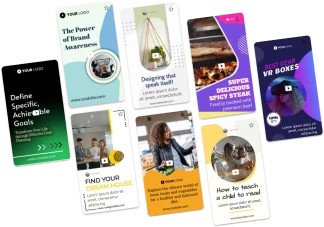
Facebook Video Templates for What You Sell

fitness facebook video
beauty video template
sports video template
food video template
skincare facebook video template
health video template
fashion video template
cooking facebook video template
style sale template
interior video template

Made for Businesses That Sell

75%
Less time spent making videos
6.4M+
Users Across Countries
200M+
Content Generated
How It Works

How to Make Facebook Videos with Predis.ai

Create Facebook Videos
  1. Start with an Idea, a Link or a Blog

    Describe your video in one line, and Predis.ai turns the text into a video. Or paste a product link to pull in your photos, or a blog URL to pull out its key points.

  2. Get Your First Draft

    Predis.ai's Facebook video generator writes the script and picks scenes that match your brand colors. Then it adds music, a voiceover and captions.

  3. Fix What You'd Change

    Swap a clip, rewrite a line or change the font. You can fix one frame without starting the whole video over.

  4. Download or Schedule It

    Download it in full HD 1080p for your ad account. Or schedule it to your Facebook Page without leaving Predis.ai.

Facebook Reels, Stories, Feed Videos and Ads

Pick the format first, and Predis.ai sizes the video for where it will play.

  • Reels and Stories in 9:16
  • Feed videos in 1:1 or 4:5
  • Video ads to download and upload to Meta Ads Manager
  • Product and blog videos made from one link
Create Facebook Videos with AI
Facebook video templates
premium stock videos

Stock Footage, AI Scenes and Avatars

Predis.ai pulls stock images and clips that fit your script. When stock won't do, it builds the scene with AI or has an AI avatar read your lines with lip-sync.

Create Videos with AI

Videos That Look Like Your Brand

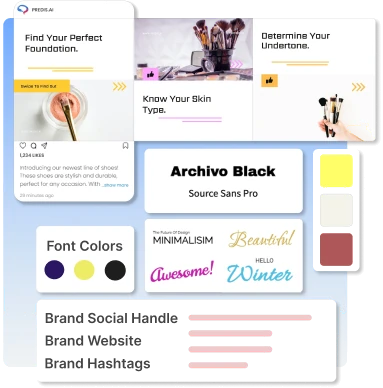
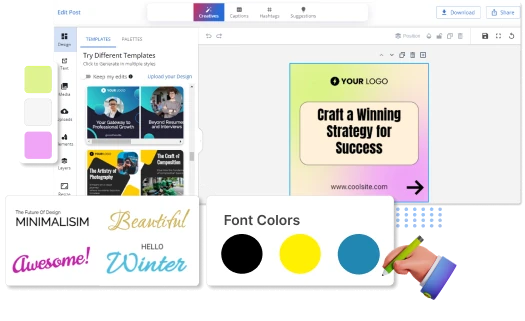
Save your logo, colors and tone once. Predis.ai puts them on every template and every new video, so your Facebook Page looks the same from post to post.

Create Videos
Branded Facebook content
edit Facebook videos

Add Subtitles and Resize Any Video

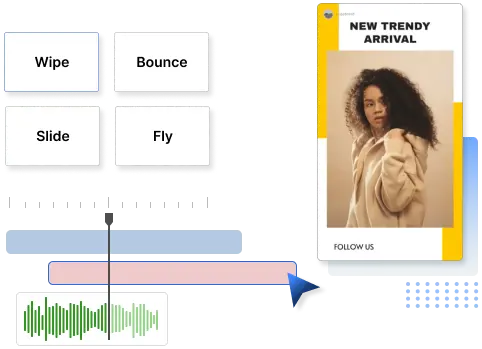
Predis.ai's Facebook video editor adds subtitles for people who watch with the sound off. It also resizes one video for the feed, Stories and Reels, so you don't rebuild it each time.

Make Facebook Videos with AI

Plan and Schedule from One Calendar

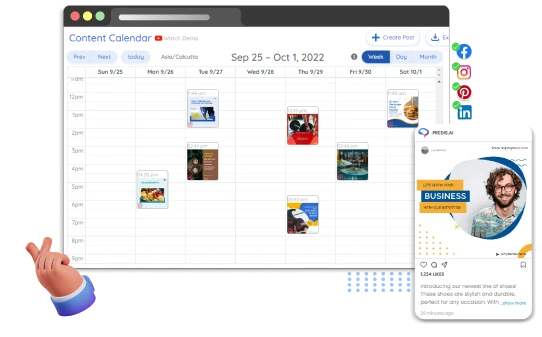
Connect your Facebook Page, then drag a video onto a time slot in the content calendar. On the Rise plan and above, Predis.ai publishes it at that time, so you don't have to be online.

Create Facebook Videos with AI
schedule Facebook videos
Product photo turned into a short animated video

Turn Photos into Animated Videos

Upload a product shot or a property listing photo, and Predis.ai adds motion, music and transitions. You get a short video from photos alone, with no footage to shoot.

Make Videos with AI

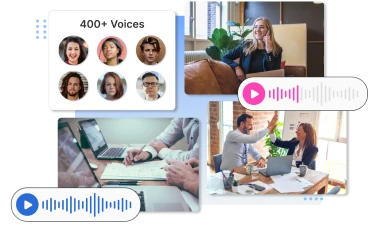
AI Voiceovers for Facebook Reels

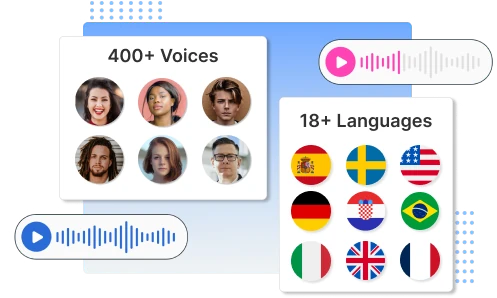
Paste your script or let Predis.ai write one, and the AI voice generator reads it aloud. Pick the language, gender and accent, with more than 19 languages to choose from.

Make Facebook Videos
Facebook voiceover videos
Customer stories

What Changed for These Businesses

Reviews and stories from businesses creating their social content with Predis.ai.

Frequently Asked Questions

Yes, for 3 days. You add a card to start, and if you don't cancel before the trial ends, Predis.ai charges your card for the plan you picked.

Yes, download the video in 1080p and upload it to Meta Ads Manager. For ad templates and ad sizing, use the Facebook video ad maker.

Reels and Stories come out in 9:16, and feed videos in 1:1 or 4:5. You can resize one video for each placement.


Yes, pick from more than 19 languages and then choose the voice's gender and accent.

You may also like to explore

Explore this page in your language