FLUX 3 Image
Put every element of an ad exactly where you want it by giving each one a box in the prompt. FLUX 3 Image also changes one thing in a picture while leaving the rest alone, and can look real places up on the web before it draws.
Make an image with FLUX 3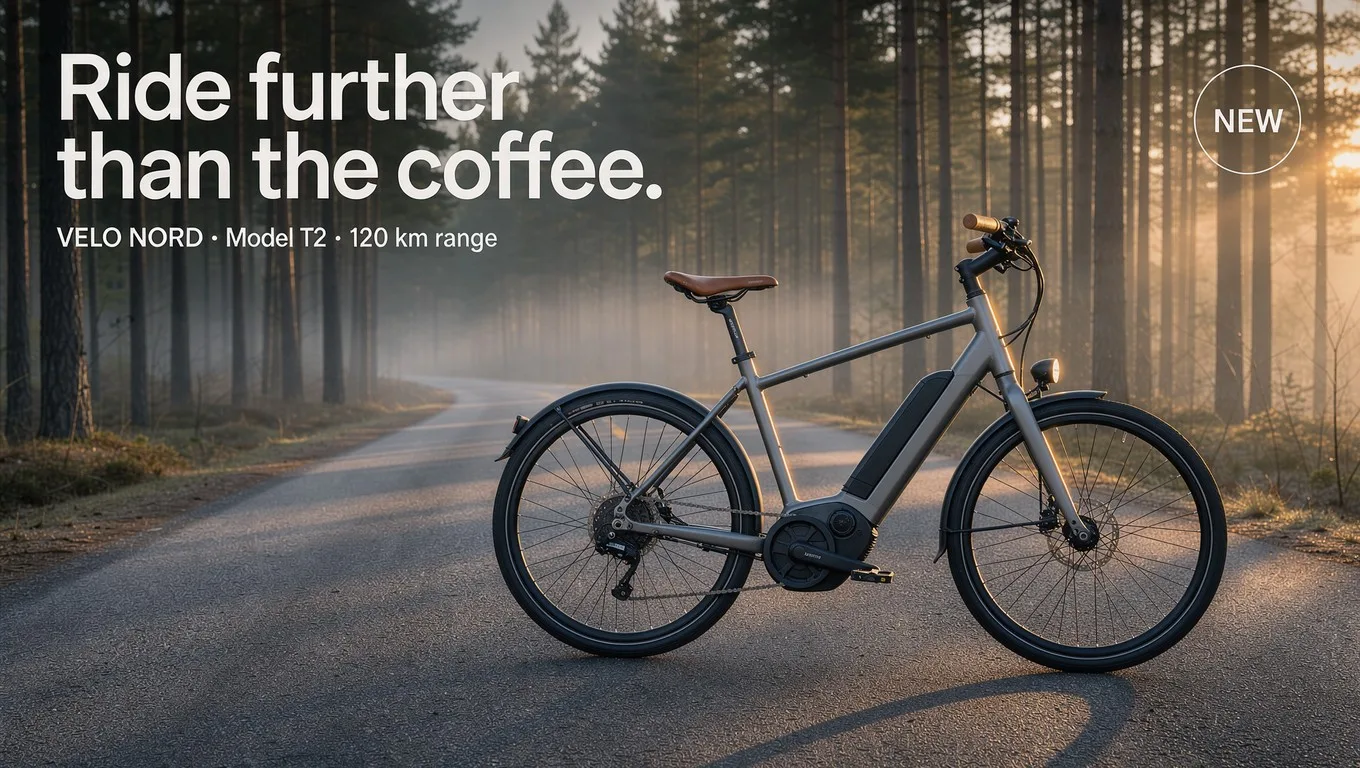
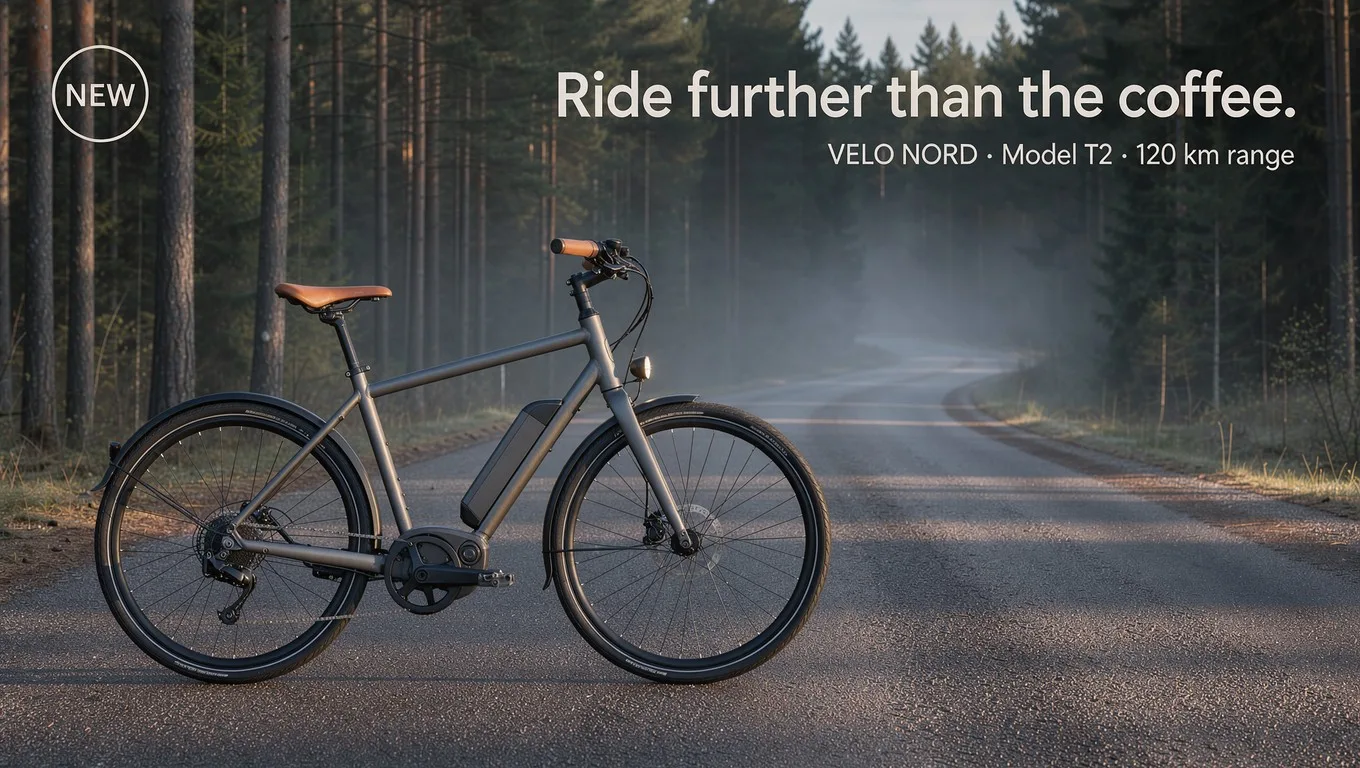
The prompt, boxes included
A finished print ad for an invented Scandinavian e-bike brand, photographed at dawn on an empty pine-forest road with mist between the trees and low golden sun from the right. Lay it out with these regions, given as [top, left, bottom, right] on a 0 to 1000 grid: [80, 60, 230, 560]: the headline "Ride further than the coffee." in a bold, tight white sans-serif. [235, 60, 290, 520]: a small white line of copy, "VELO NORD · Model T2 · 120 km range". [300, 420, 940, 960]: the e-bike itself, side view, graphite-gray matte frame with a slim integrated battery, tan leather saddle and tan grips, black tires, a small round front light glowing. [70, 790, 230, 950]: a circular cream badge that reads "NEW" in small dark capitals. Keep the left lower area as open road and soft mist. Photorealistic, crisp product detail, editorial outdoor advertising look.
Made with FLUX 3 Image on Predis.ai on October 26, 2026, 1K, 16:9, grounding off.
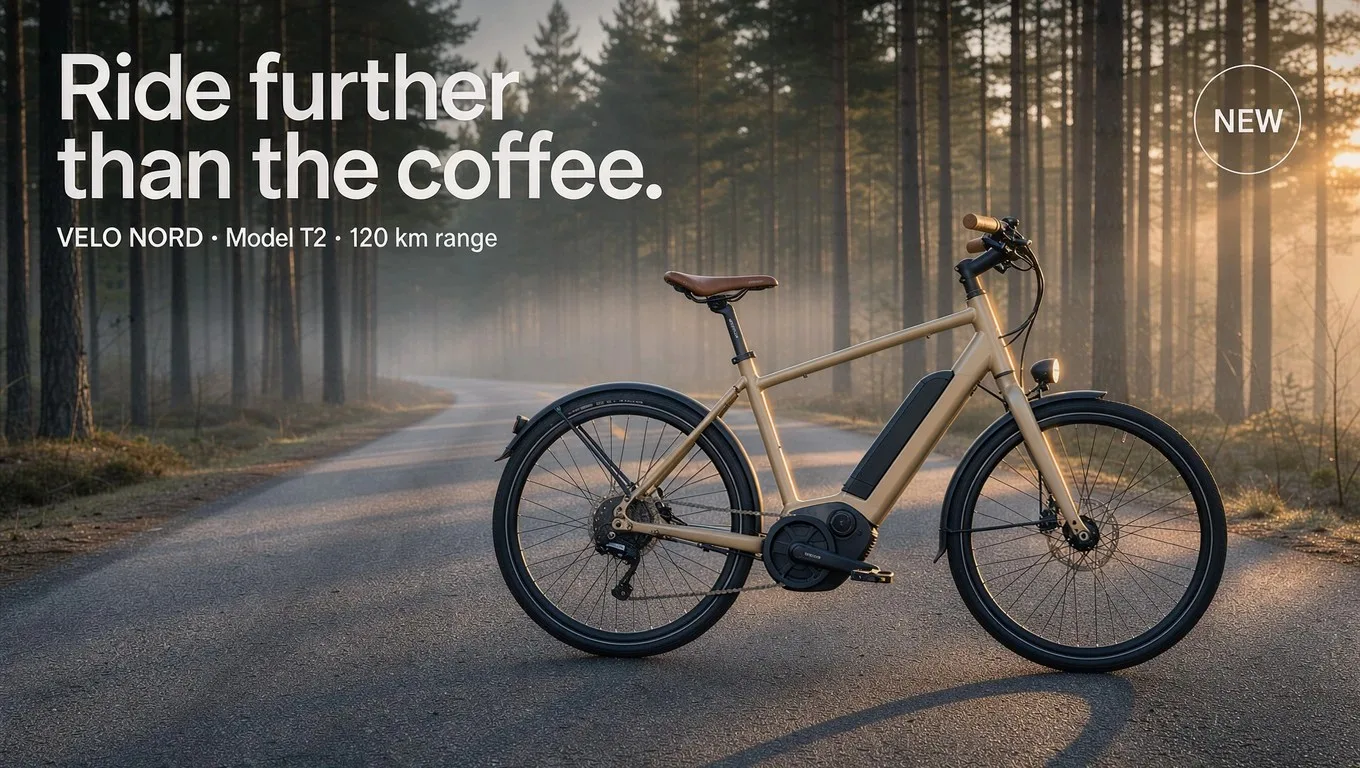
Change the frame. Leave the forest.
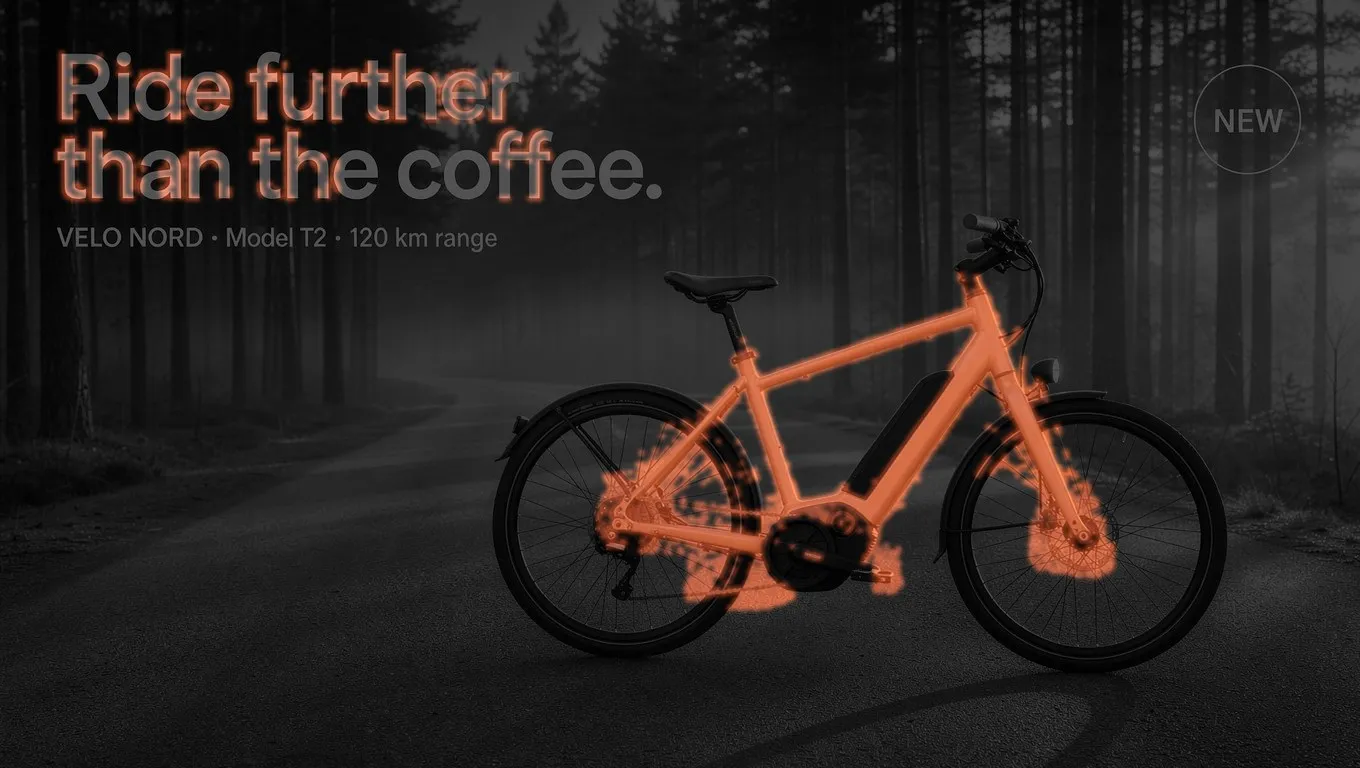
We asked for one thing, a sand-colored frame, and compared the two images pixel by pixel. About 2.5% of the picture changed: the frame and battery, plus faint traces around the headline's letters.
Look it up first, or draw from memory
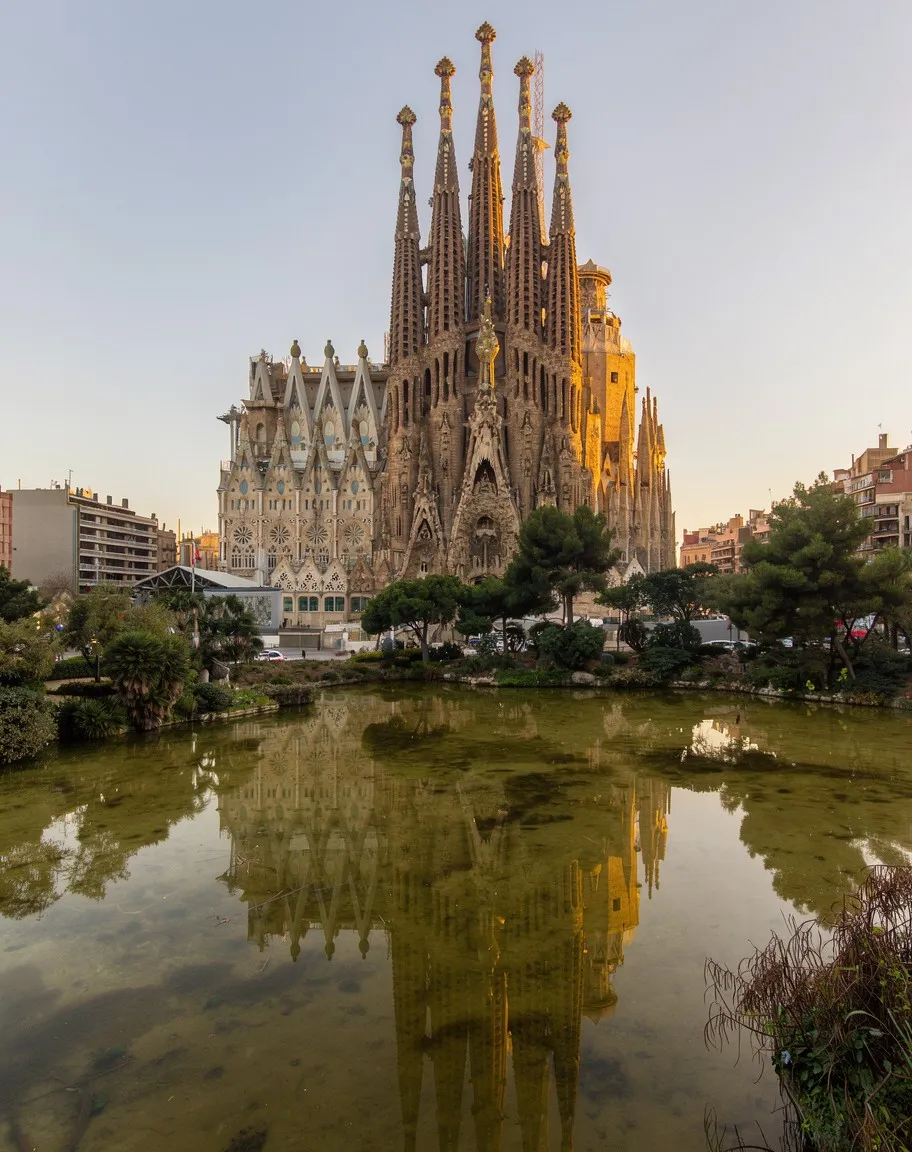
With grounding on, FLUX 3 searches the web and images before it draws, which Black Forest Labs says helps with real landmarks, products and people. Off, it uses your prompt alone and returns faster. Same prompt, both ways.
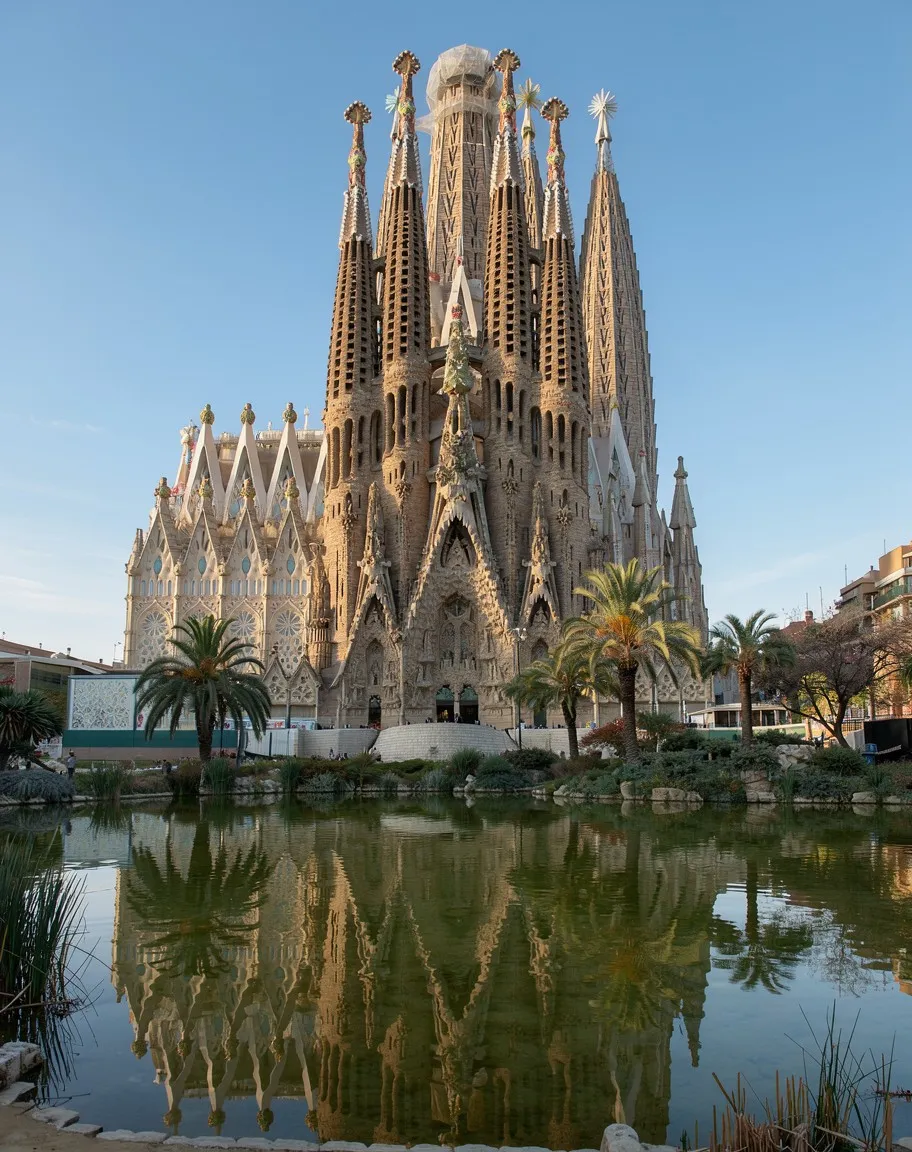
Three pictures, called by number
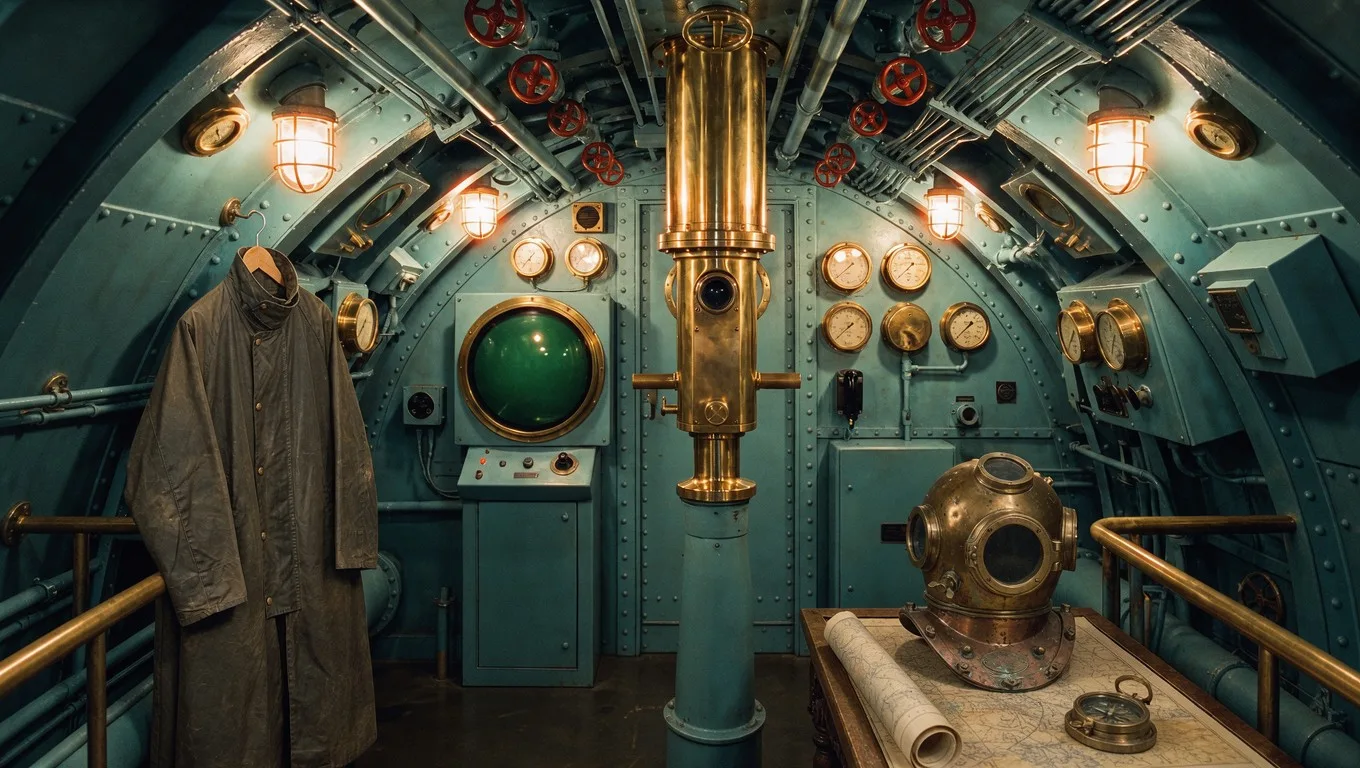
Name each reference by its number in the prompt and say what it's for. Here a room, a coat and a helmet became one still life. FLUX 3 takes up to 10.
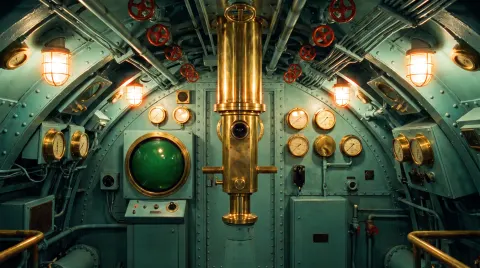 image 1the setting
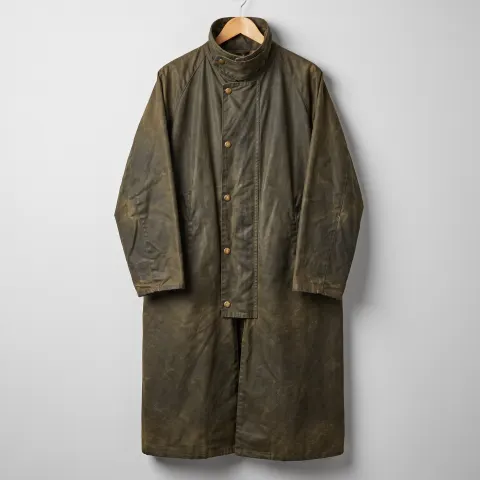 image 2the coat
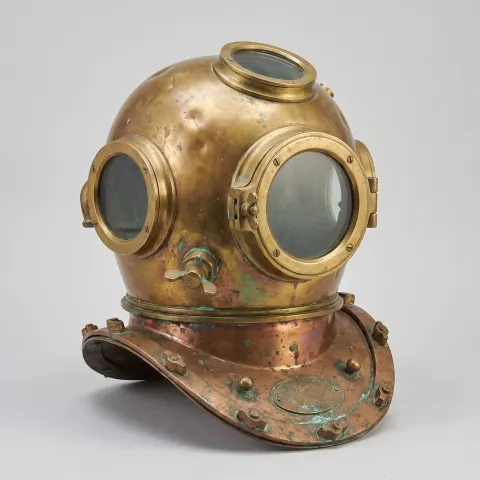 image 3the helmet
Spec sheet
What FLUX 3 Image offers in the Predis.ai Model Studio. For video from the same family, see FLUX 3 Video.
- Made by
- Black Forest Labs
- Released
- October 1, 2026
- Starts from
- Text, or up to 10 reference images
- Sizes
- 768px, 1K, 1.5K, 2K or 4K
- Shapes
- 15 aspect ratios from 21:9 to 9:21, or auto
- Layout
- Boxes in the prompt, [top, left, bottom, right] on a 0 to 1000 grid
- Grounding
- Web and image search, on by default
- Per run
- Up to 4 images
- Open weights
- Only for the smaller Klein version
Boxes are strong hints, not walls
In our second layout we moved everything around. The bike and the badge landed in their new boxes, but the headline spilled left past its box and the line of copy sat higher than asked. Toggle the layout to see where we asked for each one.
What changed in the prompt
Same brief, with the boxes moved: [300, 40, 940, 580]: the e-bike, on the left. [90, 600, 300, 960]: the headline, right-aligned. [310, 640, 360, 960]: the line of copy, right-aligned. [70, 50, 230, 210]: the NEW badge, top left.
Elements can drift
Text in particular can run past its box, as the headline above shows. Check the layout, and give long text a wider box or run it again.
Untouched usually means untouched
Edits leave most pixels alone, but not all. Our recolor also touched the edges of the headline.
4K takes longer
The largest sizes can take minutes. Work out the image at 1K, then make the final at 4K.
Big references get scaled down
Reference images above 4 megapixels are reduced before use, so very fine detail in them can soften.
FLUX 3 Image questions
What is FLUX 3 Image?
It's the image model in Black Forest Labs' FLUX 3 family, released on October 1, 2026. It makes images from text or from up to 10 reference images, lets you place elements with boxes in the prompt, and edits one element while leaving the rest of the picture alone.
How do layout boxes work in FLUX 3?
Add a line to your prompt for each element with its position as [top, left, bottom, right] on a grid from 0 to 1000, then say what goes there. The VELO NORD ad on this page used four boxes: the headline, a line of copy, the bike and a badge. Treat the boxes as strong hints, since elements can drift outside them.
What does grounding do in FLUX 3 Image?
With grounding on, FLUX 3 runs a web and image search before it draws, which Black Forest Labs says helps it show real places, products and people accurately. With it off, it works from your prompt alone and returns faster. On Predis.ai grounding is on by default and you can switch it off.
How many reference images can FLUX 3 Image use?
Up to 10 on Predis.ai. Refer to them by number in the prompt, such as "image 1 is the setting, image 2 is the coat", the way the still life on this page was made from 3.
Is FLUX 3 Image open source?
The full model isn't. Black Forest Labs released open weights for a smaller version, FLUX 3 Image Klein, on October 15, 2026, but the model on Predis.ai is the full FLUX 3 Image.
What sizes can it make on Predis.ai?
From 768 pixels up to 4K, in 15 aspect ratios from 21:9 to 9:21, or auto to let the model choose. You can make up to 4 images from one prompt.
Draw the layout in words
Give each element a box and FLUX 3 builds the ad around it.