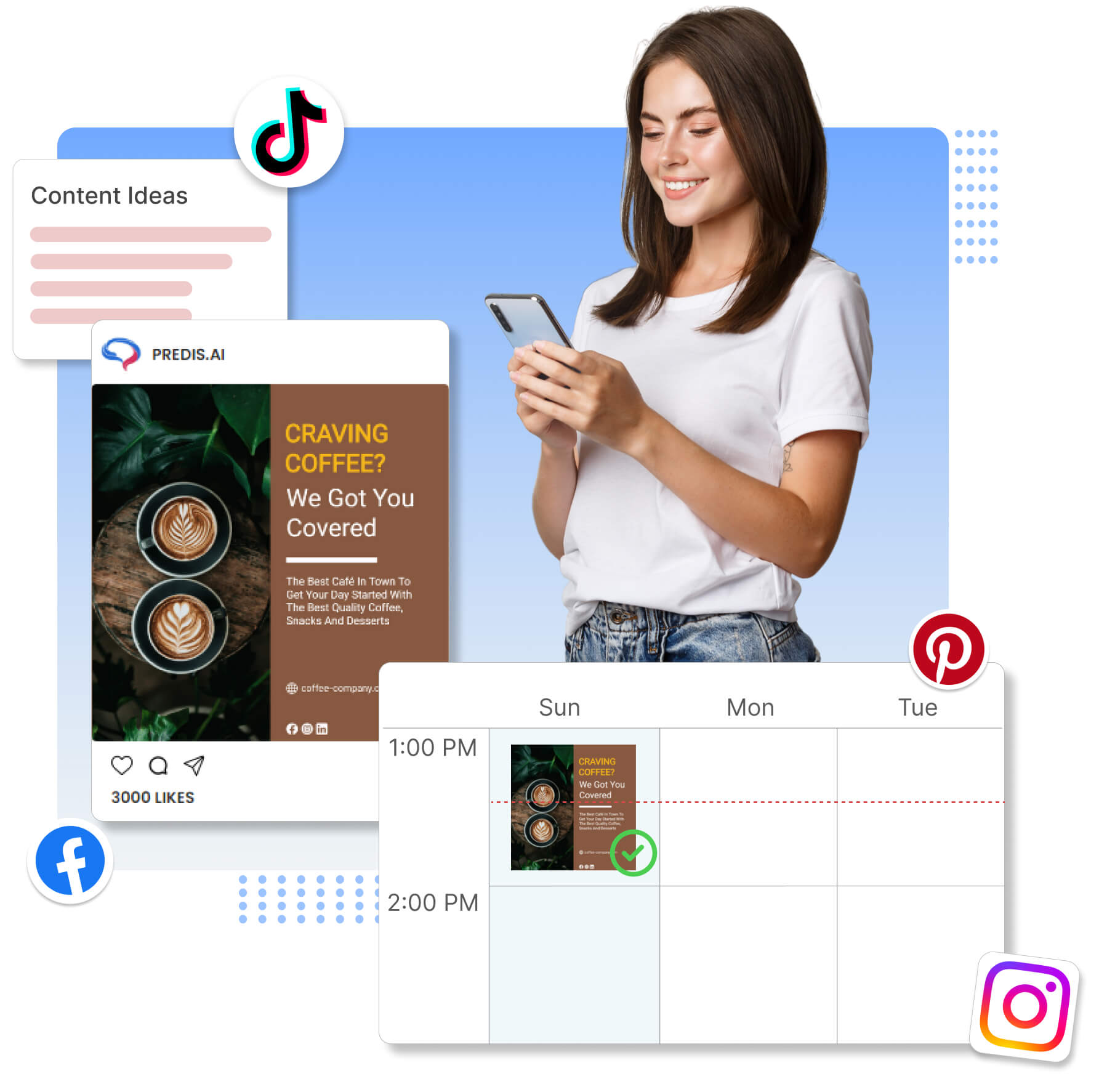



Make the post, write the caption, and schedule it to each of your channels from the app you made it in. One less subscription, and no more exporting files between tools.
Some of the brands using Predis.ai

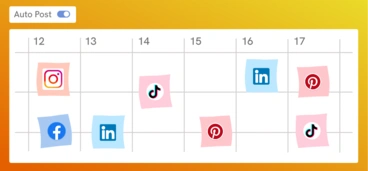
Connect your social accounts once and schedule to all of them from one calendar. Link your Shopify, Ecwid, or WooCommerce store too, and make posts straight from your products.


Write the caption, design the post, and put it on the calendar without exporting a file or opening a second app. Make a week of posts in one go and schedule them in one click.
Try our Content Calendar
Set the days, times, and how often you want to post, then give Predis.ai a few ideas to work from. It makes the posts and publishes them on that schedule, and the calendar shows what's going out next.
Automate Social Media Scheduling
If you manage social, you know the drain of logging into six apps just to get one day's posts out. Write the post once in Predis.ai and send the right format to Instagram, Facebook, TikTok, LinkedIn, YouTube Shorts, Pinterest, Google Business, and X.
Start Cross-Posting
Plan the month on one calendar and make the posts right there, so each campaign has the right post on the right day. Once they're scheduled, the month runs on its own while you work on the next one.
Plan Your Month
Insights show which posts did best on each channel, so you know what to make more of. If a team or client signs off first, send the draft for review, and nothing publishes until someone approves it.
See Analytics & Approvals
Load a month of posts at once and spread them across the calendar in a few clicks. Each platform gets its own format, so one video goes out as a Reel, a Short, and a TikTok without rebuilding it three times.
Schedule Posts
From a blank post to a full calendar in three steps.
Schedule Your First PostMake a post, reel, carousel, or video, then turn it into the format each platform wants: a Reel, a Short, a TikTok.
Link Instagram, Facebook, TikTok, LinkedIn, YouTube Shorts, Pinterest, and more. One click sends the right format to each channel.
Drag your post onto the calendar, pick a day and time, and Predis.ai publishes it for you.
It's where you make social posts and schedule them. Make a post in a few clicks, then send it to each of your social channels from the same place.
Posts, carousels, reels, stories, and videos, to every platform Predis.ai connects to.
You can schedule content to Instagram, Facebook, TikTok, YouTube Shorts, LinkedIn, Pinterest, Google Business, and X (formerly Twitter).
Your posts keep going out on the busy days, because they were planned and made weeks ahead. You pick the times, and Predis.ai publishes for you.
Yes, for 3 days. A card is required, your first charge is on day 4, and you can cancel anytime before then.