Claude AI Image Generator
Claude can plan, write and reason, but it doesn’t make photos or illustrations by itself. Connect Predis.ai and the images you ask Claude for come back in the same conversation, in your brand’s colors and fonts.

Can Claude make images?
Not on its own. Anthropic’s help center says Claude doesn’t generate photos or illustrations the way image tools do, though it can draw charts and diagrams with code.
Once Predis.ai is connected, Claude passes your request to Predis.ai and shows you the image in the chat.
Read Anthropic’s answerHow to make images with Claude
You set it up once. After that, asking for an image works like asking Claude anything else.
No Predis.ai account yet? Start the 3-day trial first. A card is required, and the first charge is on day 4.
Start the 3-day trial-
Open Connectors in Claude
On the web or in Claude Desktop, open Customize, then Connectors.
-
Add Predis.ai as a custom connector
Select + Add, choose Add custom connector, name it Predis.ai and paste the URL below.
-
Sign in with your Predis.ai account
Select Connect, sign in, and Predis.ai shows up in every new conversation.
-
Describe the image, then check the cost
Say what you want to see, the size and where it’s going. Claude tells you the credits before anything is made, and the image comes back in the chat once you say go.
Using Claude Code instead? The command is in the bulk section below.
Images made by asking Claude
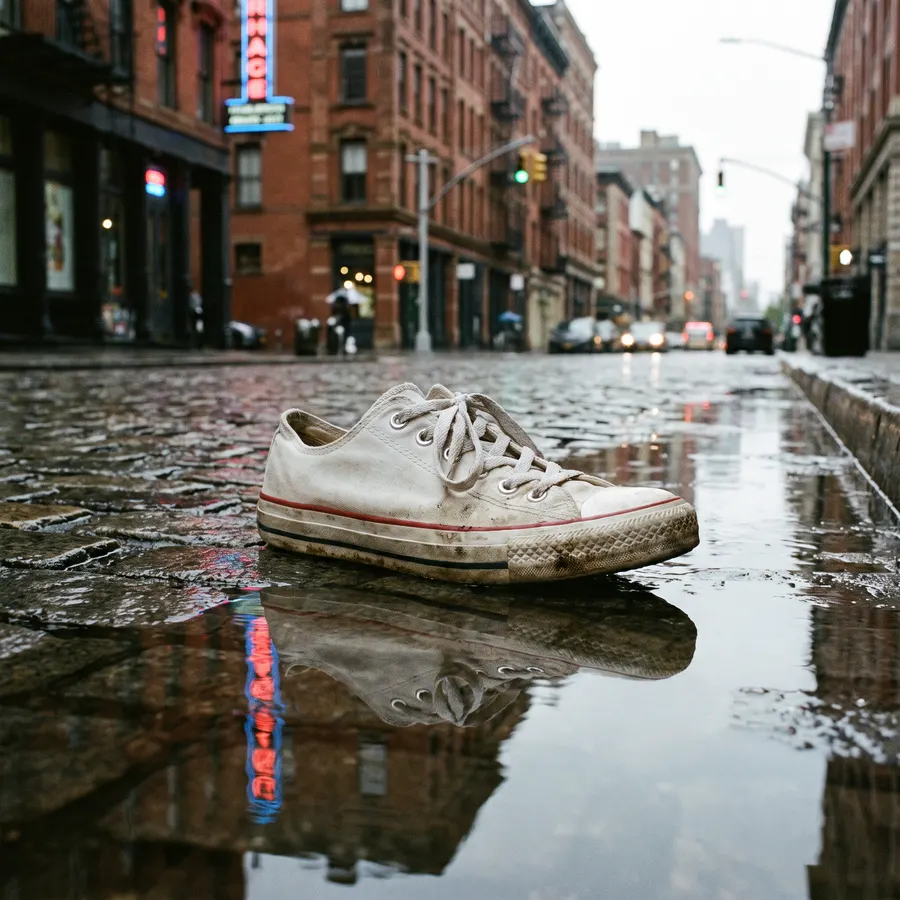
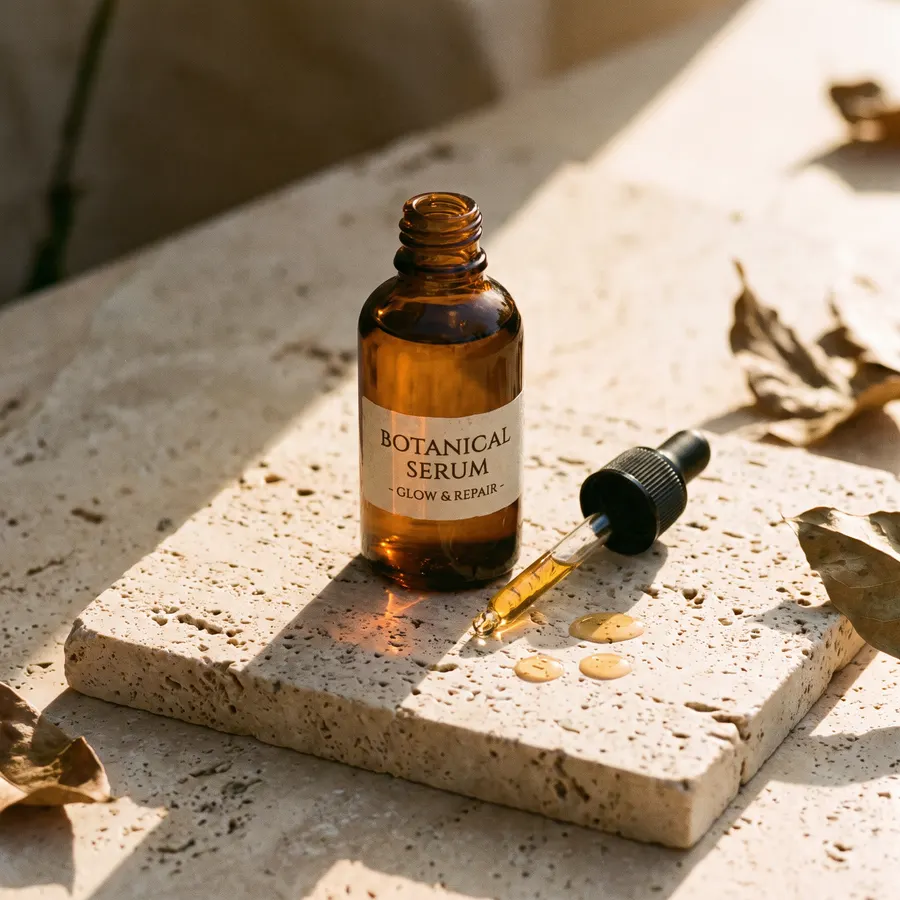
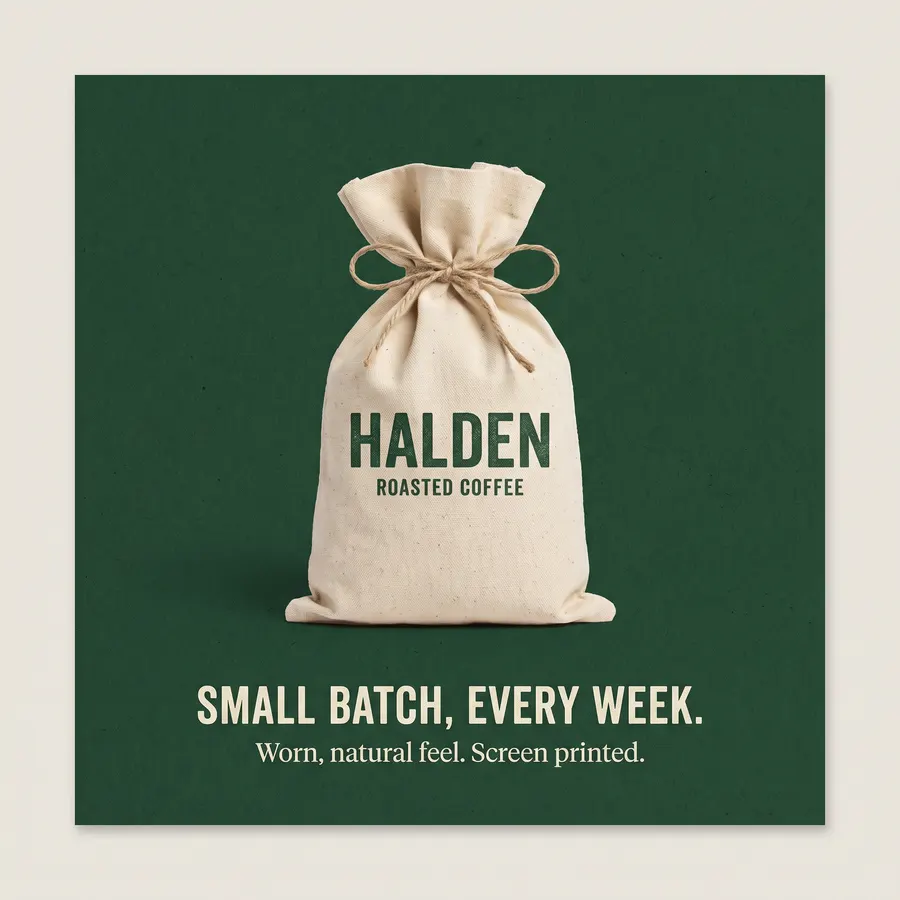
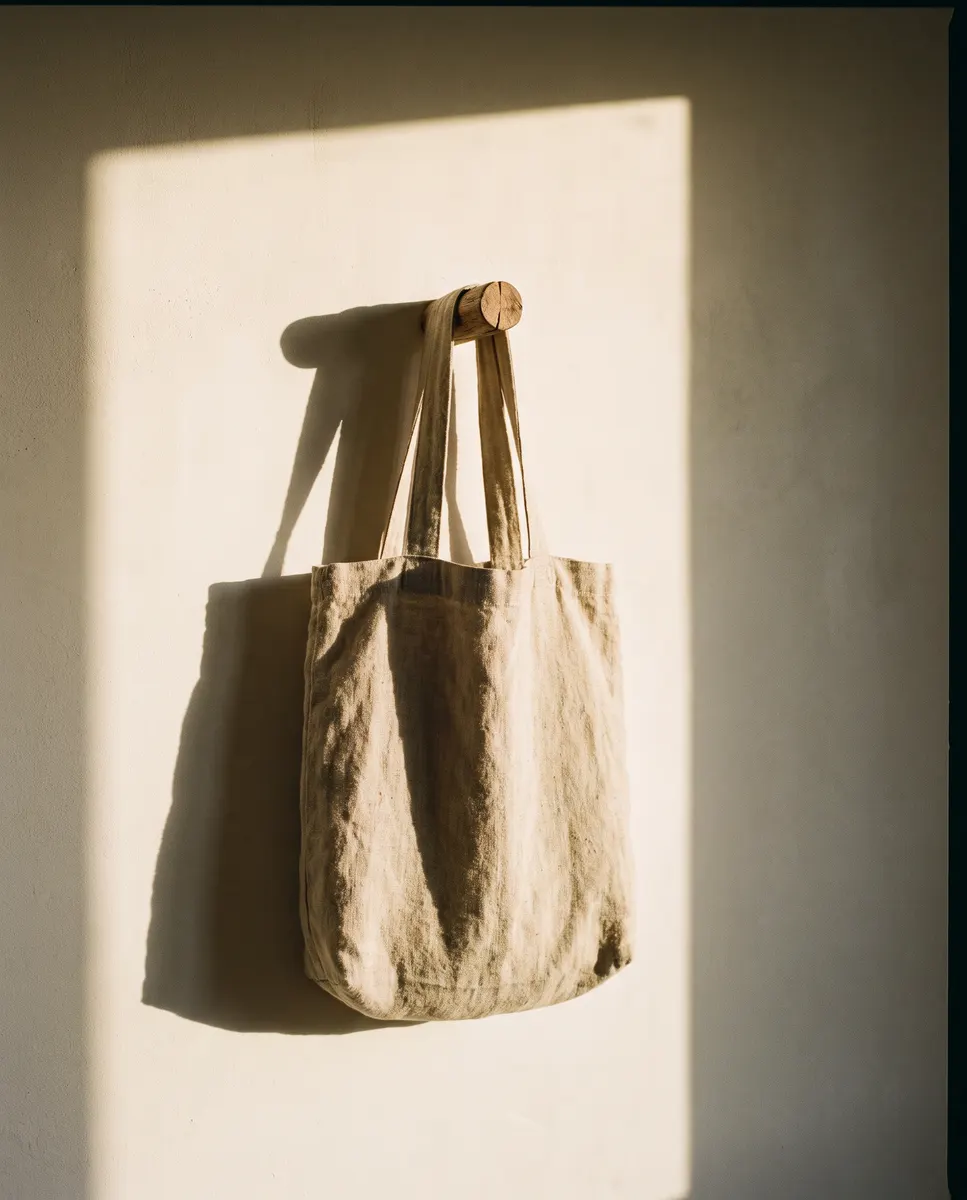
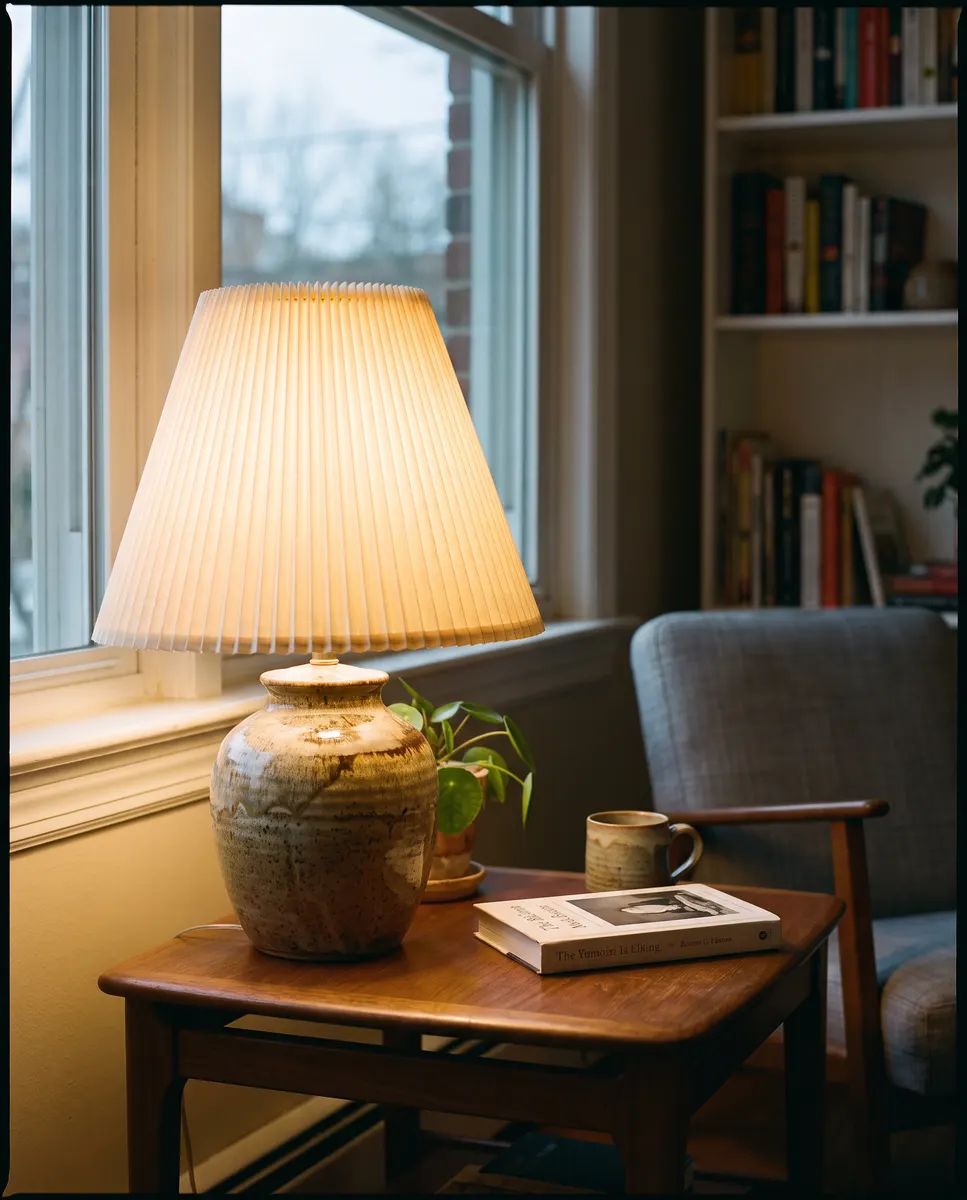
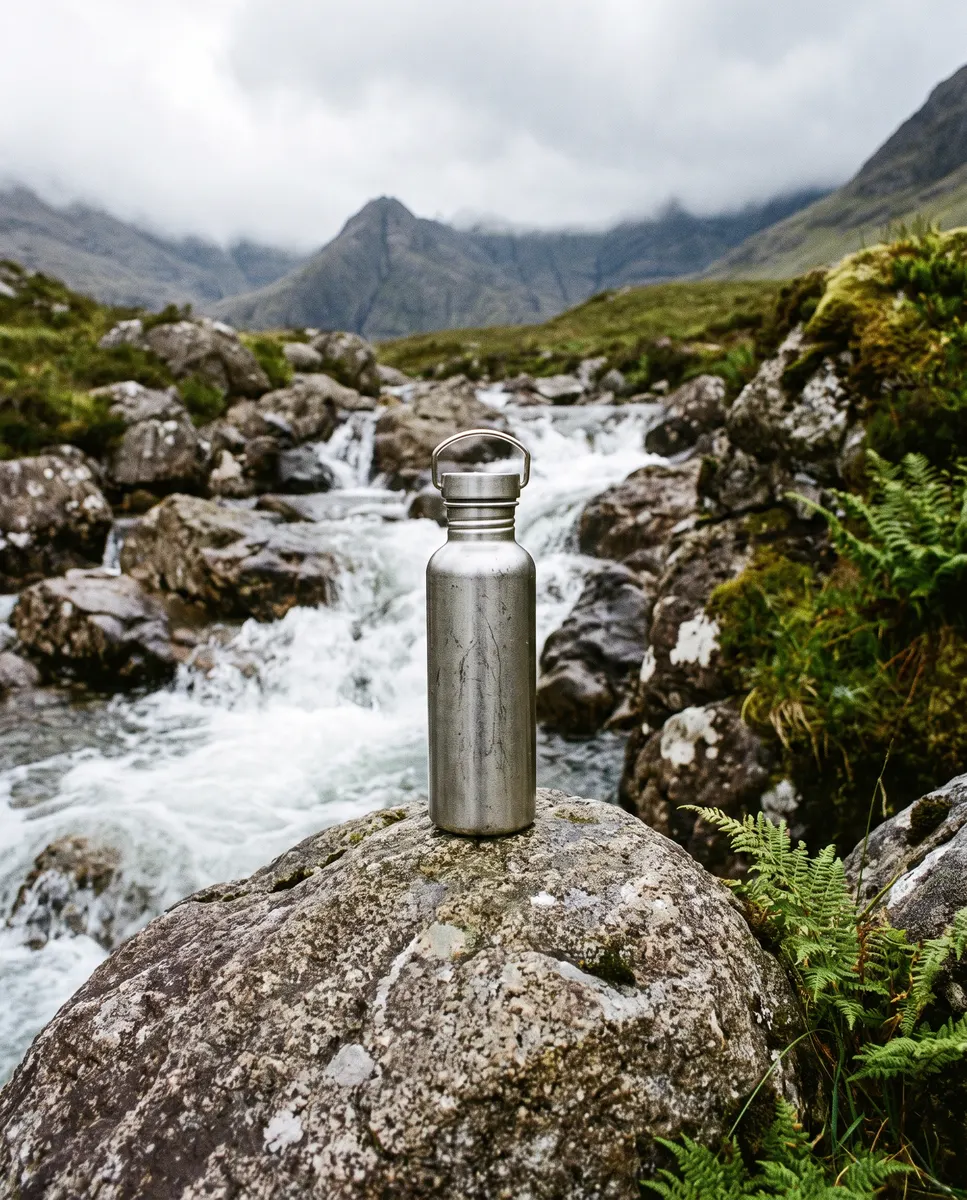
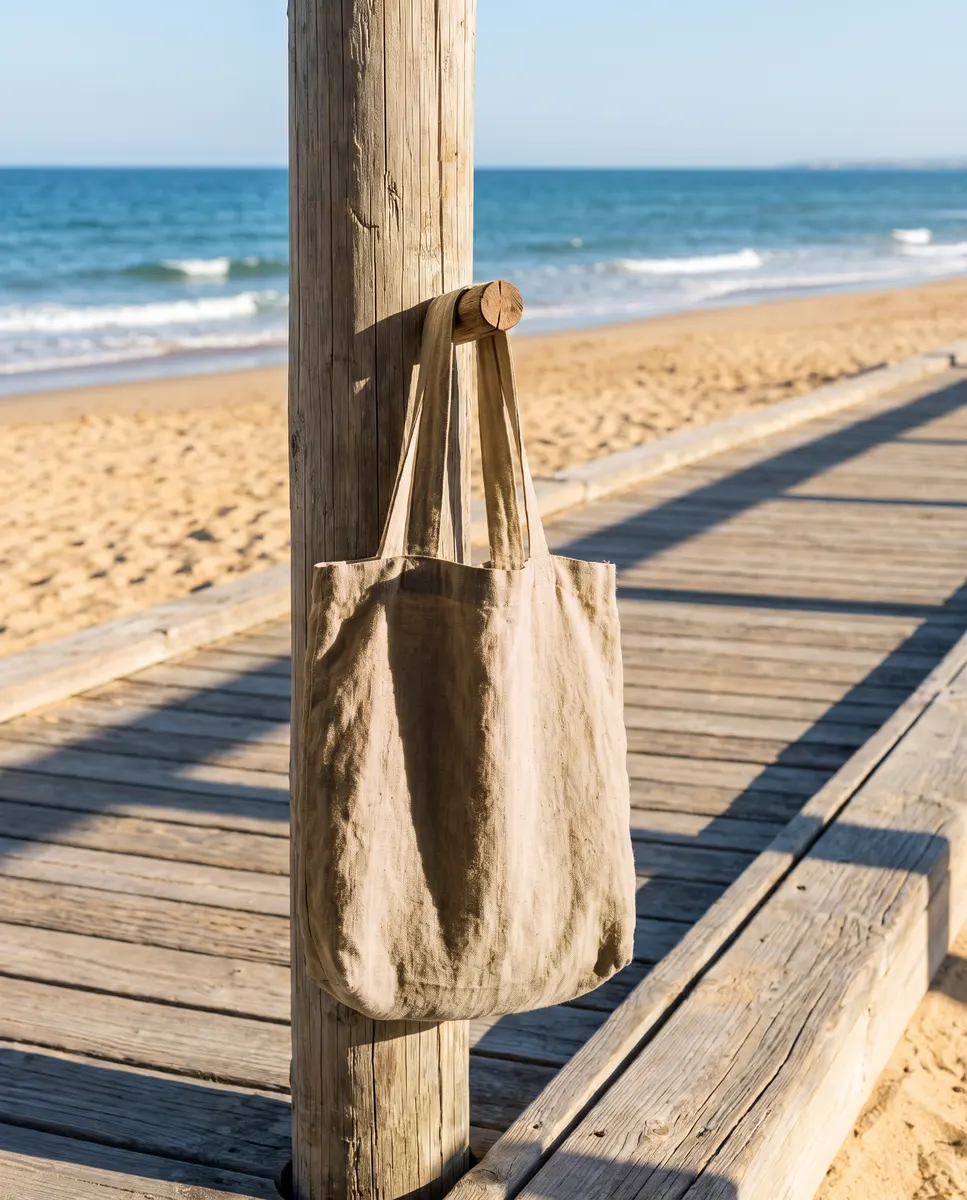
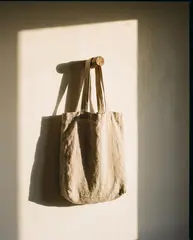
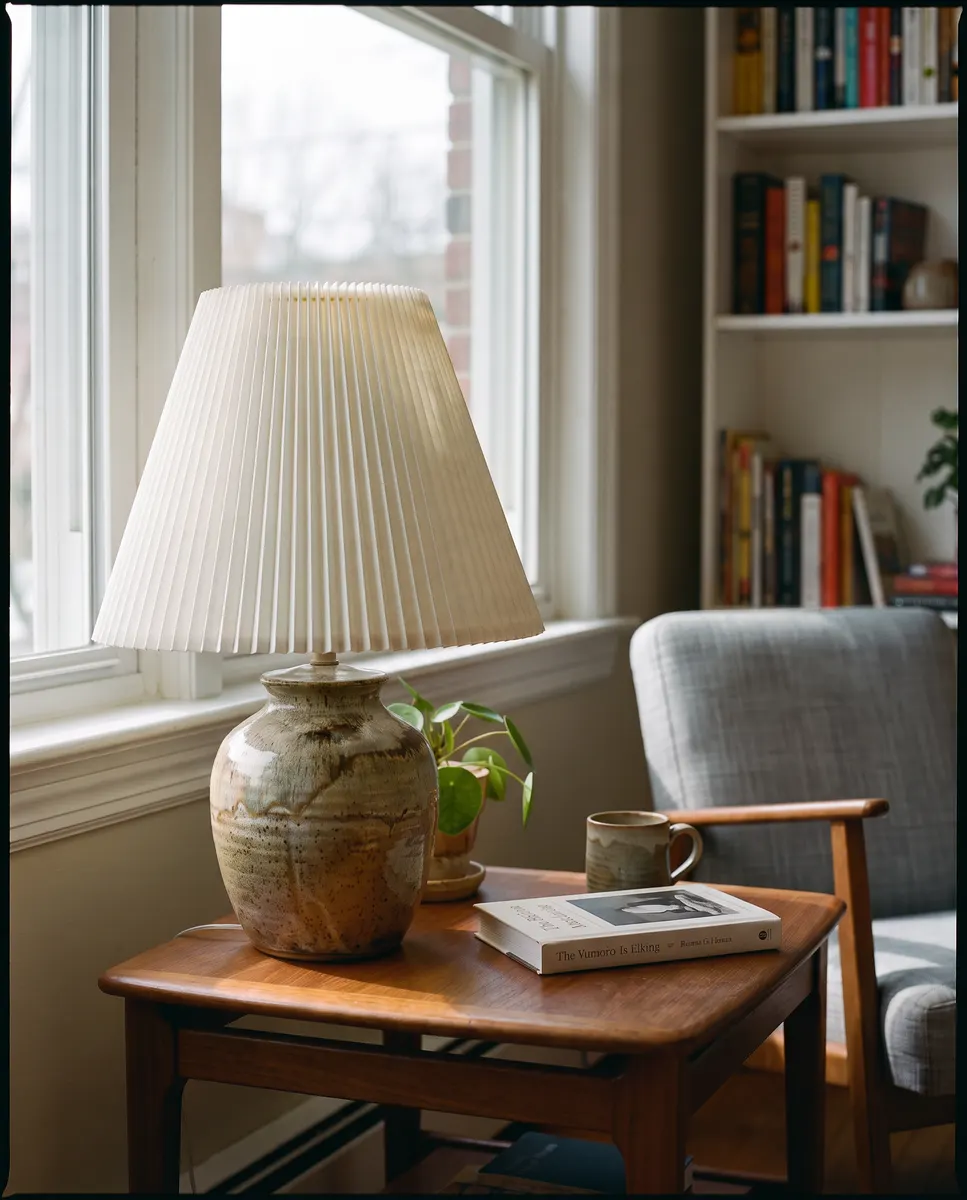
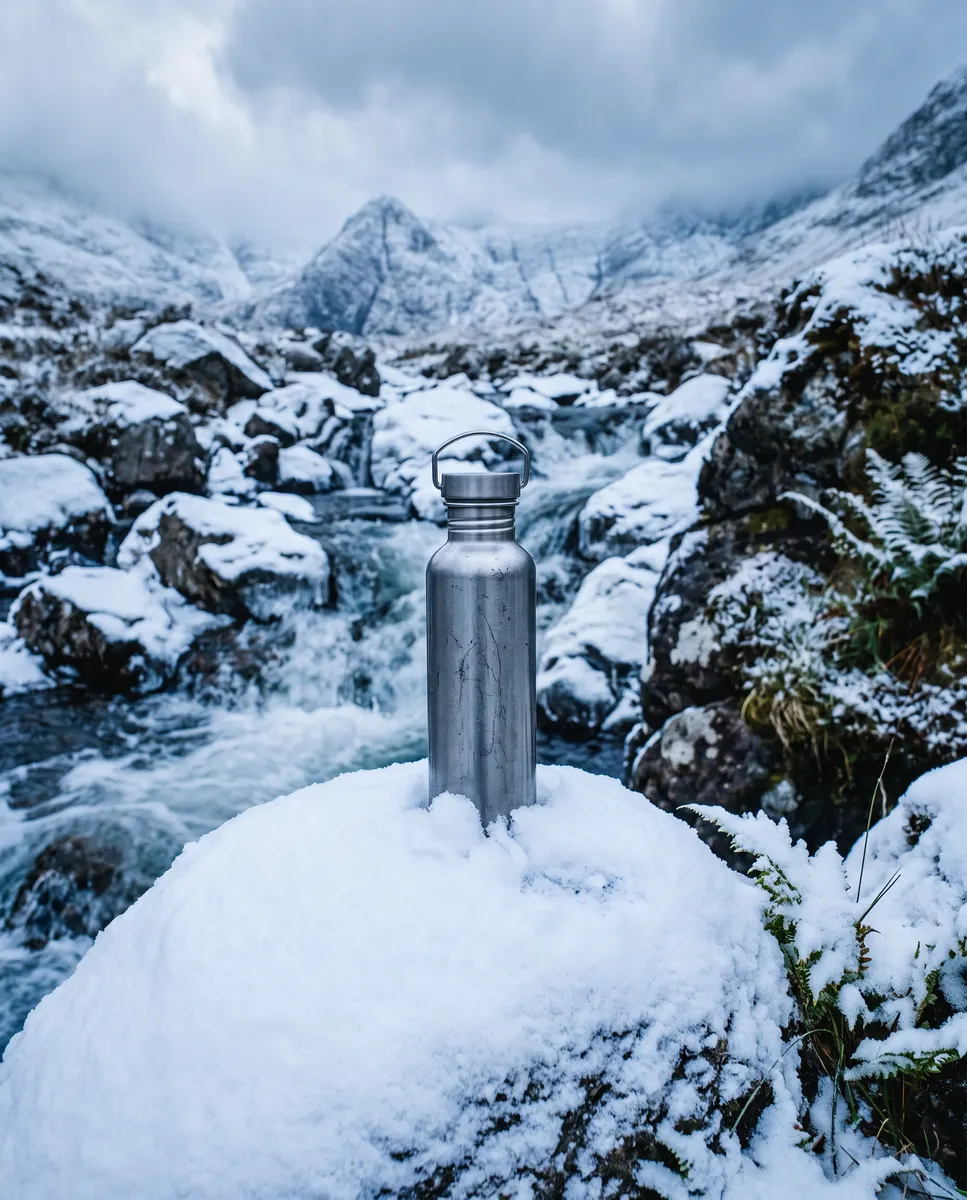
Every image below came from a single message to Claude. The caption is that message.
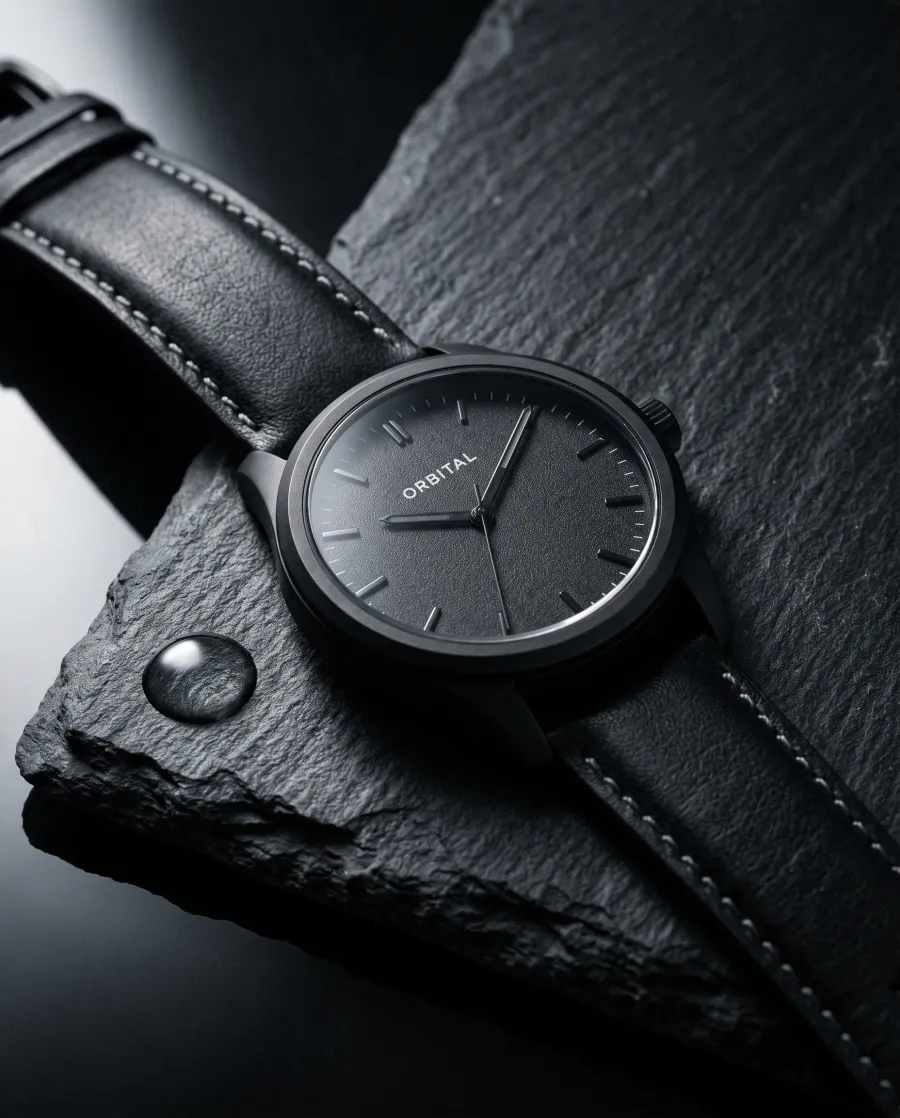
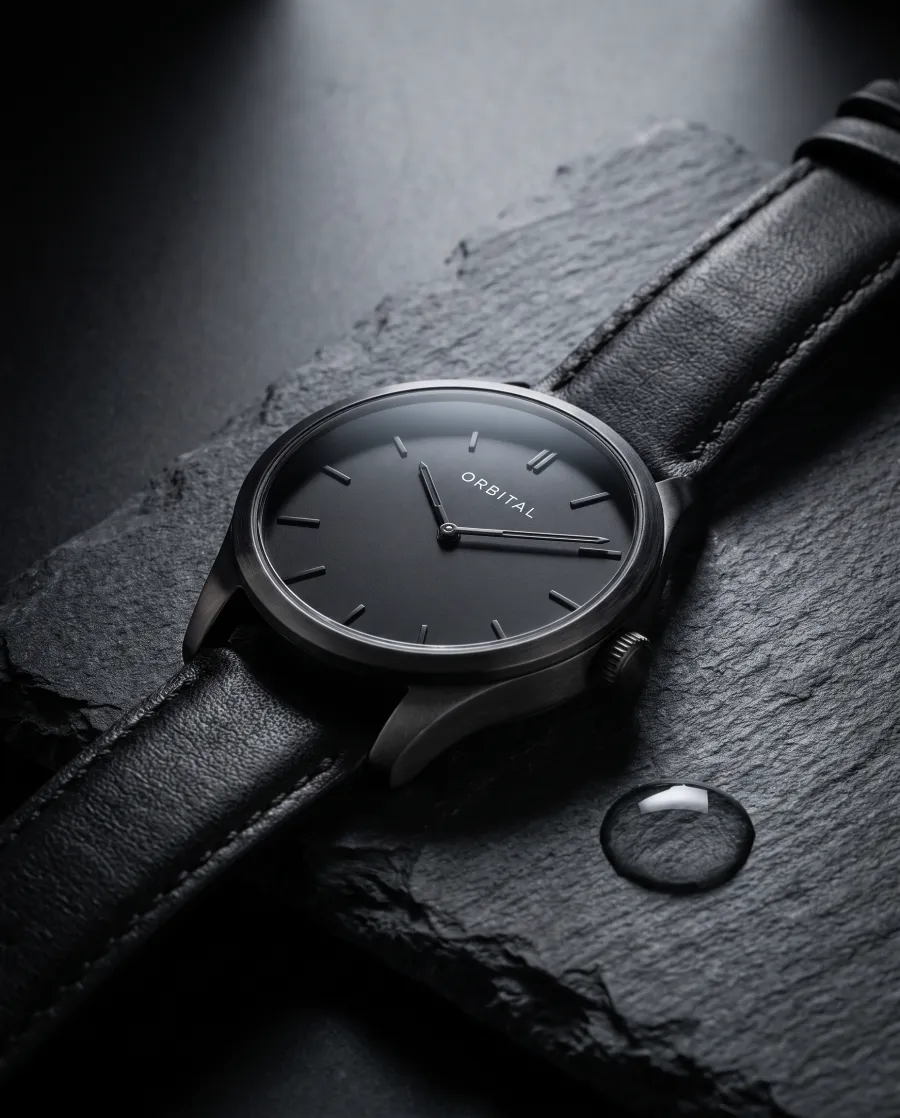
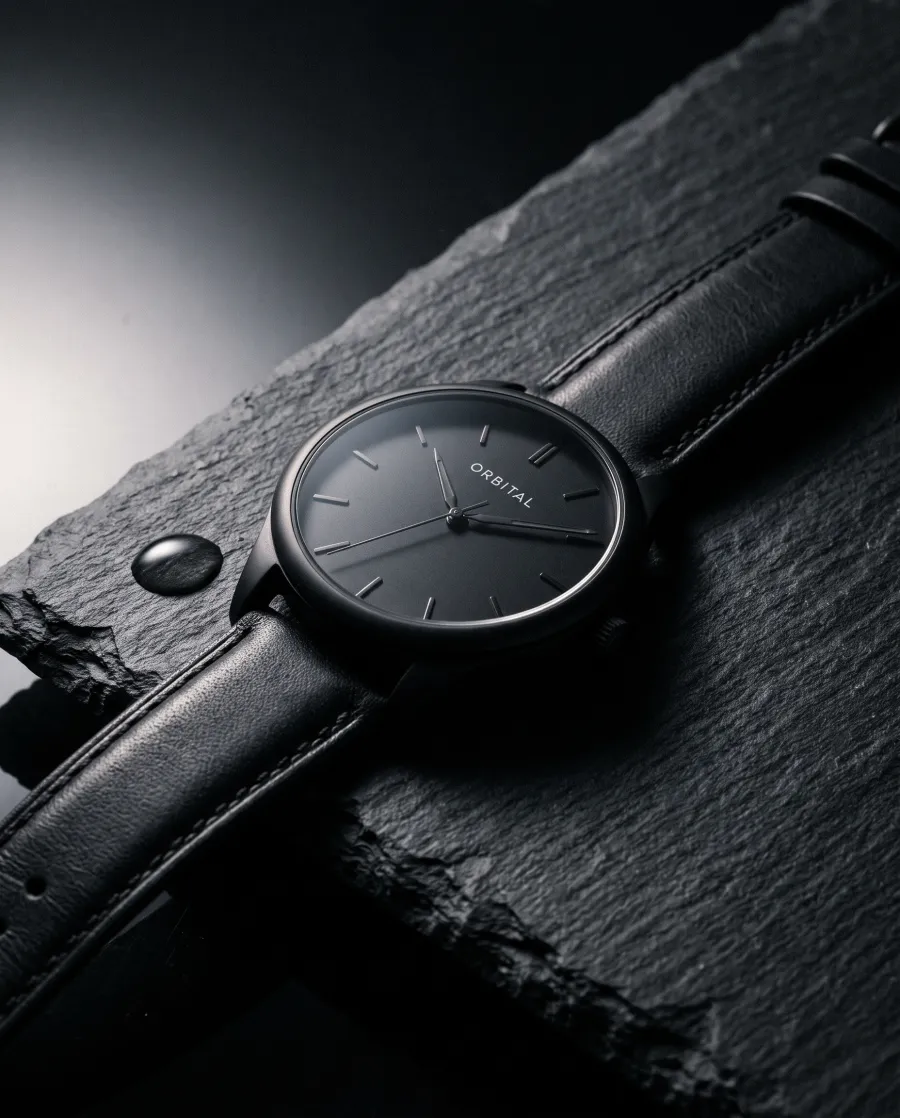
Product photos
Social posts

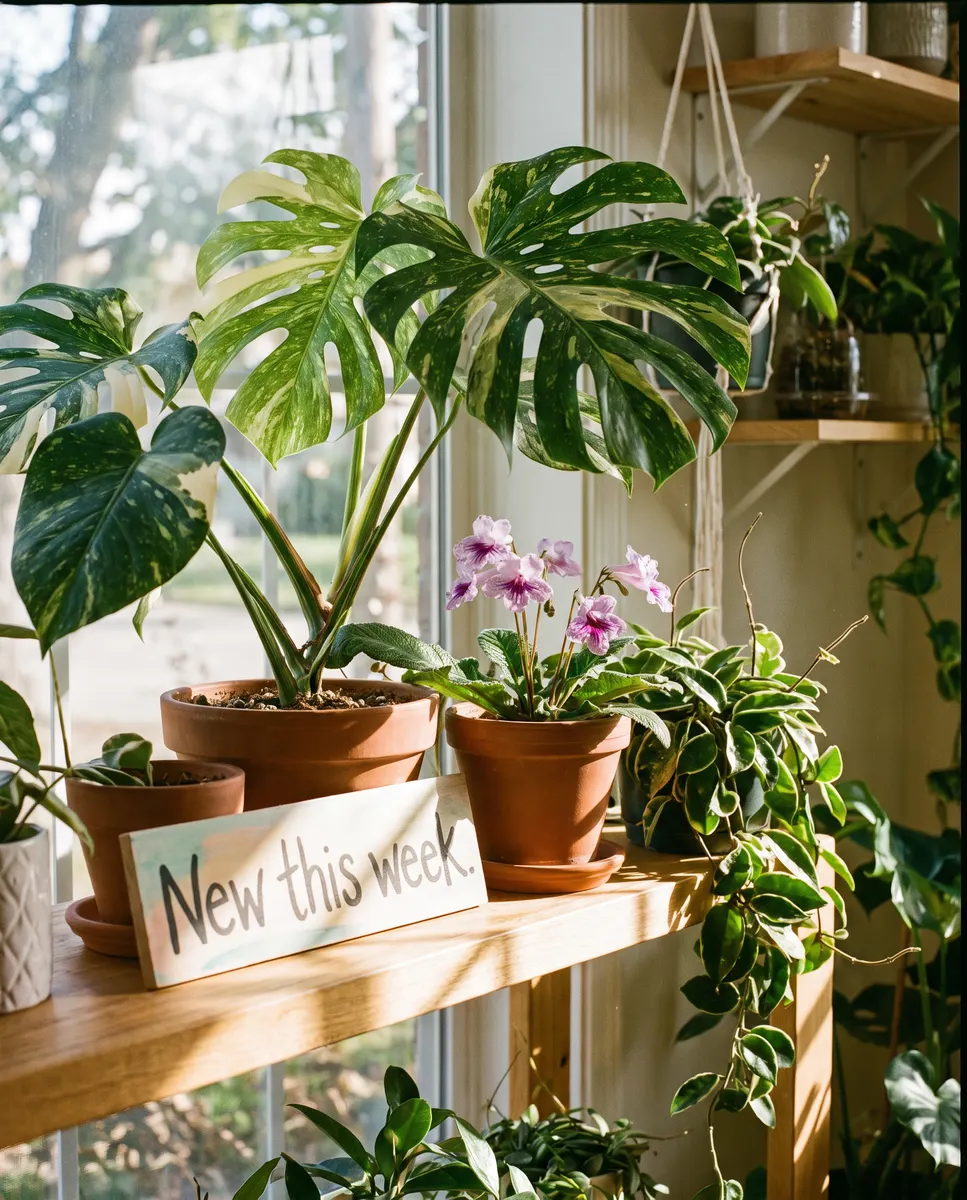

Ad visuals with words on them



Changes to a photo you already have
 Before
 Before
 Before
Claude on its own vs Claude with Predis.ai
| What you ask for | Claude on its own | With Predis.ai connected |
|---|---|---|
| A photo of your product in a new setting | Not available | Made in the chat |
| An illustration or a poster | Simple shapes drawn with code | Made in the chat |
| A chart or a diagram | Drawn with code | Still drawn by Claude |
| Changes to a photo you upload | Can describe it, can’t change it | Changes the background, setting or light |
| Your logo, colors and fonts | You type them into each prompt | Applied from your Predis.ai brand kit |
| One image in several sizes | Not available | 1:1, 4:5, 16:9 and 9:16 |
| What it costs | Part of your Claude plan | Predis.ai credits, shown before each image |
What Claude can do on its own is based on Anthropic’s help center, checked in November 2026.
Prompts to try first
Copy one into Claude after you connect Predis.ai, then swap in your own product.
Use Predis.ai to make a photo of [your product] on a marble counter in morning light, 4:5.
Make 4 versions of this product photo on different backgrounds so I can compare them.
Make a square Instagram post for our weekend sale, 20% off, in my brand kit.
Here’s our latest blog post. Make a 16:9 header image for it.
Put this logo on a white t-shirt, photographed on a wooden hanger.
Make this photo look like it was taken at golden hour, and keep the product as it is.
Make a 9:16 Story image for our new coffee blend with the words Now pouring.
Make 3 ad images for [your product link], one for each angle you’d suggest.
Images that look like your brand, without repeating yourself
Your logo, colors and fonts live in your Predis.ai account, so Claude doesn’t need them in every message. Save a product page once, and next time “make 3 images of the stoneware mug” is enough.
Making images in bulk with Claude Code
In Claude Code, you can point Claude at a spreadsheet of products and ask for an image for each row. Claude shows the cost of the whole batch before it starts.
Then type /mcp, sign in with your Predis.ai account and try: “Make a 1:1 product photo for every row in products.csv.”
Frequently Asked Questions
Can Claude generate images on its own?
No. Anthropic says Claude doesn't make photos or illustrations the way image tools do, but it can draw charts, diagrams and simple graphics with code.
What kinds of images can Claude make with Predis.ai connected?
Product photos, illustrations, social posts and ad visuals, plus changes to photos you upload.
Do I need to know how to write image prompts?
No. Describe what you want the way you'd brief a person, and Claude turns it into the request it sends to Predis.ai.
Can Claude edit a photo I upload?
With Predis.ai connected, yes. Attach the photo and say what to change, such as the background or the light.
Which Claude apps does this work in?
Claude on the web, Claude Desktop and Claude Code.
Do I need a paid Claude plan?
No. Anthropic allows custom connectors on every Claude plan, and the Free plan can add one. On Team and Enterprise plans, an owner adds Predis.ai for the organization first.
What does each image cost?
Each image uses Predis.ai credits, and the number depends on the size and quality you ask for. Most images use 2 to 7 credits, and Claude tells you the cost before anything is made.
Is there a free trial?
Yes. Predis.ai has a 3-day trial. A card is required, the first charge is on day 4, and you won't be charged if you cancel before then.
Ask Claude for the image you have in mind
Connect Predis.ai once, and every image after that starts in the conversation you’re already having.
Add Predis.ai to Claude3-day trial · Card required · Cancel before day 4
Claude is a trademark of Anthropic. Predis.ai is not affiliated with or endorsed by Anthropic.