



Image Generation MCP for Claude and ChatGPT
Ask Claude or ChatGPT for an image and Predis.ai makes it in the same chat, in your brand kit and in the size each placement needs. You see the credit cost before anything is made.
Connect Predis.ai MCP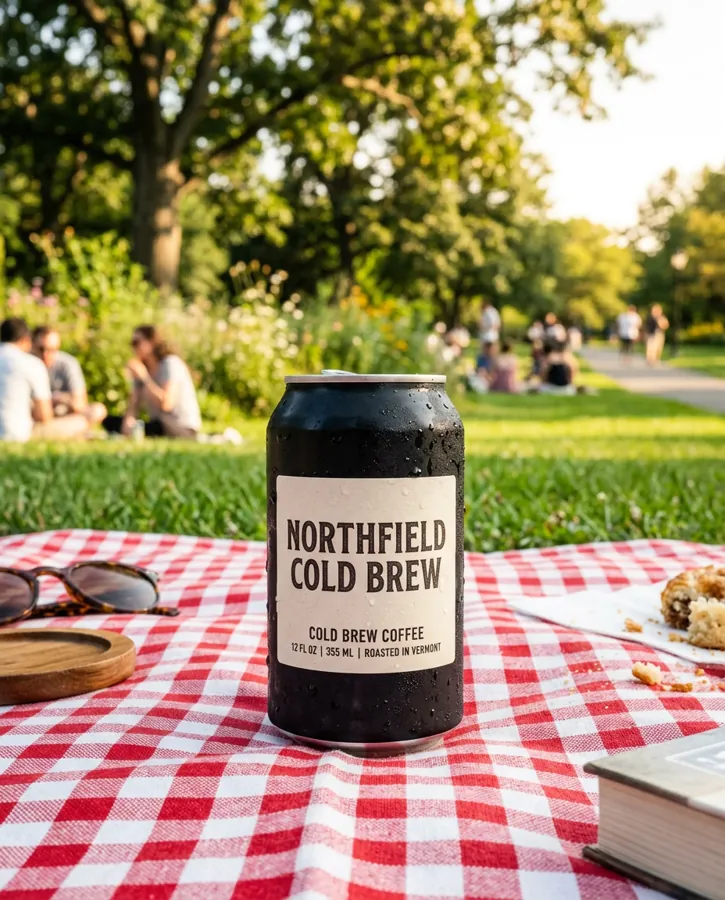
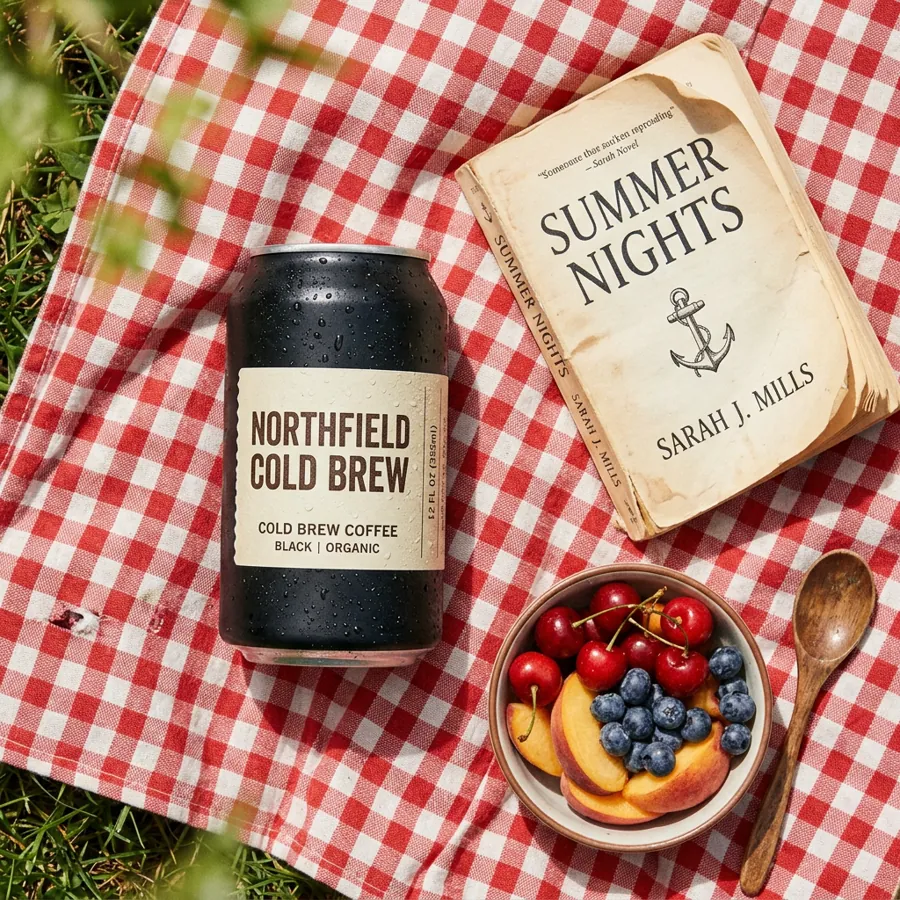
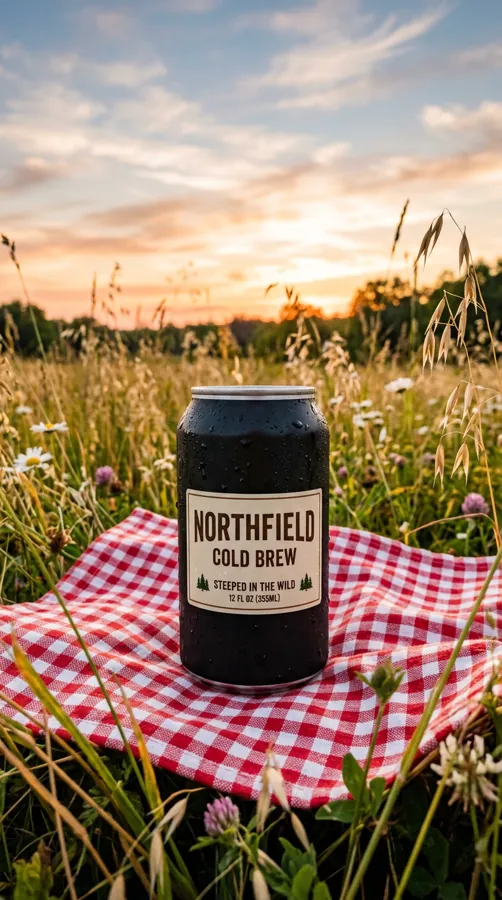
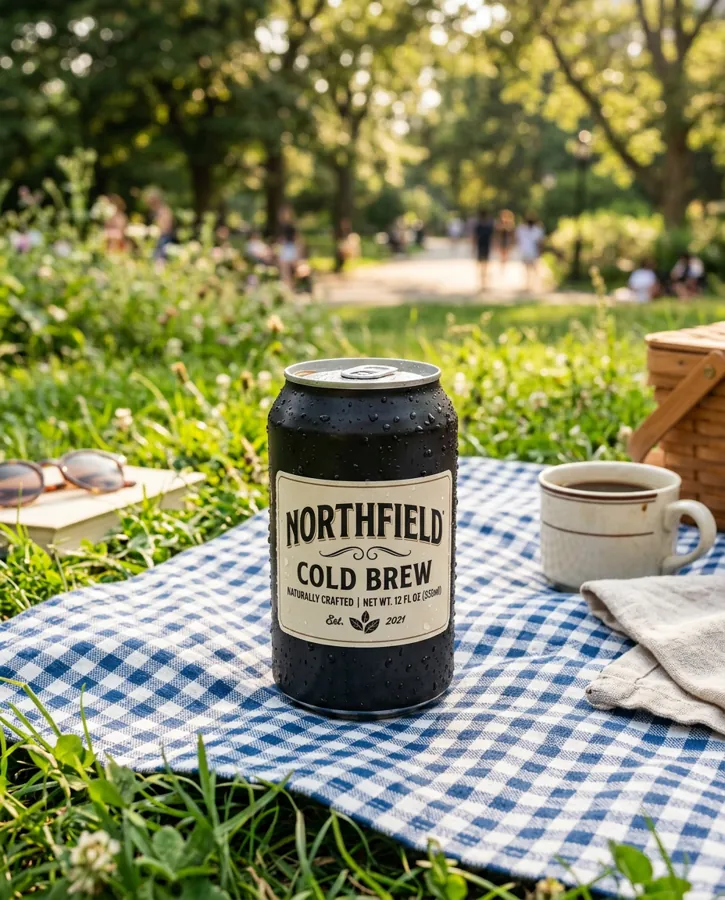
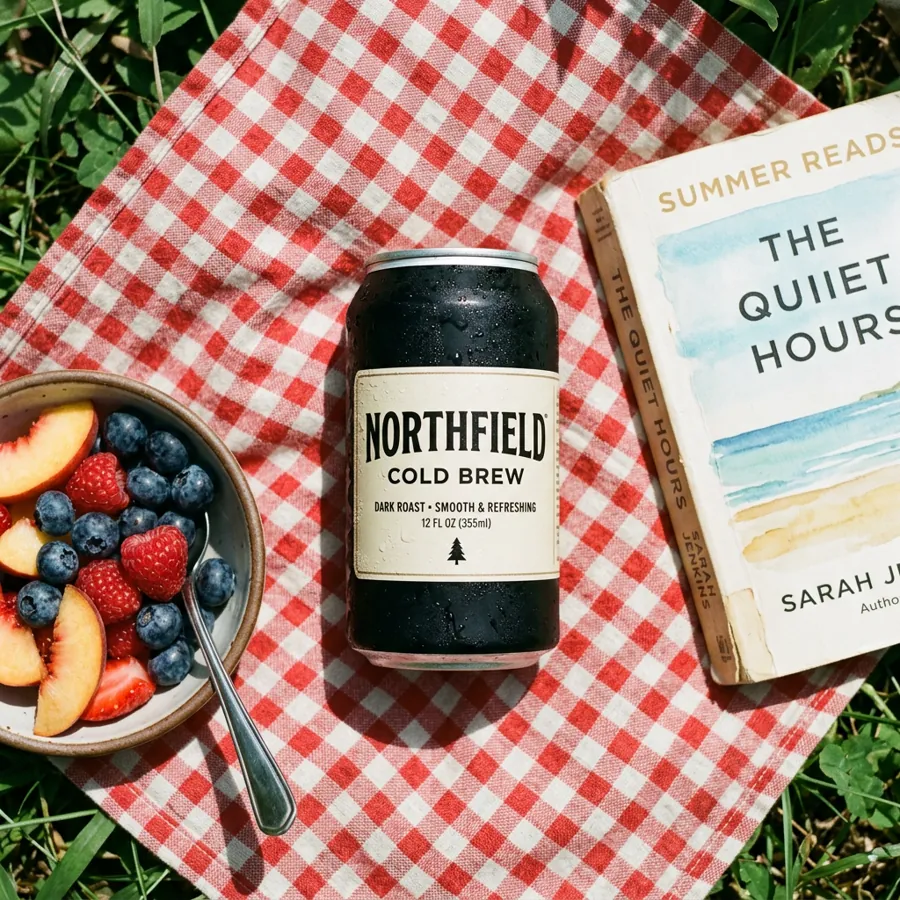
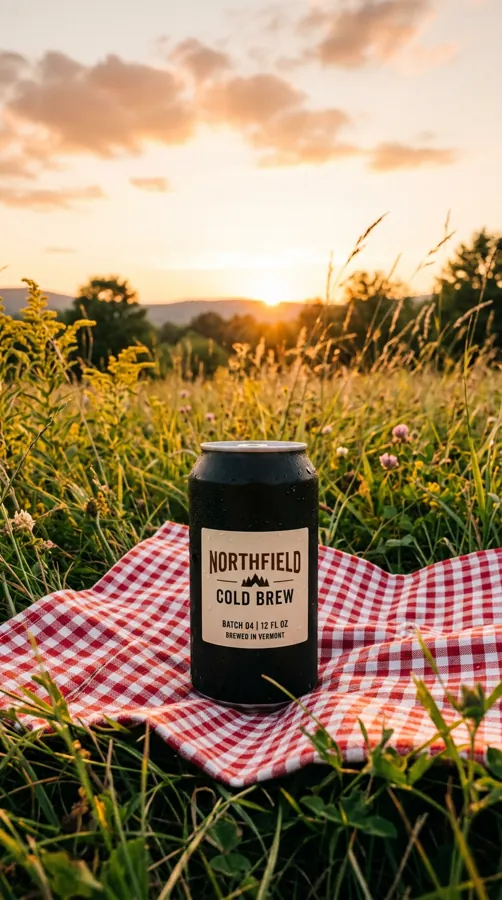
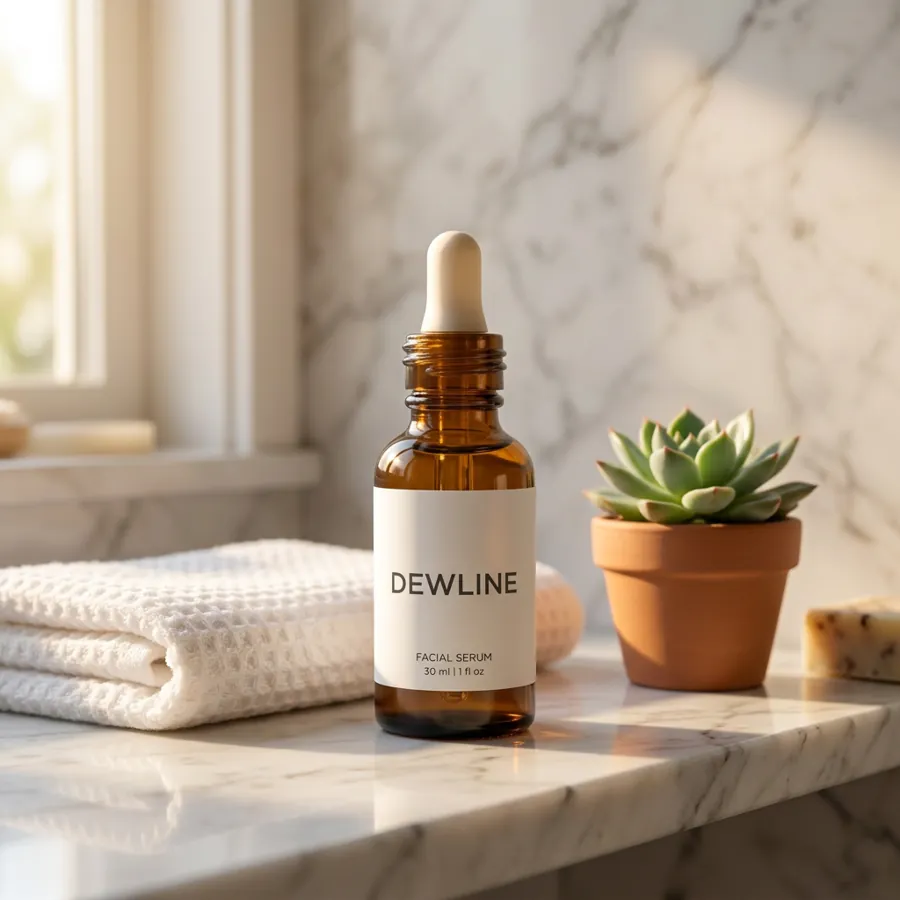
You type“6 images of our cold brew can on a picnic blanket, in feed and Stories sizes.”
One message in, 4 images back to choose from
Pick a tab to see what you’d type and what came back. Keep the one that fits and ask for more like it.
You get: 4 images
Back in the same chatClick an image to see it larger. Next, ask for a Stories size or a version with your sale price on it.
You get: 3 images
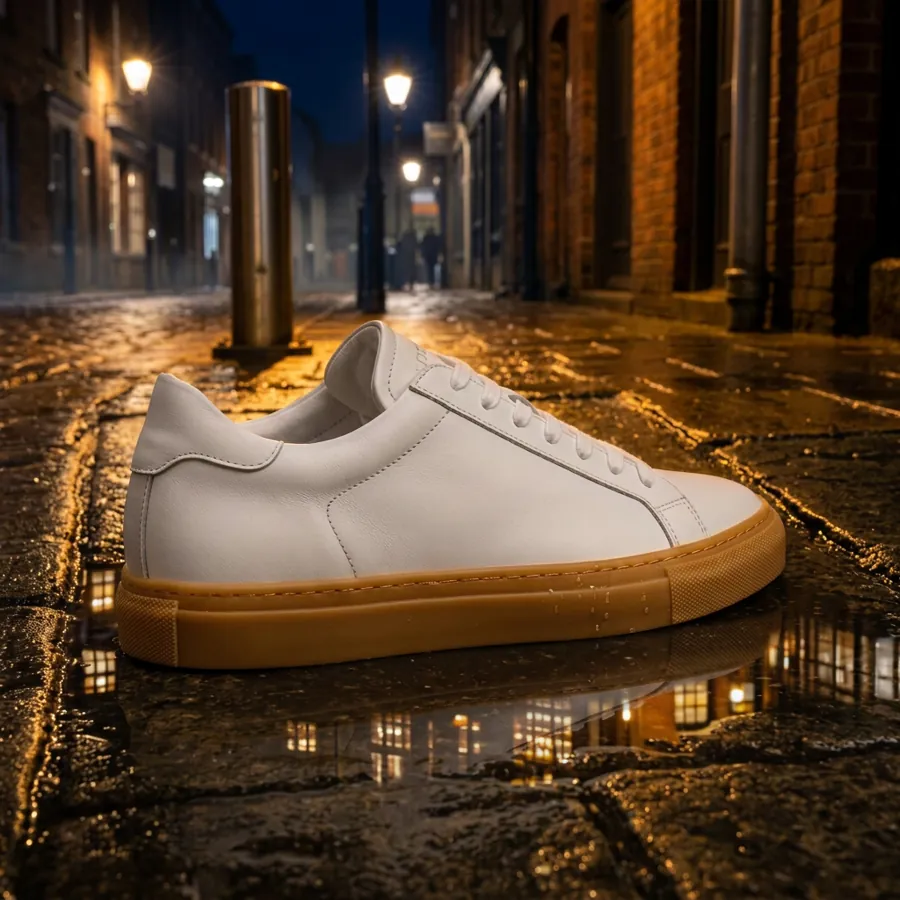
Back in the same chatYour photo
Next, ask for the same scene at night, or with a person wearing them.
You get: 1 edited image
Back in the same chatBefore on the left, the edit on the right. Next, ask for 3 more backgrounds so you can test them against each other.
One image, sized for every place it runs
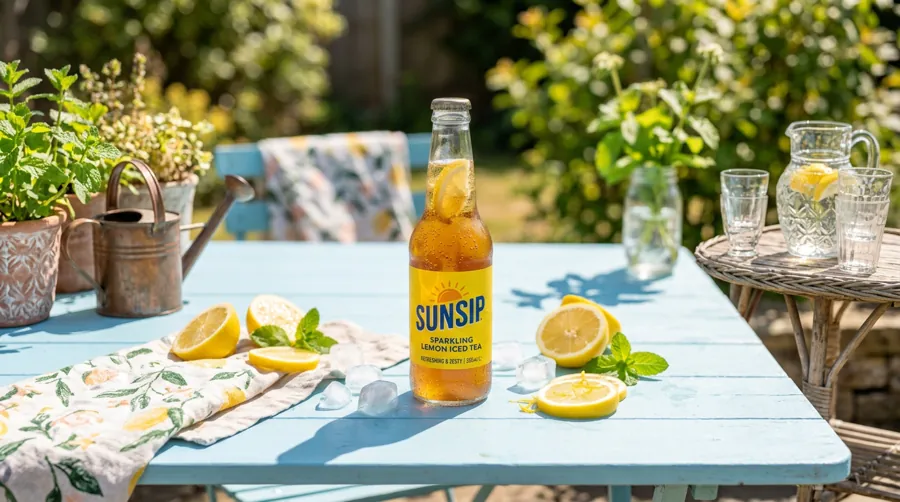
Ask for every size in the same message instead of resizing by hand afterward. Each version keeps your brand kit.



Start from a photo you already have
Attach a product shot, paste a public link or pick something you’ve already uploaded to Predis.ai. Then change the scene, the light or the season around the same product.
Try it with your photo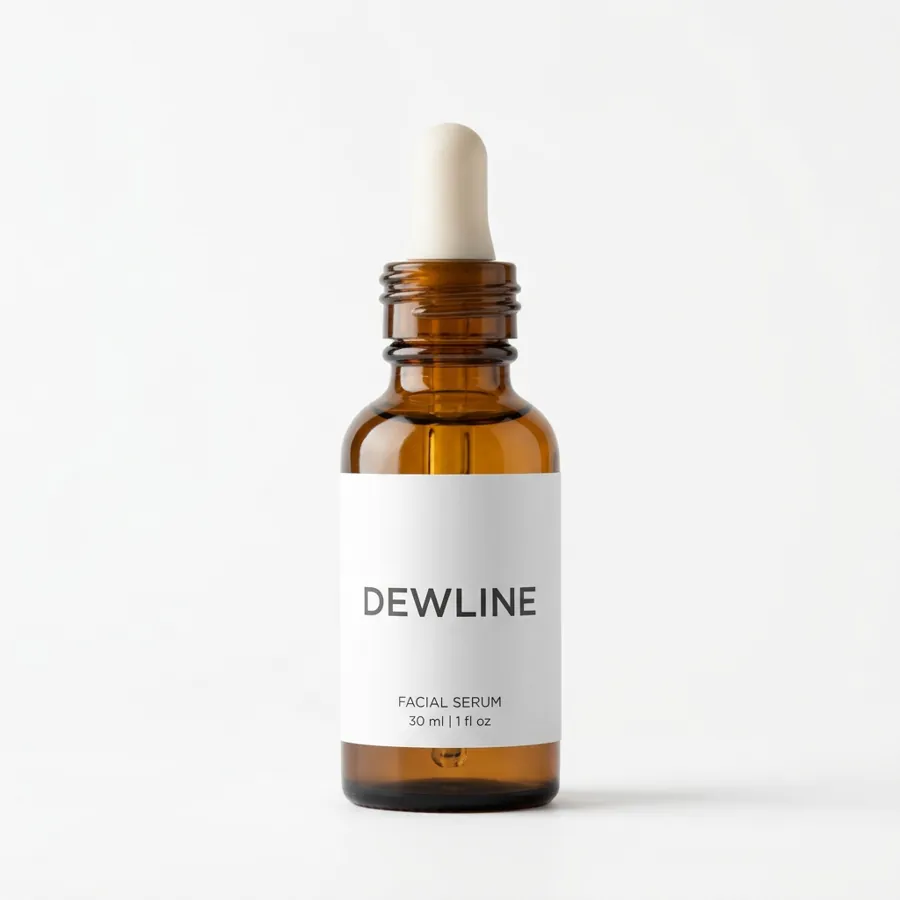
Your brand kit is already in the chat
Your logo, colors and fonts come from your Predis.ai account, so you never paste a hex code into a prompt. Each brand you work with keeps its own kit.
Set up your brand kit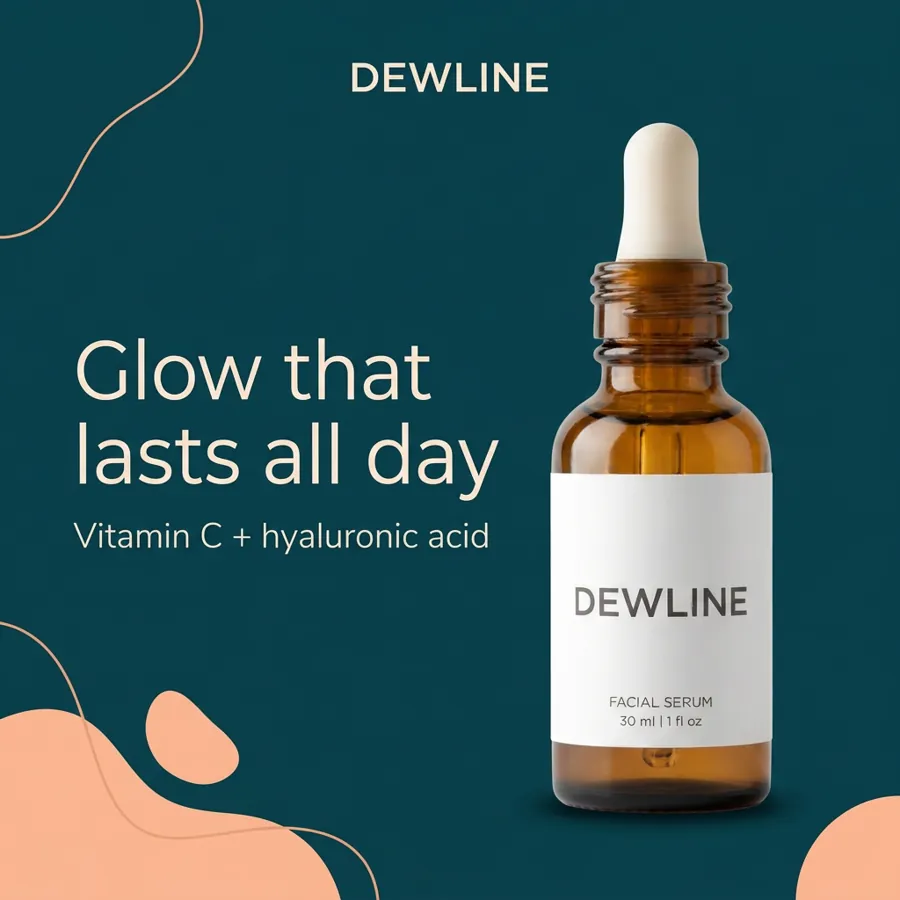
Change one detail and keep the rest
Ask for a new background or a different headline while everything else stays put. That keeps each variant clean enough to compare.
Connect Predis.ai MCP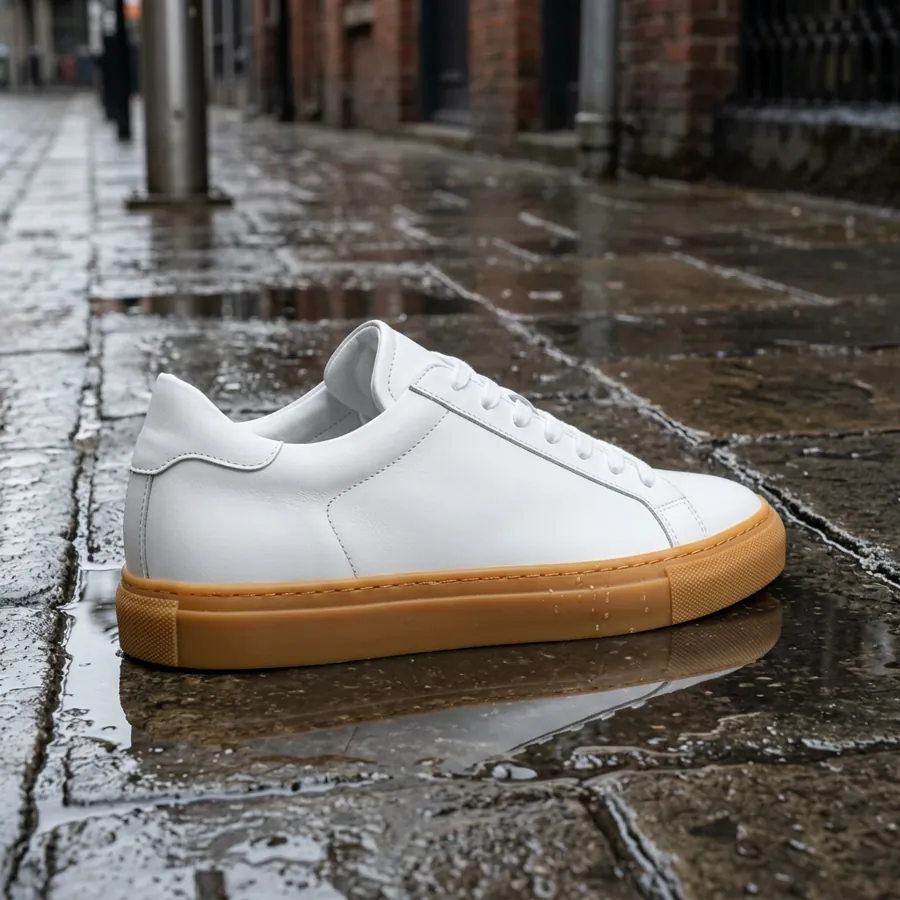
See the cost before an image is made
Your assistant checks the price with Predis.ai first and tells you the credits and your balance. Nothing is charged until you say go.
Your assistant4 images at 4:5 will use 14 credits from your balance. Go ahead?
YouGo.
Add Predis.ai to your assistant in 2 minutes
Sign in with your Predis.ai account. There's no API key to copy, and your brand kit and saved products come with you.
-
Open Connectors
In Claude on the web or Claude Desktop, go to Settings, then Connectors.
-
Add a custom connector
Name it Predis.ai and paste the MCP server URL below.
-
Sign in and ask
Click Connect, sign in with your Predis.ai account and start a new chat.
Then try: “Use Predis.ai to make 4 images of [your product] for an Instagram post, in my brand kit.”
-
Add a custom MCP server
In ChatGPT on your desktop browser, open Settings, then Apps (or Plugins, depending on your account). Select +, then Add custom MCP server.
-
Connect it to Predis.ai
Name it Predis.ai, paste the MCP server URL below under Connection, and sign in with your Predis.ai account.
-
Create the plugin and ask
Review the security warning, select Create as a plugin, then install it. Start a new chat and type @Predis.ai.
Then try: “Use Predis.ai to make 4 images of [your product] for an Instagram post, in my brand kit.”
-
Add the server
Run the command below in your terminal.
-
Sign in
Type /mcp in Claude Code and sign in with your Predis.ai account.
-
Make ads in bulk
Point it at a product feed or a CSV, and it makes ads for every row.
Then try: “Use Predis.ai to make 4 images of [your product] for an Instagram post, in my brand kit.”
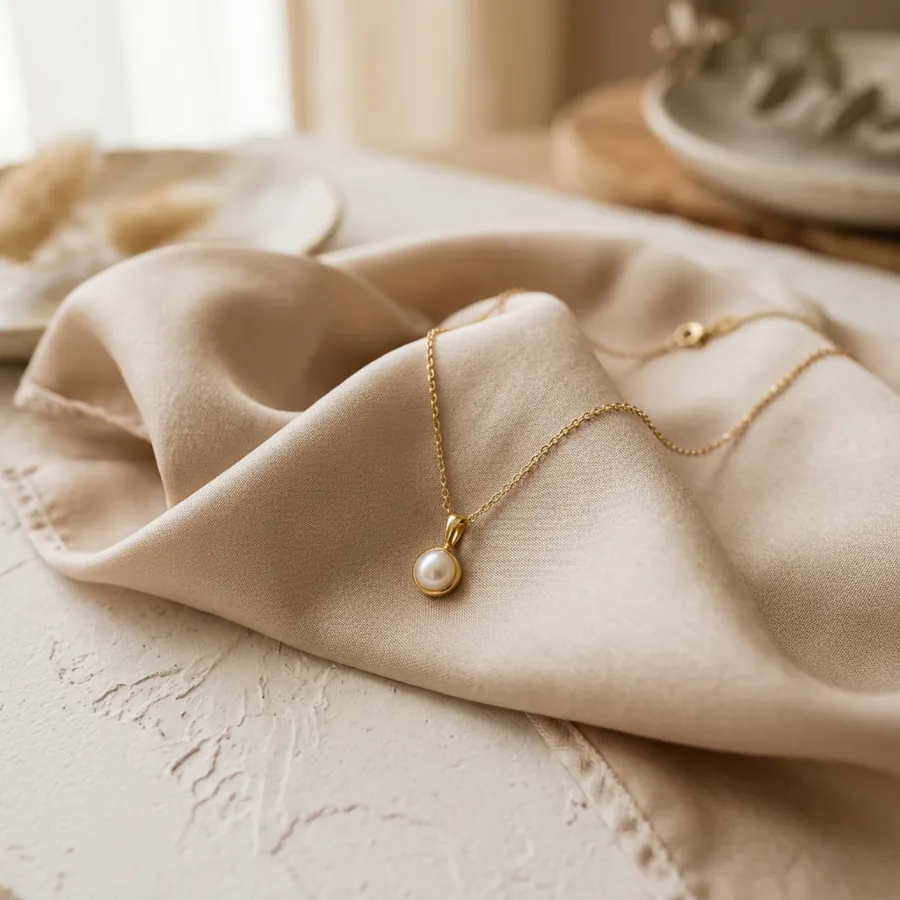
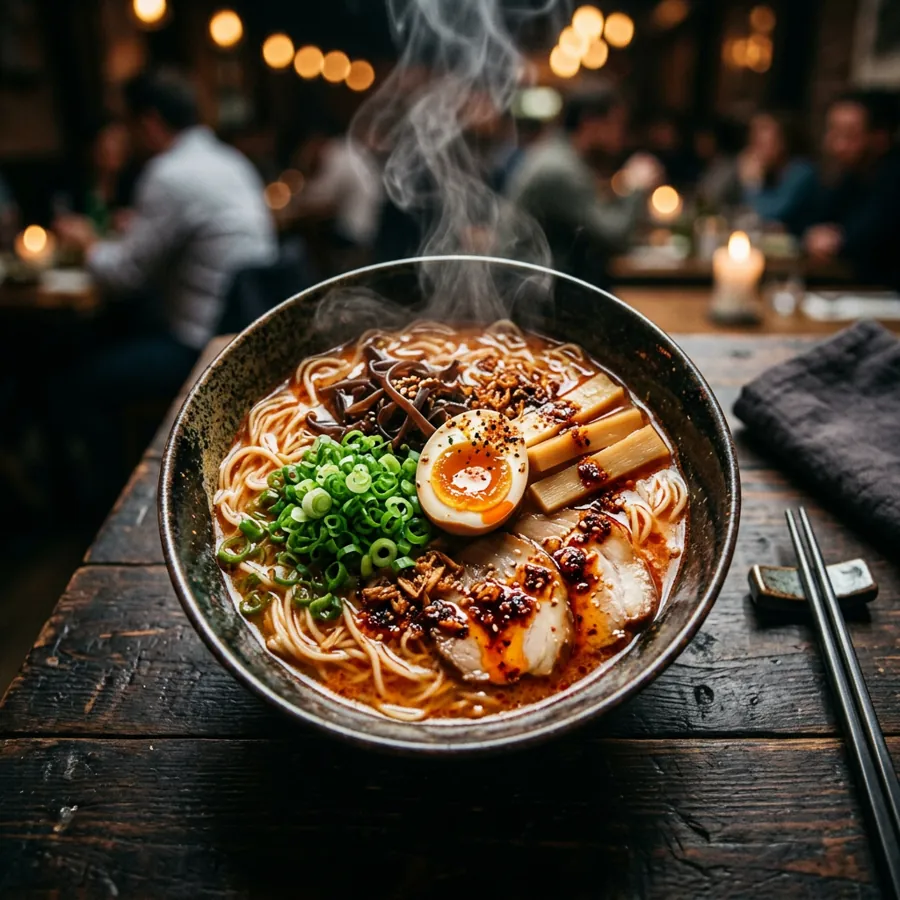
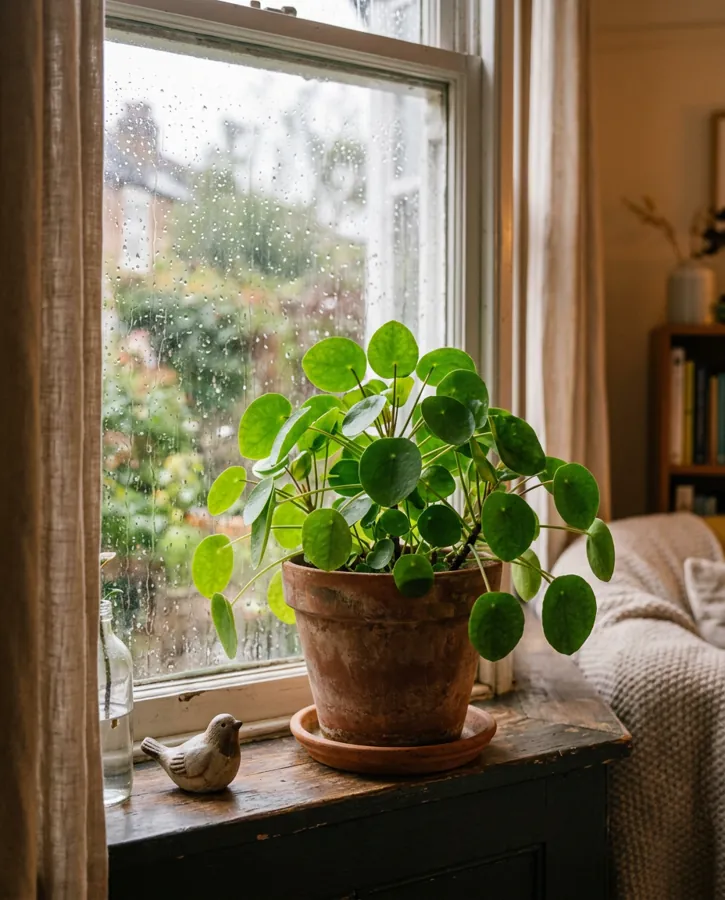
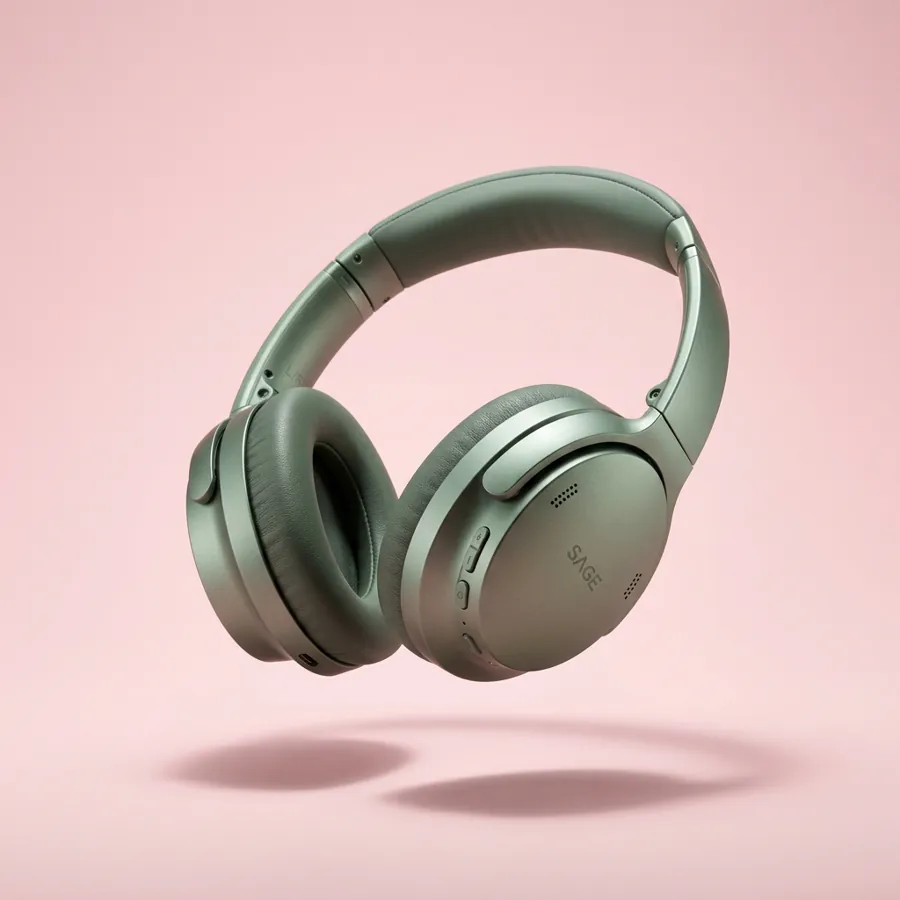
Images made in a chat with Predis.ai
Each one started as a single message. Hover or tap to see what was typed.



What people make with Predis.ai
Rated 4.7/5 on G2.
The images and the videos it has generated have been very beautiful and very successful in helping me sell my product. I would highly recommend them.

"Everything actually looks put together without me spending hours on it. I don't sit there staring at a screen wondering what to post anymore."

"Social media was something we knew we had to do, but it never really got done properly. Predis made content creation faster, simpler, and way more consistent for us."

"There is no store that sells time, and that is exactly what Predis does. Once you've tried it, you won't let go."

"Social media used to take too much time and energy. It has helped me stay visible in the marketplace and keep my marketing activities moving."

"Everything actually looks put together without me spending hours on it. I don't sit there staring at a screen wondering what to post anymore."
"Social media was something we knew we had to do, but it never really got done properly. Predis made content creation faster, simpler, and way more consistent for us."
"There is no store that sells time, and that is exactly what Predis does. Once you've tried it, you won't let go."
"Social media used to take too much time and energy. It has helped me stay visible in the marketplace and keep my marketing activities moving."
Frequently Asked Questions
What is an image generation MCP?
It's an MCP server that lets an assistant like Claude or ChatGPT make images through an outside tool. The Predis.ai MCP gives your assistant Predis.ai's image making, your brand kit and your saved products.
Can I use my own product photos?
Yes. Attach a file in the chat, paste a public link or pick something you've already uploaded to Predis.ai, and it becomes the reference for the next image.
Which sizes can I ask for?
1:1, 4:5, 9:16 and 16:9 work for most images, and some options add sizes like 3:4 and 4:3. You can also ask for up to 4K. Name the placement, like “Stories size,” and your assistant picks the matching ratio.
How much does an image cost?
Each image uses credits from your plan, usually 2 to 7 credits depending on the option and quality you ask for. Your assistant tells you the cost before anything is made.
Can I make images in bulk?
Yes. In Claude Code, point it at a product feed or a CSV and it makes images for every row.
Is there a free trial?
Yes, for 3 days. A card is required, your first charge is on day 4, and you can cancel anytime before then.
Images that are actually yours, made in the chat you already use
Connect Predis.ai once and every image after that starts from your brand kit.
Connect Predis.ai MCP