Instagram is not just a social media platform for sharing content; it is also an effective tool for building your personal or professional brand. The platform offers an infinite number of opportunities for creative expression by providing a variety of content formats, including posts, reels, stories, and videos. However, if you want to increase the number of people who interact with your posts and make your photographs appear more professional, you need to adhere to the optimum measurements for Instagram posts.
This in-depth blog will show you the best Instagram post size guide for all kinds of Instagram posts, from square posts to vertical Reels. This will help you to make graphics that look great on all devices. Whether you’ve been using Instagram for a while or this is your first time, this blog is your ultimate guide to Instagram image and video post sizes.
Importance of Correct Instagram Post Sizes
Your content will appear on Instagram without being cropped or pixelated if you use the appropriate image sizes. This will give your content a more impressive and professional appearance.
- Posts with proper dimensions attract more likes, comments, and shares, which helps in enhancing engagement.
- Having photos and images that are optimized helps your business appear consistent, which is important for maintaining brand consistency.
- High-quality posts are likely to rank better on Instagram Explore, hence boosting your content’s visibility.
Instagram Post Size Guide for Each Post Type
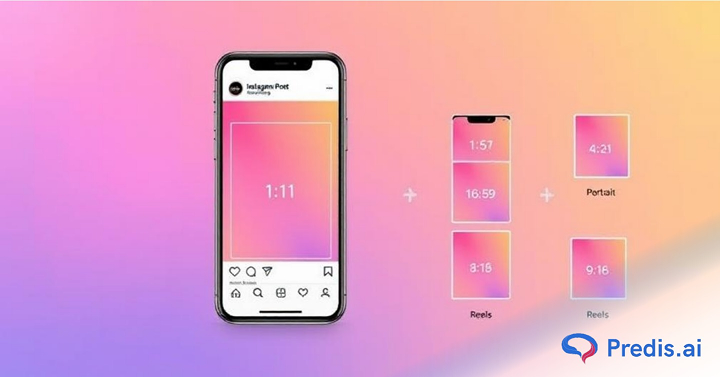
Here’s a quick breakdown of Instagram post size guide for 2026:
| Content type | Dimensions | Aspect ratio | File size | Best format | Best used for | Notes and Best Practices |
| Square posts | 1080 x 1080 | 1:1 | < 30 MB | JPG | 1. Product shots 2. before and after comparison 3. Brand announcements | Clean look to maintain aesthetic |
| Portrait posts | 1080 x 1350 | 4:5 | < 30 MB | JPG | 1. Step-by-step tutorials 2. Recipes 3. Statistics | Higher engagement rate since it takes up more space |
| Landscape posts | 1080 x 608 | 1.91:1 | <30 MB | JPG | 1. Landscape photography 2. Comparison charts | Best used for wide shots and landscape style photography |
| Instagram story | 1080 x 1920 | 9:16 | < 30 MB | JPG, PNG | 1. BTS content 2. Polls, question stickers, and other engagement tactics | Use portrait for a fully immersive experience, and keep text in the safe zone |
| Instagram Reels | 1080 x 1920 | 9:16 | < 4GB | MP4 | 1. User-generated content 2. Interesting videos to get in front of customers | Preview crops to 4:5 in feed |
| Instagram carousel | 1080 x 1080 | any of the above | < 30 MB | JPG | 1. Product description 2. Comparisons 3. Storytelling posts 4. Educational content | Consistent grid suitable for long educational posts |
| Profile picture | 320 x 320 | 1:1 | < 10 MB | JPG, PNG | A sneak peek into yourself or your brand | Keep a good quality visual |
- Always upload images with a size of 1080 pixels wide to ensure clarity, as Instagram compresses larger files.
- If the image shared has a lower resolution than Instagram enlarges it to a width of 320 pixels.
- The acceptable image formats are PNG, JPG, BMP, and non-animated GIF files.
- The vertical format ensures your content fills the entire screen, delivering an immersive experience for viewers.
- Make sure that your videos are under 4GB and encoded in MOV/MP4 format for smoother playback.
Instagram Image for Feed Post Size Guide
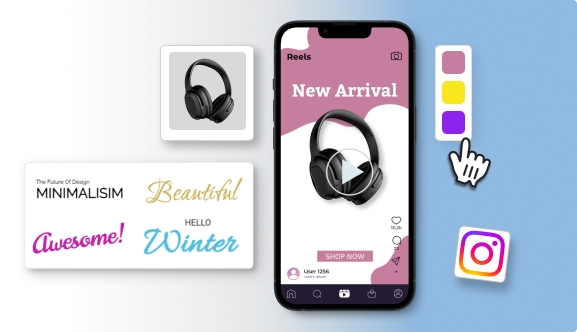
Feed posts are essential for creating a strong first impression and showcasing your brand identity. A well-curated feed ensures visual consistency, communicates your values, and engages your audience. You can use feed posts to highlight products, share user-generated content, and tell compelling stories. They also contribute to your grid’s aesthetics. To maximize impact, use high-quality visual images, engaging captions, and strategic hashtags to enhance visibility and create a lasting connection with your audience.
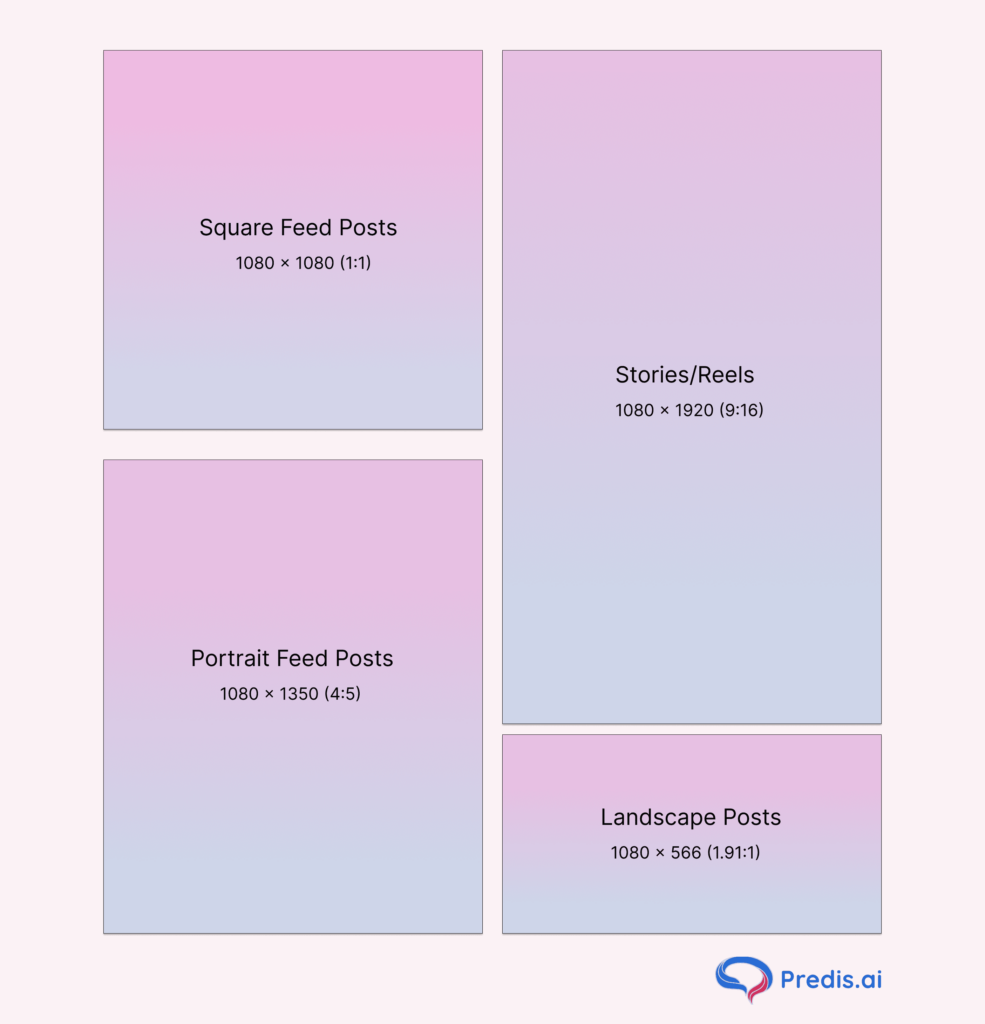
- Square Posts (1080 x 1080): With a 1:1 aspect ratio. It is Ideal for maintaining a balanced and clean grid. This classic format is perfect for brands showcasing products or announcements.
- Portrait Posts (1080 x 1350): With a 4:5 aspect ratio. Taller images take up more screen real estate, increasing engagement. Use this size for storytelling visuals.
- Landscape Posts (1080 x 608): With a 16:9 aspect ratio. Great for panoramic shots and wide-view content, such as group photos or scenic views.
Pro Tip: Use high-quality images and optimize them for mobile users to reduce bounce rates.
Instagram Story Dimensions
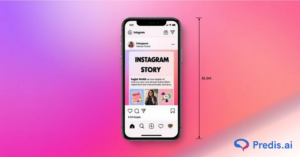
Instagram Stories allow users to share ephemeral content that lasts for 24 hours. The stories can create a lasting impact if shared properly. Below are the image dimensions best suited for IG stories.
- Dimensions for Instagram Stories are 1080 x 1920 pixels (9:16 aspect ratio).
- Avoid placing text near edges, as it may get cut off.
- You can use bold visuals and animations to captivate your viewers and keep them engaged.
- Including CTAs like “Swipe Up” or “Tap to Learn More” helps in engaging your audience for better reach.
Instagram Reels Dimensions
Reels have become a game-changer for short-form video content. Reels can go upto 3 minutes long, with a maximum of 2,200 characters.
- Dimensions for Instagram reels: 1080 x 1920 pixels (9:16).
- Keep key elements within the central safe zone to avoid overlap with Instagram’s UI.
- Use trending audio and hashtags to boost reach.
Make stunning reels with Predis.ai's Reels Maker
Instagram Carousel Post Dimensions
Carousel posts allow you to share multiple images or videos in one post. Below are the best image & video carousel post dimensions!
- Square Format: 1080 x 1080, 1:1 aspect ratio: Best for uniformity across slides.
- Vertical/Portrait Format: 1080 x 1350, 4:5 aspect ratio: Perfect for storytelling posts with a taller aesthetic.
- Landscape Format: 1080 x 566 pixels, 1.91:1 aspect ratio: This format type is best for wide-angle shots, group photos, cinematic content, etc.
Pro Tip: Plan your carousel in a sequence to keep viewers swiping till the end.
Instagram Video Post Size Guide
Videos remain one of the most engaging forms of content on Instagram. They can have a length of up to 60 seconds. You need to ensure that your videos are no larger than 4 GB. When uploaded with the same dimensions, these videos play in landscape mode by default but can fill the screen when viewed in full-screen landscape mode by flipping your phone.
Here’s how these videos appear across Instagram:
- Feed: Displayed at a 4:5 aspect ratio.
- Grid: Cropped to a 1:1 aspect ratio.
- Reels Tab: Thumbnails are shown in a 9:16 ratio.
- Ideal size for Square Videos: 1080 x 1080: Easy to create and great for tutorial videos.
- For Vertical Videos: 1080 x 1920: This size is best for full-screen viewing, for a 9:16 aspect ratio.
- Landscape Video dimensions: 1080 x 608: Perfect for cinematic content, wider video shots, etc.
Instagram Profile Picture Dimensions
Your Instagram profile picture is the first thing that visitors see when they land on your page, so it’s crucial to make a good impression. For personal accounts, a professional or well-lit portrait works best. For brands, a logo or brand image is recommended for better recognition. Always keep in mind that the main subject should be centered so that cropping can be avoided.
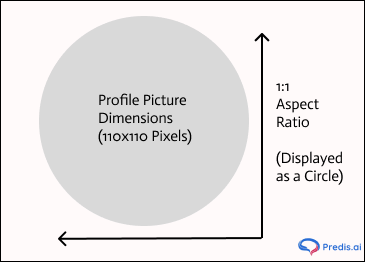
- Dimensions for Instagram profile picture: 320×320 pixels with a 1:1 aspect ratio (displayed as a circle).
- To establish credibility and ensure your profile stands out, use a clear and high-quality image.
Tools and Resources for Resizing Instagram Images and Video Posts
To create Instagram-worthy content, you should take the help of various tools and resources, so that your Instagram profile stands out.
- Predis AI: Creates instant posts, videos, and ads, and manages your social media effectively. The best part is that it is AI-powered.
- Canva: A beginner-friendly platform with pre-designed templates.
- Photoshop: Advanced editing for professionals.
- Kapwing: Resize videos effortlessly for Instagram formats.
Tips for Choosing the Right Instagram Post Size Format
Selecting the right format for your Instagram posts is essential for engaging your audience effectively. Here are some practical tips to guide your choices:
- Match the Format to Your Content Type: Product showcases, announcements, and maintaining a balanced grid is better in a square format (1:1). Any lifestyle shots, portraits, or content that benefits from vertical space will look better as a portrait post (4:5). Landscape Posts (1.91:1) are perfect for wide-angle shots, scenic views, or group photos.
- Consider Mobile-First Design: Instagram is primarily used on mobile devices, so opting for vertical formats like 4:5 or 9:16 maximizes screen space and keeps users engaged.
- Maintain Consistency: Consistency in format helps to create a cohesive brand aesthetic. Choose one or two primary formats that align with your visual identity and stick to them.
- Use the Safe Zones: When adding text or graphics, keep important elements within the central part of your post. This prevents them from being cropped out or hidden by Instagram’s interface.
- Test and Analyze Performance: Experiment with different formats and analyze their performance by using Instagram Insights. Identify what resonates most with your audience and prioritize that format.
By choosing the right format and optimizing your content for Instagram’s resolution guidelines, you can create visually appealing posts that engage your audience and enhance your brand’s online presence.
Common Mistakes to Avoid When Posting Content On IG
- Low-Resolution Images: Always upload high-quality images to maintain clarity. Always keep in mind that the lighting should be proper, as otherwise it looks unprofessional.
- Ignoring Aspect Ratios: Stick to recommended dimensions to avoid cropping and pixelation, as Instagram automatically scales images to its standard format.
- Text Overload: Too much text distracts viewers and reduces engagement.
- Overusing Hashtags: Using too many or irrelevant hashtags can make your content look spammy.
Stand Out on Instagram with AI Content 🌟
Tips To Optimize Your Posts for the Grid
With changes to the grid in the 2026 upgrade, you need to adjust your strategy as well so that your overall grid aesthetic does not go off-key. Here are some things that you need to keep in mind when adjusting thumbnails:
- Keep key elements in the centre of the thumbnail with a buffer around it.
- Use the thumbnail adjustment tool and adjust it before setting the image.
- The square first content type is not applicable anymore. Instead, design in a 4:5 ratio (1080 x 1350 px), which will minimize cropping.
- Use grid only posting strategically to maintain the aesthetic of the feed without messing with engagement.
Conclusion
In today’s competitive social media landscape, understanding and using the right Instagram post dimensions is crucial for success. Whether you’re a content creator or a brand, following this guide will ensure your visuals stand out and drive engagement. Start optimizing your Instagram posts today to elevate your social media strategy.
If your business is looking for support to help build engaging, relevant, high-quality content at scale, can help. The experts over here can generate all content formats, including posts, videos, memes, reels, captions, and hashtags at scale. It also offers post-scheduling capabilities that help you maintain a content calendar, generate AI-powered content, and support uploading templates from other third-party apps. Sign up for an account on Predis.ai today!
For more such guides, head over today!
You may also like:
Interactive Facebook post ideas
Instagram story ideas for high engagement
Top content ideas for podcasts
FAQs
Instagram automatically crops or resizes your post, which can lead to poor visual quality
Regular updates ensure your content stays fresh and aligned with Instagram trends.
Aspect Ratio defines the width-to-height ratio of an image (e.g., 1:1 or 4:5), while Image Size refers to the resolution in pixels (e.g., 1080 x 1080), impacting quality and clarity.
Instagram resizes images to fit its platform’s aspect ratio and resolution requirements, ensuring consistent display across devices while optimizing file size for faster loading and better user experience.