


Loved by 6.4M+ Users

Make Mobile Banner Ads using AI

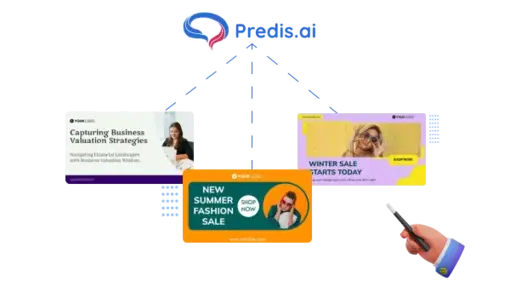
Predis.ai is a mobile banner ads tool that turns one line of text into ads you can run. Paste a product URL, and it writes the ad copy and builds the creative together.

Create Mobile Banner Ads
4.7/5 on G2 3-day free trial

Built for the teams behind growing businesses

tidewell
solace wellness
strata
harper lane boutique
milo studio
orixo
lume
zylph
sun and soil
marlo and co
kentro
novan
piko
nimbus
the porch
1.5x
Increase in ROAS
75%
Reduction in Hours Spent
6.4M+
Users Across Countries
200M+
Ads Generated
How It Works

How to Create Mobile Banner Ads with Predis.ai?

You don't need a designer or a template to start. Four steps, one brief, and you've got a set of mobile banner ads ready to check.

Design Mobile Banner Ads with AI
  1. Type one line, or paste a product URL

    Tell Predis.ai what you're selling. A one-line prompt works, and so does a product URL or an image you upload.

  2. Pick your brand kit

    Load your logo, fonts and hex colors once. Every mobile banner ad after that comes out in your brand.

  3. Get your banner ad variations

    The AI writes the ad copy, lays out your images, and hands back several mobile banner ads in one run.

  4. Fix what's off, then export

    Change any headline, image or color in the editor. Then export the set at the sizes your placements need.

Mobile Banner Ads Built From Your Brief

Most tools hand you a blank layout and let you fill it in. Predis.ai starts from what you're selling instead. Every variation comes back with its own ad copy and layout, so you pick between real options rather than finish a stock frame. If one is close but not right, open it and fix the part that's off. Your logo, fonts and colors are already on all of them.

Create Mobile Banner Ads
mobile banner ads generated from a short brief
Placement Sizes

Mobile Banner Ad Templates for Every Placement

Prefer to start from a design? Pick a template built for your industry, a seasonal sale or a product launch. Then resize one creative into the sizes your placements need. You get 16:9, 1:1 and 9:16 for in-app and responsive slots. Nobody redoes the layout by hand. These ads run inside apps, on mobile web and across the Google Display Network.

Landscape, 16:9

Landscape mobile banner ad template for an end of season sale Landscape mobile banner ad template for a healthy food brand Landscape mobile banner ad template for a tennis academy

Square, 1:1

Square mobile banner ad template for a new skincare range Square mobile banner ad template for a clothing store discount Square mobile banner ad template for a floral decoration workshop Square mobile banner ad template for a home decor collection

Portrait, 9:16

Portrait mobile banner ad template for a winter fashion sale Portrait mobile banner ad template for a face cream Portrait mobile banner ad template for a furniture collection Portrait mobile banner ad template for a coffee brand Portrait mobile banner ad template for a bakery offer Portrait mobile banner ad template for a fragrance launch

Mobile Ads That Carry Your Logo, Fonts and Colors

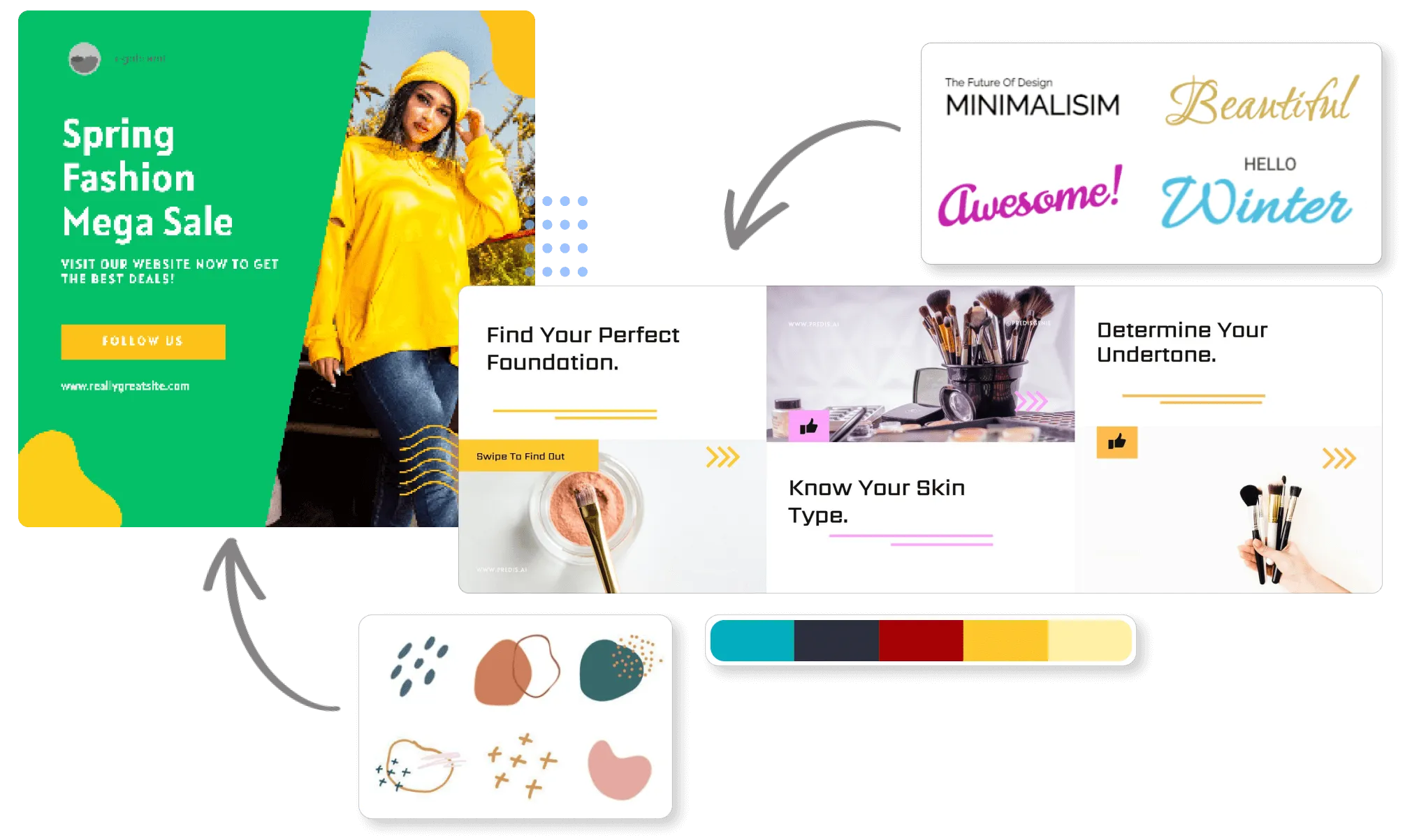
Set up your brand kit once. Predis.ai puts your logo, fonts and hex colors on every mobile display ad it makes, and writes the copy in your tone of voice. You won't have to check each one to see if it looks like you.

Make Mobile Ads
branded mobile banner ads
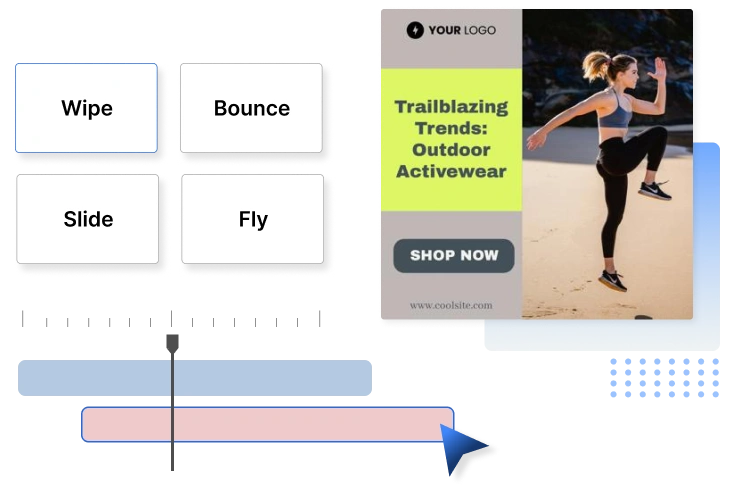
animation styles applied to a mobile banner ad

Animated Mobile Video Ads

A static banner doesn't always do the job. Add motion instead. Predis.ai builds animated mobile video ads from the same brief, with your product, your copy and your brand colors already in place.

Design Mobile Banner Ads

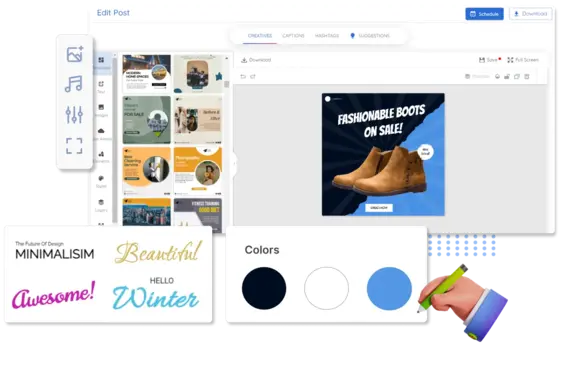
Fix One Frame in the Mobile Ad Editor

Something off in one variation? Open it in the drag-and-drop editor and change just that. Swap the image, rewrite the headline or pick a different color. The rest of the set stays as it was.

Create Mobile Banner Ads
editing one frame of a mobile ad in the editor
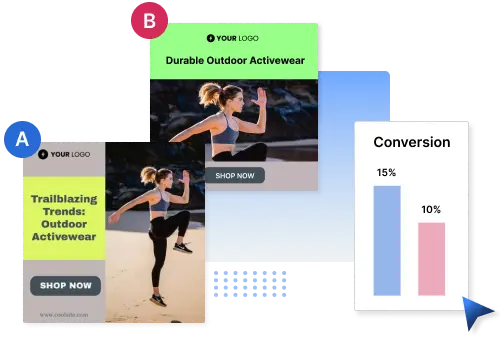
two mobile banner ad variations in an A/B test

Mobile Banner Ads in Bulk, Ready to A/B Test

Running one campaign across many products or offers? Ask for a batch and get dozens of on-brand mobile banner ads back in a single run. Every version comes out of your brand kit. Test hooks, images and offers against each other instead of briefing a designer for each one. Put budget behind the ones that earn attention, and cut the rest.

Design Mobile Banner Ads

Your Product Shots or Our Stock Images

Upload your own product photos and Predis.ai lays the ad out around them. No product shots yet? Search the built-in library for royalty-free stock images and drop one into the design. Both routes stay inside the editor, so you never move files between tools. Your license covers commercial use, so the ads can go straight into a paid campaign.

Make Ads
stock image library
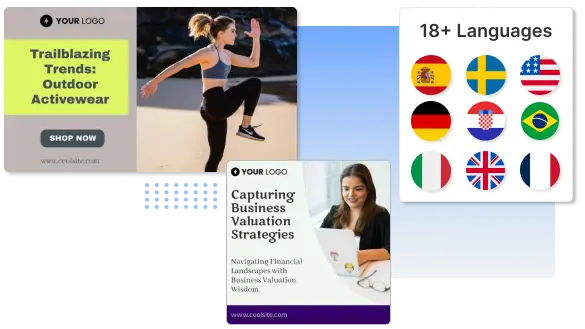
mobile ads in multiple languages

Mobile Ads in More Than 19 Languages

Selling in more than one market? Write your prompt in one language and get the ad headline and copy back in another. Predis.ai covers more than 19 languages, and you set input and output language in two clicks. Same brand kit, same layout, different words.

Create Mobile Ads
Before You Choose

What to Look for in a Mobile Banner Ads Tool

Shopping around for a mobile banner ad maker? Here's what actually matters.

Does it write the ad copy too?

A tool that only builds layouts leaves you with the harder half of the job.

How does it start?

Look for a plain text prompt, a product URL or an image upload, not a blank canvas.

Does it hold your brand?

Your logo, fonts and hex colors should land on every version without you checking.

Can it resize?

One design should come back at every placement size you run, or you are back to resizing by hand.

Does it do batches?

Testing needs volume, and dozens of variations in one run beats one ad at a time.

Can you fix one thing?

You should be able to change a single headline or image without rebuilding the ad.

Predis.ai does all six, and its G2 rating sits at 4.7/5. There is a 3-day free trial if you would rather check for yourself.

Create Mobile Banner Ads
After Launch

See Which Mobile Ads Earned Budget

Predis.ai scores each variation against the objective you set. Use the scores to decide what to test first.

Once your mobile ads are live, Predis.ai reports back on how each one did. You can see which creative held attention and which one quietly burned budget. It also tracks what competitors in your category are running, so you have something to compare against. Use it to pick the next round instead of guessing. No tool can tell you the winner before it runs, and we won't pretend otherwise.

Make Mobile Ads
Customer stories

What customers say about Predis.ai

Reviews and stories from businesses creating their social content with Predis.ai.
You may also like to explore