Explore this content with AI:
Not long ago, Instagram Reels was considered a reluctant response to TikTok — a copycat feature bolted onto a photo app that wasn’t quite sure what it wanted to be. That era is definitely over.
Instagram Reels now account for 35% of total screen time on the platform and reach over 2 billion monthly users. It has evolved from a defensive product move into Instagram’s primary engine for discovery, non-follower reach, and brand growth.
The bigger shift, though, is cultural. The content that consistently wins on Reels isn’t polished, high-budget, or cinematic. It’s human. Unscripted. Shot on a phone in decent lighting. The opportunity for brands and creators who understand this is enormous — and this guide covers everything from the basics of what Reels actually are, to how to create them with AI tools, to the algorithm signals that determine whether your video reaches 200 people or 200,000.
What Are Instagram Reels?
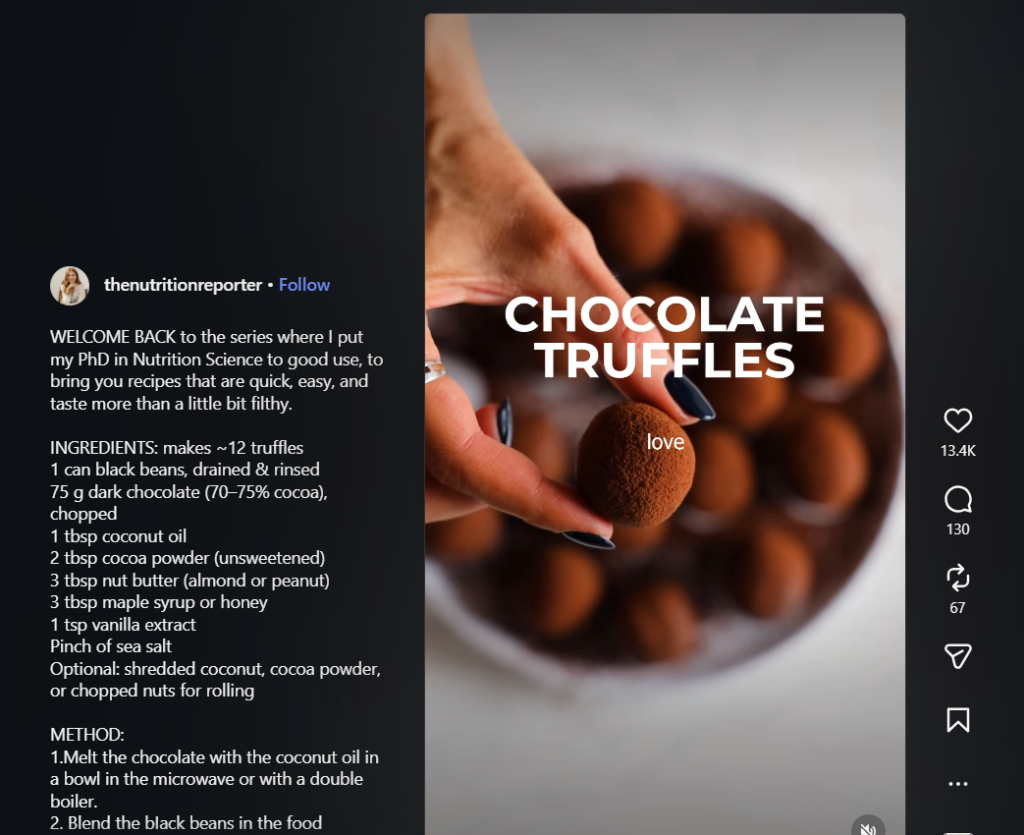
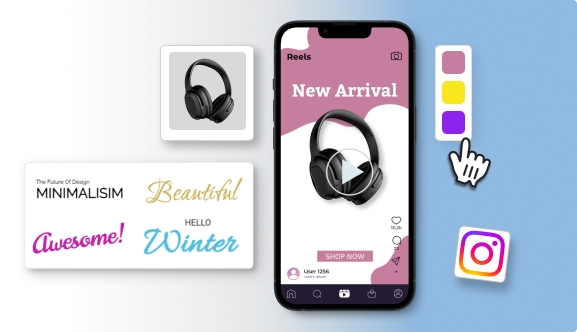
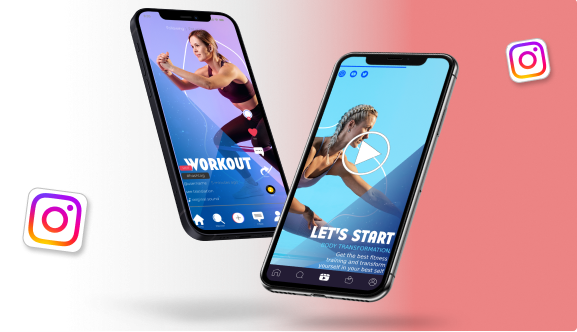
Reels are short-form, vertical videos (9:16 format) that appear in their own dedicated feed, on the Explore page, and in users’ main home feeds. Standard Reels run up to 90 seconds, but as of 2026, Reels up to 3 minutes are now eligible for Explore page distribution, expanding opportunities for longer-form video content.
Why Are Reels Important?
Reels cannot be overlooked in your marketing strategy and here is why:
1. Unparalleled discovery
Unlike feed posts, which are primarily shown to your existing followers, Reels are structurally designed to reach people who have never heard of you.
The Reels feed is Instagram’s equivalent of TikTok’s For You Page — a non-follower discovery engine where the content’s quality, not your follower count, determines your reach.
2. The Know, Like, and Trust factor
Video builds familiarity faster than any other content format. A potential customer who watches 30 seconds of you explaining something useful feels like they know you — your voice, your personality, your values. That emotional familiarity is what converts strangers into buyers. A static post can’t replicate it.
How to Make a Reel with Predis.ai
Creating Reels consistently is the biggest barrier most brands face. Coming up with ideas, scripting, filming, editing, captioning, and scheduling — for 3–4 videos per week — is a genuine operational challenge. Predis.ai addresses this with an end-to-end AI creation workflow.
Step 1: The Idea Phase — Text to Video
Start with a simple text prompt. Type something like “3 tips for improving your email open rates” or “How to choose the right packaging for a small product business,” and Predis.ai generates a full storyboard: scene structure, talking points for each segment, suggested visual treatments, and a recommended hook.
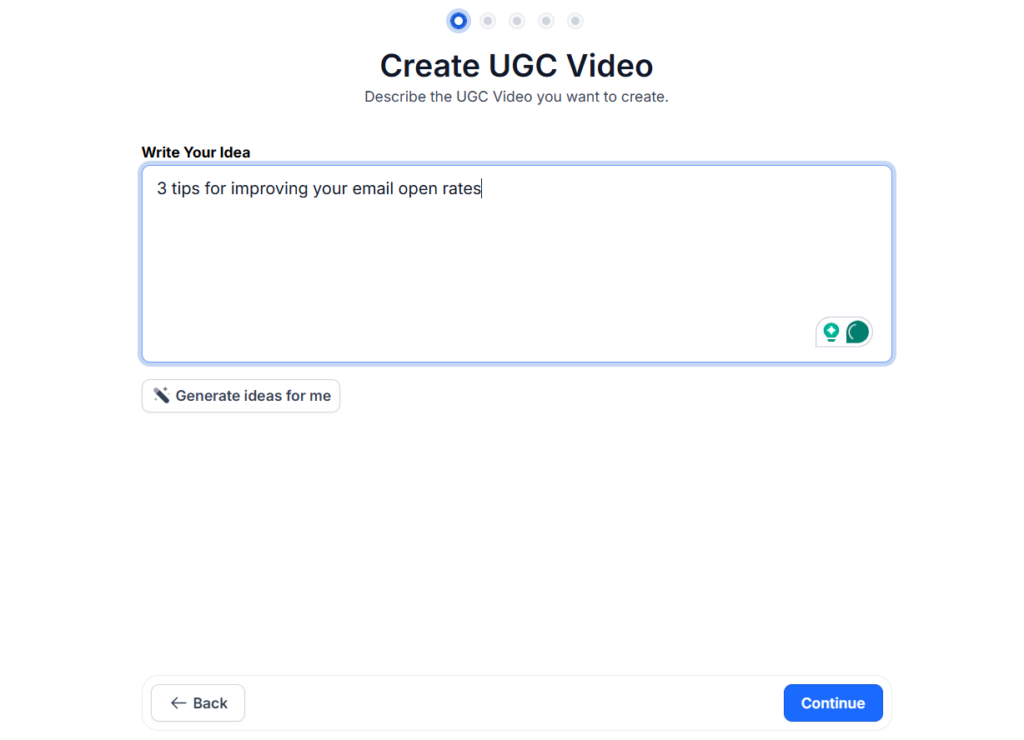
You’re not starting from a blank canvas — you’re editing a working first draft.
Step 2: AI Asset Generation
Once the storyboard is confirmed, Predis.ai assembles the visual layer automatically.
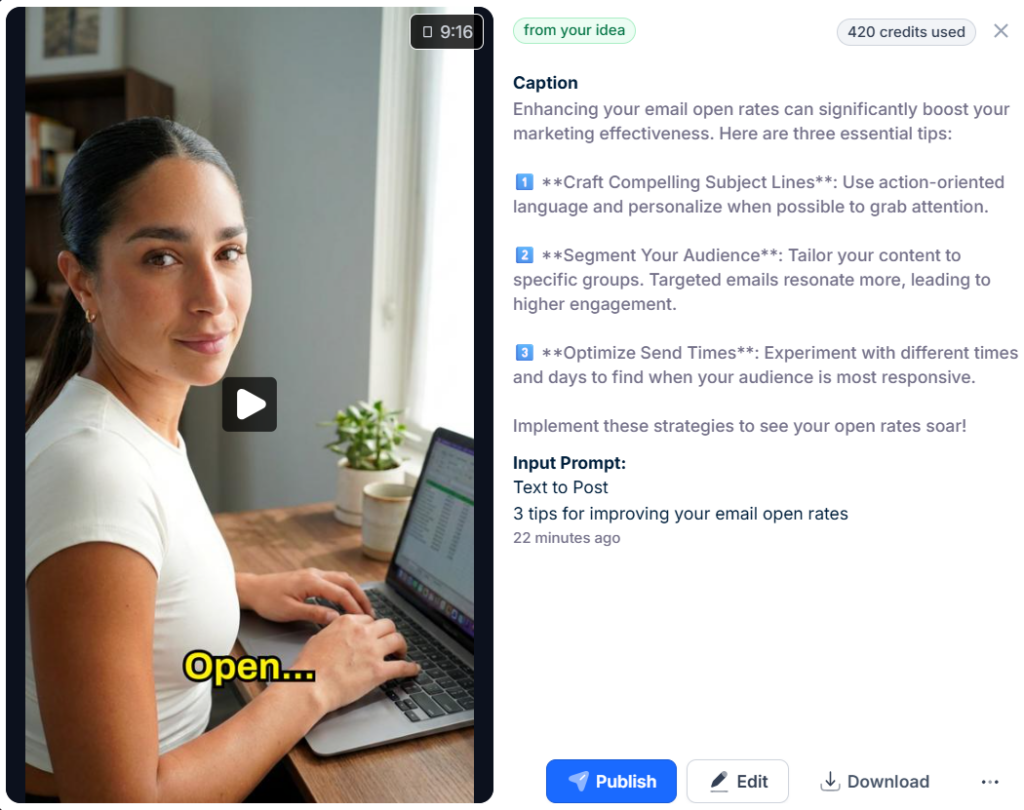
It selects on-brand stock footage matched to your content topic, adds auto-captions, and can deploy AI avatars for brands that want a consistent on-screen presence without filming. For businesses without a dedicated video team, this step alone cuts production time from hours to minutes.
Step 3: Customisation
The built-in editor lets you refine every element. The standout feature for Reels specifically is captions that animate in sync with the spoken word or appear dynamically to emphasise key moments.
This isn’t just aesthetic: it directly improves watch time by giving viewers something to read even if they’re watching on mute (which, as we’ll cover below, roughly 40% of them are).
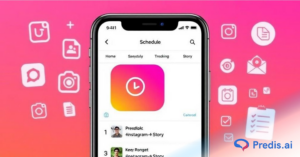
Step 4: Scheduling for Peak Activity
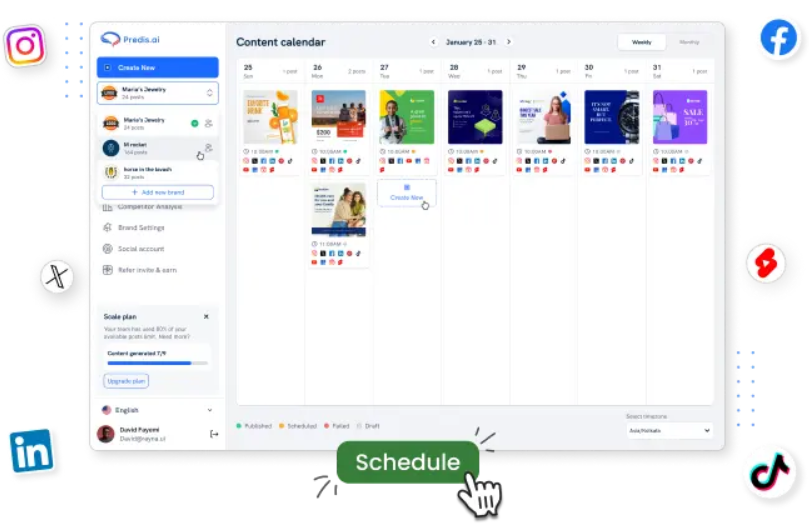
Rather than guessing when to post, Predis.ai analyses your specific audience’s activity patterns and identifies the Peak Activity Window for your account. You schedule the Reel within that window, and the platform handles the publish. No manual calendar management, no missed optimal posting times.
What Can You Use Reels For?
1. Educational “How-To” Guides
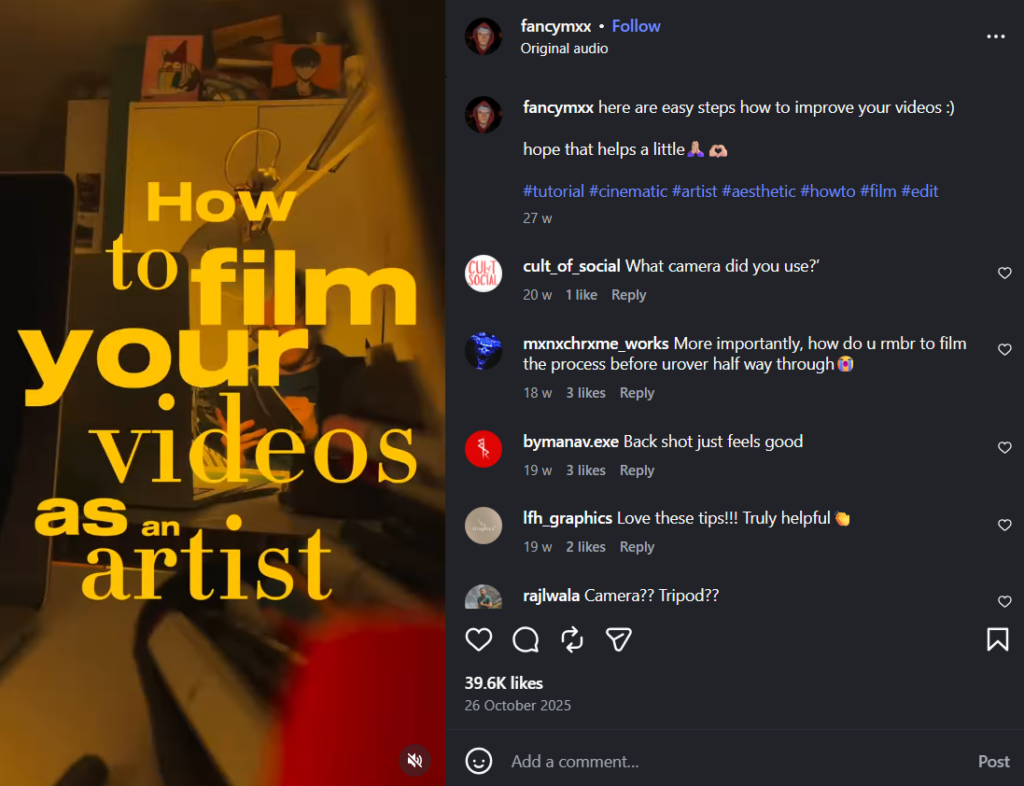
The most durable Reels format. Break a complex topic into three to five actionable steps, deliver one per clip, and you have a video that people save, share, and return to.
“Quick win” content — a single tip that saves someone five minutes — outperforms long explanations because the value is immediate and the share motivation is high.
2. Behind-the-Scenes (BTS)
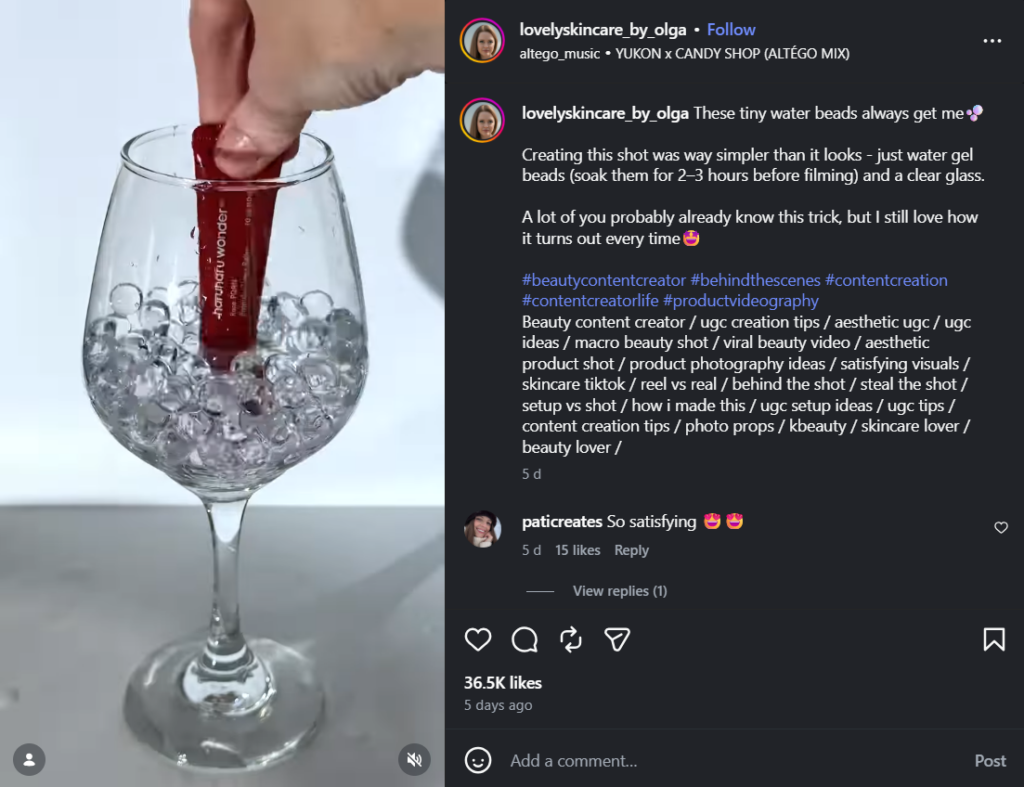
The “raw process” video is one of the most effective humanisation tools available to brands.
Show the packaging station, the sketch that became the product, and the team meeting that turned into a pivot. BTS content works because it satisfies the same curiosity that drives people to read making-of articles — and it builds brand trust.
3. Transformation Content
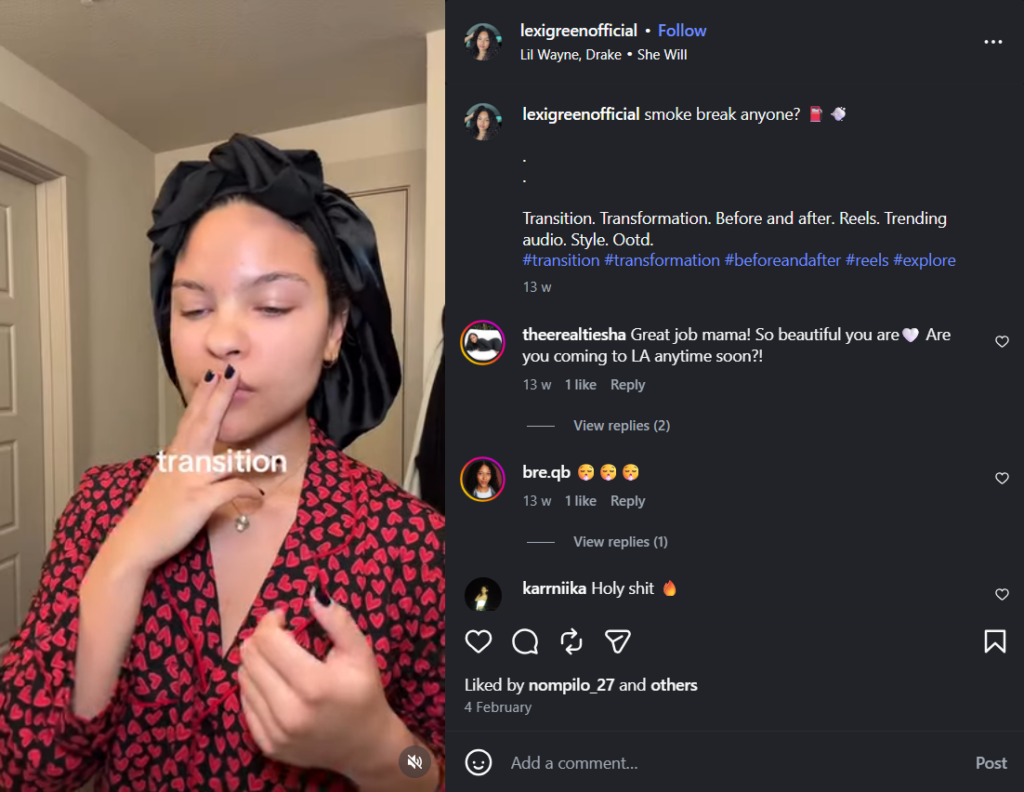
Before-and-after Reels are algorithmically powerful because they exploit a structural retention mechanic: the viewer has to watch until the end to see the payoff.
Whether it’s a room redesign, a brand identity overhaul, a fitness result, or a data dashboard cleanup — if there’s a visible “reveal,” viewers stay.
4. UGC and Testimonials
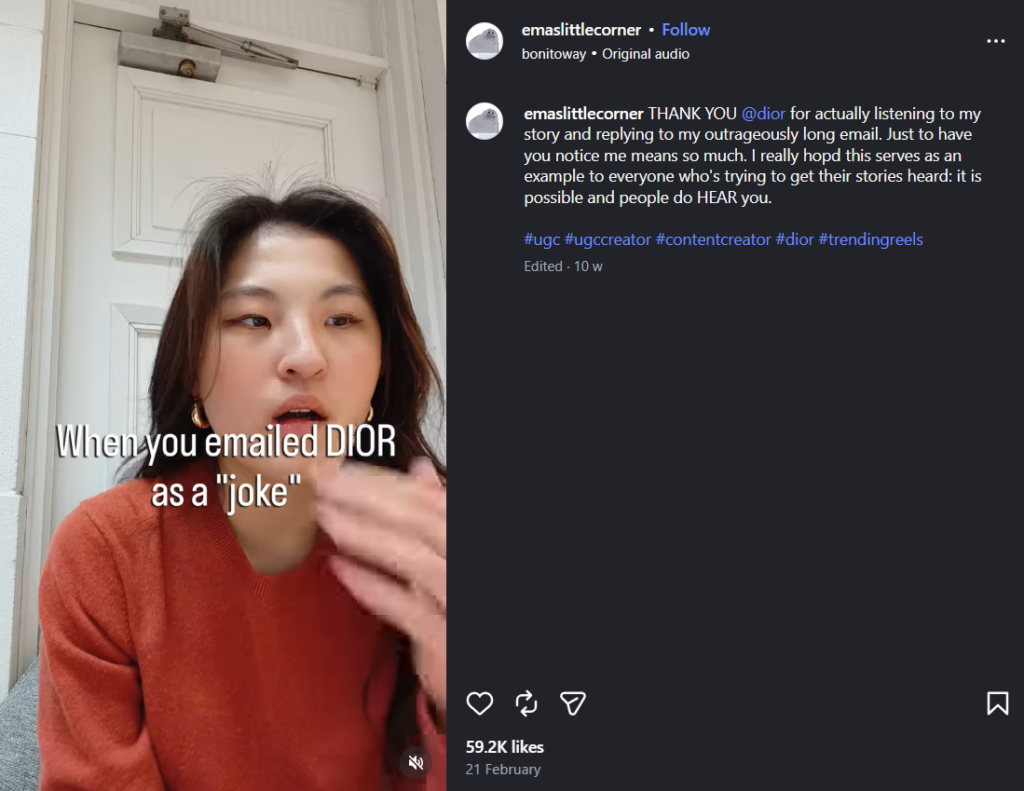
Customer-generated content repurposed as a Reel carries more credibility than any brand-produced equivalent.
A 20-second clip of a real customer unboxing your product, describing their result, or reacting to your service in an unscripted moment converts better than a scripted testimonial. Imperfection is the signal of authenticity.
11 Top Tips to Get More Reel Views
1. The 1.5-Second Hook
Research shows viewers decide within 1.7 seconds whether to continue watching. Your first frame needs to do the work: movement, a bold text headline, an unexpected visual, or a spoken question that creates immediate curiosity.
A static opening frame with a logo is one of the fastest ways to kill your reach before the algorithm has a chance to evaluate the rest of the video.
2. Loop for Retention
Looping videos can increase total watch duration. Design your ending to flow seamlessly back into the beginning — a circular edit where the last frame connects visually or thematically to the first.
When a viewer re-watches without realising it, the algorithm logs the repeat view as a strong positive signal.
3. The 50/50 Audio Mix
In 2026, the optimal strategy is a balance between trending audio and original audio. Trending tracks expand your discoverability — Instagram surfaces content using popular sounds to users who engage with that audio.
Original audio builds brand identity and, if your audio trends, positions you as the source. A 50/50 mix across your Reels gives you both: reach from trend participation and equity from original creation.
4. Silent Optimisation
A significant portion of users watch Reels without sound — on public transport, in meetings, next to a sleeping partner.
Every critical piece of information in your Reel needs to exist as on-screen text, not just as spoken audio.
5. Use the Remix Feature
Instagram’s Remix lets you record your video alongside an existing Reel — a powerful tool for jumping into trending conversations, responding to creator content, or collaborating without needing to coordinate schedules.
Remixing a high-performing Reel from your niche exposes your account to the original video’s audience and signals to the algorithm that you’re actively participating in the platform’s social layer.
6. Prioritise Reels SEO
Instagram now indexes Reels content for Google and Bing search, meaning your caption, spoken audio, and on-screen text all contribute to how your video is categorised — both inside the app and in external search results.
Treat every Reel caption like a micro-blog post:
- Include the primary keyword your target audience would search
- Write a descriptive first line (this shows up in search snippets)
- Use 3–5 specific hashtags for categorisation rather than stuffing 20 generic ones
- Spoken keywords matter too — if you say the phrase out loud in the video, Instagram’s audio indexing picks it up.
7. Post at the Right Time, Consistently
The algorithm prioritises recency — posting when your audience is most active captures early engagement signals that determine initial distribution. Check your Instagram Insights under “Most active times” to find your specific audience’s peak windows, or use Predis.ai’s Peak Activity Window and post scheduling feature to leverage this peak times.
8. Collaborate with Creators
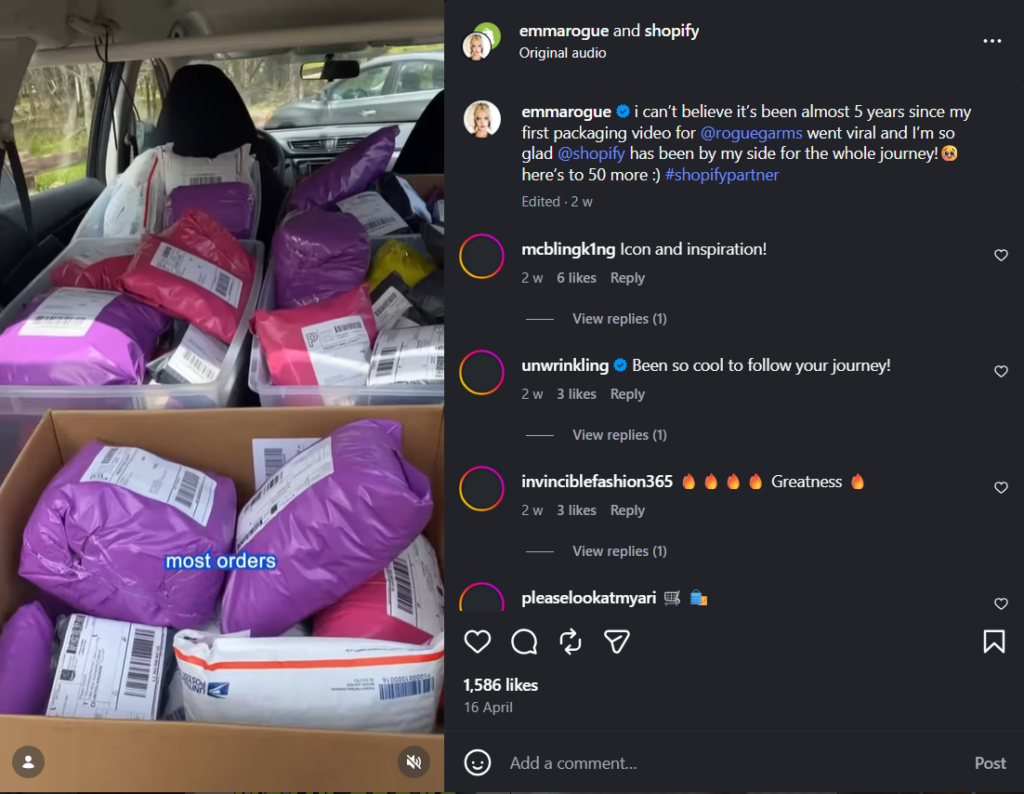
The Collab post feature lets two accounts co-author a Reel that appears on both profiles simultaneously — effectively doubling your potential reach with a single piece of content. Partner with creators whose audiences overlap with yours but don’t fully duplicate it.
A product brand collaborating with a niche creator in their category exposes the brand to a warm, pre-qualified audience. For smaller accounts, creator collaborations are one of the most efficient ways to accelerate follower growth without ad spend.
9. Test Reel Performance with Trial Reels
Instagram’s Trial Reels feature lets you publish a Reel to non-followers first — essentially an A/B test before you commit the post to your full audience. If the Reel performs well in the trial (strong watch time, shares, engagement), you push it to your followers.
If it underperforms, you learn before it affects your account’s engagement rate. Use this for experimental formats, new topics, or any video you’re unsure about — it de-risks creative experimentation significantly.
10. Share to Feed and Stories
When you publish a Reel, don’t let it sit in the Reels tab alone. Share it to your main feed for visibility with existing followers, and post a teaser or highlight clip to your Stories with a “watch the full Reel” swipe-up prompt.
Stories sharing creates a second discovery touchpoint for followers who scroll past the feed post but catch the Story.
11. Repurpose Your Content
A single Reel contains more reusable material than most creators realise. The key points become a carousel post. The hook becomes a standalone quote graphic. The transcript becomes a caption-first text post or a blog section. The B-roll becomes a Story.
Repurposing isn’t lazy — it’s efficient content architecture that extends the life of every piece you produce and reaches followers who prefer different formats.
Stand Out on Instagram with AI Content 🌟
Common Mistakes to Avoid
1. Adding Watermark
Reels with logos from other apps will get pushed down in the algorithm — this applies to TikTok logos or watermarks from other video editing apps, not your own branding. If you’re cross-posting between platforms, always export a clean, watermark-free version before uploading to Instagram.
2. Low Lighting and Resolution
The algorithm uses visual quality signals when evaluating content for distribution. 1080p is the floor, not the ceiling.
Poor lighting doesn’t just look bad — it signals low production intent, which correlates with lower engagement in Instagram’s training data. You don’t need studio lighting: a ring light or a window on an overcast day is sufficient for the “professional enough” threshold.
3. Ignoring the Safe Zones
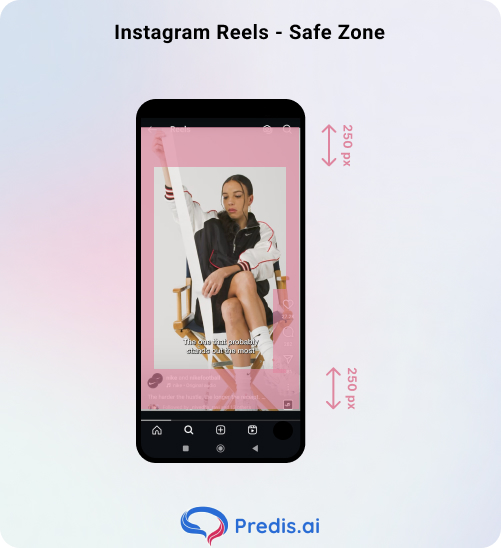
The top 10% and bottom 20% of the screen are covered by interface elements — the account handle, the caption, the like/comment/share buttons, and the audio credit.
Any text or visual you place in these zones will be partially or fully obscured for most viewers. Keep all critical information in the middle 70% of the frame.
Consistency Beats Virality
Use AI tools to handle the labour of making Instagram Reels — ideation, scripting, asset generation, editing, scheduling — so your time and energy go into strategy, community, and the irreplaceable human elements that no tool can manufacture: your perspective, your voice, and the specific audience insight that only comes from genuinely knowing the people you’re creating for.
Ready to level up? Generate your first AI-powered Reel with Predis.ai today — and find out what your content looks like when the production barrier disappears entirely.
FAQ
You can see aggregate view counts, reach figures, watch time averages, and demographic breakdowns in Instagram Insights — but not individual viewer names. Privacy policies prevent Instagram from surfacing personal viewing data to creators.
Yes, but not in a single direction. Reels between 7 and 90 seconds tend to have the highest viral potential. Shorter Reels (7–30 seconds) are fantastic for getting high completion rates and reaching new audiences, while longer ones (30–90 seconds) are better for deeper storytelling with your existing followers. Match length to purpose: short for discovery, longer for community depth.
Predis.ai offers a free tier that includes core AI generation features — enough to test the workflow and produce your first few Reels. Premium plans unlock higher volume output, advanced scheduling features, the Peak Activity Window analysis, and expanded customisation in the editor.