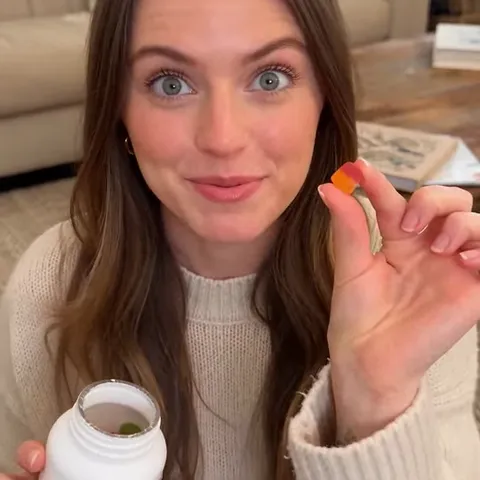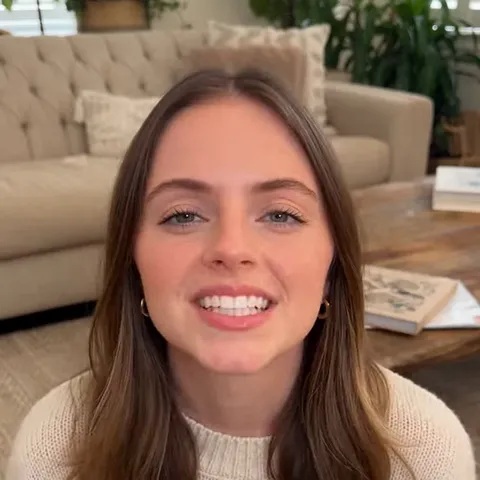



user user user user
★★★★★
Rated 4.7/5 on G2

Custom AI Avatar Videos With Your Face and Voice

Make an avatar of yourself from photos or a short video, then turn a script or a product link into video ads it presents. Keep your own voice or pick an AI one, and skip the camera setup.

Create Your Avatar
✓ 3 days free ✓ Used by 6.4M businesses ✓ Cancel anytime

Your avatar

Make an avatar from photos or a short video

Upload photos of yourself or a short clip of you talking to camera, and Predis.ai turns them into an avatar you can use in every video after that.

Create Your Avatar
UGC ad
The same avatar holding up the product in a product video ad Product ad
The same avatar talking to camera in an explainer video Explainer
Videos

One avatar, every kind of video

Write a script, paste a product link, or start from an ad you like, and your avatar presents it in the format you pick.

  • UGC-style ads

    Creator-style ads with the hook up front, presented by you instead of a hired creator.

  • Product video ads

    Paste a product link and get a video of your avatar talking through it, with your product's images in the cut.

  • Talking-head explainers

    Tips, updates, and how-tos for your feed, without a camera, lights, or a retake.

Languages

The same video in 19+ languages

Write the script once and make the same video in Spanish, German, French, or any of 19+ languages, so customers hear it in their own.

Make a Video
Edit & publish

Change one frame, not the whole video

Every video opens in the editor with your brand kit applied. Fix the frame that's off, make a few variants to test, and autopost the ones you keep.

  • Fix one frame

    Swap the shot or the line that's off and keep the rest of the video as it is.

  • Brand kit

    Your logo, colors, and fonts are on every video your avatar presents.

  • Variants

    Change the hook or the script and get a set to run against each other, and insights show your winner.

    Testing & insights →
  • Autoposting

    Publish to Instagram, Facebook, LinkedIn, TikTok, and YouTube on the dates you set.

    See autoposting →

How to make videos with your custom AI avatar

Set up your avatar once, and every video after that starts from it.

Create Your Avatar
  1. Upload photos or a video

    Add photos of yourself or a short clip of you talking to camera.

  2. Pick a voice

    Use your own voice, or choose an AI voice from the library.

  3. Add a script or a product link

    Write what your avatar says, or paste a product link and Predis.ai writes the script for you.

  4. Edit, then download or autopost

    Fix any frame, make variants to test, and post on the dates you set.

More from Predis.ai

Other ways to make video ads, with or without an avatar.

Make more videos

Video ads, UGC ads, and faceless videos from a product link, a prompt, or a script, made in your brand kit.

See the AI video generator →
Make it as

Plan and research

See what your category runs, then plan what your avatar says.

Ad intelligence →
All features →
Pricing →

Frequently Asked Questions

What is a custom AI avatar?

It's a digital version of you that presents videos. In Predis.ai you make one from photos or a short video of yourself, then use it in ads, product videos, and explainers.

Upload photos of yourself or a short clip of you talking to camera, pick a voice, and Predis.ai builds the avatar. Every video you make after that can use it.

Yes. Use your own voice so the avatar sounds like you, or pick an AI voice instead.

UGC-style video ads, product video ads, and talking-head explainers. Start from a script, a product link, or an ad you like.

Yes. Write the script once and make the same video in any of 19+ languages.

A custom avatar is made from your photos or video, so it looks like you. Stock avatars are ready-made presenters you can use when an ad needs a different face.

Yes. Every video opens in the editor with your brand kit applied, and you can fix a single frame instead of remaking the whole video.

Yes, for 3 days. A card is required, your first charge is on day 4, and you can cancel anytime before then.