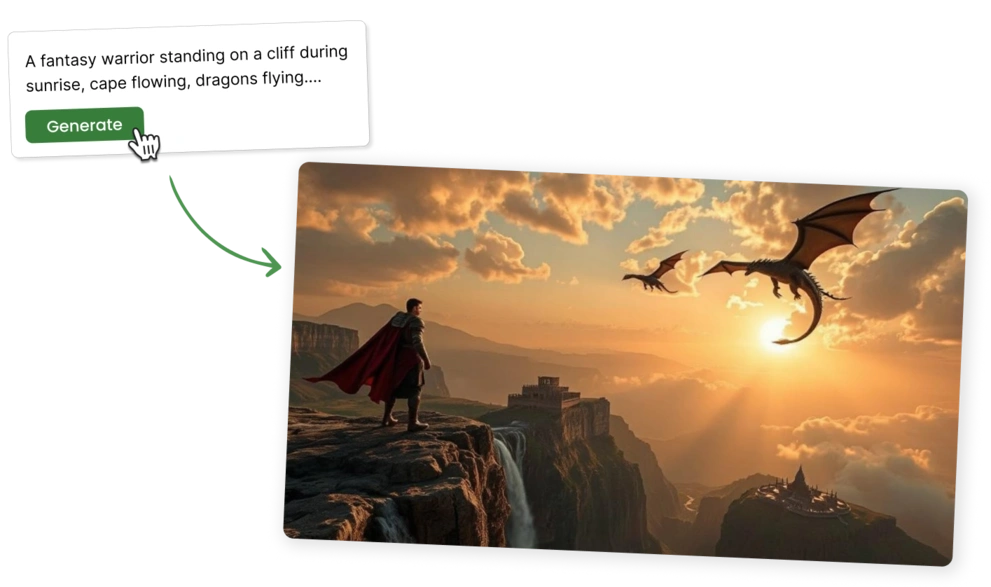
Describe your product in a few lines, and our AI text to video maker turns it into a video. It writes the script and adds clips, music and a voiceover, so you only bring the text.
Built for the teams behind growing businesses
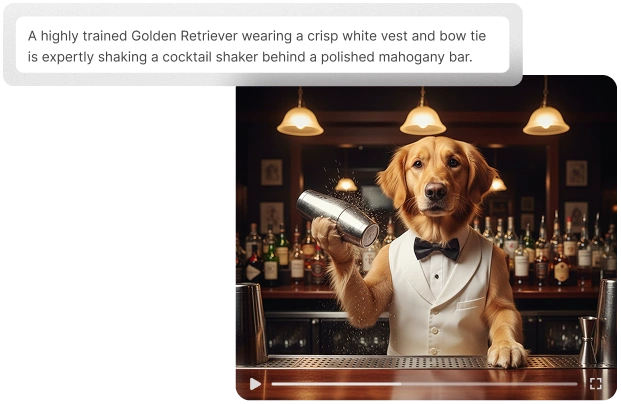
Describe your idea in a few lines or paste your own script. Pick a language and a template.
Predis.ai writes the script, adds matching stock clips and music, and voices it with text-to-speech.
Swap clips or text, then download in full HD 1080p or schedule it to your channels.

Skip the camera, the shoot and the edit. A few lines of text get you a finished video that's ready to post.
Try It Free for 3 Days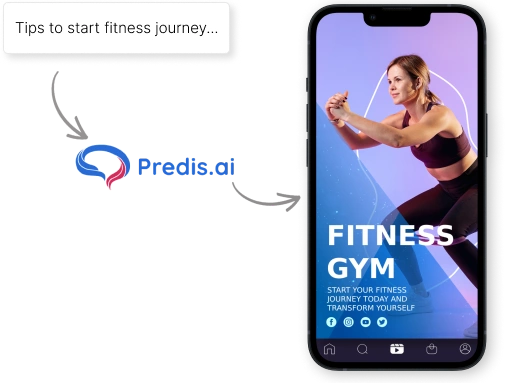

Pick an AI voice and accent that suits your video, and Predis.ai reads your script out loud. There's no voice actor to hire or recording to redo, and you can remake it in more than 19 languages.
Turn text into videos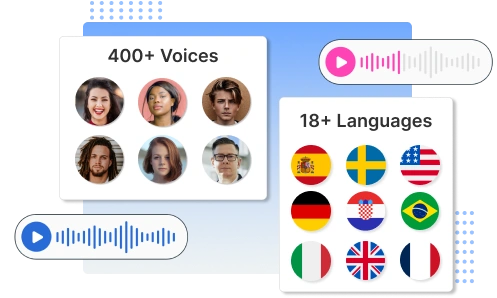


Add your logo, colors and tone of voice once, and every video you make looks like your brand.
Create Videos from Text
The built-in text to video editor lets you switch templates without losing your text or scenes. Change the fonts, colors or stock clips in a click, and drag anything where you want it.
Try for Free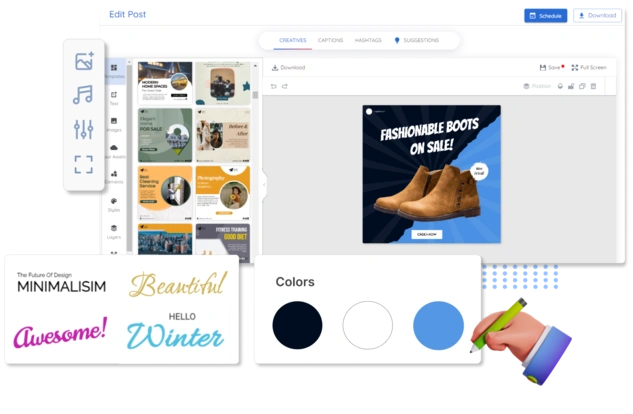
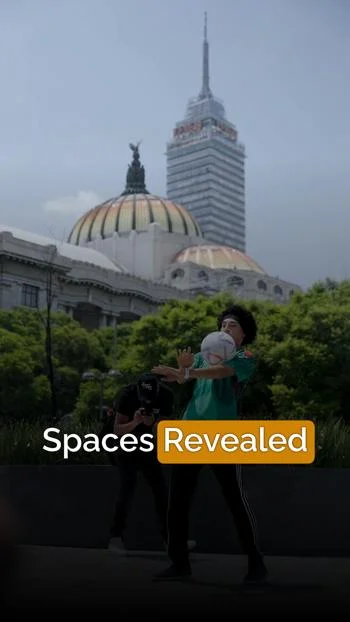
Instagram Reels, TikToks and YouTube Shorts used to mean hours of filming and editing. With an AI text to video maker, you type the script and get a platform-ready video in minutes, with an AI avatar to present it on screen if you want one.
Showing how your product works shouldn't need a studio shoot. Turn feature descriptions, help docs or a blog post into clear walkthrough videos.
Most teams can't pay for a new video ad shoot every week. With text to video, one script turns into several ad variants, so you can test new hooks without starting over.
Reviews and stories from businesses creating their social content with Predis.ai.
Social media used to take too much time and energy. It has helped me stay visible in the marketplace and keep my marketing activities moving.

"Social media was something we knew we had to do, but it never really got done properly. Predis made content creation faster, simpler, and way more consistent for us."

"The images and the videos it has generated have been very beautiful and very successful in helping me sell my product. I would highly recommend them."

"Everything actually looks put together without me spending hours on it. I don't sit there staring at a screen wondering what to post anymore."

"There is no store that sells time, and that is exactly what Predis does. Once you've tried it, you won't let go."

"Social media was something we knew we had to do, but it never really got done properly. Predis made content creation faster, simpler, and way more consistent for us."
"The images and the videos it has generated have been very beautiful and very successful in helping me sell my product. I would highly recommend them."
"Everything actually looks put together without me spending hours on it. I don't sit there staring at a screen wondering what to post anymore."
"There is no store that sells time, and that is exactly what Predis does. Once you've tried it, you won't let go."

Start with a few lines of text. Predis.ai turns them into a video you can edit, download or schedule.
Try for FreeWhat is the Predis.ai text to video AI tool?
Predis.ai's text to video tool turns a short prompt into a finished social media video. It writes the script and adds visuals, music and a voiceover. It also writes your caption and hashtags.
Which social media platforms does Predis.ai support?
Predis.ai can make and schedule posts and videos for Instagram, LinkedIn, Facebook and Pinterest. It also covers X (Twitter), YouTube Shorts, Google Business and TikTok.
Can I make videos in multiple languages?
Yes. You can make videos in more than 19 languages and pick a voice and accent for each one.
Does Predis.ai have a mobile app?
Yes. Predis.ai is on the Google Play Store and the Apple App Store, and it works in your web browser too.
How does text to video AI work?
Predis.ai reads your prompt, writes the on-screen copy and picks stock images and clips to match. Then it adds animations, music, transitions and a voiceover.
Can I use the API to create videos from text?
Yes. The Predis.ai Text to Video API turns text into videos from your own app or code.
How do I create a video using text with the AI text to video maker?
Type your prompt, pick a language and a template, and Predis.ai builds the video using your brand details. Then edit it and download or schedule it.
Can I try Predis.ai's text to video tool for free?
Yes. Every plan starts with a 3-day free trial. We take a card to start it and charge it when day 3 ends, so you can cancel before then if it isn't for you.
Can I edit my text to video after Predis.ai makes it?
Yes. You can change the text, images, clips or music in the editor without starting over.
What can I make with an AI text to video generator?
You can make ads, promo videos, product demos and how-to clips for social media.
What length and format are text to video exports?
Videos export as MP4 files in full HD 1080p. You can make them in different lengths and sizes to fit each platform.
Where can I find tips for writing text to video prompts?
Our blog, help center and video tutorials all have tips for writing better video prompts.
Credits depend on the models you pick