Explore this content with AI:
Instagram has over 2 billion monthly active users. But the businesses growing fastest on it aren’t the ones posting the most — they’re the ones with a system. They know which formats drive reach, what content mixes drive sales, and how to read their data without spending half a day in a spreadsheet.
This guide walks through the system of how to use Instagram for Business in eight stages — from account setup through to analytics and iteration. Whether you’re starting fresh or overhauling a stalled account, the framework works the same way.
Instagram Is Still the Highest-ROI Organic Channel for Most Businesses — If You Use It Right
For product-led businesses especially, Instagram still delivers more organic reach-to-conversion potential than almost any other platform. The algorithm rewards consistency, niche clarity, and content quality — all of which are achievable without a large team or a production budget.
Before you read further, one decision worth making upfront: personal vs. business vs. creator account.
- A business account gives you Instagram Insights, ad access, contact buttons, and the ability to schedule posts via third-party tools.
- Creator account offers similar analytics but is designed for individual public figures, not brands.
- A personal account gives you none of the above.
For any brand, product, or service — switch to a business account. There’s no downside, and access to this feature makes every other stage in this guide possible.
1. Set Up Your Business Account the Right Way
Most setup guides stop at “switch to business account and fill in your bio.” That skips the details that actually affect performance.
The 5-Element Profile Optimisation Checklist
1. Name field — This is searchable. Include your brand name and, where it fits naturally, a keyword: “Minimalist | Skincare” outperforms “The Minimalist” for discoverability.
2. Bio — 150 characters to communicate what you do, who it’s for, and what to do next. The structure that works: [what you sell or do] + [who it’s for or what makes it different] + [CTA with link]. No buzzwords. No emoji padding.
3. Category — Choose the most specific category available. It appears under your name and helps Instagram surface you to relevant audiences.
4. Contact options — Add an email, phone, or directions button. These signal to Instagram that your account is a real business and give visitors a low-friction conversion path.
5. Link-in-bio — A single link works if you have one clear destination (a product page, a booking form). A multi-link tool works better if you’re routing traffic to multiple destinations simultaneously.
One setting most businesses miss after switching: turn on Creator Studio or Meta Business Suite access and connect your Facebook page. This unlocks cross-posting, scheduled publishing, and a fuller analytics view.
2. Define Your Content Strategy Before You Post Anything
This is the stage most businesses skip. They open a new business account, post a product photo, wonder why nothing happens, and conclude that Instagram doesn’t work for them.
The 3-Pillar Content Framework
Every Instagram business account needs content across three categories:
- Awareness content — Reaches new audiences who don’t know you yet. Reels and shareable carousels belong here. Topics: Problems your product solves, category education, trending formats in your niche.
- Engagement content — Deepens connection with existing followers. Questions, polls, behind-the-scenes, opinion posts. The goal is replies and saves, not reach.
- Conversion content — Moves warm audiences toward a purchase, signup, or visit. Product demos, testimonials, limited-time offers, “here’s how to buy” posts.
A rough starting mix for most small business accounts: 50% awareness, 30% engagement, 20% conversion. Heavy on conversion content is the most common mistake — and the fastest way to train your audience to scroll past everything you post.
Niche Clarity as an Algorithm Signal
Instagram’s algorithm categorises accounts by topic. When you post consistently about a defined subject — sustainable homeware, strength training for women over 40, natural skincare for sensitive skin — the algorithm understands who to show your content to. Accounts that jump between unrelated topics confuse the categorisation and get suppressed in distribution.
Niche clarity isn’t about being narrow. It’s about being legible. Your audience and the algorithm both need to know what your account is about within seconds of landing on it.
3. Master the Formats That Drive Reach
Format choice is where most business accounts leak performance. They default to one format — usually static posts — and wonder why reach plateaued.
Reels — The Primary Reach Engine
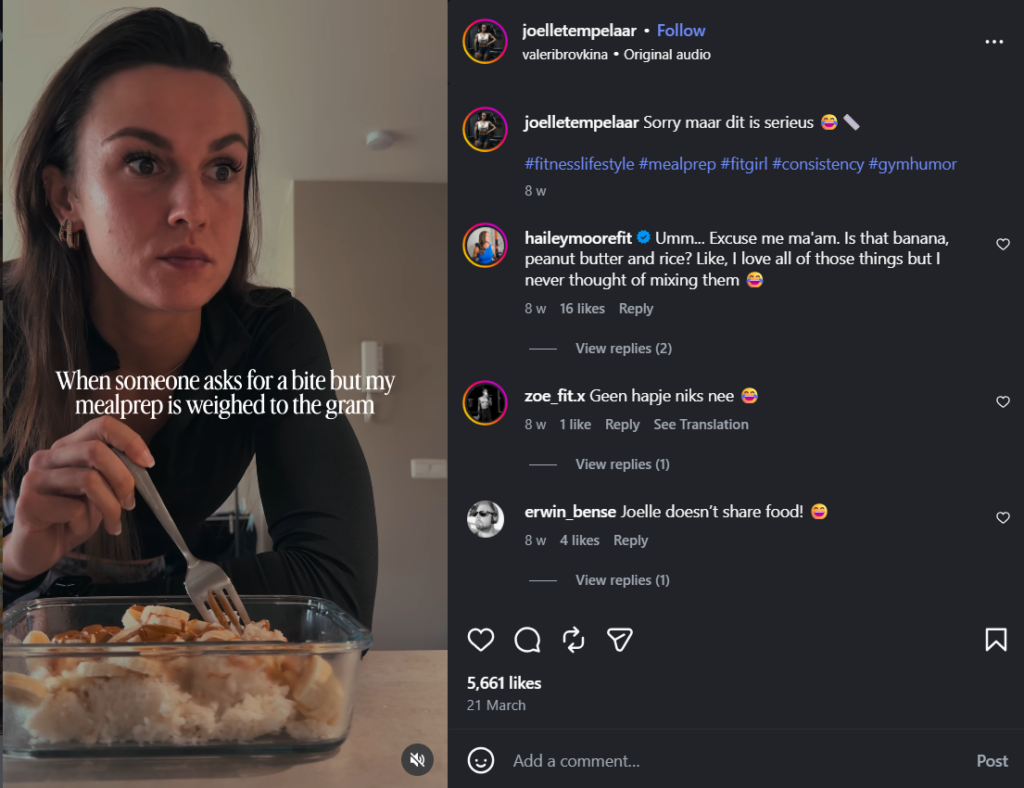
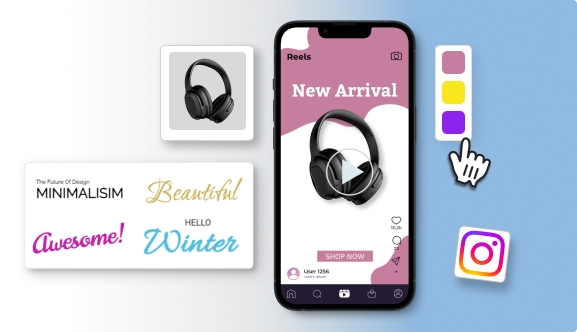
Reels remain Instagram’s highest-reach format. They’re distributed to non-followers through the Explore page and the Reels tab, making them the primary tool for growing beyond your existing audience. Every business account should be publishing at least two Reels per week.
What performs:
- Native-feeling video (not repurposed TikToks with watermarks)
- Strong first-frame hooks
- Captions that add value beyond the visuals
- Content that earns a save or share rather than just a view.
Carousels — The Save-Rate Champion
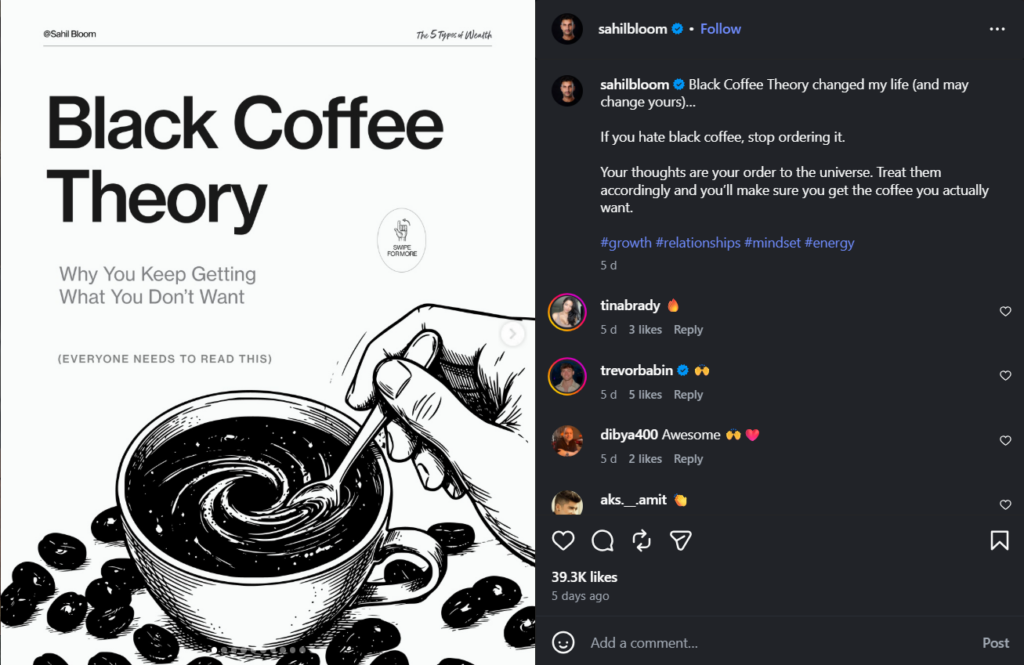
Carousels consistently generate the highest save rates of any Instagram format — meaning audiences bookmark them to return to later. That save behaviour is a strong engagement signal that Instagram uses to distribute the content further.
Best use cases:
- Step-by-step guides
- Before/after comparisons
- Product feature breakdowns, “X things you didn’t know about Y.”
The first slide is the hook; the last slide should prompt a save or a follow. Businesses consistently underuse this format.
Stories — The Daily Touchpoint

Stories don’t drive reach to new audiences. They maintain and deepen relationships with people who already follow you.
Use them for:
- Behind-the-scenes glimpses
- Quick polls
- Product restocks
- Day-in-the-life content
- Q&A sessions.
Post Stories 4–6 times per week. They disappear after 24 hours, which removes the pressure of permanence and makes casual, lower-production content feel appropriate.
Static Posts

Still earn their place for announcements, quotes, and visually strong single images. For product-focused posts, removing unwanted objects or background distractions with an AI object remover can make your visuals look more professional without requiring advanced photo editing skills. While static posts aren’t the primary growth format, they remain an effective way to reinforce your brand aesthetic and showcase your products.
4. Write Captions and Use Hashtags That Extend Your Reach
Caption Structure That Works
The best-performing Instagram captions follow a simple structure: hook → context → CTA.
- Hook (first line, visible before “more”): a question, a bold claim, or a specific number. “Most skincare routines skip this step.” “This took us 3 months to figure out.” Something that earns the tap.
- Context: one to three short paragraphs that deliver on the hook’s promise. Conversational, not corporate.
- CTA: tell people what to do. Save this. Share with someone who needs it. Link in bio. The CTA that drives the most algorithmic signal: “save this for later.”
Caption length varies by format. Reels perform with shorter captions (50–100 words) — the video carries the content. Carousels and educational posts can run longer (150–300 words) because the reader is already invested.
Hashtag Strategy
Instagram’s own guidance has shifted toward treating captions as keyword-rich text rather than relying purely on hashtags. Both matter, but the balance has changed.
Use 5–10 targeted hashtags per post rather than 30 broad ones. Structure them in three tiers:
- Niche-specific (under 500K posts): where your actual audience lives
- Mid-range (500K–2M posts): enough volume to matter, not so competitive you disappear
- Broad category (2M+ posts): one or two only; these drive almost no targeted reach
Alt Text and Keyword Placement
Every Instagram image has an alt text field. Most business accounts leave it blank. Fill it with a natural description that includes your primary keyword — it contributes to Instagram’s internal search indexing and improves accessibility simultaneously.
Keywords in your caption body (not just hashtags) also factor into Instagram’s social search results. Write naturally, but include the terms your target audience actually searches.
5. Build a Consistent Posting Rhythm Without Burning Out
Consistency compounds. An account posting three times per week for six months will outperform an account that posts daily for three weeks and then goes quiet for a month. The algorithm rewards sustained activity over intensity spikes.
How often to post:
For most small business accounts, 3–5 feed posts per week plus daily Stories is a sustainable and effective cadence. More than this rarely outperforms without a dedicated content team.
The first-hour engagement window:
Instagram’s algorithm evaluates how quickly a post accumulates engagement after publishing. Posting when your audience is active improves early distribution. Check your Instagram Insights “Most active times” data to verify this for your specific account.
Batching and scheduling:
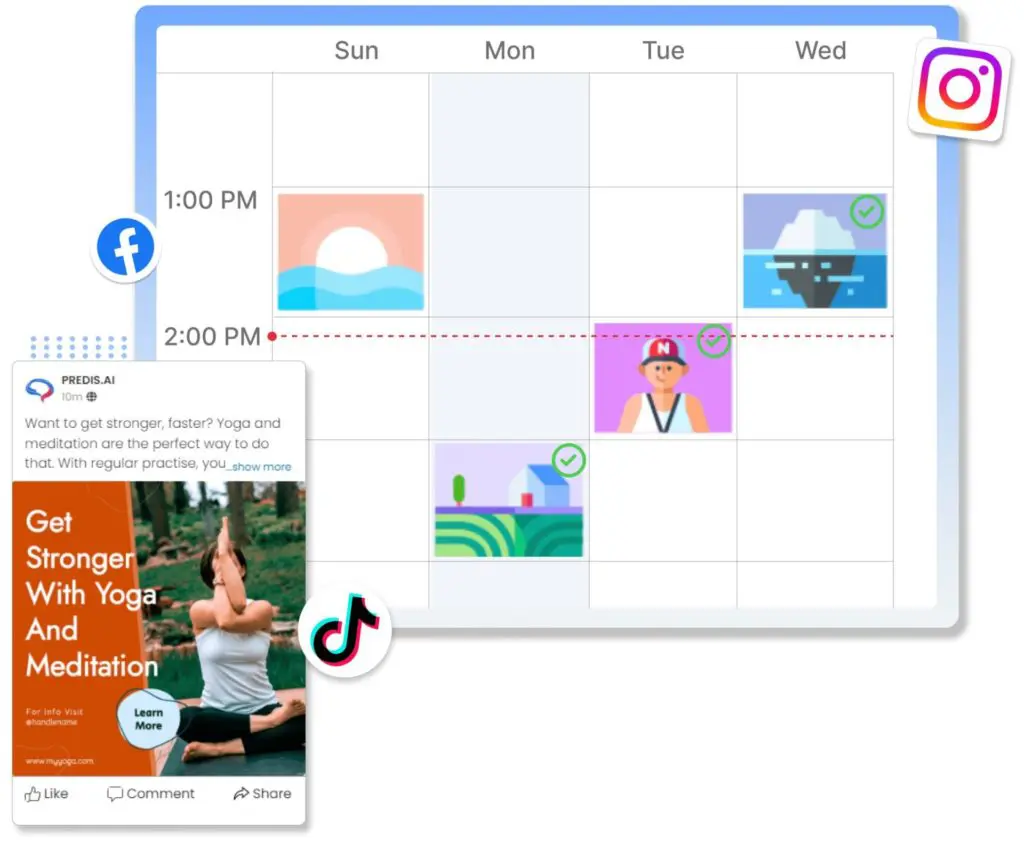
The teams that maintain consistent Instagram presence without burning out don’t create content daily. They batch — one session per week to produce 3–5 posts — and schedule everything in advance. This separates the creative work from the publishing logistics entirely.
You can also use external tools like Predis AI’s post scheduler to publish content at the right time consistently.
6. Grow Your Audience Beyond Your Existing Followers
The Explore Page as a Growth Channel
Getting featured in Explore requires the algorithm to classify your content as high-quality within a specific niche. The signals it uses: save rate, share rate, completion rate (for video), and comment quality. Posting niche-consistent content at regular intervals, with strong early engagement, is the formula.
Collaboration Posts
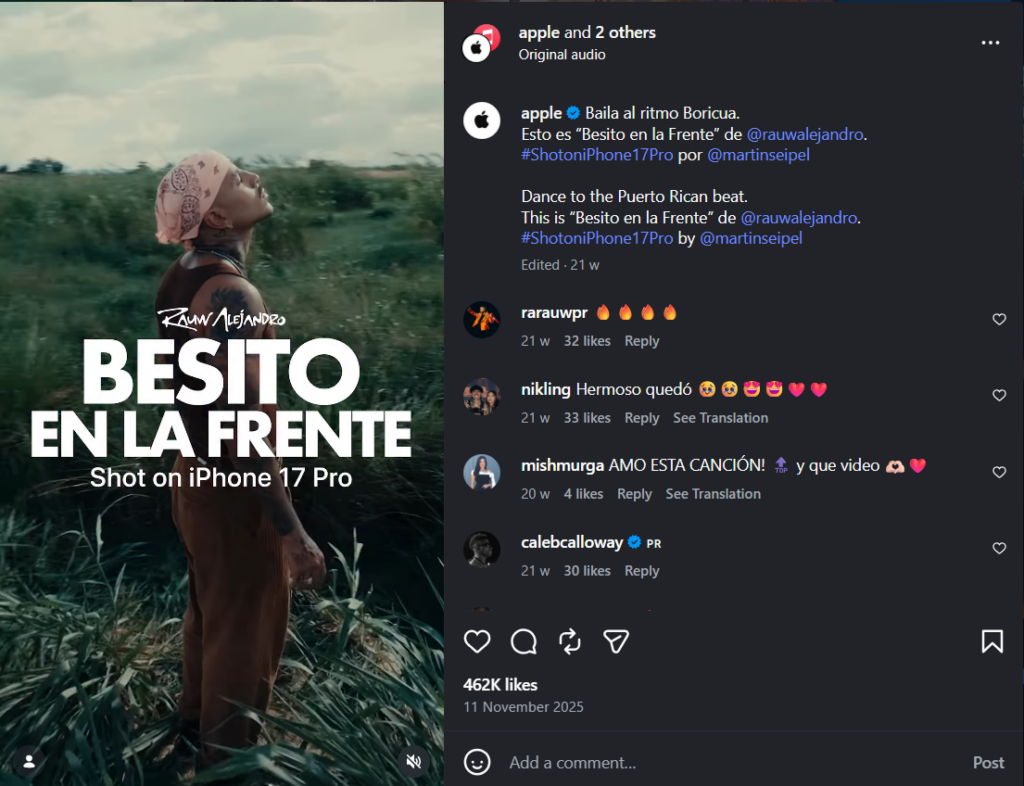
Instagram’s Collab feature lets two accounts co-author a post — it appears in both feeds and reaches both audiences simultaneously. For small businesses, this is the most underused organic growth tactic available. Partner with complementary brands (not competitors), creators in your niche, or local businesses serving the same customer.
A homeware brand collaborating with an interior designer. A supplement brand collaborating with a fitness trainer. The audience overlap is built in; the reach is immediate.
Community Engagement as a Reach Signal
Leaving thoughtful, substantive comments on posts from accounts your target audience follows is an active growth tactic, not just good manners. It surfaces your brand name to their followers, drives profile visits, and signals genuine category participation to the algorithm. Generic “great post!” comments don’t count — write something worth reading.
7. Use Instagram Ads to Amplify
When to Start Running Ads
The common mistake: running ads before the organic foundation is proven. Instagram ads amplify what already works — they don’t fix what doesn’t.
Before spending on ads, you should have: a complete, optimised profile; a content library of at least 12–15 posts; some evidence of organic engagement; and a clear post-click destination (a product page that converts, not a homepage).
The 4 Ad Formats Worth Understanding
- Feed ads appear in the main scroll. Best for brand awareness and direct response with strong visuals.
- Stories ads: Full-screen, 15 seconds. High-intent placement, strong for time-sensitive offers.
- Reels ads: The highest-reach ad format, matching the organic Reels distribution advantage.
- Explore ads appear in the Explore tab alongside organic content. Good for reaching audiences actively discovering new brands.
The Minimum Viable Ad Test
Before scaling any campaign, test the creative with a small budget across two to three creative variants. Run for 5–7 days. Identify the variant with the lowest cost-per-click or cost-per-result, cut the rest, and scale the winner. This prevents the most common ad mistake: committing budget to untested creative.
For audience targeting: start with a custom audience built from your existing followers and website visitors. Layer in a lookalike audience from those custom segments. Interest-based targeting alone is typically less efficient than lookalike targeting for D2C brands with existing customer data.
8. Measure What Matters and Use the Data to Improve
The 5 Instagram Metrics That Actually Predict Growth
Most business accounts track followers and likes. Neither is particularly useful as a performance indicator. The metrics that correlate with actual growth:
| Metric | What it measures | Why it matters |
|---|---|---|
| Engagement rate | Interactions ÷ reach | Whether content resonates with people who see it |
| Save rate | Saves ÷ impressions | Whether the content is valuable enough to return to |
| Share rate | Shares ÷ impressions | Whether content is worth spreading — the strongest reach signal |
| Profile visits from posts | Visits driven by specific content | Whether content creates genuine interest in the brand |
| Link-in-bio clicks | Traffic is driven to an external destination | Whether Instagram is contributing to commercial outcomes |
Native Insights vs. Third-Party Analytics
Instagram’s native Insights covers the basics: reach, impressions, engagement, and follower demographics. For most small business accounts, this is sufficient for monthly review decisions.
Third-party tools add trend tracking over time (Insights resets data), competitor benchmarking, and post-level analytics that native tools don’t surface cleanly. If you’re running a serious content operation, the additional layer is worth it.
The Monthly Performance Review Ritual
Once a month, 20 minutes: pull your top three and bottom three posts by save rate and share rate. Ask two questions about each: what was different about the content, timing, or topic? And what would a next-month version of this post look like?
This is the feedback loop that turns activity into compounding performance. Without it, you’re posting into a void and hoping something sticks.
Common Instagram Business Mistakes That Silently Kill Growth
1. Treating Instagram as a product catalogue
A feed full of product shots with prices performs like an ad account without the targeting. Mix product content into a content ecosystem — don’t make it the whole thing.
2. Posting without a defined audience in mind
Content that tries to appeal to everyone resonates with no one. Every post should have a specific reader in mind — one person, with a specific problem or interest — not a demographic bracket.
3. Reels-only strategy
Reels drive reach, but reach doesn’t compound into retention without carousels and Stories maintaining the relationship with existing followers.
4. Switching niches or tones frequently
Every major strategy shift resets the algorithm’s understanding of your account and who to show it to. Make changes incrementally, not all at once.
5. Running ads before organic is working
Ads amplify what already converts. If organic content isn’t generating engagement, paid spend won’t fix the underlying content problem — it’ll just make it more expensive.
Final Thoughts
Instagram for business rewards the same things it always has: consistency, niche clarity, and content that genuinely helps or entertains the audience you’re trying to reach.
The tools are better, the formats have multiplied, and the analytics are more detailed — but the underlying logic hasn’t changed.
Build the system, run the monthly review, and keep improving the thing that’s performing least well. That’s the whole game.
Frequently Asked Questions
Zero. The accounts that grow fastest start treating Instagram seriously before they have an audience, not after. Follower count is an output of the system, not a prerequisite.
Carousels for saves and education, Reels for reach and new audience discovery, Stories for retention and relationship depth. The mix matters more than any single format.
Yes. AI tools like Predis.ai generate on-brand visual content and captions from a brief, removing the design and copywriting bottleneck entirely.