Explore this content with AI:
In the early days of Instagram, video was an afterthought—a 15-second grainy clip tucked between square photos. Today, Instagram is a video-first engine. With the recent updates, the platform has blurred the lines between “social media” and “streaming service,” offering everything from 7-second viral loops to hour-long cinematic features.
But with more options comes more confusion. Should that tutorial be a Reel or a Feed video? Why did your 5-minute masterpiece get zero views? This guide is your definitive “cheat sheet” for mastering Instagram video length, ensuring every second you record works toward growing your brand.
Why Video Length is an Important Factor?
The Instagram algorithm doesn’t just look at whether someone watched your video; it looks at Watch Time Percentile.
If you post a 10-minute video and people drop off at the 30-second mark, the algorithm flags your content as “low interest” and stops showing it to new people. However, if you post a 15-second video and people watch it twice, your “completion rate” hits 200%, signaling to the Explore page that your content is “must-watch.”
Here is why adhering to the appropriate video length makes all the difference:
- Longer videos have a hard time retaining the attention of your audience.
- Shorter, looping videos are easier to watch and stick to.
With all that said and done, if your videos are engaging and make people stay till the end, then the algorithm will reward them, even if they are longer. The goal is to make people stay till the end.
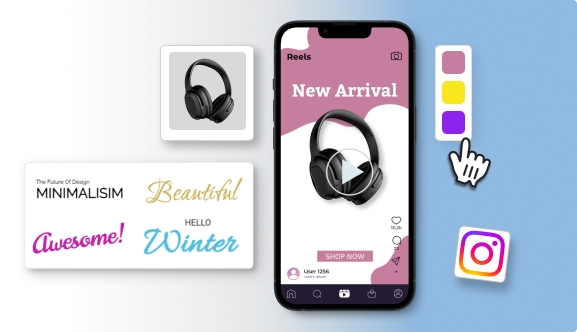
Video Length Requirements For each Format
1. Instagram Reels
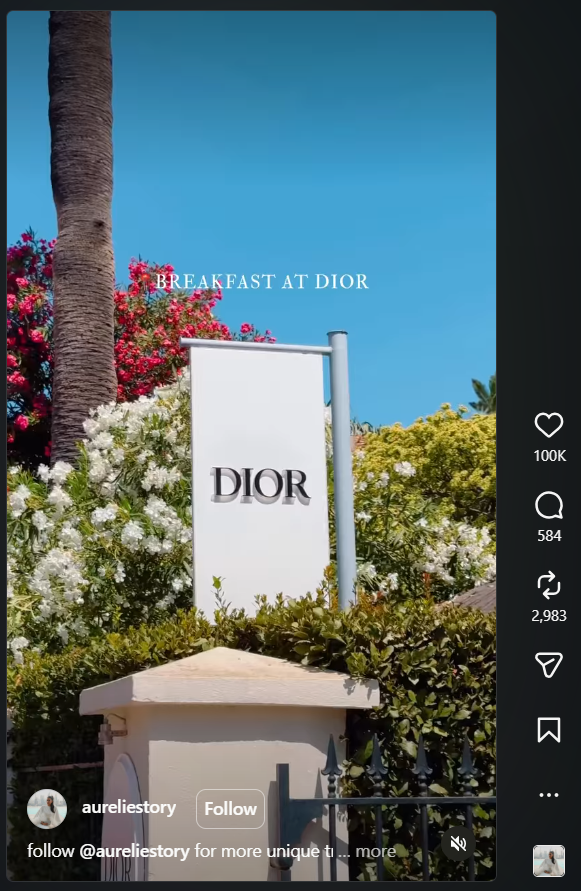
Reels remain the most powerful tool for reaching people who don’t follow you yet.
Unlike the standard Feed, which prioritizes content from friends and followed accounts, the Reels tab is almost entirely populated by data-driven recommendations. Data shows that over 55% of Reel views now come from non-followers. This makes it the only surface on Instagram where you can “go viral” and gain thousands of followers overnight without spending a dollar on ads.
- The Technical Limit: You can now upload Reels up to 20 minutes long.
- The “Algorithm Wall”: While you can go long, Instagram generally only pushes Reels into the “Discovery Feed” if they are under 3 minutes. Anything longer is treated as “Nurture Content” for your existing followers.
- The Sweet Spot:
- 15-30 Seconds: Best for trending audio, quick tips, and high-energy transitions.
- 60–90 Seconds: Ideal for “Value Bombs”—mini-tutorials or storytelling that requires a bit of context.
2. Instagram Stories
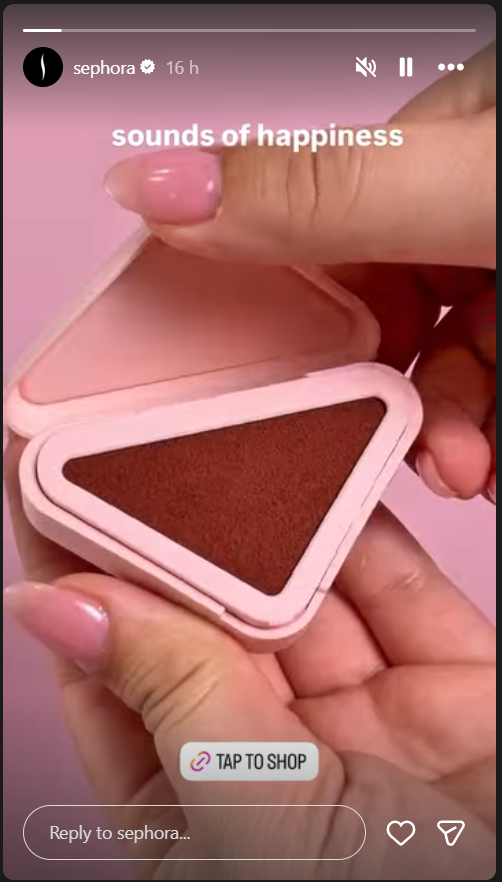
Stories are where you build “Brand Intimacy.” This isn’t about reaching the world; it’s about talking to your tribe.
Instagram Stories offer a dynamic way to share photos and videos that appear at the top of your followers’ feeds for exactly 24 hours. While they vanish from the main interface after a day, you can pin your favorites to Instagram Highlights on your profile, allowing them to serve as a permanent, curated gallery for new visitors.
- The Technical Limit: 60 seconds per slide.
- The “Tap Through” Factor: Research shows that engagement drops significantly after the third slide.
- The Pro Move: Keep your spoken Story segments to 15–30 seconds. If you have a longer story to tell, use “Captions” stickers so people can follow along without sound.
3. Feed Videos
Standard Feed videos (formerly IGTV) are now integrated into the main grid.
Instagram Feed Videos act as the permanent “portfolio” of your profile, living in the main grid alongside your photos. While Reels are designed for quick discovery, Feed videos are better suited for evergreen content like in-depth interviews, tutorials, or high-quality brand films.
The maximum length for a Feed video is a massive 60 minutes, but they follow a unique “Preview” logic: when someone scrolls past your video in their feed, they will only see a 60-second teaser before the app prompts them with a “Keep Watching” button to view the full version.
- The Technical Limit: 60 minutes from desktop; 15 minutes from mobile.
- The “60-Second Preview”: When a user scrolls past a long video in the feed, they only see a one-minute “teaser.” You must convince them to click “Keep Watching” within those first 60 seconds.
4. Instagram Live
Instagram Live serves as your brand’s real-time broadcasting station, allowing for unedited, direct interaction with your community. In 2026, the technical limit for a single Live session is a generous 4 hours, providing ample time for workshops, extended Q&A sessions, or live event coverage.
Once your broadcast concludes, you have the option to share the replay to your profile grid; if the session lasted longer than 15 minutes, it will live as a long-form video in your feed, ensuring that those who missed the real-time event can still find value in the content indefinitely.
- The Technical Limit: 4 hours.
- The Strategy: Use Lives for community building. A 10-minute Live feels “too short” for people to join in, while 4 hours is exhausting. The “Goldilocks Zone” for Lives is 30 to 45 minutes.
5. Instagram Video Ads
Instagram Video Ads are the fuel for your brand’s growth, allowing you to reach highly targeted audiences beyond your current following. While the technical ceiling for a video ad is a massive 60 minutes, the strategy is entirely different from organic content. Because you are paying for every impression, your ad needs to deliver its core message and “Call to Action” before a user has the chance to scroll past.
To ensure your ad spend isn’t wasted, you must optimize for the specific placement where your ad will appear:
- Feed Ads: These appear as users scroll through their main home feed. The maximum length is 60 minutes, but the recommendation for high-converting ads is between 15 and 30 seconds. Just like organic feed videos, ads longer than 60 seconds will show a preview before requiring a “Keep Watching” click.
- Reels Ads: These are full-screen, vertical ads that appear between organic Reels. They can be up to 60 seconds long. For 2026, the most effective Reels ads are “Native-Style”—meaning they look like a regular video from a creator rather than a polished commercial—and usually clock in at 15 seconds.
- Story Ads: Story ads appear between the Stories of the people a user follows. While they can technically be longer, they are delivered in 15-second segments. To prevent users from “tapping away,” your most important hook must happen in the first 2 seconds.
The Instagram Video Specs Table
| Format | Max Length | Recommended Length | Aspect Ratio | Resolution |
| Reels | 20 Min | 15–90 Sec | 9:16 (Vertical) | 1080 x 1920 |
| Stories | 60 Sec | 15 Sec | 9:16 (Vertical) | 1080 x 1920 |
| Feed Video | 60 Min | 60 seconds | 9:16 or 1:1 | 1080 x 1350 |
| Live | 4 Hours | 30–45 Min | 9:16 (Vertical) | 1080 x 1920 |
| Video Ads | 60 minutes | 15–30 Sec | 9:16 or 1:1 | 1080 x 1080 |
The “1-to-3 Waterfall” Repurposing Strategy
One of the biggest mistakes creators make is filming a different video for every format. Instead, use the Waterfall Method to save hours of production time:
- The Pillar (The Source): Record one high-quality, 10-minute landscape video (think YouTube style) or a long-form interview.
- Clip 1 (The Hook Reel): Take the most controversial or exciting 15 seconds. Add a “Hook” headline. This is your “Discovery” piece.
- Clip 2 (The Value Reel): Edit a 90-second “How-To” segment from the middle of the video. This establishes your “Authority.”
- Clip 3 (The BTS Story): Take a 30-second “blooper” or “behind the scenes” clip of you recording. This builds “Connection.”
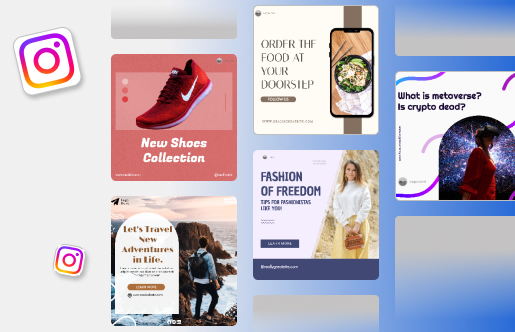
Decision Framework: Choosing Your Format
Have a piece of content, but don’t know which type of content format works best? Then use this decision framework to pick the right video type for you:
| The Goal | The Video Type | Common Content Examples |
| Reach & Discovery | Short Reels (7–15s) | Trending audio challenges, quick “Before & After” reveals, relatable industry memes, and high-impact visual hooks. |
| Education & Authority | Mid-Length Reels (30–90s) | Step-by-step tutorials, “3 Tips for…” listicles, mini-vlogs, and deep-dives into specific product features. |
| Brand Intimacy & Loyalty | Instagram Stories | Behind-the-scenes (BTS) clips, unpolished “Face-to-Cam” updates, Q&A sessions, and daily polls/quizzes. |
| Deep Engagement & Trust | Feed Videos (2–10 min) | Expert interviews, comprehensive brand documentaries, case study reviews, and long-form webinars. |
| Real-Time Community | Instagram Live | Interactive AMAs (Ask Me Anything), live event coverage, product launches, and real-time workshops. |
| Conversion & Sales | Video Ads (15–30s) | User-generated content (UGC) testimonials, “Problem/Solution” demos, and limited-time offer announcements. |
Common Instagram Video Mistakes
- The “Slow Burn” Intro: Don’t start with “Hey guys, sorry I haven’t posted in a while…” Start with the result.
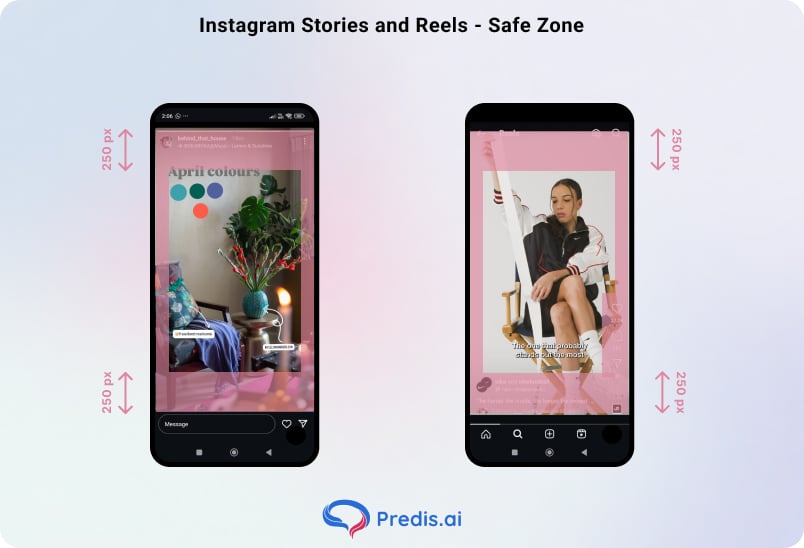
- Ignoring the “Safe Zone”: Placing text in the bottom 20% of a Reel where the caption sits is a death sentence for engagement. This is why you should be mindful of the safe zone.
- Filming for the Wrong Ratio: In 2026, horizontal video on Instagram is a relic. If it’s not 9:16 or 4:5, users will perceive it as “old” or “low effort.”
- Story Fatigue: While the 60-second limit exists, using the full minute in a single clip often leads to viewer drop-off. Segmenting content into 10–15 second frames maintains a faster narrative pace and improves overall retention rates.
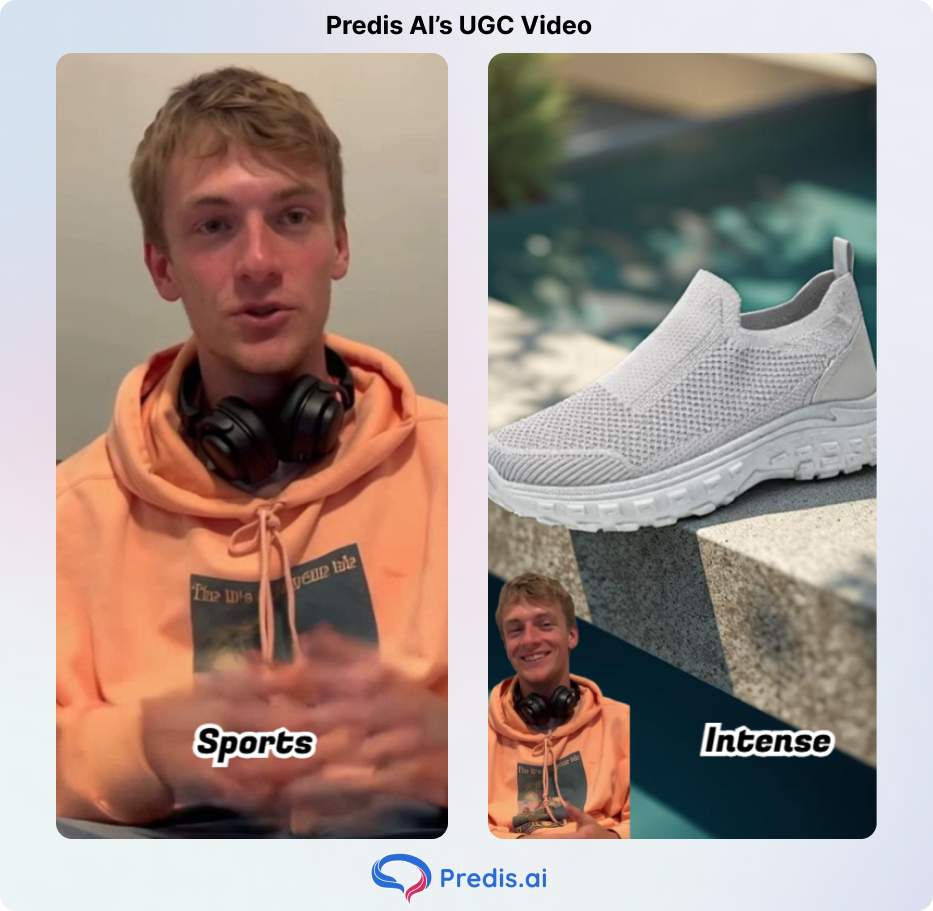
- Neglecting On-Screen Text: With a significant portion of the audience viewing content on mute, failing to include captions or text overlays essentially silences your message. If you use tools like Predis AI to make videos, then it will automatically come with dynamic captions, making the job much easier.
- Pre-Compression Quality Loss: Avoid compressing files before upload. Since Instagram applies its own compression algorithms, “pre-shrinking” your video leads to double-processing artifacts. For the cleanest visual output, always upload the highest-quality original file (under 4GB).
Sell More via Instagram 💰
TRY FOR FREE
Conclusion: The Long and Short of It
The “perfect” length doesn’t exist—only the perfect length for your specific goal. If you want to grow, stay short and punchy. If you want to sell, go deep and educational.
The brands that win aren’t the ones with the biggest cameras; they are the ones who respect their audience’s time. Use this cheat sheet to audit your current strategy, start implementing the Waterfall Method, and watch your engagement metrics climb.
FAQ
Not “penalize,” but they are harder to rank. Think of long Reels as “subscriber content.” Your followers will see them, but they rarely hit the Explore page.
Yes, but remove the watermark. Instagram’s algorithm explicitly demotes videos with a visible TikTok logo.
15 to 30 seconds. You want to get to the “Call to Action” before the user realizes they are watching an ad.