



Nano Banana MCP for Claude et ChatGPT
Use Nano Banana in Claude, ChatGPT or Claude Code through the Predis.ai MCP, with your brand kit and saved products already in place. Ask for the image in plain words and see the credit cost before it’s made.
Connexion Predis.ai MCP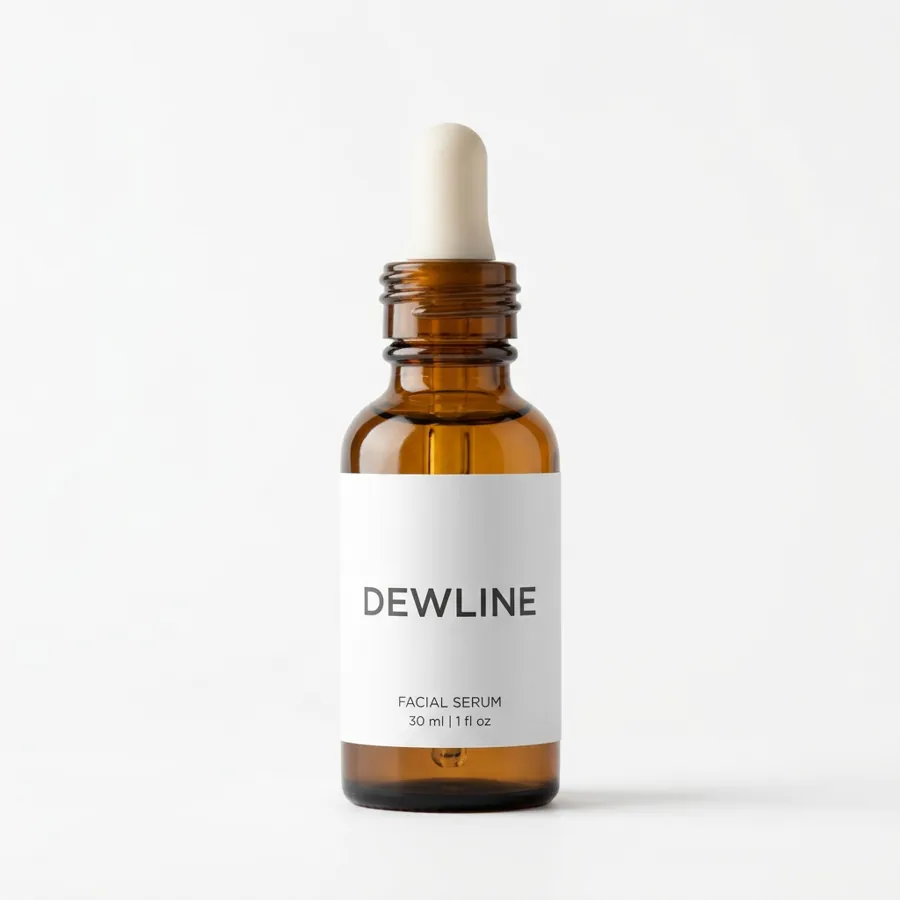
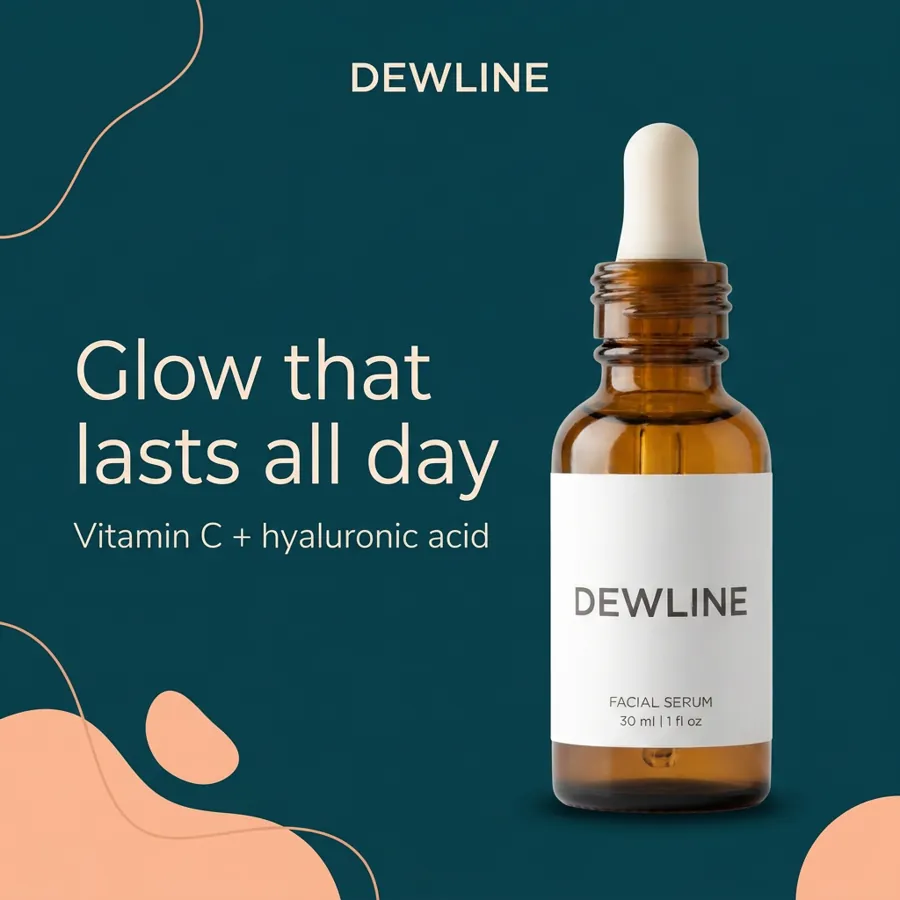

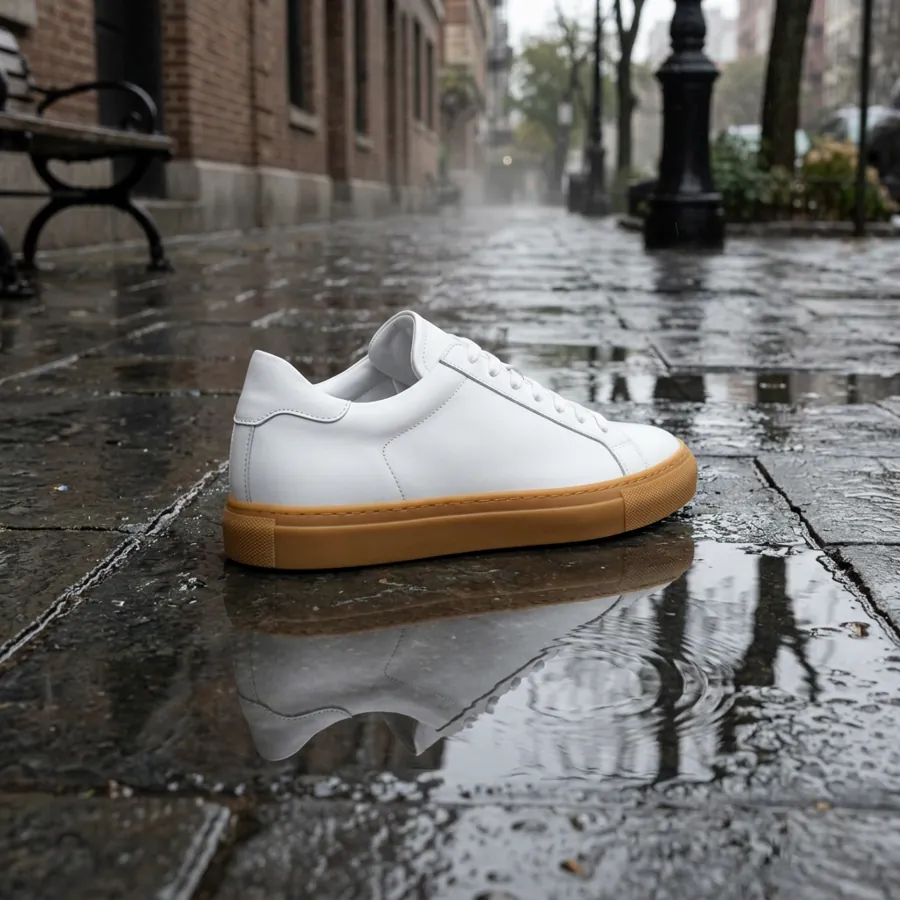
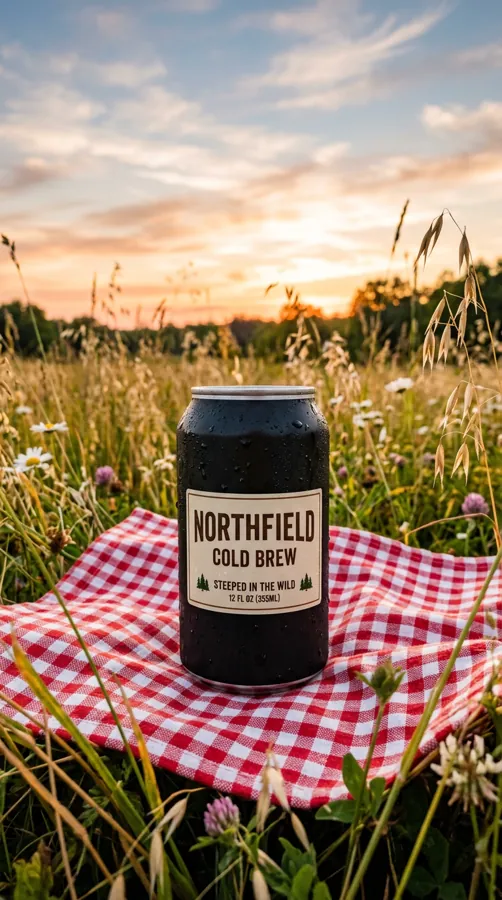
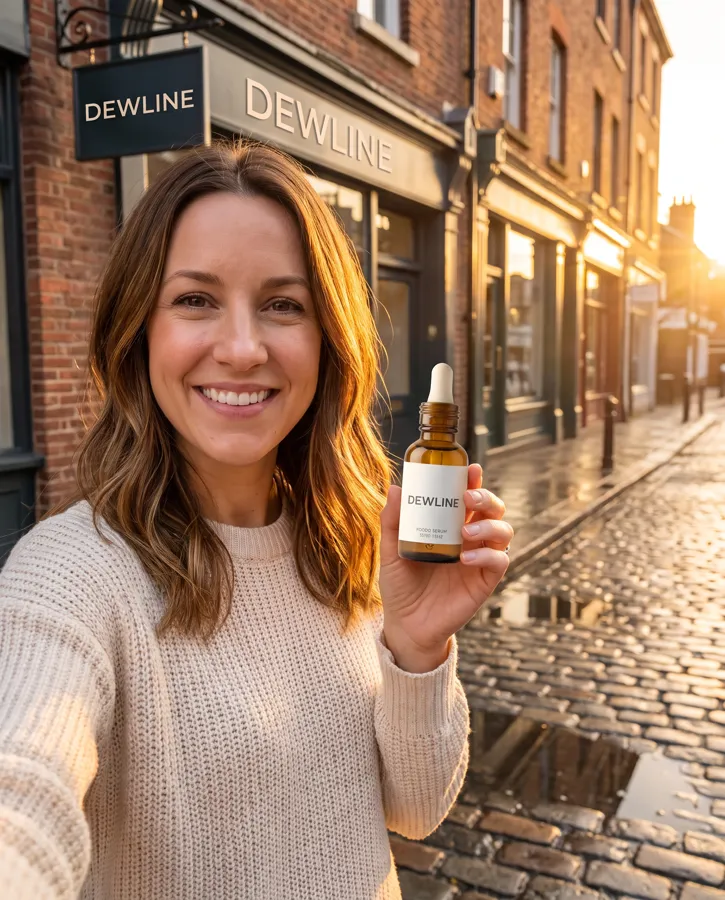
Give it up to 14 images and get one back
Attach your product, your logo, a model shot and a location, then say how they fit together. Nano Banana works from every reference at once to make a single image.
Vous tapez“Put the bottle from image 1 in the hand of the woman in image 3, on the street in image 4, with the Dewline logo from image 2 on a shop sign and the golden light from image 5.”
- Références5 de 14
- Taille4:5
- VersionPro
- Les crédits7
Pro, 2 or 2.1: pick the version by the job
Here’s how we’d choose. Your call, and you can name a version in your prompt or let your assistant pick.
Nano Banana Pro
Good for final ad images where small detail and text on products matter.
- Réglage par défaut2K
- Credits per image7 at 2K, 13 at 4K
Nano Banane 2
Good for everyday images and quick rounds of options.
- Réglage par défaut1K
- Credits per image4 at 1K, 8 at 4K
Nano Banane 2.1
Good for large batches of drafts before you pick a direction, and for wide or tall banners.
- Réglage par défaut1K
- Credits per image2 at 1K, 6 at 4K
All 3 make 1:1, 4:5, 16:9 and 9:16 images at 1K, 2K or 4K. Nano Banana 2.1 adds 11 more shapes, from 3:2 and 21:9 to 8:1 strips.
Edit an image by saying what to change
Share an image and ask for a new setting, a new time of day or a new background. One change per message keeps each version easy to compare.
“Swap the counter for a beach.”

 AvantAprès
Use Nano Banana from your assistant en minutes 2
Connectez-vous avec votre Predis.ai compte. Il n'y a pas API La clé de copie, votre kit de marque et vos produits enregistrés vous suivent.
-
Connecteurs ouverts
Dans Claude sur le web ou Claude Desktop, allez dans Paramètres, puis Connecteurs.
-
Ajouter un connecteur personnalisé
Nomme le Predis.ai et collez l'URL du serveur MCP ci-dessous.
-
Connectez-vous et demandez
Cliquez sur « Se connecter », connectez-vous avec votre compte. Predis.ai Créez un compte et démarrez une nouvelle conversation.
Essayez ensuite : « Utilisez » Predis.ai with Nano Banana Pro to make 4 images of [your product] at 4:5, in my brand kit.”
-
Ajouter un serveur MCP personnalisé
In ChatGPT Sur votre navigateur web, ouvrez Paramètres, puis Applications (ou Plugins, selon votre compte). Sélectionnez +, puis Ajouter un serveur MCP personnalisé.
-
Connectez-le à Predis.ai
Nomme le Predis.aiCollez l'URL du serveur MCP ci-dessous dans la section Connexion, puis connectez-vous avec votre compte. Predis.ai compte.
-
Créez le plugin et demandez
Consultez l'avertissement de sécurité, sélectionnez « Créer comme plugin », puis installez-le. Démarrez une nouvelle conversation et tapez @.Predis.ai.
Essayez ensuite : « Utilisez » Predis.ai with Nano Banana Pro to make 4 images of [your product] at 4:5, in my brand kit.”
-
Ajouter le serveur
Exécutez la commande ci-dessous dans votre terminal.
-
Connexion
Tapez /mcp dans le code Claude et connectez-vous avec votre Predis.ai compte.
-
Faire des annonces en masse
Il suffit de le connecter à un flux de produits ou à un fichier CSV, et il crée des publicités pour chaque ligne.
Essayez ensuite : « Utilisez » Predis.ai with Nano Banana Pro to make 4 images of [your product] at 4:5, in my brand kit.”
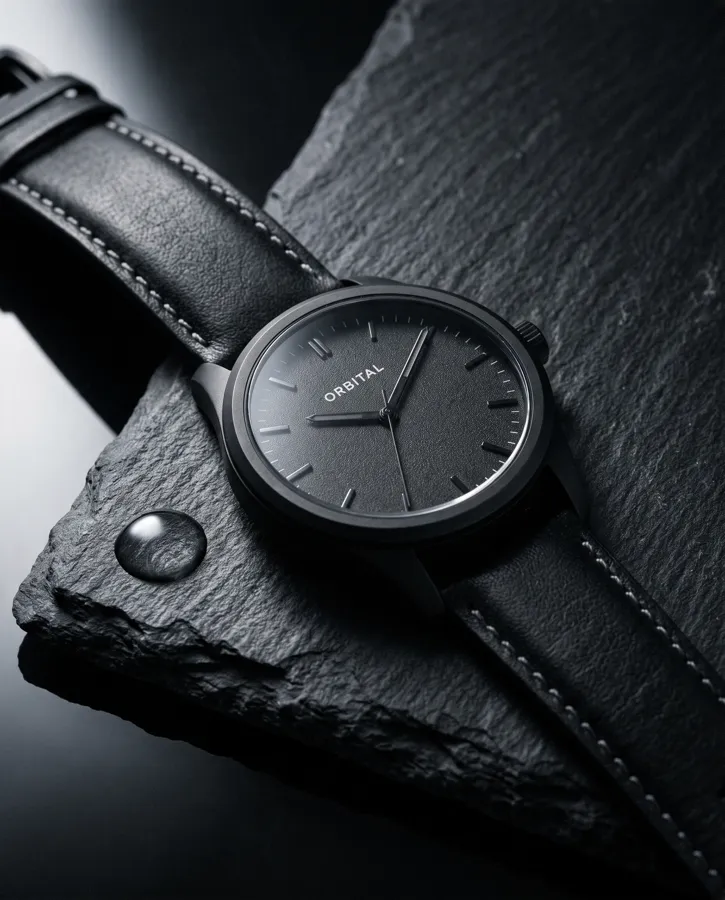
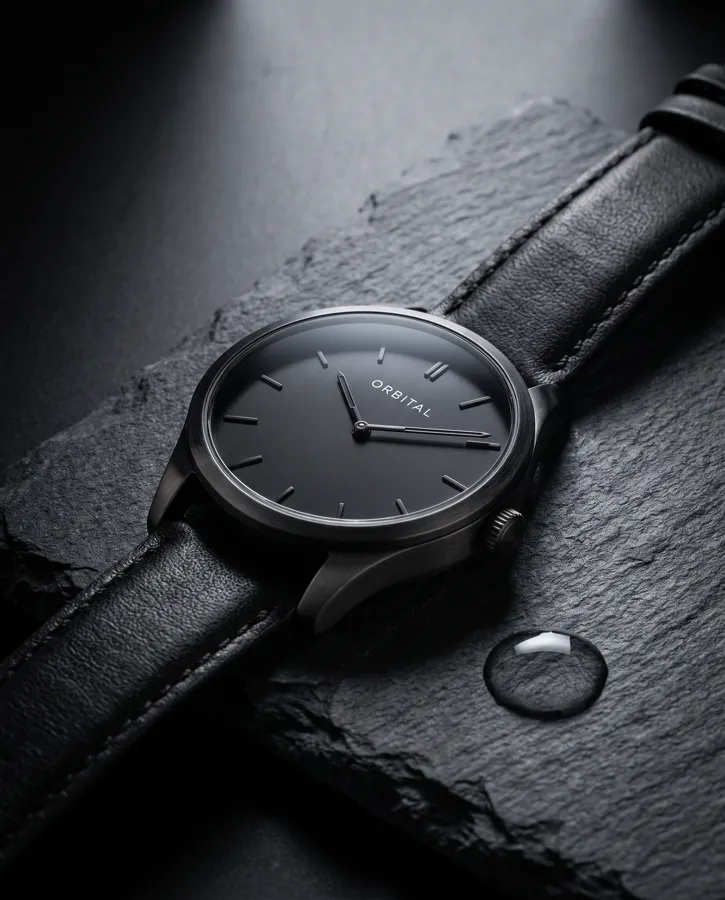
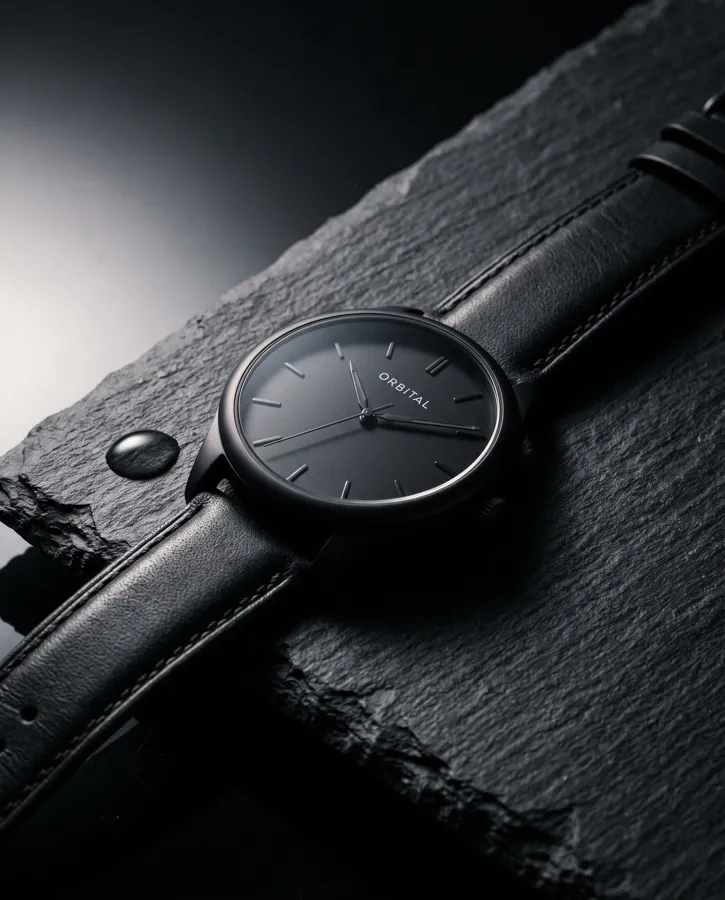
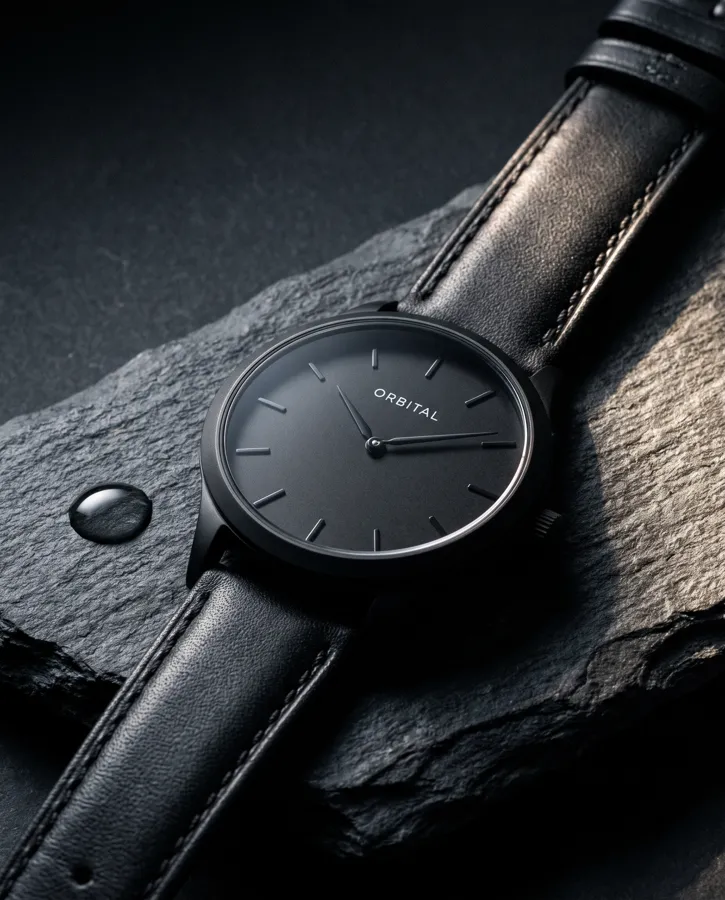
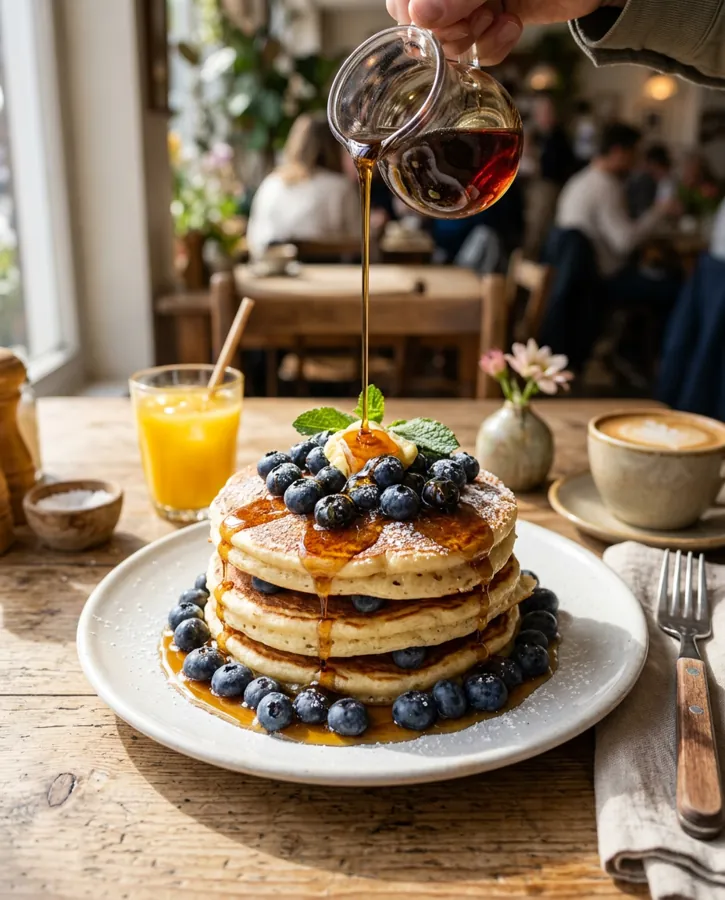
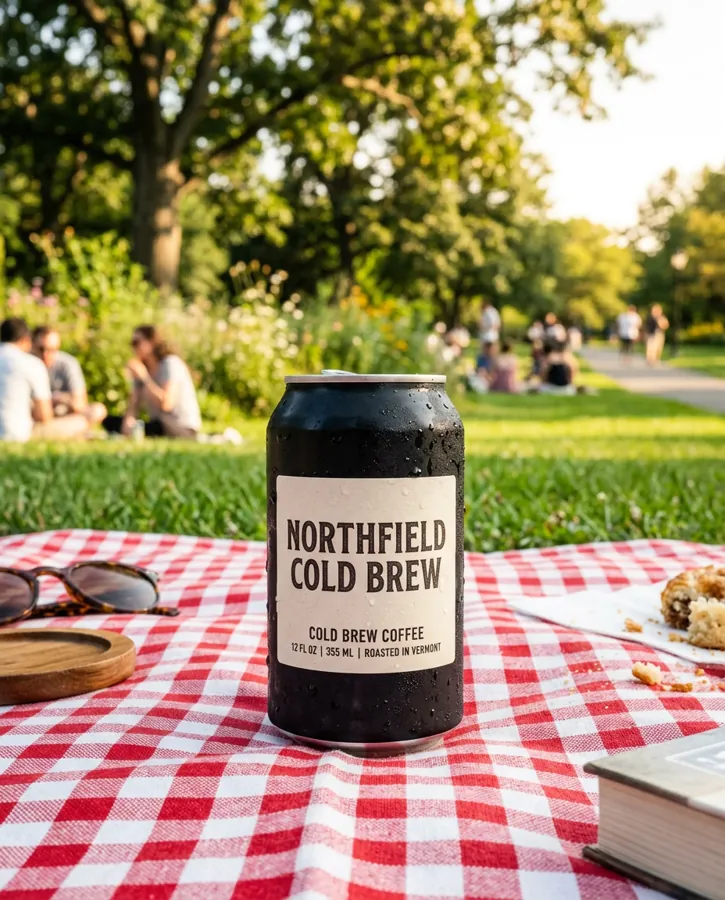
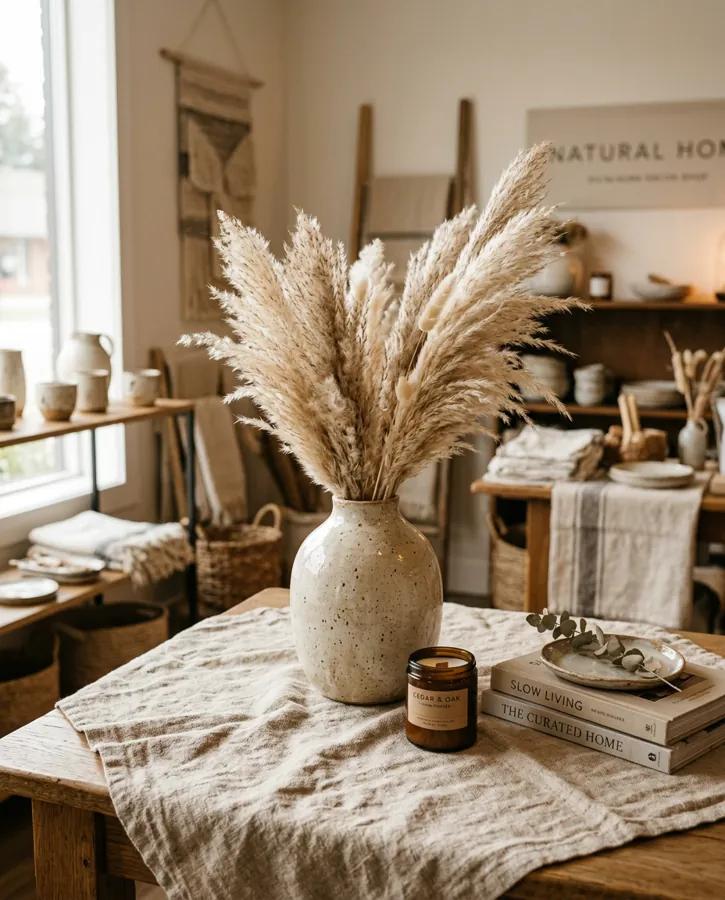
Made with Nano Banana à travers Predis.ai
Filter by version to see where each one fits.

Questions fréquemment posées
What is the Nano Banana MCP?
Le Predis.ai MCP is a remote MCP server that gives Claude, ChatGPT and Claude Code access to Nano Banana Pro, Nano Banana 2 and Nano Banana 2.1. Your brand kit and saved products come with it.
Do I need a Google account or an API clé?
No. You sign in with your Predis.ai account, and each image uses credits from your Predis.ai centré sur le client.
How many reference images can I use?
Up to 14 per image, on all 3 versions. Attach them in the chat, paste public links or pick files you've already uploaded to Predis.ai.
Which sizes and resolutions can I ask for?
1:1, 4:5, 16:9 and 9:16 on all 3 versions, each at 1K, 2K or 4K. Nano Banana 2.1 adds 11 more shapes, including 3:2, 21:9 and 8:1.
How many images come back per request?
Jusqu'à 4.
What does an image cost?
It depends on the version and resolution: 2 to 6 credits on Nano Banana 2.1, 4 to 8 on Nano Banana 2 and 7 to 13 on Nano Banana Pro. Your assistant shows you the credits and your balance before anything is made.
Can I make Nano Banana images in bulk?
Yes. In Claude Code, point it at a CSV or a product feed and it makes images for every row.
y a t-il free procès?
Oui, pour 3 jours. Une carte est requise, votre premier prélèvement aura lieu le 4e jour et vous pouvez annuler à tout moment avant cette date.
Nano Banana, your brand kit and your products in one chat
Connexion Predis.ai once, then ask for the image you have in mind.
Connexion Predis.ai MCP