



Make Ads in Claude and ChatGPT con la Predis.ai MCP
Connettere Predis.ai once, then brief your assistant the way you'd brief a designer. Video ads, UGC, static ads and carousels come back in the same chat, made in your brand kit and ready to test.
Ask for ads in a sentence. Get them back finished.
Pick an example to see what you'd type and the ads that came back. Predis.ai writes the scripts, sets up the shots and makes the ads, so there's nothing to assemble yourself.
You get: 3 UGC video ads
Back in the same chat
Conteggio delle repliche
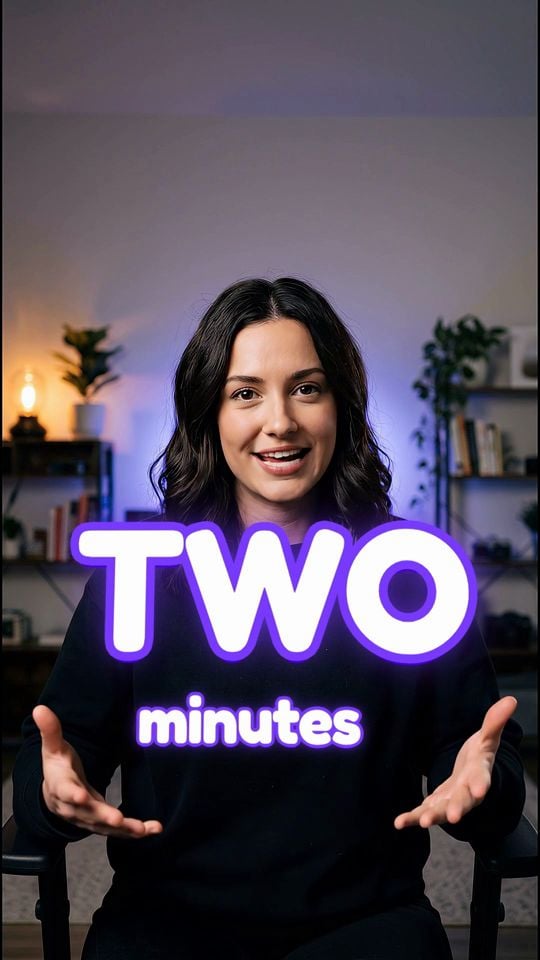
Pianificatore di social media

billbird
Predis.ai wrote a script and cast an AI creator for each app. Next, ask for 15s cuts or different creators in the same chat.
You get: 3 product videos
Back in the same chat
Solara perfume
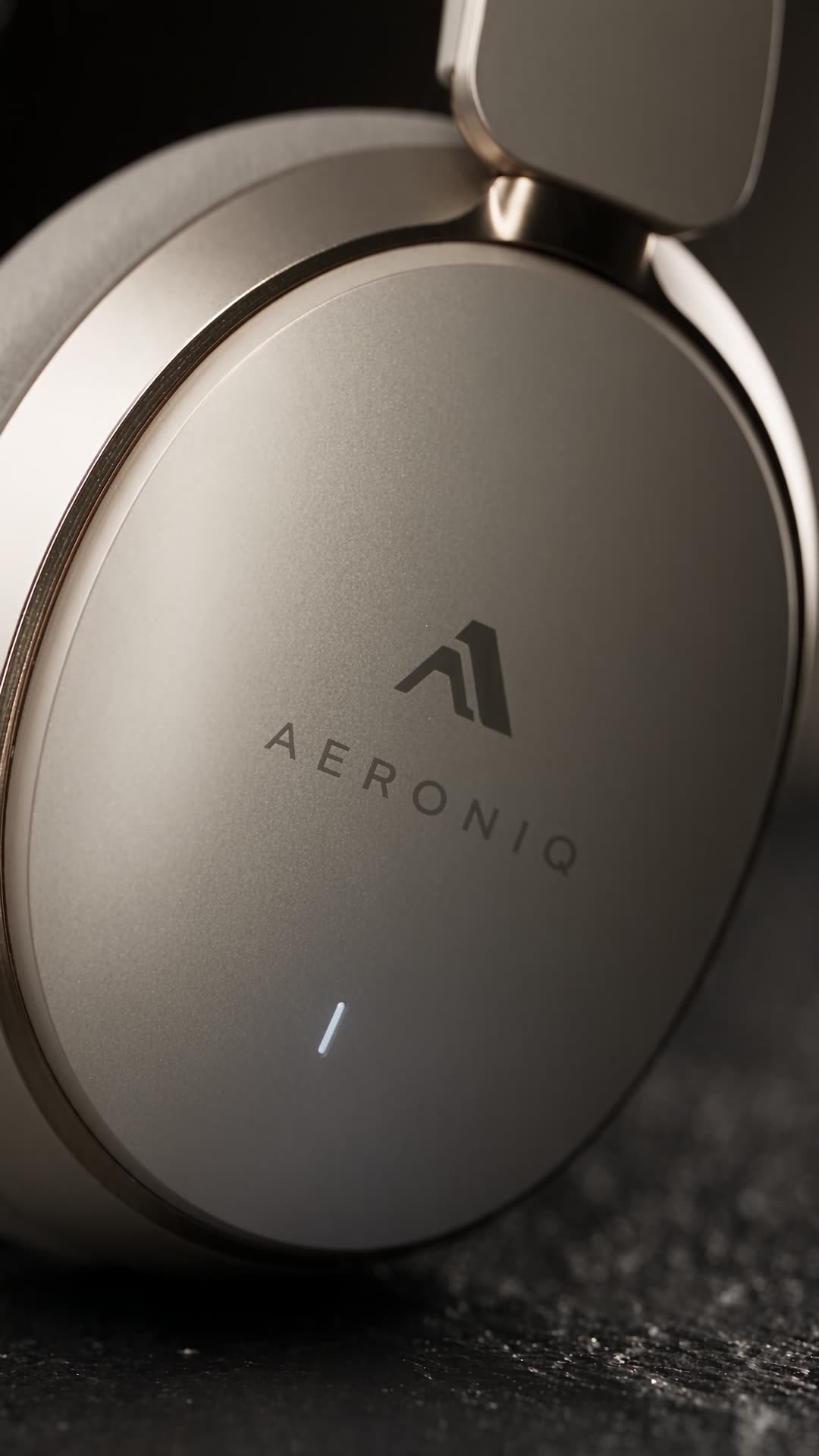
Cuffie Aeronic
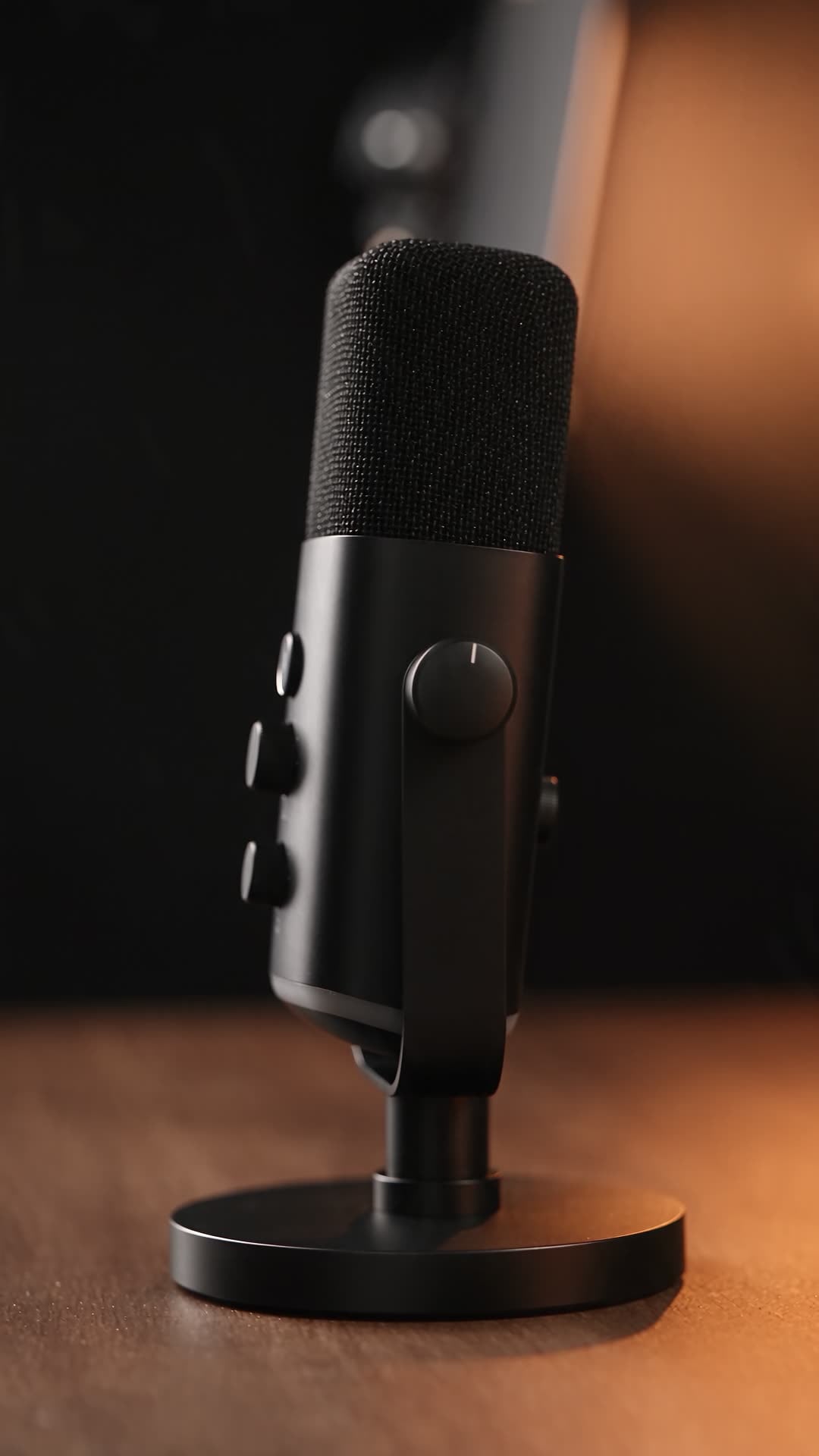
USB studio mic
Predis.ai planned the shots and set the studio lighting for each product. Next, ask for a price end card or square 1:1 versions.
You get: 2 static ads
Back in the same chat
Pawfect Bites wet food
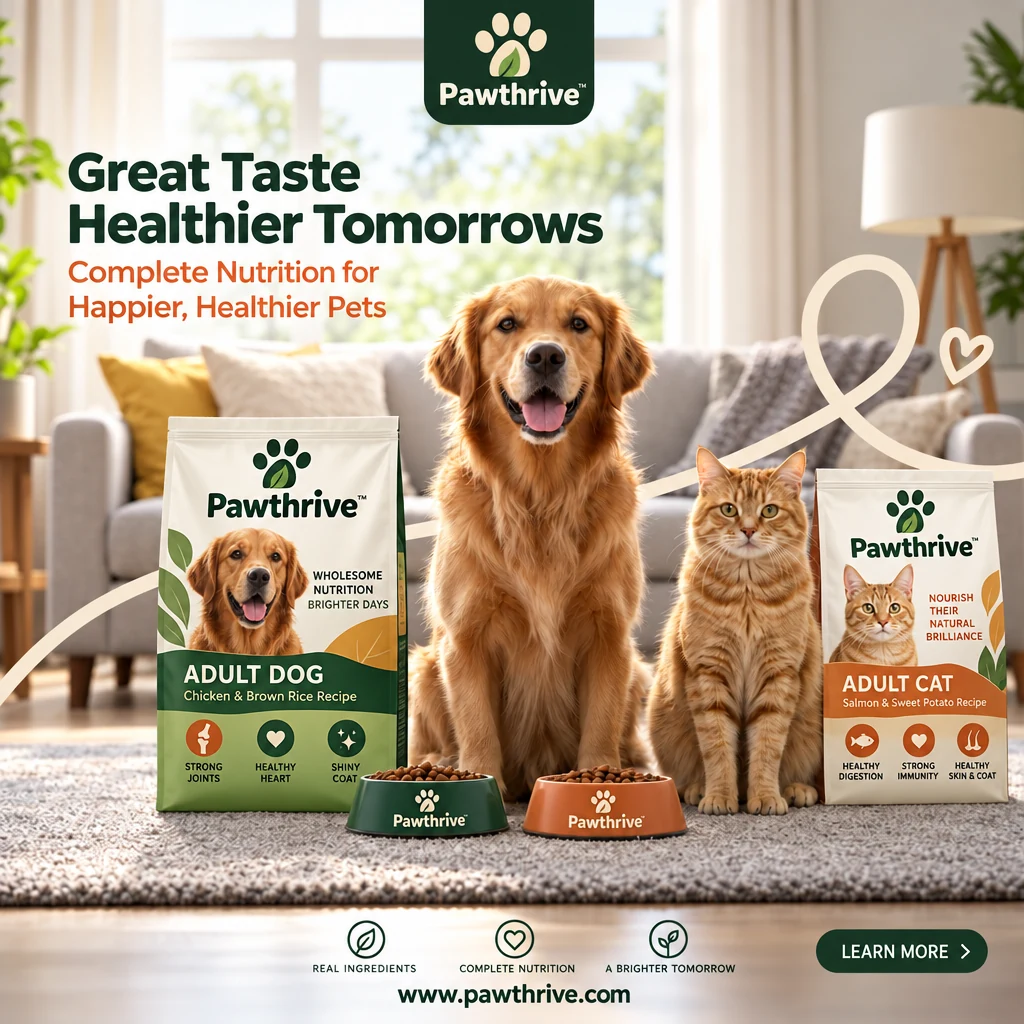
Pawthrive dry food
Predis.ai wrote a brief and the ad copy for each one. Next, ask for Stories sizes, a carousel, or a video made from either ad.
Real ads, now one message away
Each ad here started as a product link, a reference ad or a rough idea. With the MCP, you ask for the same thing from Claude, ChatGPT or Claude Code.
Aggiungi Predis.ai a Claude in meno di 2 minuti
Accedi con il tuo Predis.ai account. Non c'è API key to copy, and your brand kit and saved products come with you.
-
Connettori aperti
In Claude on the web or Claude Desktop, go to Settings, then Connectors.
-
Aggiungi un connettore personalizzato
Nominalo Predis.ai and paste the MCP server URL below.
-
Accedi e chiedi
Fai clic su Connetti, accedi con il tuo Predis.ai crea un account e avvia una nuova chat.
Then try: “Use Predis.ai to make 3 UGC video ads for [your product link].”
-
Attiva la modalità sviluppatore
In ChatGPTApri Impostazioni, poi App e connettori, quindi Avanzate.
-
Crea un connettore
Nominalo Predis.ai and paste the MCP server URL below.
-
Authorize and ask
Accedi con il tuo Predis.ai account, then add Predis.ai to any chat.
Then try: “Use Predis.ai to make 3 UGC video ads for [your product link].”
-
Aggiungi il server
Esegui il comando seguente nel tuo terminale.
-
Registrati
Type /mcp in Claude Code and sign in with your Predis.ai conto.
-
Crea annunci in blocco
Point it at a product feed or a CSV, and it makes ads for every row.
Then try: “Use Predis.ai to make 3 UGC video ads for [your product link].”
Brief it, get the batch, scale the ones that sell
The loop a good creative team runs, held in one chat.
Start with a link, a reference ad or one line
Predis.ai reads your product page, pulls in your brand kit and suggests angles before it makes anything, so you approve the direction first.
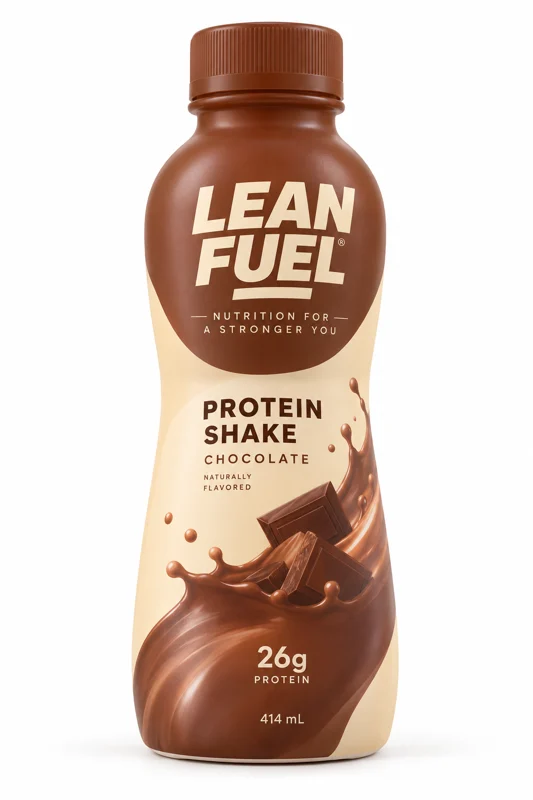
Provare: “Here's our Lean Fuel protein shake. Give me 3 angles for January gym season.”
 yourstore.com/product
-
Collegamento del prodotto
Paste a product page and Predis.ai pulls the name, images and details for you.
-
Reference ad
Share an ad you like and get the same structure, rebuilt around your product.
-
Kit marca
Your logo, colors, fonts and voice are in place before the first frame is made.
-
Angles first
Pick from options like “26g protein, no prep” or “The post-gym fix” before anything renders.
Every format from una richiesta
Ask once and get video ads, UGC, statics and carousels back together, instead of one asset at a time. Try: “Make 6 statics, 2 product videos and a UGC review for the launch.”
-
Video ads and UGC
Product videos lit like a studio shoot, and creator-style ads with the hook up front.
-
Statics and carousels
Feed and Stories sizes, with the headline and CTA written for you.
-
One kit per brand
Each brand you work with keeps its own colors, fonts, logo and voice, so one brand's look never lands in another's ad.
Turn your winner into the next round of tests
Keep what's earning and change one thing at a time, so every variant is clean enough to split test. Try: “Same video, 5 new opening hooks. Keep everything else.”
Connettere Predis.ai MCP

-
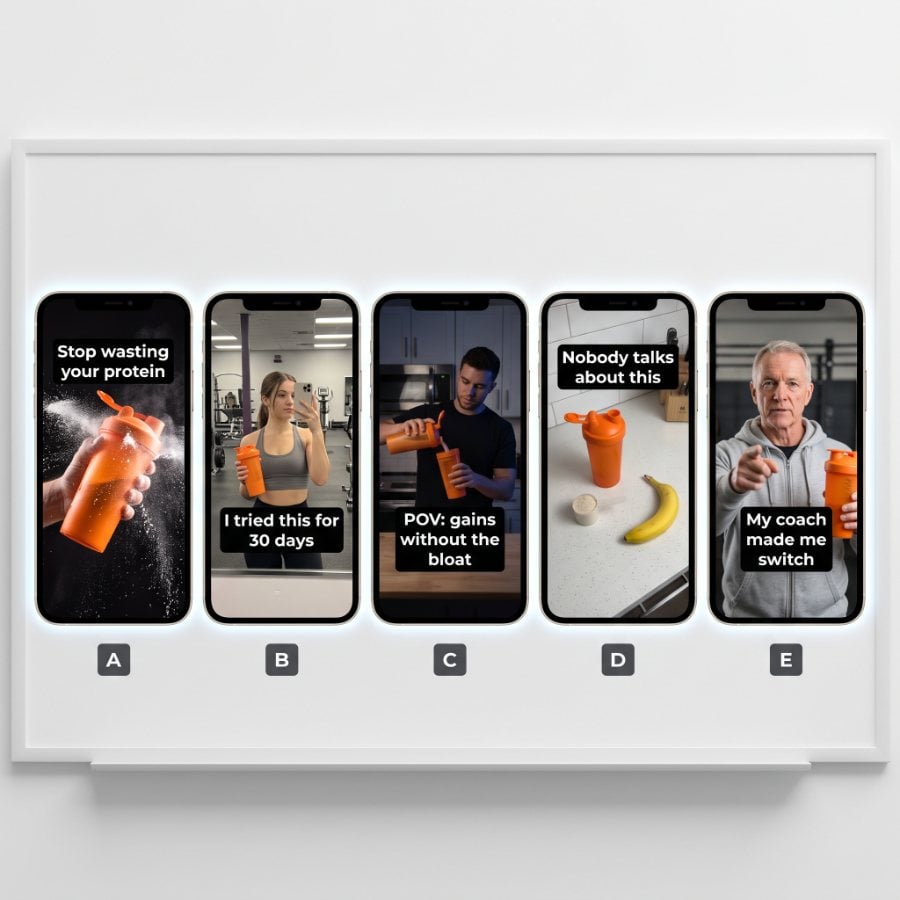
New hooks
Swap the first 3 seconds 5 ways, from “I kept forgetting my vitamins” to “Stop swallowing horse pills.”
-
New headlines
Stessa immagine, 6 titoli, quindi il titolo è l'unica variabile.
-
New creator
Recast the person on screen and keep the script that's earning.
-
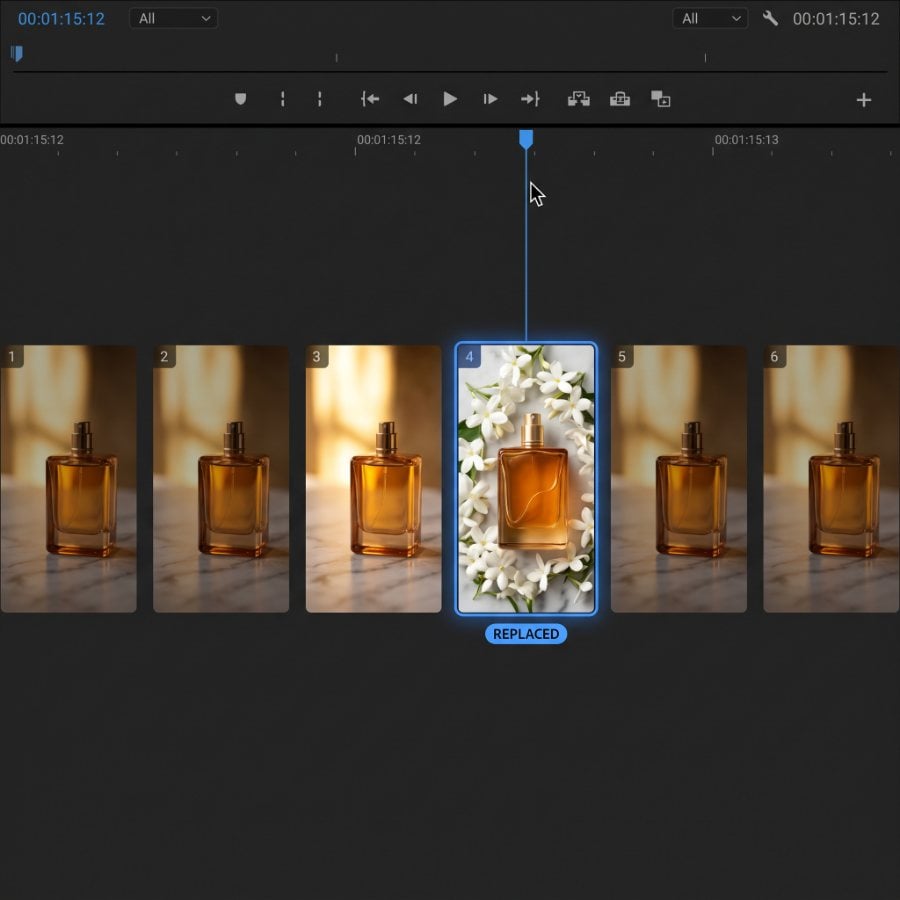
Correggi un fotogramma
Change a single shot without remaking the rest of the video.
Inizia da un preset
Prompts for the ads you already make. Copy one into Claude e aggiungi il tuo prodotto.
Collegamento agli annunci
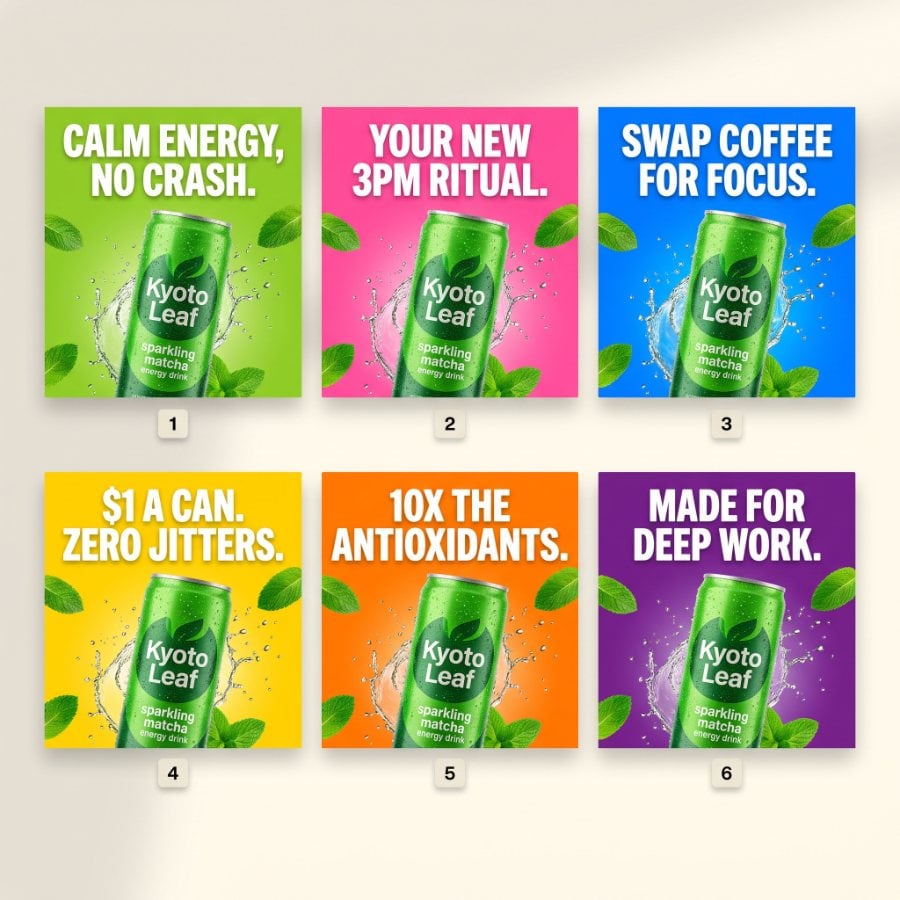
Incolla la pagina di un prodotto e ottieni 4 annunci statici in linea con lo stile del tuo brand.

annuncio video UGC
Un video in stile creator basato sulla descrizione del tuo prodotto, con un elemento di richiamo immediato.
il video del prodotto
Un video in stile professionale di un singolo prodotto, nel formato che preferisci.
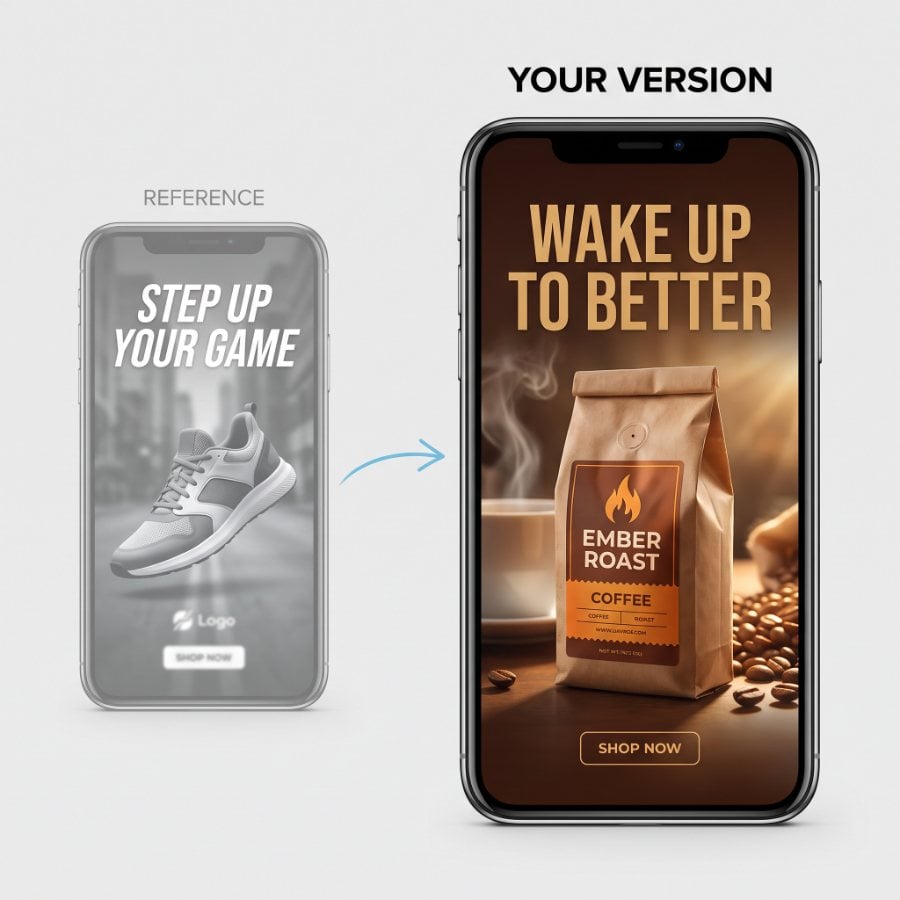
Ricrea un annuncio di riferimento
Condividi un annuncio che ti piace e ottieni la stessa struttura per il tuo prodotto.
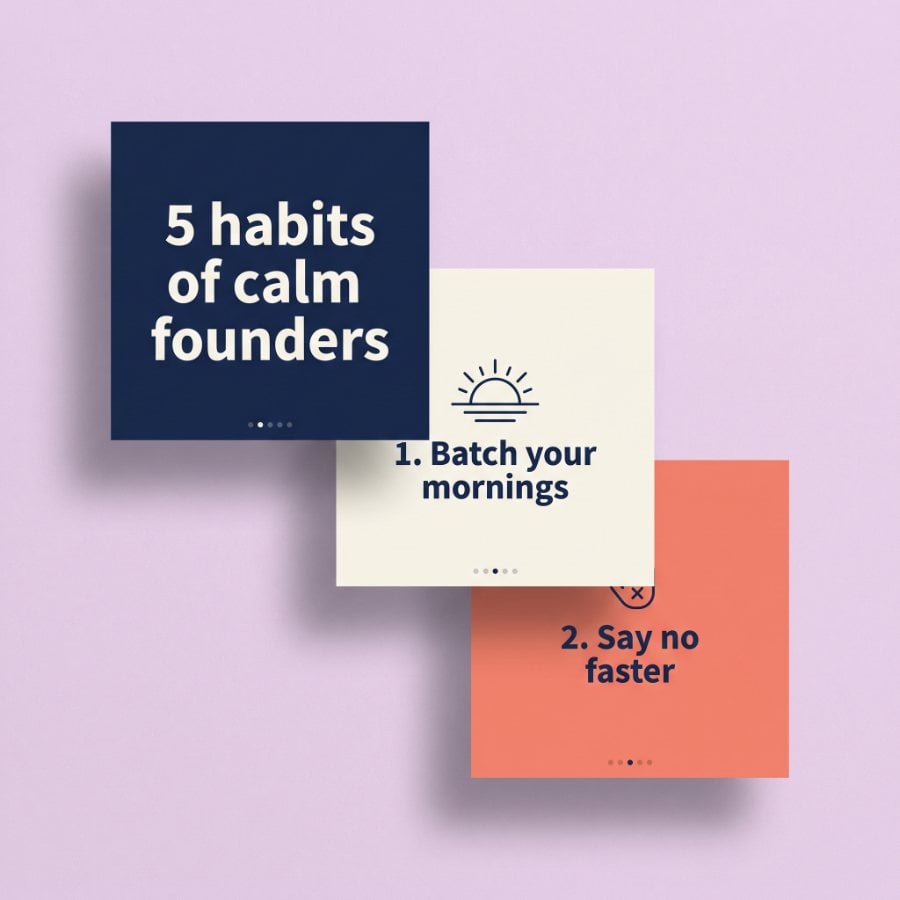
Carosello da un post
Turn a blog post or an idea into a swipeable carousel in your brand kit.
Varianti di Hook
Conserva il video e scambia i primi 3 secondi in 5 modi diversi.
Varianti del titolo
Stessa immagine, 6 titoli, quindi il titolo è l'unica variabile.
Correggi un fotogramma
Modifica una singola inquadratura in uno spot video senza dover rifare il resto.
Set your brand up once. Every chat remembers it.
Your brand kit and saved products live in your Predis.ai account, so every assistant you connect starts from the same place.
Kit marca
Il tuo logo, i colori, i caratteri e il tono di voce vengono inseriti automaticamente in ogni annuncio, quindi non dovrai mai più spiegare il tuo marchio al tuo assistente.
- Logo
- Colore
- Caratteri
- Voce
Prodotti da un link
Incolla una pagina prodotto una volta e Predis.ai saves the images and details. Next time, “make ads for the perfume” is enough.
- Solara eau de parfum
- Cuffie Aeronic
Di più da Predis.ai
The same ads, outside the chat.
Make ads in the Predis.ai App
Prefer clicking to chatting? The Predis.ai app makes the same video, UGC and static ads from one product link, in your brand kit.
Scopri il generatore di annunci basato sull'IA →Continua a leggere
Research, the API and the rest of the platform.
Ad intelligence →Predis.ai API documenti →
Tutte le funzionalità →
Prezzi →
Domande frequenti
Qual è la Predis.ai MCP server?
It's a remote MCP server that connects Predis.ai to AI assistants like Claude and ChatGPT. You ask in plain language, and video ads, UGC, static ads and carousels come back in the same chat, made in your brand kit.
Cos'è l'MCP?
MCP, the Model Context Protocol, is an open standard that lets an AI assistant use outside tools. The Predis.ai MCP server is one of those tools: it gives your assistant Predis.ai's ad making capabilities, your brand kit and your saved products.
Con quali assistenti è compatibile?
Claude on the web and desktop, ChatGPT e Claude Code. Anche altri client che supportano server MCP remoti dovrebbero funzionare.
Come aggiungo il Predis.ai MCP server to Claude Code?
Correre claude mcp add --transport http Predis.ai https://mcp.predis.ai/mcp in your terminal. Then type /mcp inside Claude Code and sign in with your Predis.ai conto.
Come mi collego Predis.ai a ChatGPT?
In ChatGPT, open Settings, then Apps & Connectors, then Advanced, and turn on developer mode. Create a connector named Predis.ai with the URL https://mcp.predis.ai/mcp, then authorize it with your Predis.ai conto.
Ho bisogno di a Predis.ai account?
Sì. Accedi con Predis.ai Quando ti connetti, ogni annuncio utilizza i crediti del tuo piano.
Will I know what an ad costs before it's made?
Yes. Before a video or a batch, your assistant checks the price with Predis.ai and tells you the credit cost and your balance. Nothing is charged until you say go, so you can change the brief first.
Le pubblicità utilizzeranno il mio marchio?
Sì. Il logo, i colori, i caratteri e la voce salvati vengono inseriti automaticamente in ogni annuncio.
Can I use my own images or a reference ad?
Yes. Paste a public link to an image or video, attach a file in the chat, pick something you've already uploaded to Predis.ai, or build on one of your earlier results. Each one becomes a reference for the next ad.
Can my assistant launch the ads for me?
Migliori Predis.ai MCP server makes the ads. Publishing or launching campaigns depends on the other tools you connect to your assistant, such as your ad platform.
C'è un free prova?
Sì, per 3 giorni. È necessaria una carta, il primo addebito avverrà il quarto giorno e potrai cancellare in qualsiasi momento prima di tale data.
Predis.ai Gli strumenti non vengono visualizzati dopo la connessione. Cosa posso fare?
Avvia una nuova chat e controlla che Predis.ai Il connettore è attivo. Se non compare ancora, disconnettiti e accedi di nuovo.
Make ads that are yours. Scale the ones that sell.
Aggiungi Predis.ai a Claude, ChatGPT or Claude Code, and your next ad is one message away.
Connettere Predis.ai MCP