Nyob rau hauv lub ntiaj teb no ceev-paced digital, cov ntsiab lus yog huab tais, tab sis nrig txog kev pom cov ntsiab lus tswj lub social media feed. Infographics tau ntev dhau los ua tus qauv kub rau kev hloov cov ntaub ntawv nyuaj, qhuav rau hauv cov zom zom, sib xyaw cov dab neeg. Tam sim no, lub tshuab thev naus laus zis tshiab tau hloov pauv txoj haujlwm no.
Phau ntawv qhia no tshawb txog qhov nce ntawm AI rau Infographic-Style Social Posts thiab muab cov lus qhia ib kauj ruam mus rau kev siv zog tig cov ntaub ntawv rau hauv Infographic-Style Social Posts nrog AI.
TL;DR 🖋
Yog tias koj tab tom nrhiav txoj hauv kev luv tshaj plaws los tsim cov ntsiab lus cuam tshuam txog kev sib raug zoo ntawm koj cov ntaub ntawv, cov lus teb yog Artificial Intelligence. AI tshem tawm cov fwj loj tshaj plaws hauv kev tsim, ua rau txhua tus tsis hais txog kev tsim duab kos duab los hloov cov ntaub ntawv nyuaj rau hauv kev sib koom, sib koom ua ke ntawm qhov ntsuas.
- Txuag Lub Sijhawm Loj
- Zero Design Skills Yuav Tsum Tau
- Guarantees raug
- Tswj Brand Integrity
- Enables High Volume
Lub zog ntawm Infographic-Style Social Posts
Infographic-style posts tsis yog daim ntawv ntev, cov ntawv luam tawm yav dhau los. Rau kev tshaj tawm xov xwm, lawv yog qhov me me, pom cov duab nplua nuj feem ntau nthuav tawm hauv cov qauv carousel uas siv cov kab kos, cim, thiab cov ntawv me me los qhia meej, cov ntaub ntawv rov qab piav qhia.
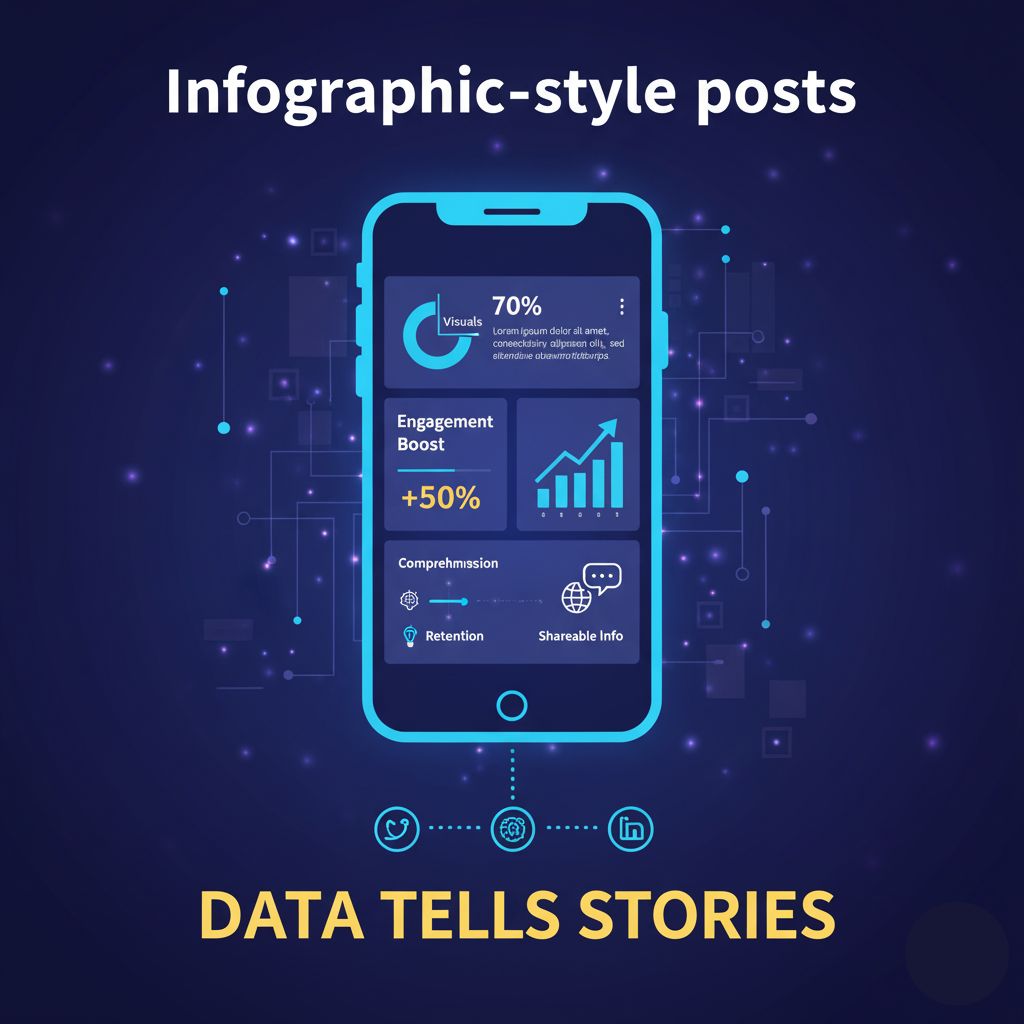
Vim li cas lawv thiaj li muaj txiaj ntsig? Lawv:
- Boost kev koom tes: Visuals tau ua tiav 60,000 zaug sai dua li cov ntawv nyeem, ua rau muaj kev sib koom siab dua thiab kev sib cuam tshuam.
- Nce kev nkag siab: Lawv ua kom yooj yim cov ntsiab lus nyuaj, ua cov ntaub ntawv yooj yim nkag siab thiab nrawm nrawm.
- Txhim kho Retention: Cov ntsiab lus pom ua kom cov ntaub ntawv nco tau ntau dua li cov ntawv yooj yim lossis cov ntsiab lus mos txwv.
- Tsim Tso Cai: Kev nthuav qhia cov ntaub ntawv tshaj lij hauv kev ua kom zoo, ntawm kev lag luam tsim kom koj ua qhov chaw ntseeg siab hauv koj txoj kev lag luam.
Tuaj Txog thiab Cov txiaj ntsig ntawm AI hauv Infographic Design
Cov txheej txheem ib txwm ua ntawm kev tsim infographics suav nrog kev sau cov ntaub ntawv, kev tsim qauv, thiab kev tsim daim duab qhia tau siv sijhawm ntev, kim, thiab xav tau tus kws kos duab kos duab. Nov yog qhov uas Artificial Intelligence tau nqis los.
Yuav Ua Li Cas AI Tau Txais Kev Tswj
AI Cov cuab yeej tau kawm txog ntau lab tus qauv tsim, cov qauv xim, cov ntaub ntawv pom, thiab cov kev coj ua zoo tshaj plaws. Thaum koj muab cov ntaub ntawv thiab cov ncauj lus, AI tshuaj xyuas cov ntsiab lus thiab tam sim ntawd:
- Xaiv qhov kev pom zoo (bar chart, pie chart, timeline, etc.).
- Tsim ib tug kws layout uas adheres rau visual hierarchy.
- Qhia txog cov cim thiab cov duab cuam tshuam los ua tus ncej engaging.
Qhov automation no tau tsim kev ywj pheej, tso cai rau cov neeg tsim cov ntsiab lus thiab cov neeg lag luam tam sim no tsis muaj zog tig cov ntaub ntawv rau hauv Infographic-Style Social Posts nrog AI.
Cov txiaj ntsig tseem ceeb ntawm Kev Siv AI rau Infographic-Style Social Posts
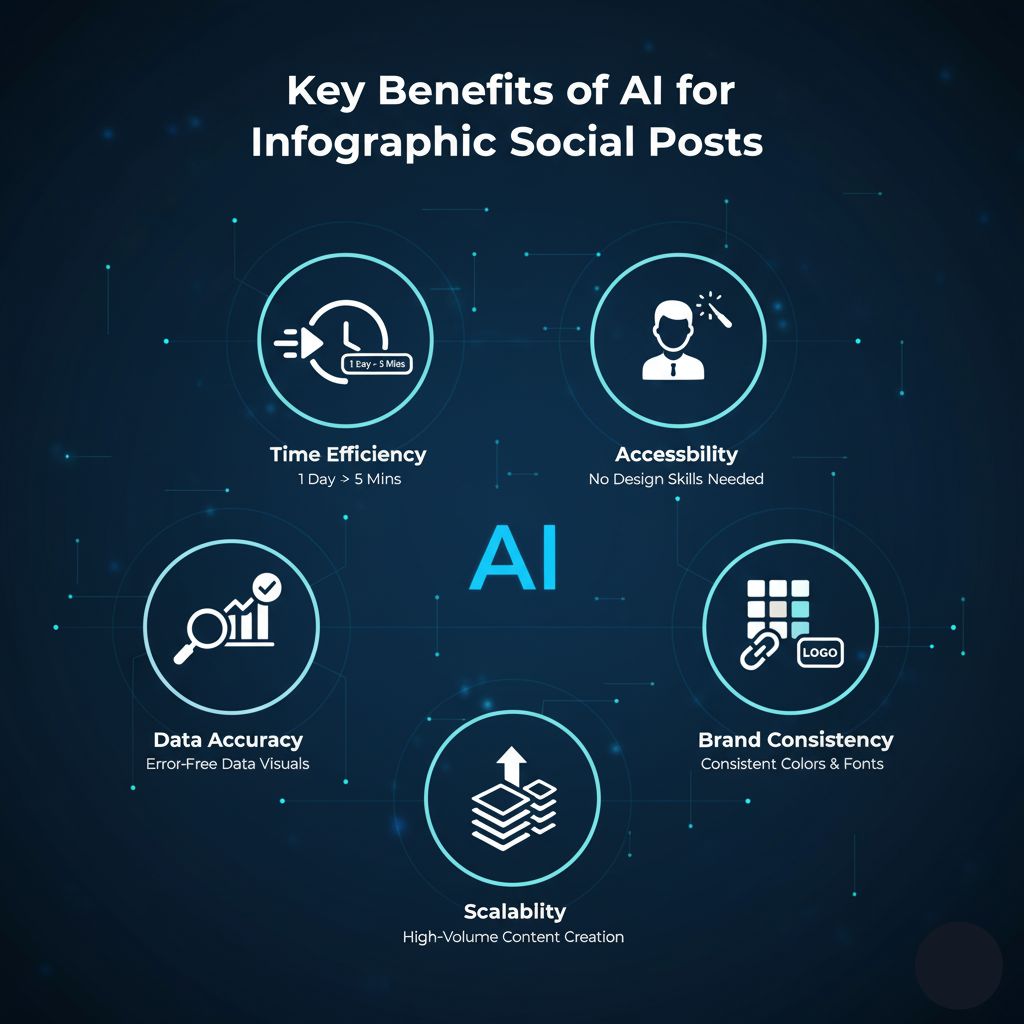
- Sijhawm Efficiency: AI automates tag nrho cov txheej txheem tsim thiab layout, txiav ib txoj hauj lwm uas siv los ua ib hnub ua hauj lwm rau hauv ib feeb xwb.
- Kev Tso: Koj tsis tas yuav muaj txuj ci tsim duab kos duab. AI ua haujlwm txhua qhov kev zoo nkauj, ua rau kev pom kev zoo rau txhua tus.
- Cov ntaub ntawv raug: Lub AI pab xyuas kom meej tias koj cov kab kos thiab cov duab qhia meej txog cov ntaub ntawv koj tau nkag mus, txo txoj hauv kev ntawm tib neeg yuam kev.
- Brand Consistency: AI cov cuab yeej tuaj yeem siv koj cov xim tshwj xeeb, fonts, thiab logo rau txhua tus qauv tsim, tswj xyuas qhov zoo ib yam thoob plaws koj cov ntsiab lus.
- Scalability: Koj tuaj yeem ua tau sai thiab yooj yim tsim cov ntim zoo, cov ntaub ntawv-tsav cov ntsiab lus, ua kom yooj yim kom tswj tau cov sij hawm xa tawm ntau zaus thoob plaws ntau lub platform.
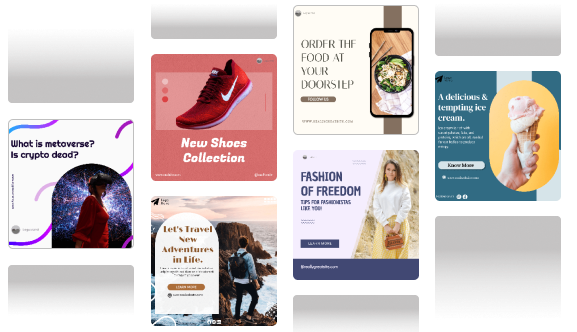
Kauj ruam-by-step: Yuav ua li cas tig cov ntaub ntawv rau hauv Infographic-Style Social Posts nrog AI
Cov txheej txheem ntawm kev siv AI cov cuab yeej los tsim cov ntaub ntawv-tsav cov ntsiab lus ntawm kev sib raug zoo yog qhov yooj yim heev. Txawm hais tias qhov tshwj xeeb interface yuav txawv, cov kauj ruam hauv qab no siv tau rau feem ntau niaj hnub AI infographic generators nyiam Predis.ai.
1. Txhais koj lub hom phiaj thiab npaj koj cov ntaub ntawv
Ua ntej, qhia meej meej txog ib lub tswv yim tseem ceeb tshaj plaws uas koj xav kom koj tshaj tawm sib txuas lus. Tom qab ntawd, sau cov ntsiab lus tshwj xeeb lossis qhov tseeb uas txhawb lub tswv yim ntawd.
- Piv txwv lub ntsiab: "Lub 4 Qhov Zoo Tshaj Plaws ntawm Kev Ua Haujlwm Chaw Taws Teeb."
- Cov ntsiab lus ntawm cov ntaub ntawv: Plaub lub ntsiab lus, cov txiaj ntsig ntawm cov ntaub ntawv pov thawj (piv txwv li, "77% kev tsim khoom ntau dua," "50% txo cov nqi khiav lag luam," thiab lwm yam).
2. Xaiv Koj AI Infographic Generator
Xaiv lub AI-powered platform uas tshwj xeeb hauv social media cov ntsiab lusCov. Cov cuab yeej nyiam Predis.ai tau tsim tshwj xeeb los tsim kom muaj qhov zoo nkauj thiab muaj tiag Infographic-Style Social Posts uas zoo kawg nkaus formatted rau platforms xws li Instagram, Facebook, thiab LinkedIn.
3. Nkag mus rau koj cov ntaub ntawv nyoos lossis ntawv ceeb toom
Nov yog cov kauj ruam tseem ceeb los hloov cov ntaub ntawv rau hauv Infographic-Style Social Posts nrog AI. Feem ntau cov cuab yeej AI muaj ob peb txoj kev xaiv:
- Text Prompt: Nkag mus rau cov lus piav qhia yooj yim (piv txwv li, "Tsim 4-slide Instagram carousel infographic nyob rau sab saum toj 4 cov txiaj ntsig ntawm kev ua haujlwm nyob deb nrog cov txheeb cais.").
- Paste Cov ntaub ntawv: Muab cov ntaub ntawv nyoos, cov duab, lossis cov npe ntawm cov khoom tseem ceeb ncaj qha rau hauv lub thawv ntawv. AI yuav nyeem thiab txhais cov ntaub ntawv tsis tsim nyog no.
4. Pib-Tsim qhov pib tsim
Hauv vib nas this, AI yuav ua koj cov tswv yim thiab tsim cov ntawv sau. Cov qauv no feem ntau yuav suav nrog:
- Ib tug multi-slide layout (rau ib tug social carousel).
- Tsis siv neeg xaiv cov kab kos lossis cov cim kom pom koj cov ntsiab lus cov ntaub ntawv.
- Thawj cov ntawv tso thiab xaiv font.
5. Customize thiab Refine nrog tus Editor
AI muab lub hauv paus, tab sis qhov kawg polish yog koj li. Siv lub platform tus editor los ua cov ntawv tshaj tawm tshwj xeeb koj li:
- Branding: Siv koj lub npe hom xim thiab nyiam fonts nrog ib nias.
- Tone & Style: Kho cov ntawv qhia kom paub tseeb tias nws phim koj lub npe lub suab - hais lus, ua si, lossis kev tshaj lij.
- Visual Elements: Hloov tawm cov cim pib tsim kom haum zoo dua lossis siv lub tshuab hluav taws xob AI duab rau kev cai-branded pom.
6. Saib xyuas, rub tawm, thiab sib qhia
Thaum txaus siab, tshuaj xyuas cov ntsiab lus ib zaug dhau los rau qhov tseeb thiab pom kev ntws. Rub tawm cov duab daws teeb meem siab lossis cov ntaub ntawv video hauv hom haum rau koj xaiv social media platform (piv txwv li, ntsug 1080 × 1350 hom rau Instagram). Koj qhov kev koom nrog, cov ntaub ntawv nplua nuj kev tshaj tawm tam sim no npaj los qhia!
xaus
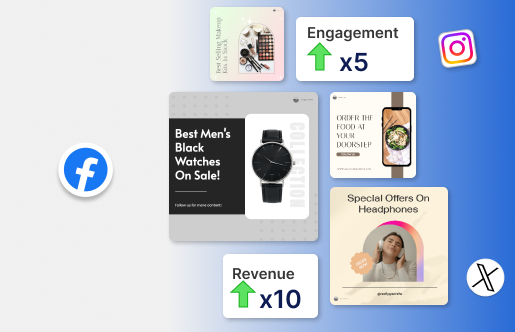
Lub peev xwm los hloov cov ntaub ntawv mus rau hauv Infographic-Style Social Posts nrog AI tau tshem tawm cov fwj loj tshaj plaws hauv cov ntsiab lus tsim: sijhawm thiab tsim kev nyuaj. Los ntawm kev siv AI platforms, cov lag luam tam sim no tuaj yeem tsim cov kev xav tau, cov ntaub ntawv-tsav kev pom uas ua rau muaj kev nyiam, qhia lawv cov neeg tuaj saib, thiab thaum kawg ua rau muaj txiaj ntsig zoo hauv kev tshaj xov xwm. Siv cov thev naus laus zis no los txhawb koj lub tswv yim cov ntsiab lus thiab ua rau koj cov ntaub ntawv tsis nco qab.